
Everything your Ghost theme is missing
Ghost is great at publishing. Contact forms, dropdown menus, a table of contents, dark mode, breadcrumbs and a cookie banner are left to your theme. Ectobuilder puts them in, and you edit it all on the page.
Start freeFully-featured visual editor. No code.
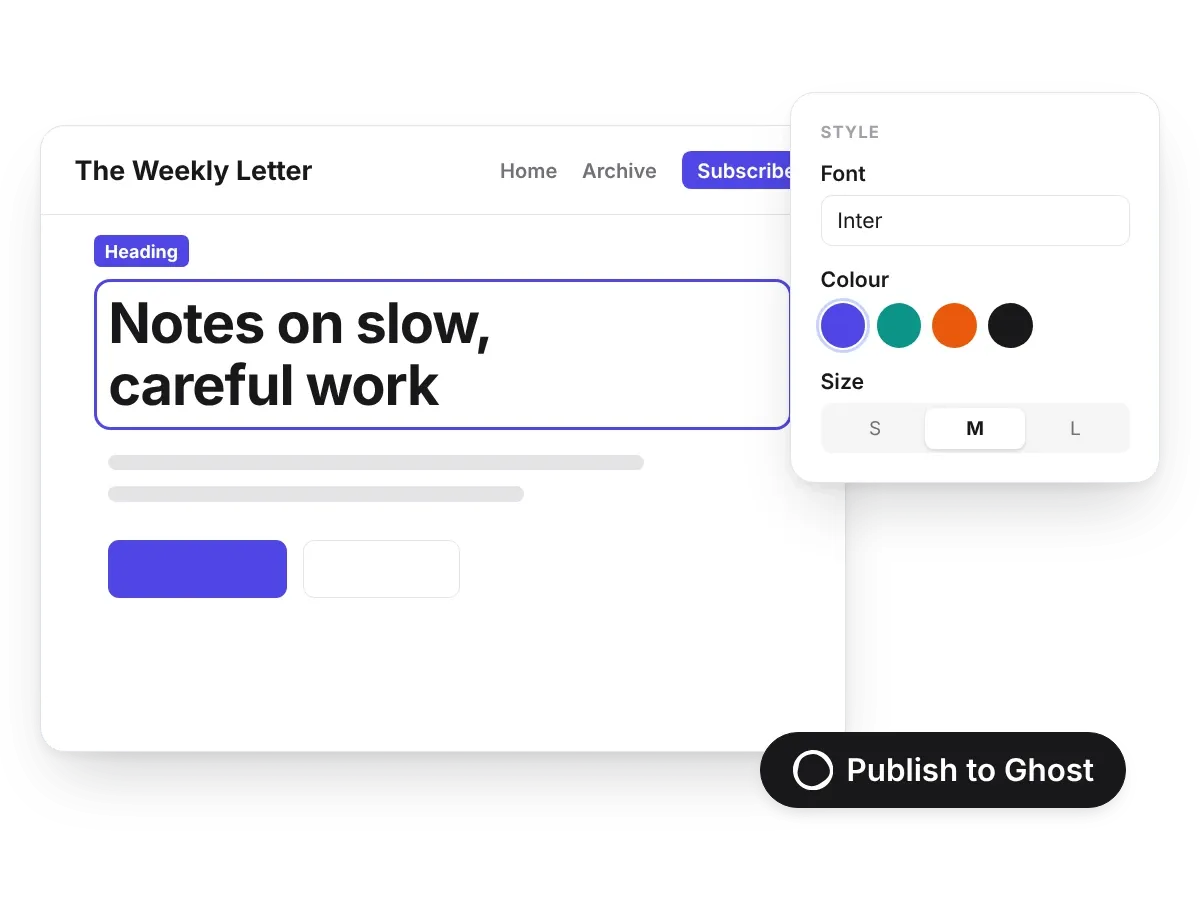
Click any text, picture or button and change it where it is. Nearly 300 ready sections, all seven Ghost pages and custom templates, published to Ghost in one click.
17 finished themes
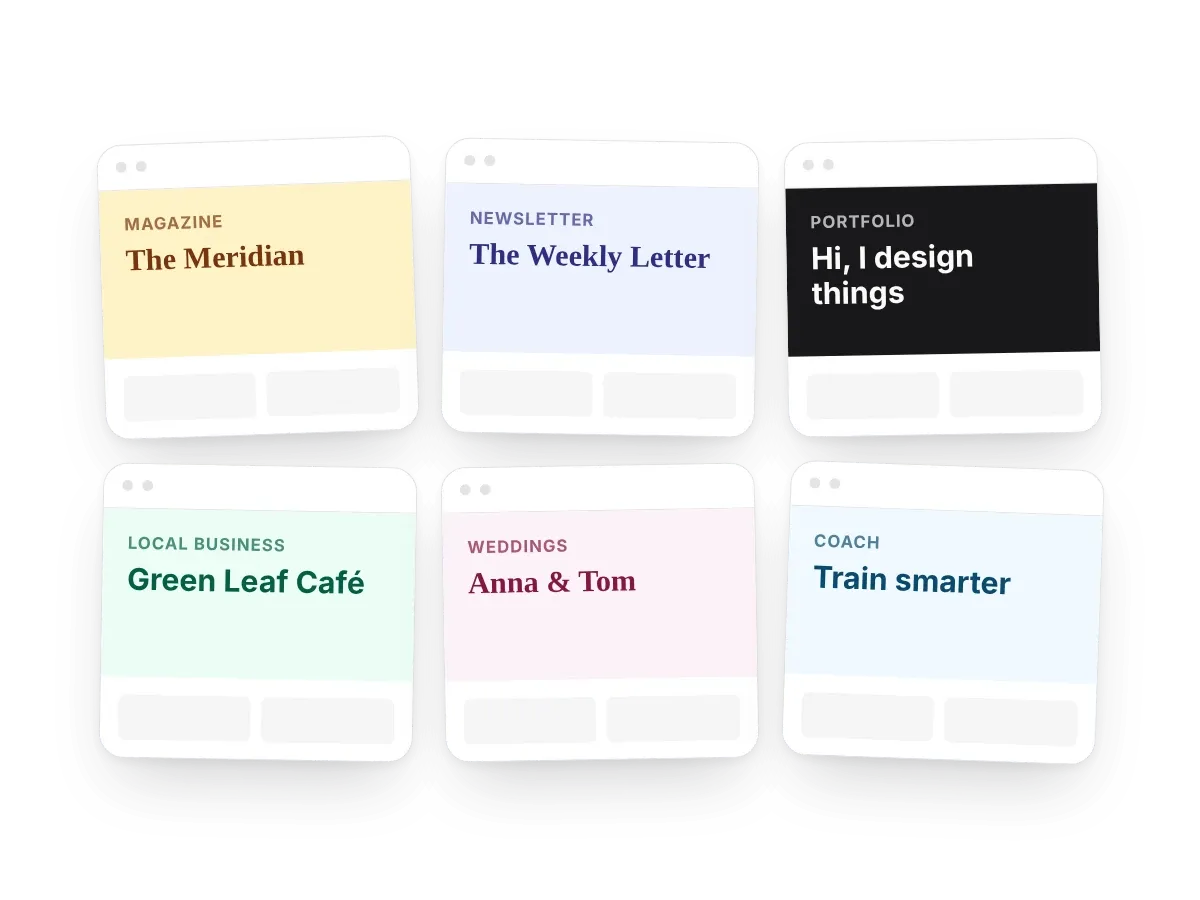
Magazine, newsletter, portfolio, local business and more. Preview one, then make it yours.
Dropdown menus, managed in Ghost
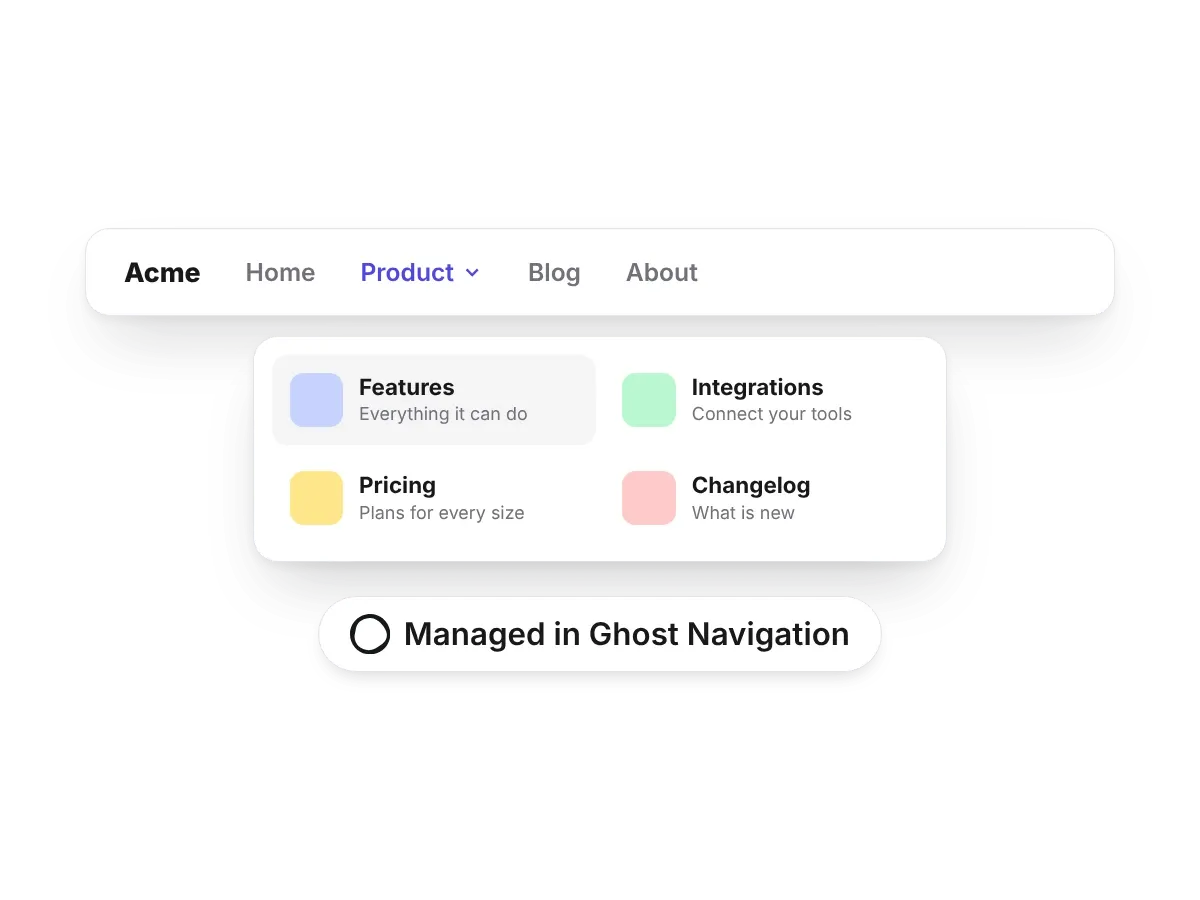
Ghost's navigation is one flat list. Group links under a parent in Ghost's own Navigation settings and the header shows them as a list or a wide menu, on phones too.
Built for long reads and big blogs
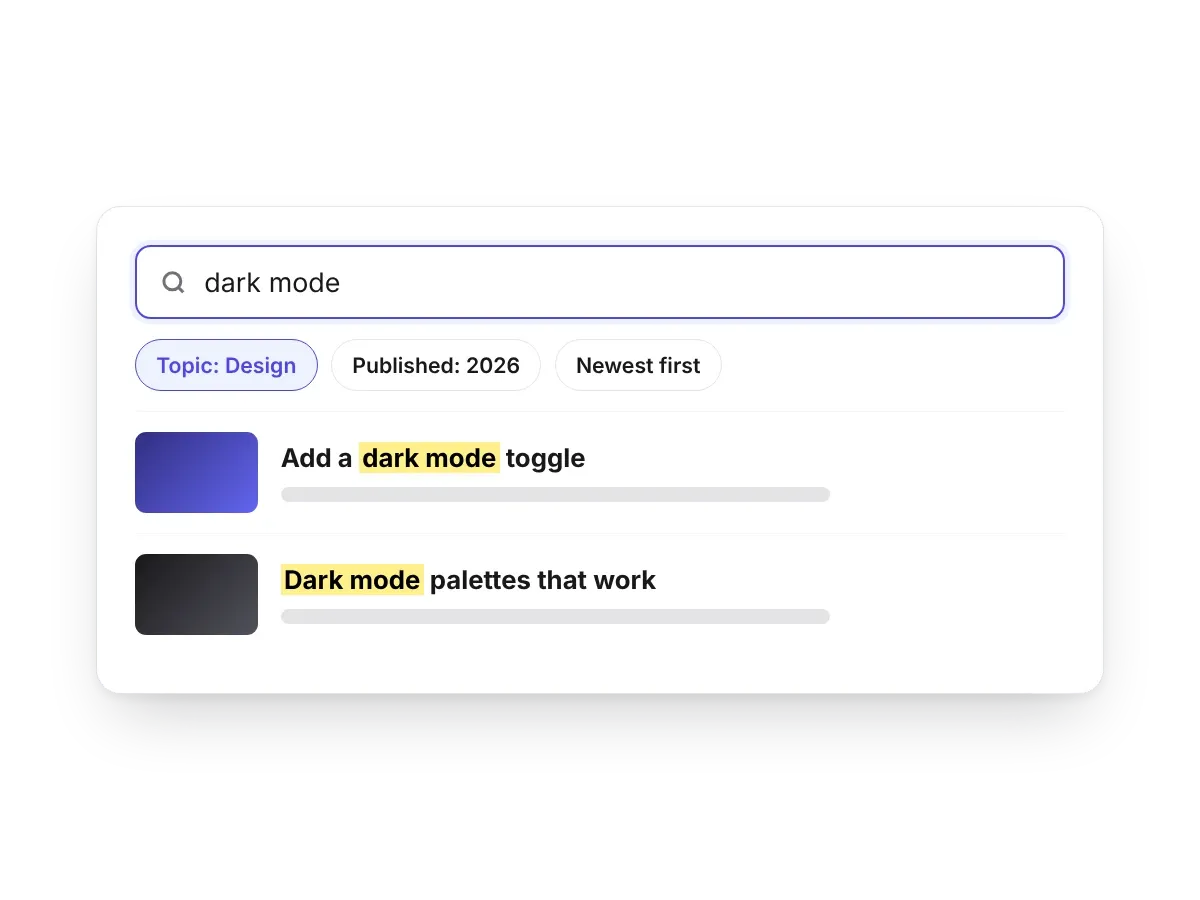
Comments, search and navigation that help readers stay.
Comments, your way
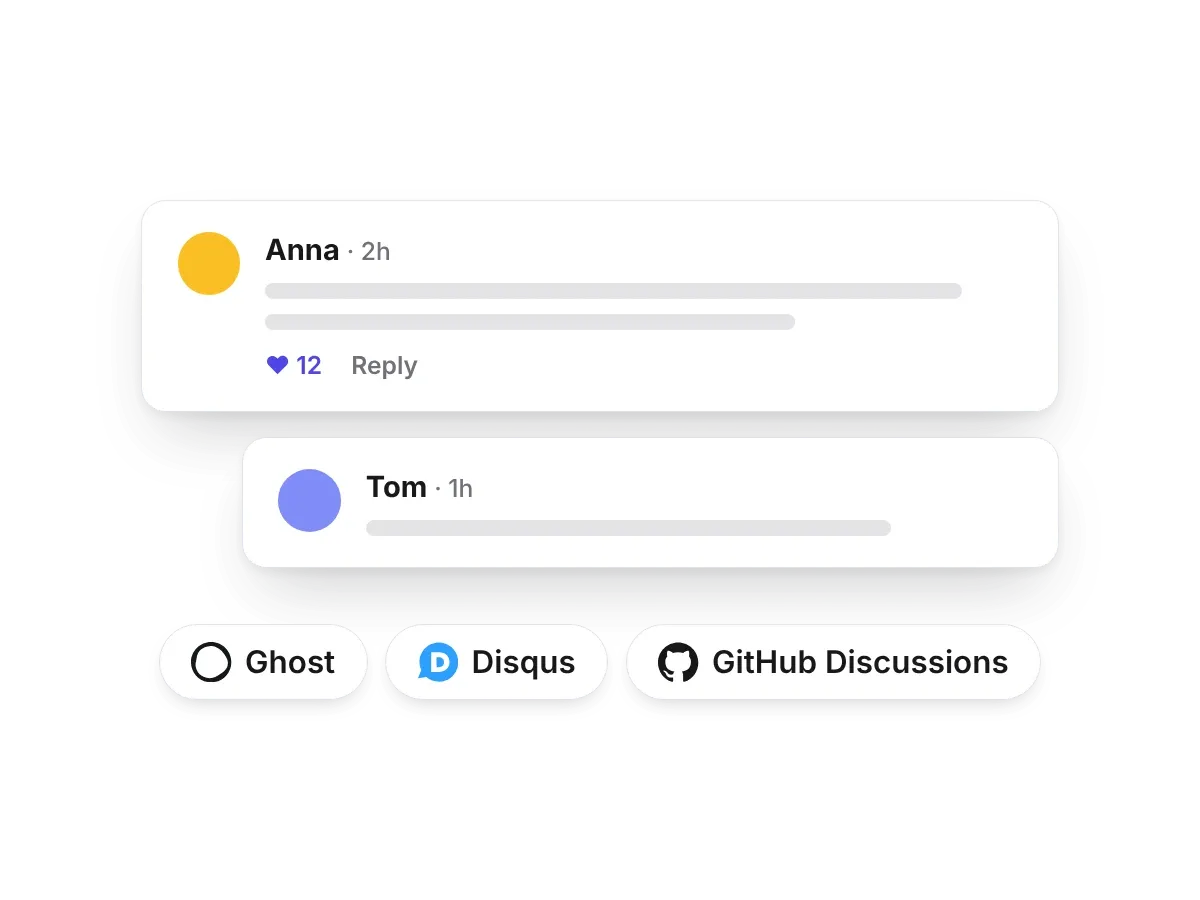
Use Ghost's own comments, or switch to Disqus, Giscus, Hyvor Talk or Cusdis with one setting. No code to paste into every post.
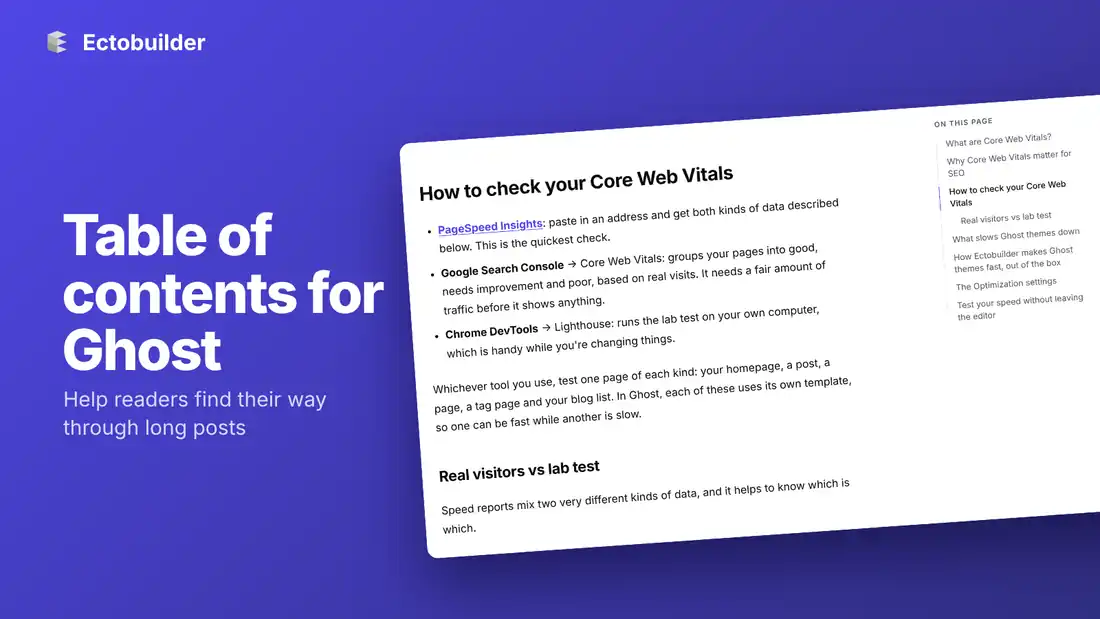
A table of contents
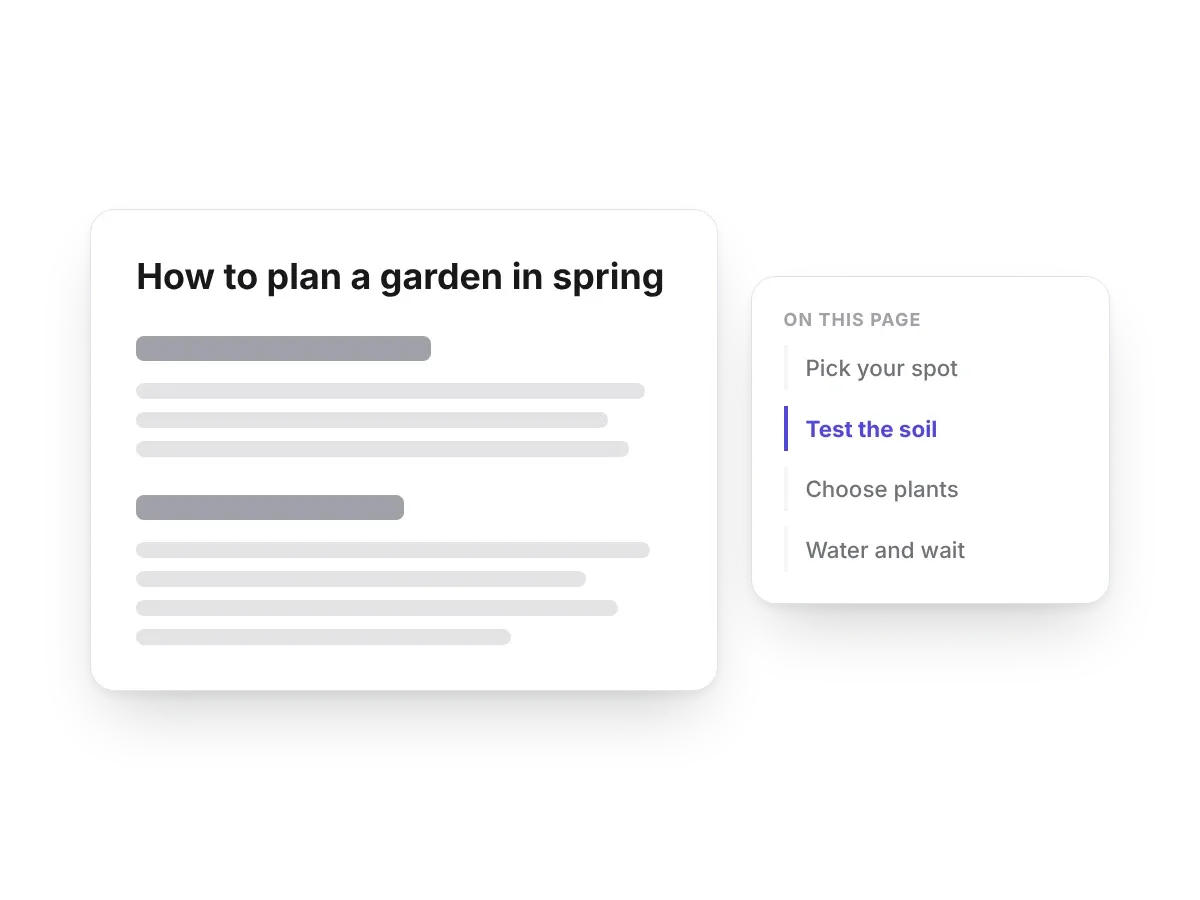
Built from your headings, it highlights where the reader is and stays in view.
Landing pages from custom templates
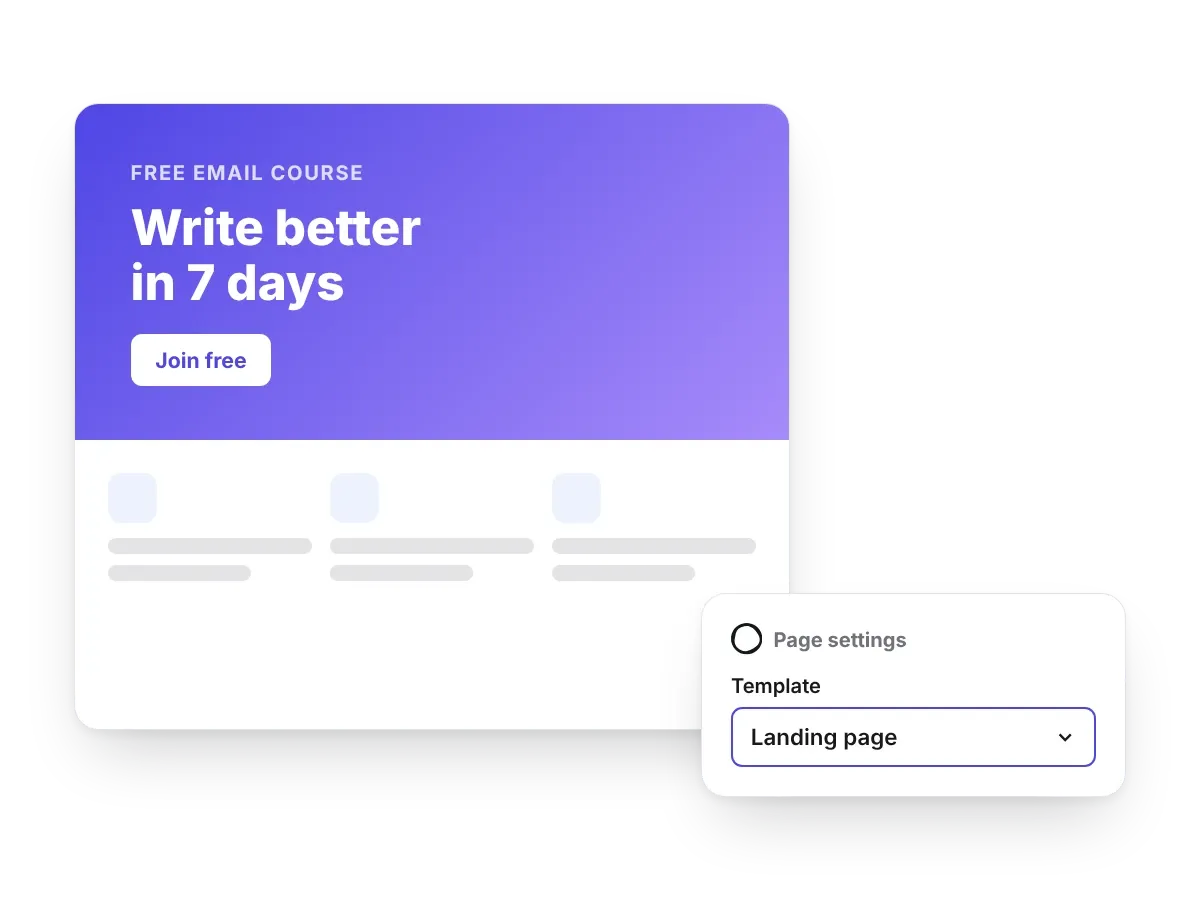
Design a page template visually and pick it in Ghost's Template menu. Ectobuilder creates the Ghost page for you when you deploy.
Details readers notice
Small things Ghost leaves to the theme, each one a setting.
A dark mode switch
Visitors choose light or dark, from the header or the footer. The dark palette is made from your brand colour.

A lightbox for pictures and galleries
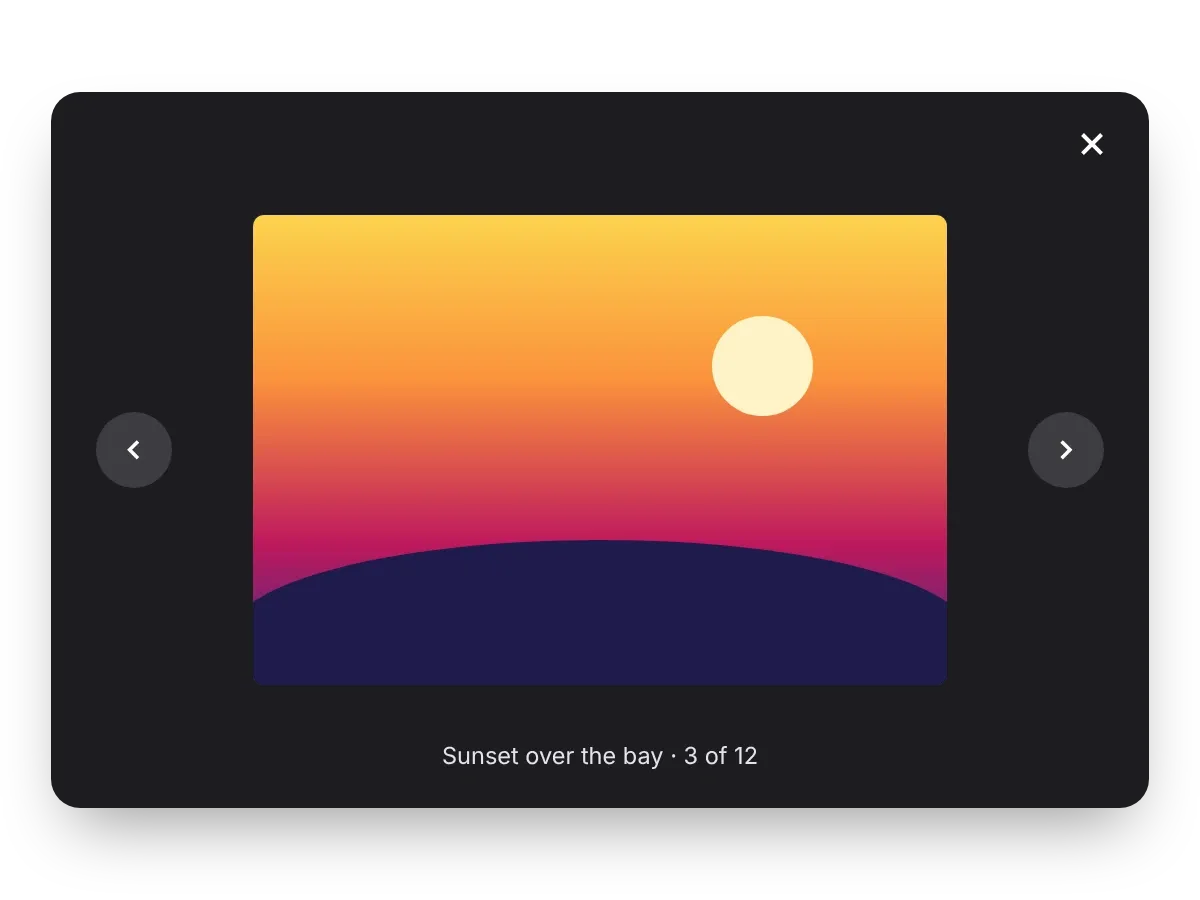
Click any picture to see it full size, with captions, swipe on phones and arrow keys on desktop.
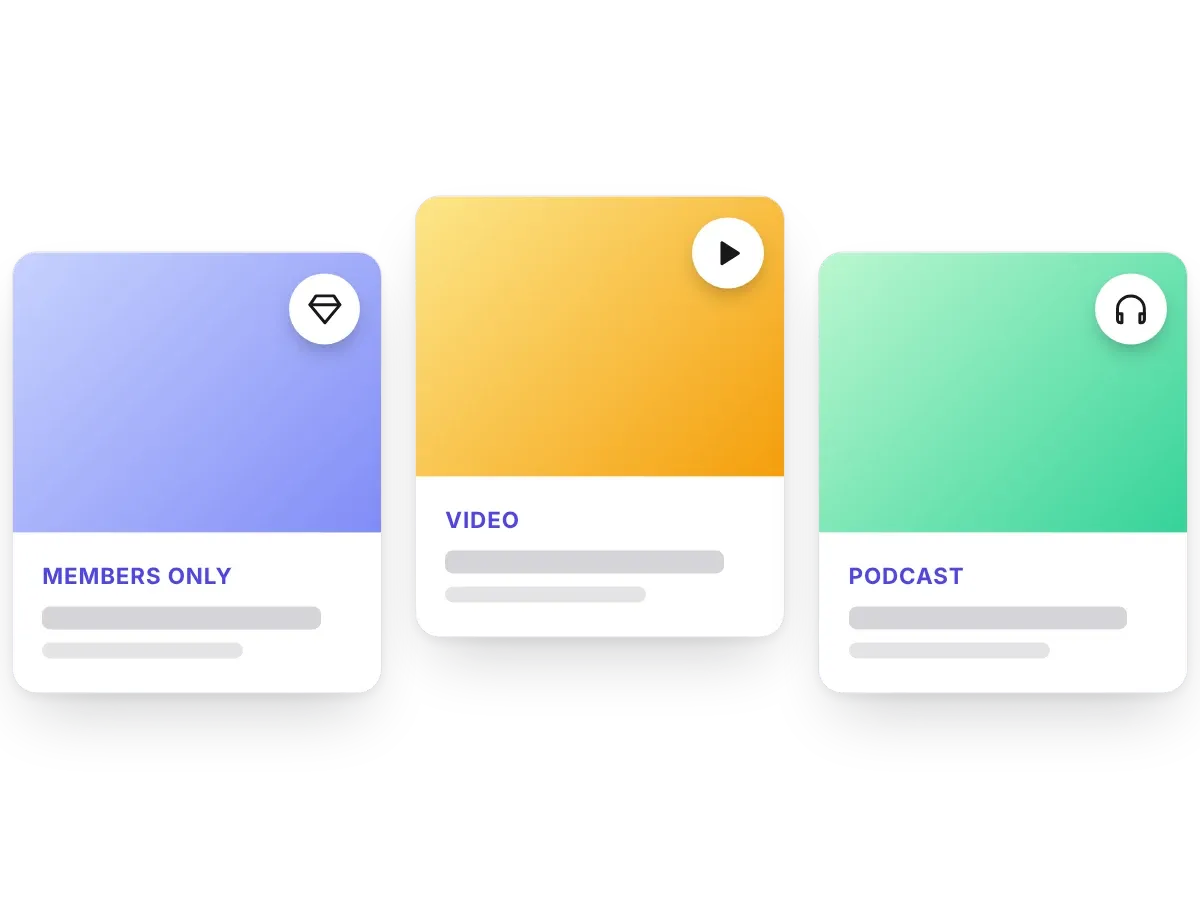
Tag icons
Mark premium, video and podcast posts at a glance. The icon takes its colour from the tag in Ghost.
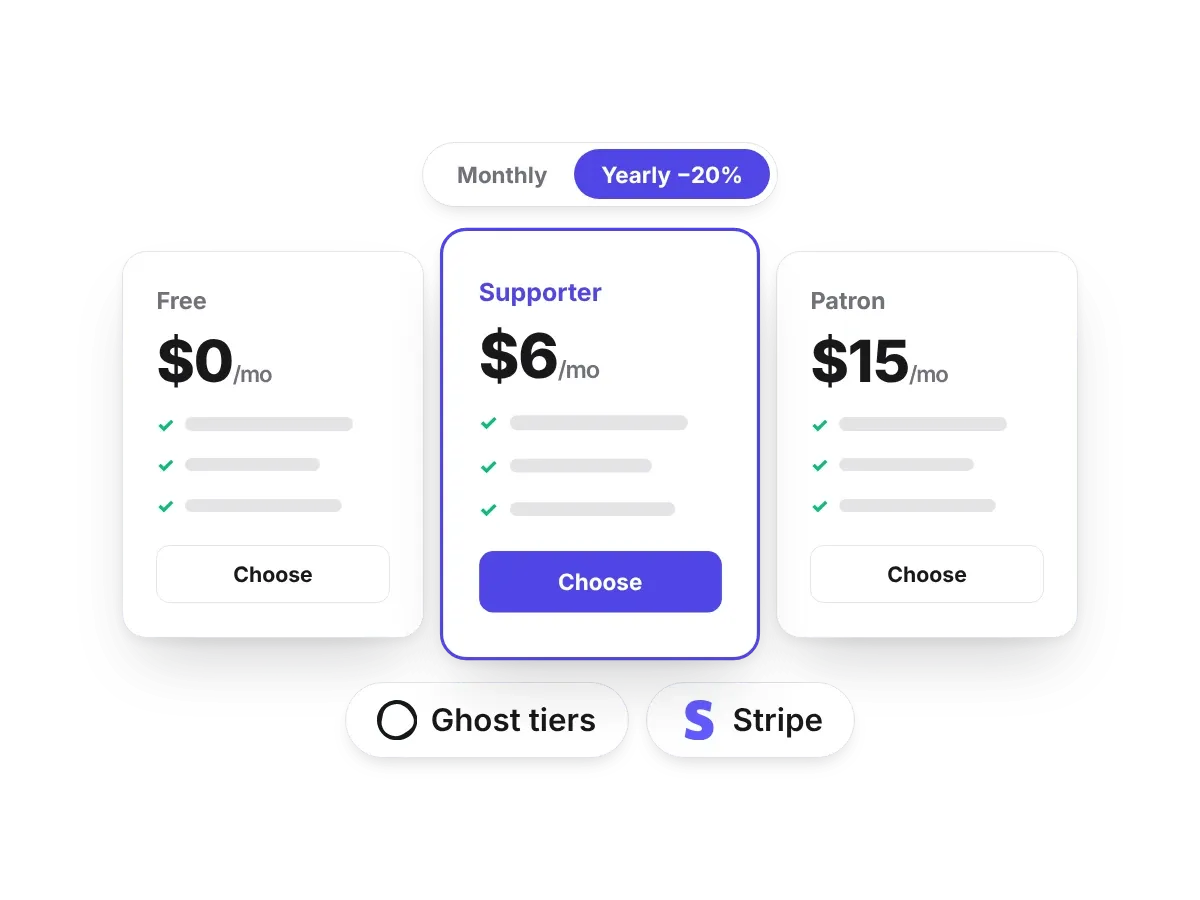
Pricing pages
Show your Ghost tiers, or a designed table with a monthly and yearly switch. Buttons open Ghost's checkout or your own.
Connects to what you already use
Bookings, analytics and Substack links, each one a setting.
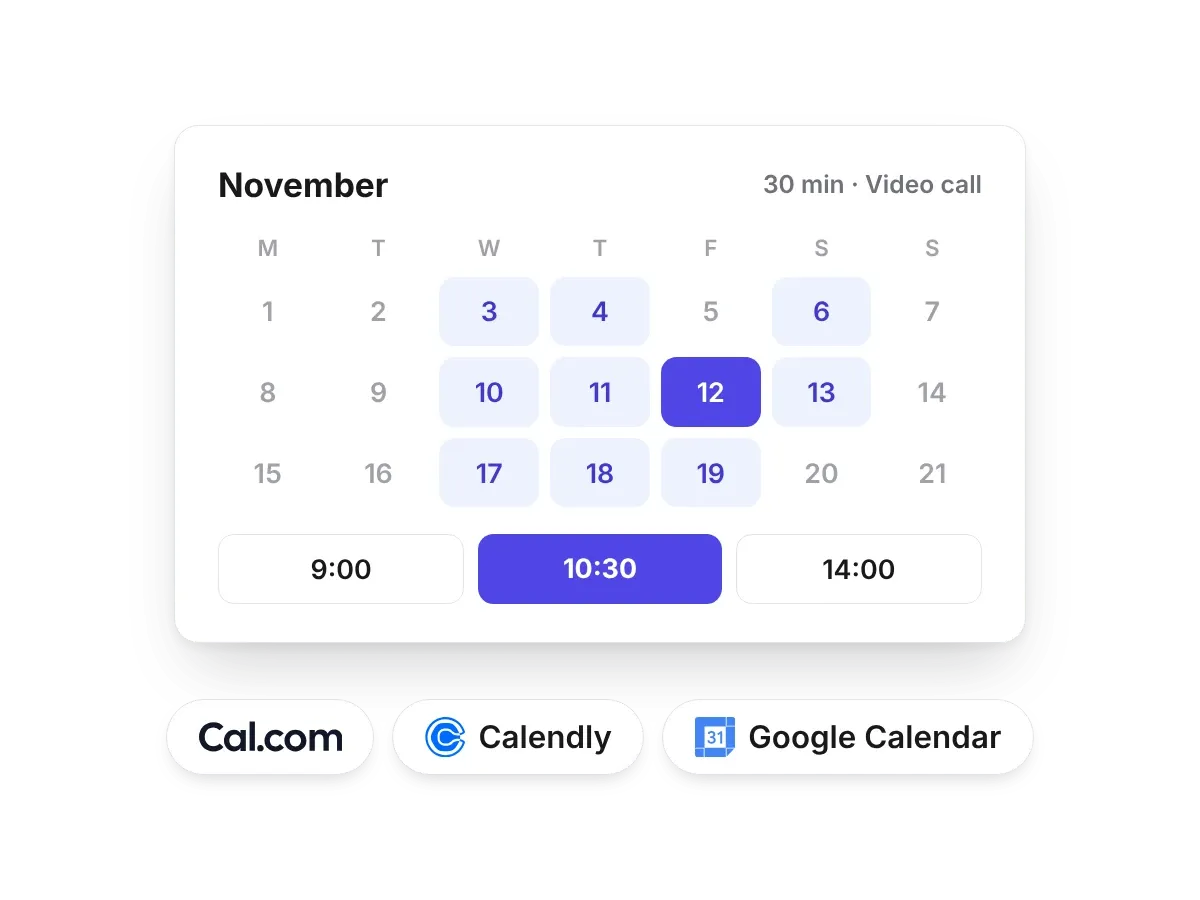
Online booking
Every Book a time button opens your Calendly, Cal.com or Google Calendar page, as a pop-up or in a new tab.
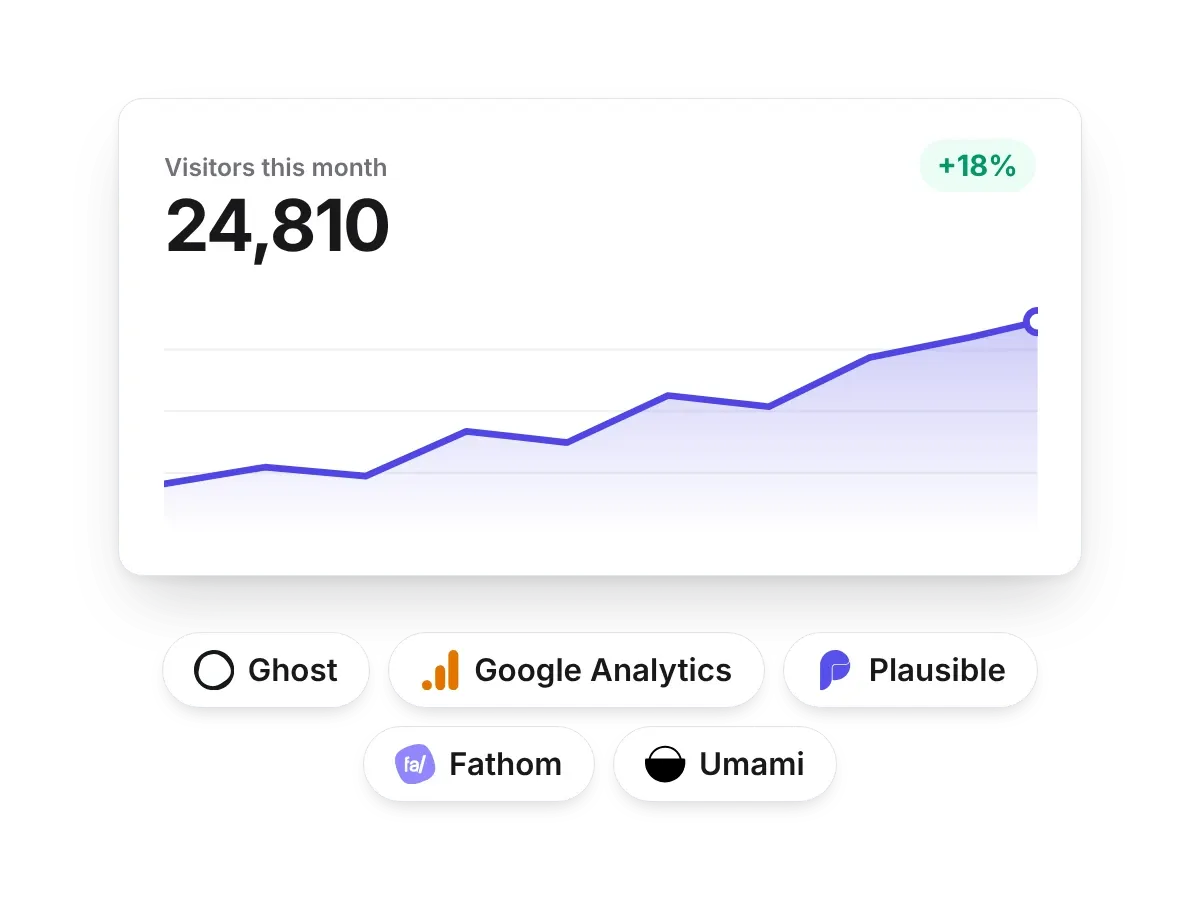
Analytics
Google Analytics 4, Plausible, Fathom, Umami or Meta Pixel. Paste an ID in Settings, no theme code.
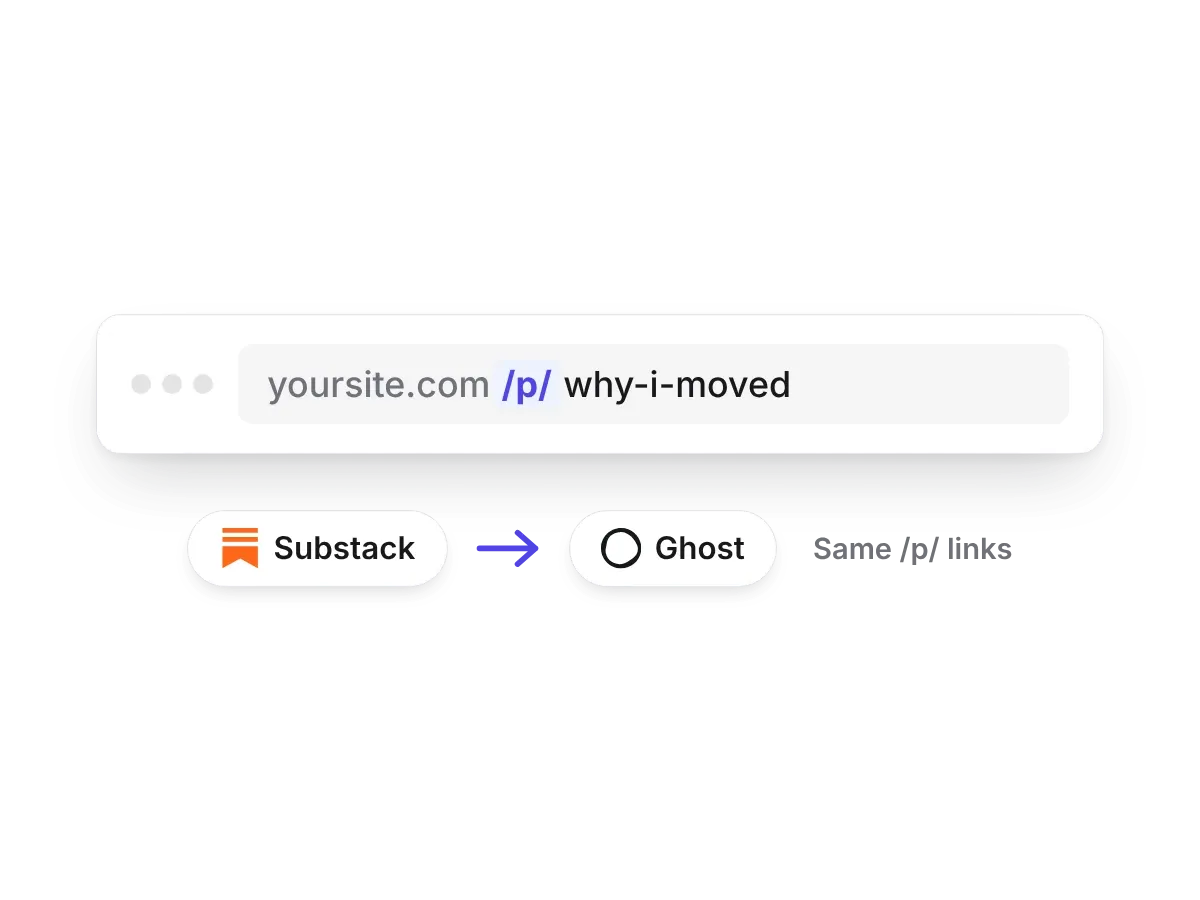
Substack-style links
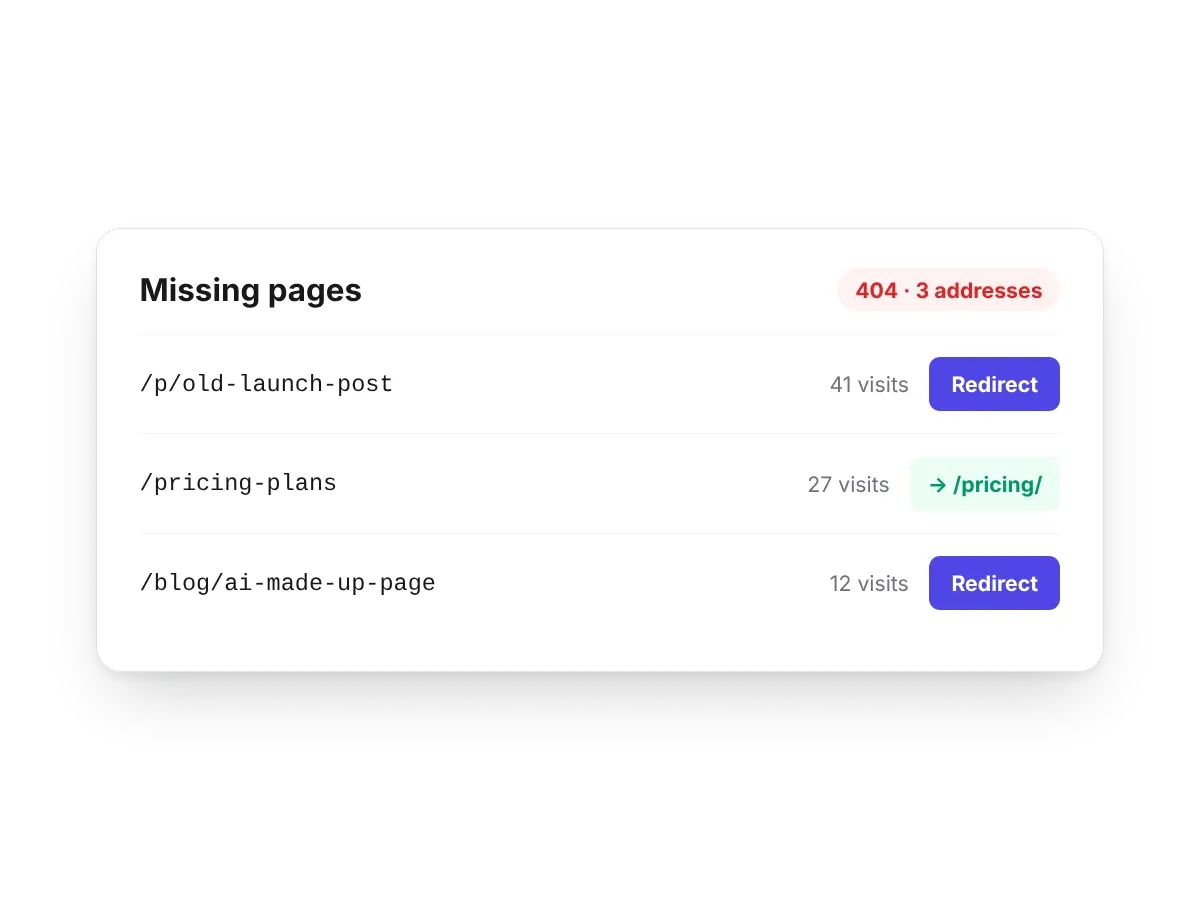
Keep your /p/ post addresses when you move from Substack, so old links and search results keep working.
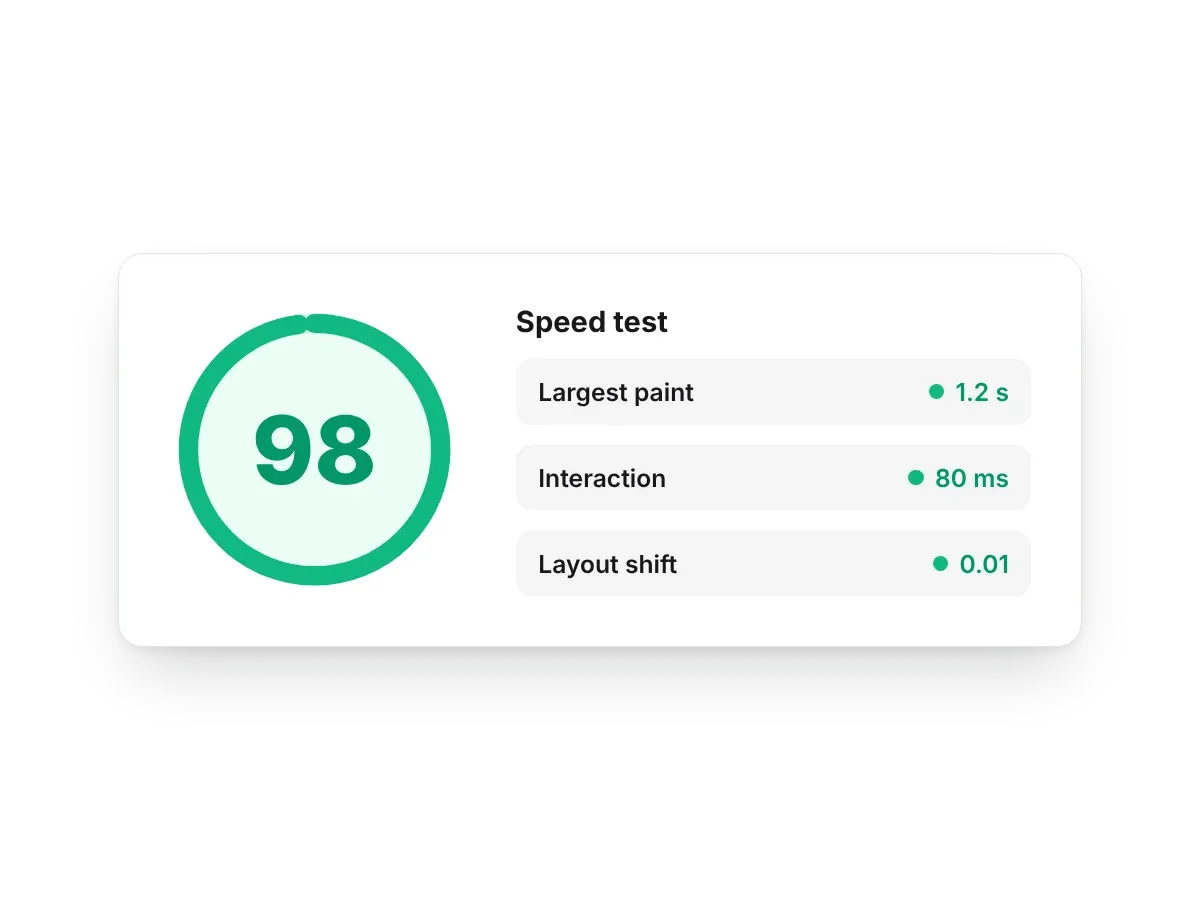
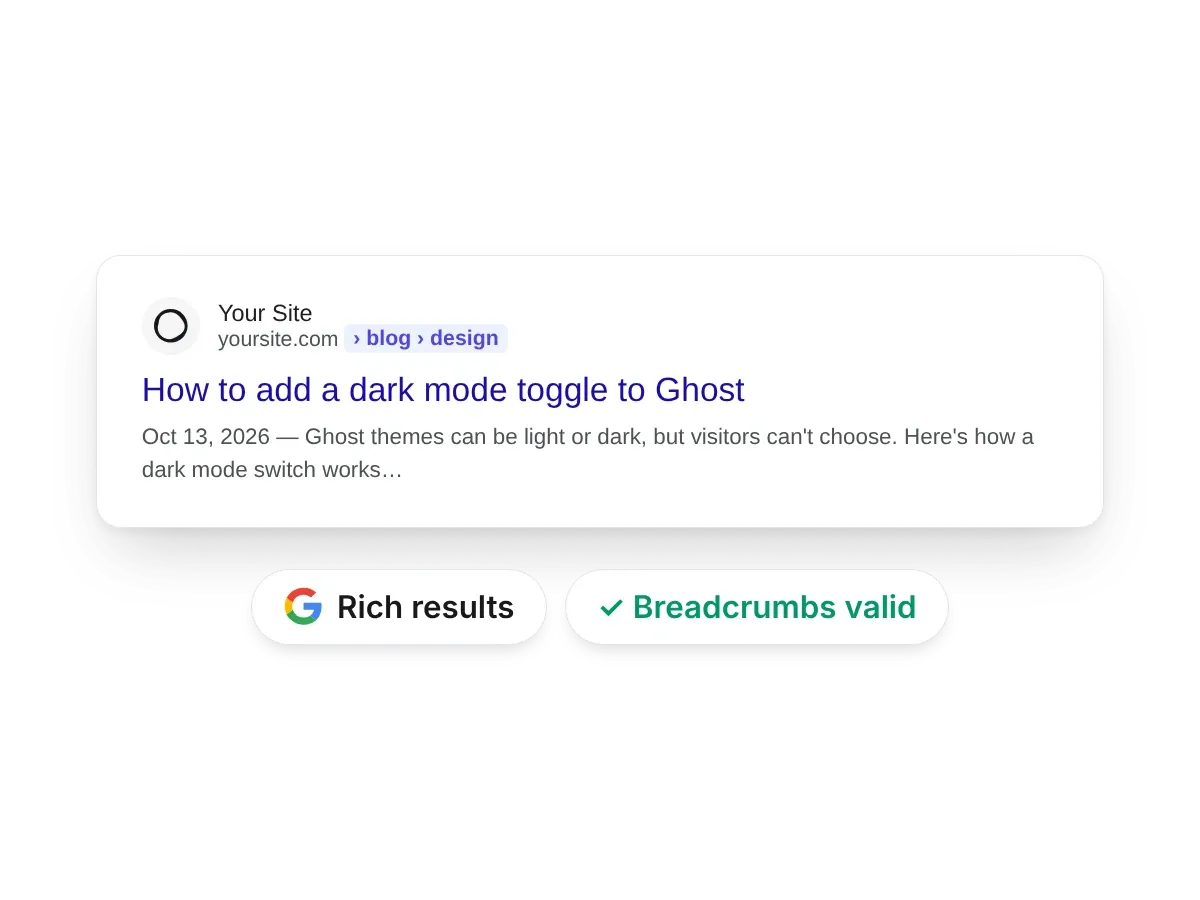
SEO, speed and privacy, built in
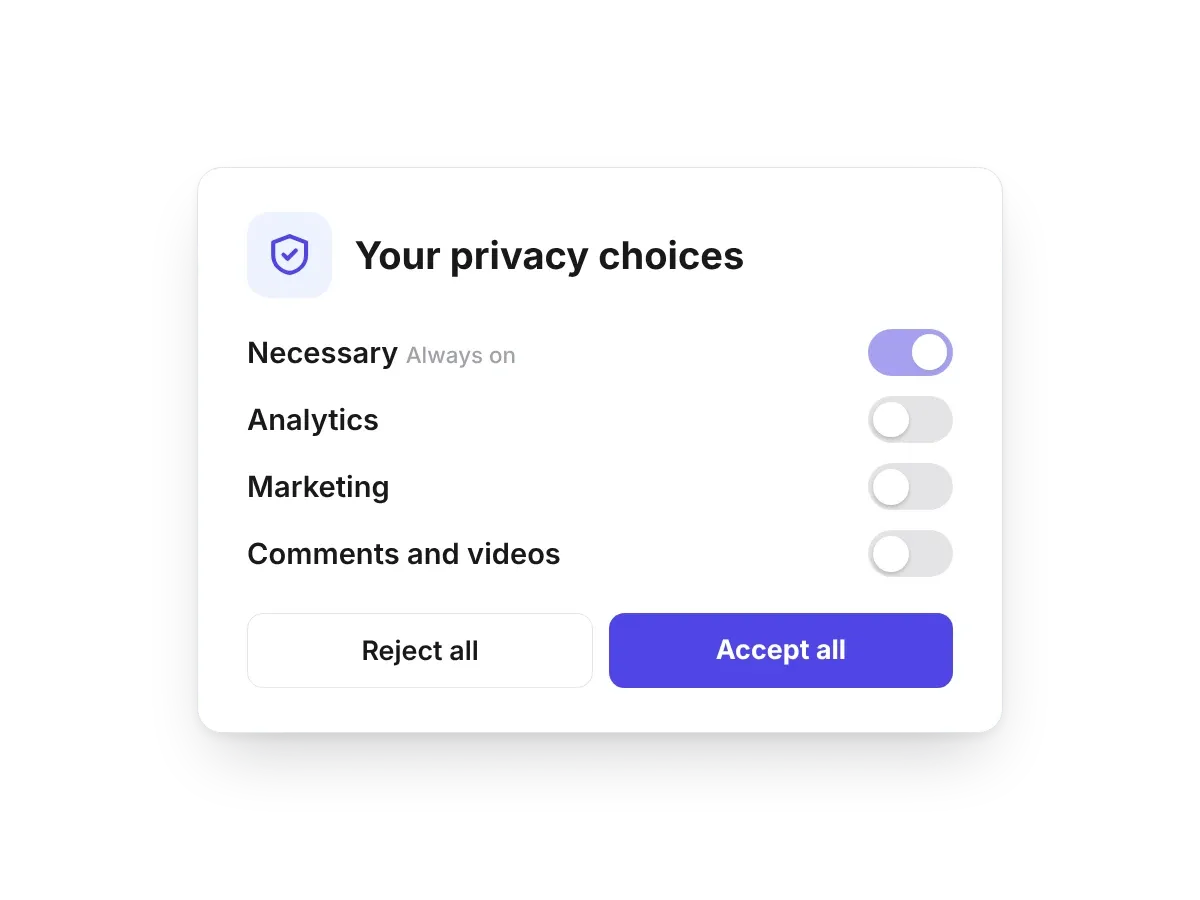
What Google and your visitors check, handled by the theme. Pick one to see it.
Build fast with MCP for your AI tools
Connect Claude, ChatGPT or Gemini and describe what you want: a new section, a whole theme, a post with screenshots. It edits the same theme you see in the editor.
One-click publishing
Send the theme straight to your Ghost site. No zip files, no uploads, no FTP.
Real Ghost features
Posts, tags, authors, member sign-in, newsletters and paid plans all use Ghost's own data, so your content just works.
A theme you own
It's a standard Ghost theme, not a lock-in. On Pro, download it any time and use it on any Ghost site.
Add the missing pieces to your Ghost theme today
Feature guides
Step-by-step guides to the features above, with screenshots.
 Guides
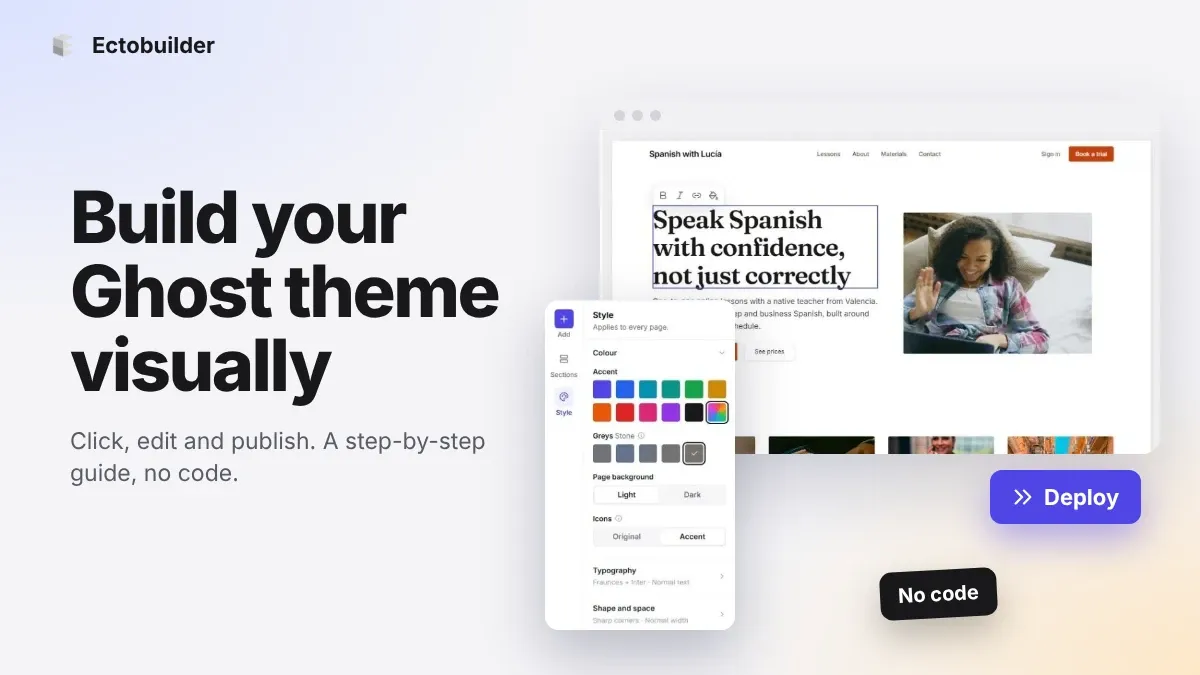
How to Build Your Ghost Theme Visually (Step-by-Step Guide, No Code)
Build a complete Ghost theme without touching code: start from a theme, edit text and pictures in place, add sections from a library of 270, set colours and fonts, design every page, and publish to Ghost in one click. Step by step, with screenshots.
 Guides
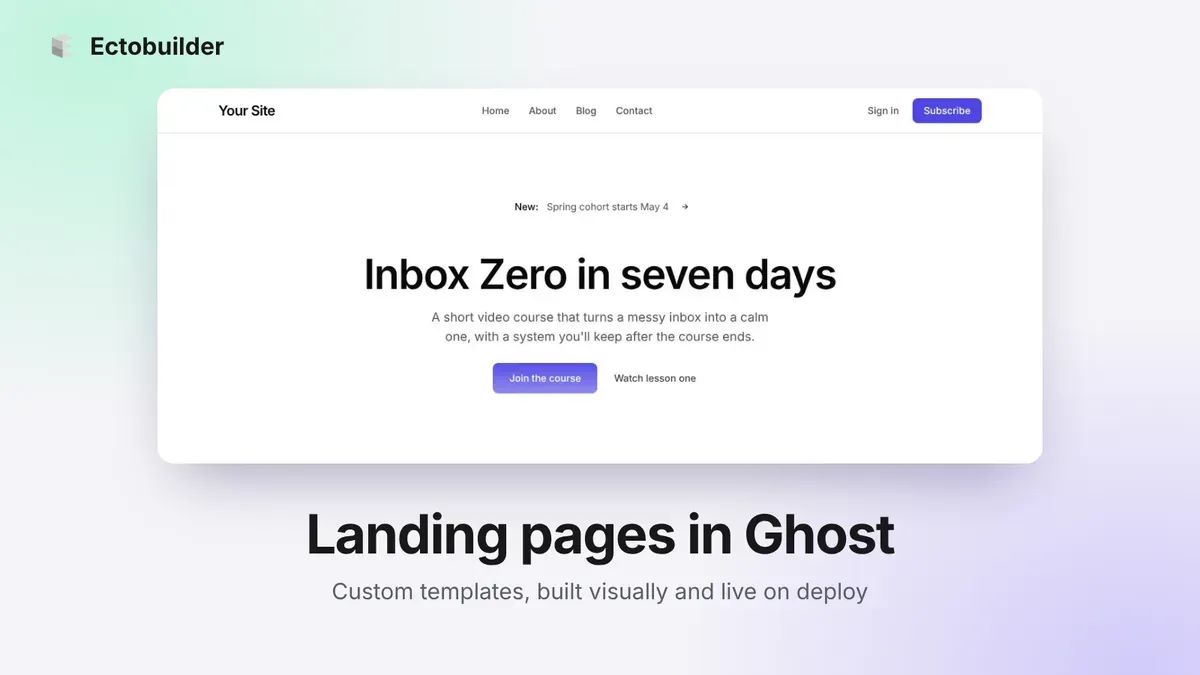
How to Make a Landing Page in Ghost with Custom Templates
Ghost pages all look the same, unless you give them a custom template. Here's what custom templates are, how to build one visually without editing theme files, and how Ectobuilder publishes the page for you when you deploy.
 Guides
How to Add a Table of Contents to Ghost Posts
Ghost has no table of contents. Here's how to add one that builds itself from your headings, highlights the part you're reading and stays in view as you scroll, with no code. Plus the code route, and tips for headings that make a good list.