
How to add comments to a Ghost site: Ghost comments vs Giscus, Disqus, Cusdis and Hyvor Talk
Ghost's own comments, Giscus, Disqus, Hyvor Talk and Cusdis compared: cost, privacy and reader effort, in one table. Plus how to add any of them to your Ghost theme without code.

Michal Wlosik
· 9 min read
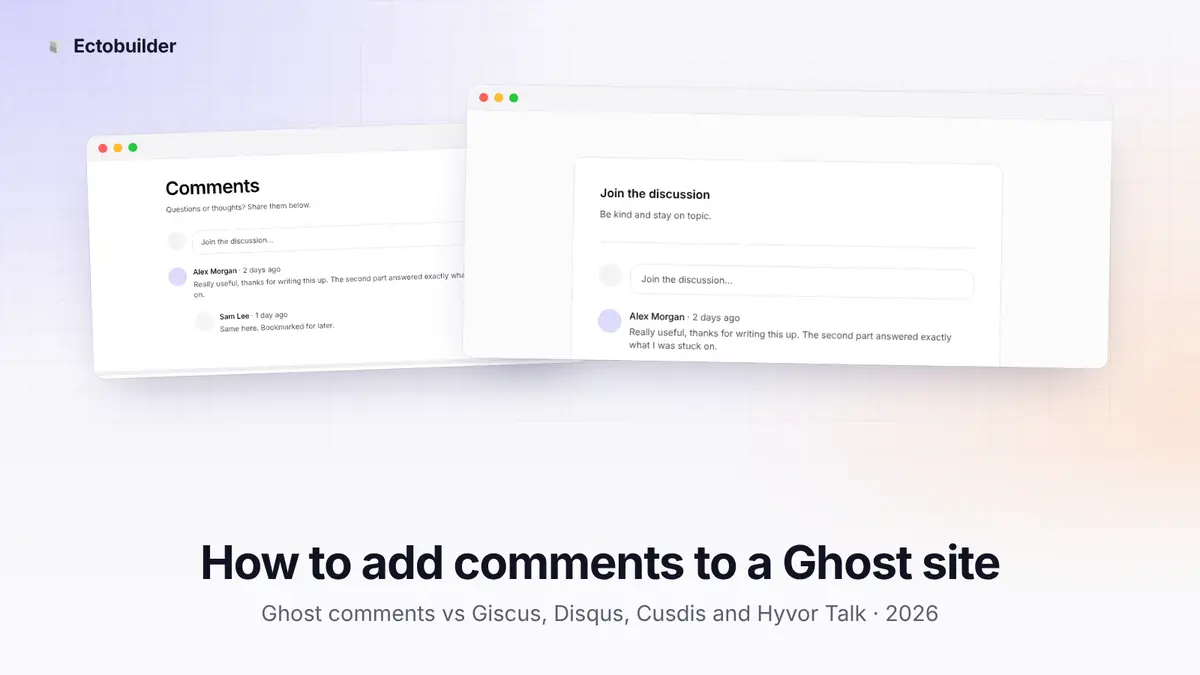
Comments turn a post into a conversation. Readers ask follow-up questions, point out what you missed and come back to see the replies. Ghost has its own comments, and you can also add a third-party service such as Giscus, Disqus, Hyvor Talk or Cusdis.
This guide compares them on what they cost you in money, privacy and reader effort, and shows how to add any of them to your Ghost theme without editing code.
Ghost comment systems compared
| Ghost comments | Giscus | Disqus | Hyvor Talk | Cusdis | |
|---|---|---|---|---|---|
| Price | Free, built in | Free | Free with ads; paid to remove them | From €5/month, 14-day free trial | Free, self-hosted only |
| Who can comment | Signed-in members (or paid members only) | GitHub users | Disqus, social sign-in or guests | Guests or accounts, your choice | Anyone, no account |
| Ads and tracking | None | None | Ads and tracking cookies on the free plan | None | None |
| Where comments are stored | Your Ghost site | Your GitHub repository | Disqus | Hyvor (EU, GDPR-compliant) | Your server |
| Features | Replies, likes, reporting, moderation | Markdown, code, reactions | Voting, reactions, moderation, spam filter | Reactions, ratings, voting, moderation, SSO | Basic comments with approval |
| Needs cookie consent | No | Usually not, but loads from GitHub | Yes | Usually not; GDPR-compliant | Usually not |
| Best for | Membership and newsletter sites | Developer blogs | Sites whose readers already use Disqus | Open, ad-free comments with moderation | Existing self-hosted setups |
Ghost comments
Ghost's own comments appear under posts once you turn them on in Ghost Admin → Settings → Membership → Access, under Commenting. You choose whether all members or only paid members can comment. Readers sign in with the same account they use for your newsletter, and replies, likes, reporting and moderation all happen inside Ghost.
Pros
- Free, and nothing to set up beyond one setting.
- No third-party scripts, ads or tracking. Comments are stored with the rest of your site.
- Comments grow your list: anyone who wants to comment signs up as a member first.
- Paid-only commenting turns the comment section into a perk for subscribers.
Cons
- Readers must sign up before they can write anything, which cuts down casual comments.
- Your site needs memberships turned on.
- Fewer features than the dedicated services: no voting, no rich text, no guest comments.
Giscus
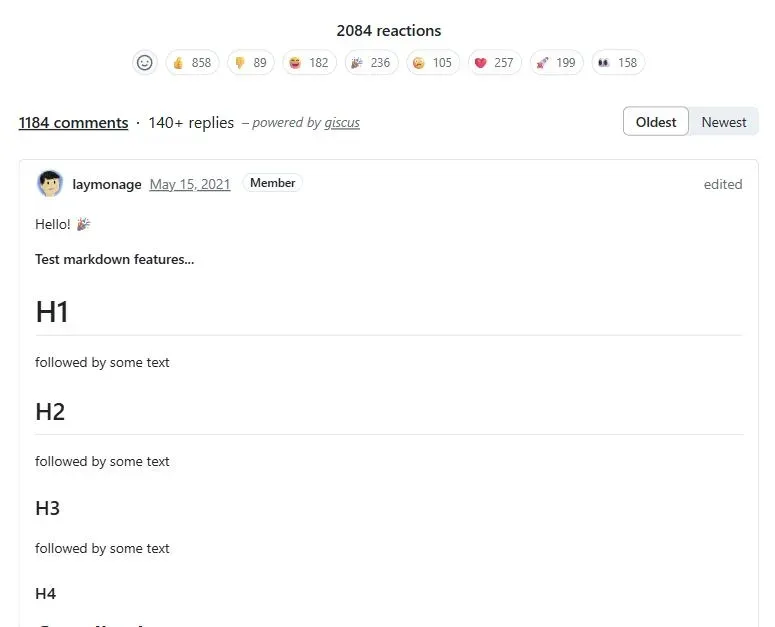
Giscus stores each post's comments as a GitHub Discussion in a repository you choose. It's free, open source, has no ads and doesn't track readers.
Pros
- Free, with no ads or tracking.
- Markdown, code blocks and reactions work out of the box.
- You own the data: it's in your GitHub repository.
Cons
- Readers need a GitHub account. Great for a developer blog, a barrier for almost everyone else.
- Setup takes a public repository with Discussions turned on and the giscus app installed.
Disqus
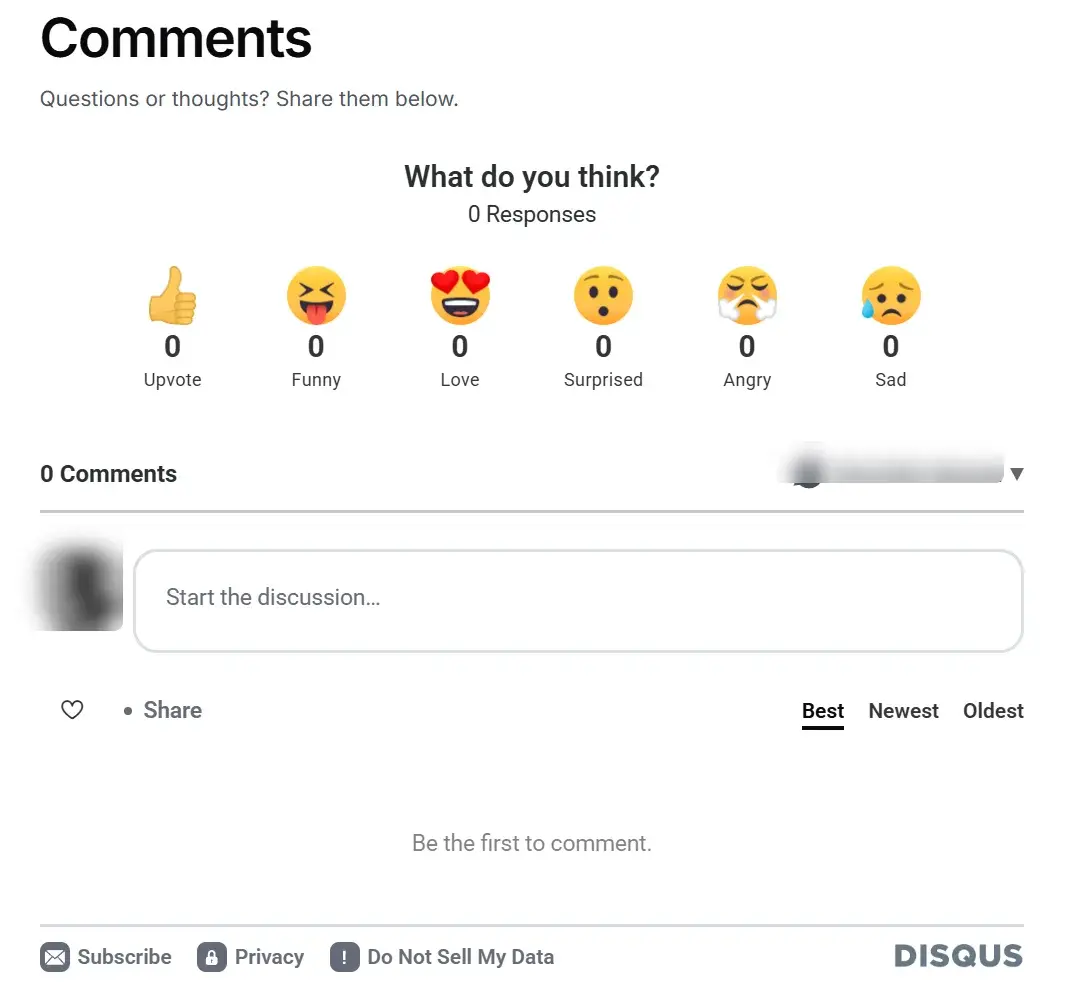
Disqus has been around the longest and many readers already have an account. It handles moderation, spam filtering and notifications for you.
Pros
- Familiar to readers, with sign-in through Disqus, Google, Facebook or X, or as a guest if you allow it.
- Mature moderation and spam filtering.
- Quick to set up: you only need a shortname.
Cons
- The free plan puts ads in your comment section, and removing them means a paid plan.
- It loads a lot of third-party code and sets tracking cookies, so it slows posts down and needs cookie consent in the EU and UK.
- Your readers' data sits with Disqus.
Does Disqus have a native Ghost integration? Ghost and Disqus both list one, but neither is a switch you flip. Ghost's Disqus integration page and Disqus's own Ghost instructions both tell you to paste the Disqus code into your theme's post.hbs and label each thread ghost-{{comment_id}}, so threads stay attached to a post even if its URL changes. Ectobuilder writes exactly that code for you, so threads you started with Ghost's instructions carry over when you switch themes. Our step-by-step guide to adding Disqus to Ghost walks through it with screenshots.
Hyvor Talk
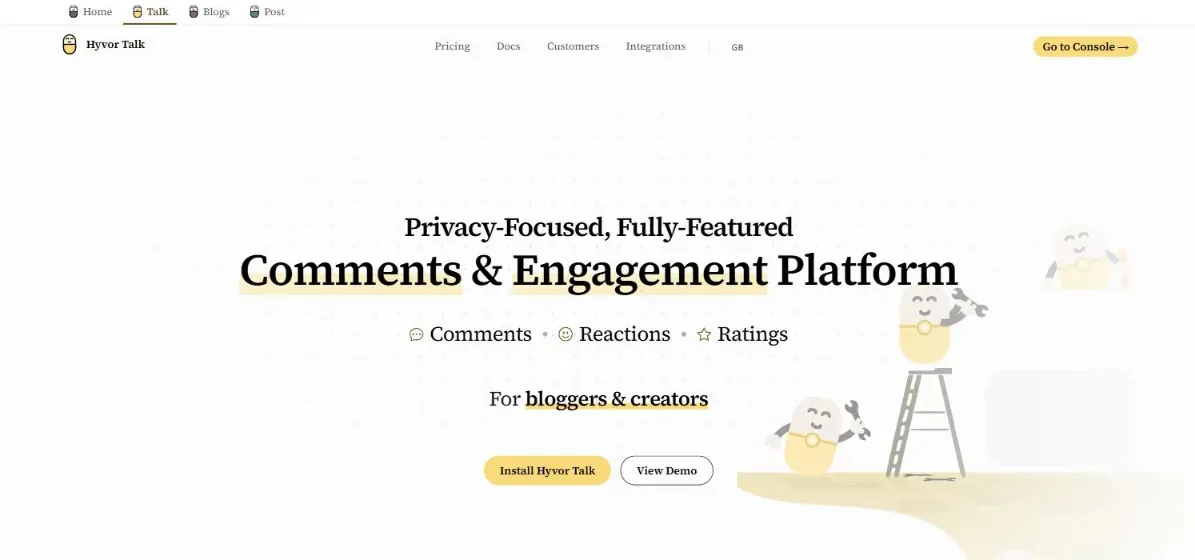
Hyvor Talk is a privacy-first comments platform, made in France. It's ad-free, GDPR-compliant and doesn't sell reader data, and it adds reactions, ratings, voting, spam detection, moderation tools and single sign-on for your own accounts. Plans start at €5/month, and you can try every feature free for 14 days, no credit card needed.
Pros
- No ads and no tracking, GDPR-compliant and hosted in the EU.
- The most features of the lot: reactions, ratings, voting, email notifications, spam detection, moderation roles.
- Readers can comment as guests or with an account, your choice.
- A 14-day free trial with all features and no credit card.
Good to know
- After the trial it's a paid service, from €5/month on the yearly Personal plan; bigger sites move to Premium as traffic grows.
- You moderate comments in Hyvor's console rather than in Ghost Admin.

Want ad-free comments with more features?
Hyvor Talk adds reactions, voting and moderation to your Ghost posts without ads or tracking. Try it free for 14 days, no credit card needed.
Cusdis
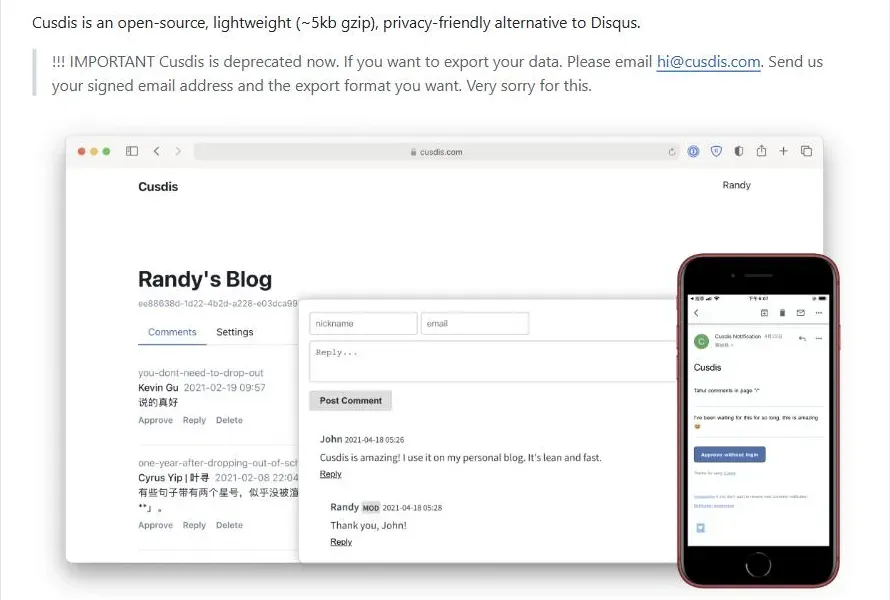
Cusdis was a small, open-source comments widget (around 5 KB) that let readers comment without an account. It's now deprecated: the hosted service at cusdis.com is offline and the project is no longer maintained. You can still run the code on your own server, but there won't be fixes or updates.
Pros
- Very light, with no ads or tracking.
- No sign-up for readers.
Cons
- No longer maintained, and the hosted service is gone, so you need your own server.
- Basic features, and every comment needs your approval.
If you want Cusdis-style comments without accounts today, Hyvor Talk is the actively maintained choice, with guest comments and spam filtering built in. Keep Cusdis only if you already run it yourself.
Which one should you choose?
- You run a membership or newsletter site: Ghost comments. They're free and each commenter becomes a member.
- You write for developers: Giscus.
- You want anyone to comment without signing up, without ads: Hyvor Talk.
- Your readers already use Disqus: Disqus, ideally on an ad-free plan and behind a cookie banner. See how to add Disqus to Ghost for the step-by-step setup.
How to add comments with Ectobuilder
In Ectobuilder, you choose the comments service once for the whole site, then place a comments section, in the design you like, on your Post page. The theme writes the right code for you.
Step 1: Choose the provider
Open your theme in Ectobuilder and go to Settings → Integrations → Comments. Pick the Provider: Ghost comments, Giscus, Disqus, Hyvor Talk or Cusdis (self-hosted). Then fill in what that provider needs:
- Ghost comments: nothing. Just turn commenting on in Ghost Admin.
- Giscus: the repository, repository ID, category and category ID, all shown on giscus.app once you pick your repository.
- Disqus: your site's shortname.
- Hyvor Talk: your website ID.
- Cusdis: the App ID and the address of your own Cusdis server.
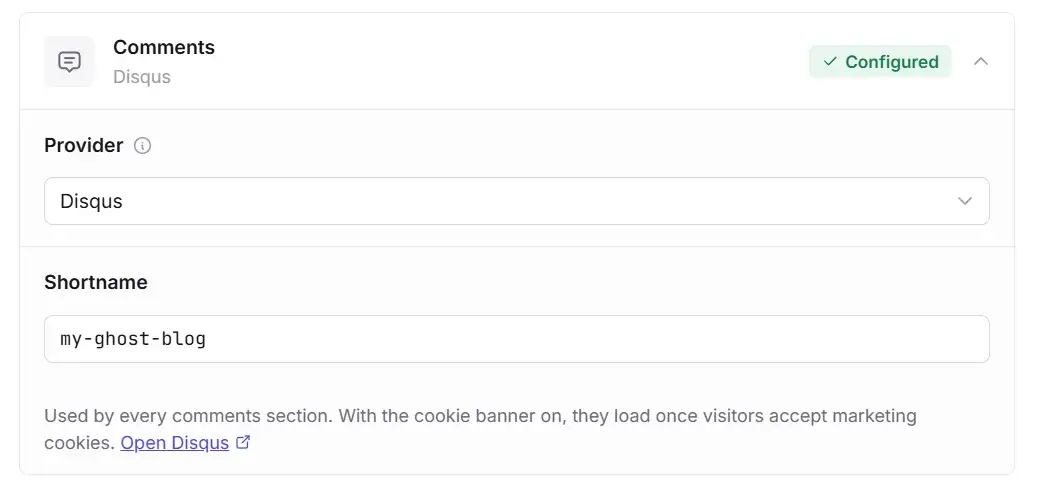
The badge shows Configured once everything the provider needs is in place, or Needs setup if something is missing.
Step 2: Add a comments section
Go to the Post page and click Add section. In the gallery, open Comments and pick a design:
- Simple: a heading and the thread, straight under the post.
- Card: the thread in a bordered card with a short intro.
- Behind a button: a "Show comments" button that opens the thread on click, so long threads don't push your footer down.
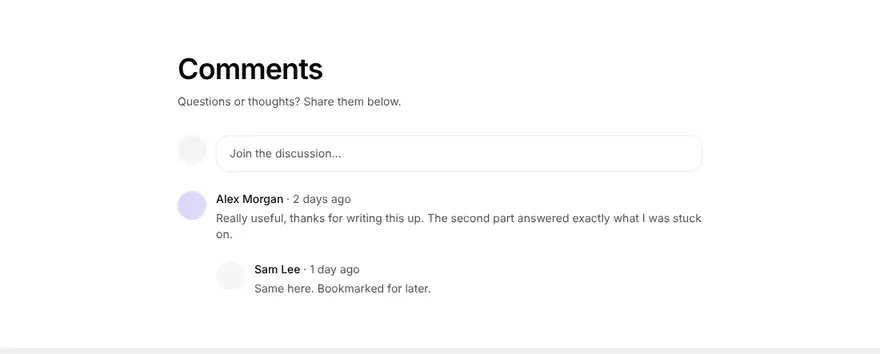
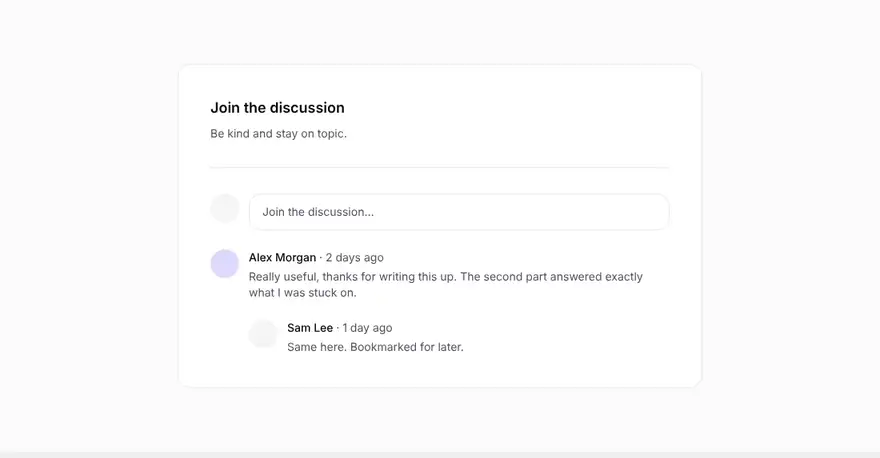

The designs aren't tied to a provider: any of them shows whichever service you chose in step 1. In the editor, every design shows a sample thread so you can style it. Change the heading, the text and the colours like any other section, and click the section to see which provider it uses, with a link back to the Comments settings.

Don't have an Ectobuilder theme yet? Pick one from the gallery or start from scratch, change it by clicking, and publish it to your Ghost site. Comments sections come built in.
Step 3: Turn on the cookie banner (for third-party providers)
Giscus, Disqus, Hyvor Talk and Cusdis load scripts from another site, and some of them set cookies. If you have visitors in the EU or UK, those scripts should wait for consent.
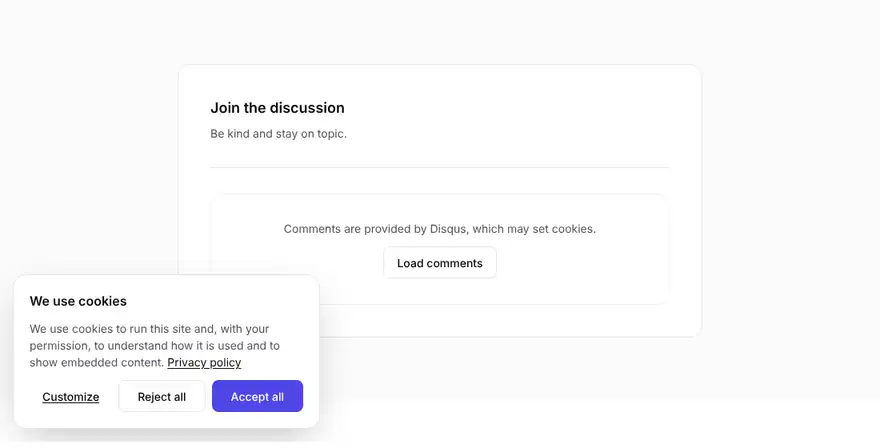
Open Settings → Privacy in Ectobuilder and turn on the cookie banner. Pick the layout, wording and categories. From then on, a third-party comments section shows a short note and a Load comments button until the visitor accepts the matching category. Ghost's own comments don't need consent and load straight away.
Step 4: Deploy and check
Click Deploy, open a published post and scroll to the end. For Ghost comments, sign in as a member to see the comment box. For the other providers, accept the cookie banner (or click Load comments) and post a test comment.
Tips
- Put comments after your call to action. Readers who reach the end are your most engaged ones; ask them to subscribe before the thread starts.
- Moderate early. A few spam comments left up make a thread look abandoned.
- Use the button design on long posts. It keeps the page short and the comment scripts don't load until someone wants them.
- Switching later is easy in the theme, not the data. Changing the provider takes one setting, but old comments stay with the old service. Pick the one you'll keep.
Build your Ghost theme without code. Comments, cookie consent, blog search, dropdown menus and more. Start free and only pay when you publish.
FAQ
Can people comment on Ghost without becoming members?
Not with Ghost's own comments: only signed-in members can comment. For guest comments, use Hyvor Talk, or Disqus with guest commenting turned on.
Does Disqus have a native integration with Ghost?
Not a built-in one. Ghost's integration page and Disqus's Ghost instructions both mean pasting the Disqus code into your theme's post template. Ectobuilder writes the same code from just your shortname, so existing threads keep working.
Can I use a different provider on different pages?
No. One provider serves the whole site, so readers always find the same comments and you moderate in one place. You can still use different designs for the comments section.
Is Cusdis still a good choice?
Not for a new site. The project is deprecated and its hosted service is offline, so you'd have to run and patch it yourself. If you already self-host it, it keeps working; plan a move when convenient.
Do comments help SEO?
Ghost comments and the third-party widgets load in the browser, so search engines usually don't index comment text as part of your post. Comments help indirectly: they bring readers back and keep them on the page.
Can I move my comments from Disqus to Ghost?
Not directly. Ghost has no importer for comments from other services, so old comments stay where they are. That's why it pays to choose before your threads grow.
Do I need a cookie banner for comments?
For Ghost comments, no. For third-party services, it depends on the service and where your readers are. Disqus sets tracking cookies, so if you have EU or UK visitors, ask for consent first. The others set fewer or none, but they still load from another site.
Does Ghost(Pro) support all of these?
Yes. Ghost comments work on any Ghost site with memberships, and the third-party services are embeds in your theme, so they work on Ghost(Pro) and self-hosted Ghost alike.
Want readers to find the posts worth commenting on? See how to add search and filters to your Ghost blog.
Written by
Founder of Ectobuilder, the AI-powered visual theme editor for Ghost. Indie software builder in Wrocław and co-author of The AdTech Book. I write about Ghost themes, newsletters and building websites with AI.
Comments
Questions or thoughts? Share them below.
Keep reading
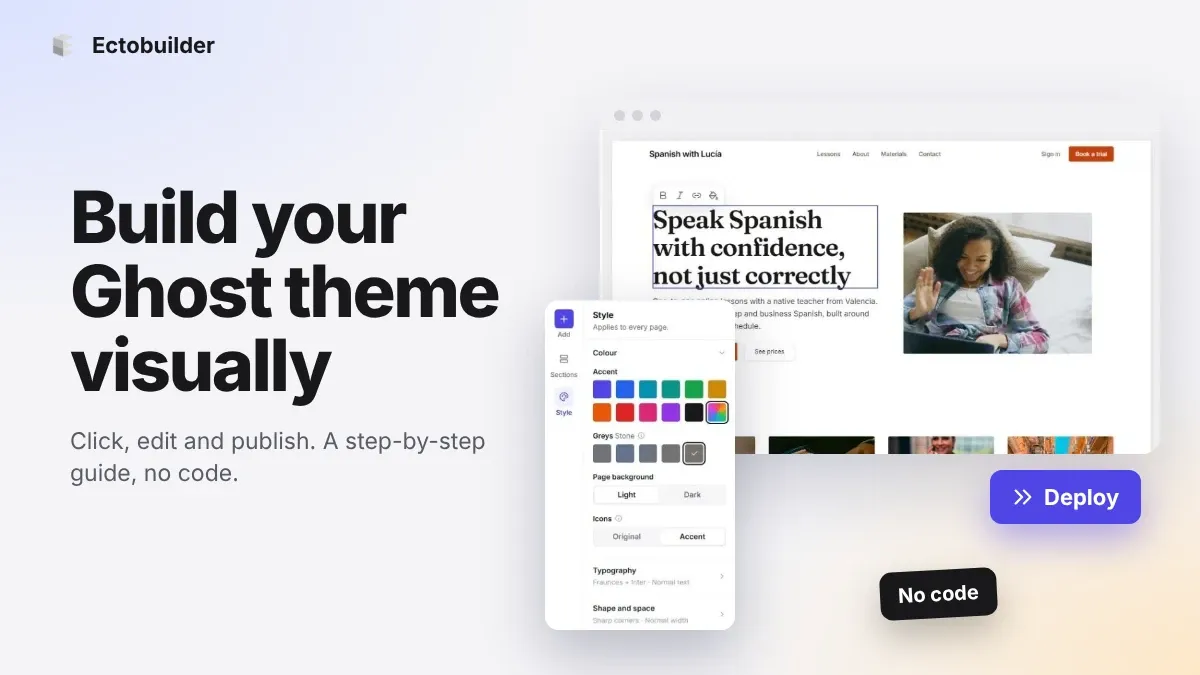
How to Build Your Ghost Theme Visually (Step-by-Step Guide, No Code)
Build a complete Ghost theme without touching code: start from a theme, edit text and pictures in place, add sections from a library of 270, set colours and fonts, design every page, and publish to Ghost in one click. Step by step, with screenshots.
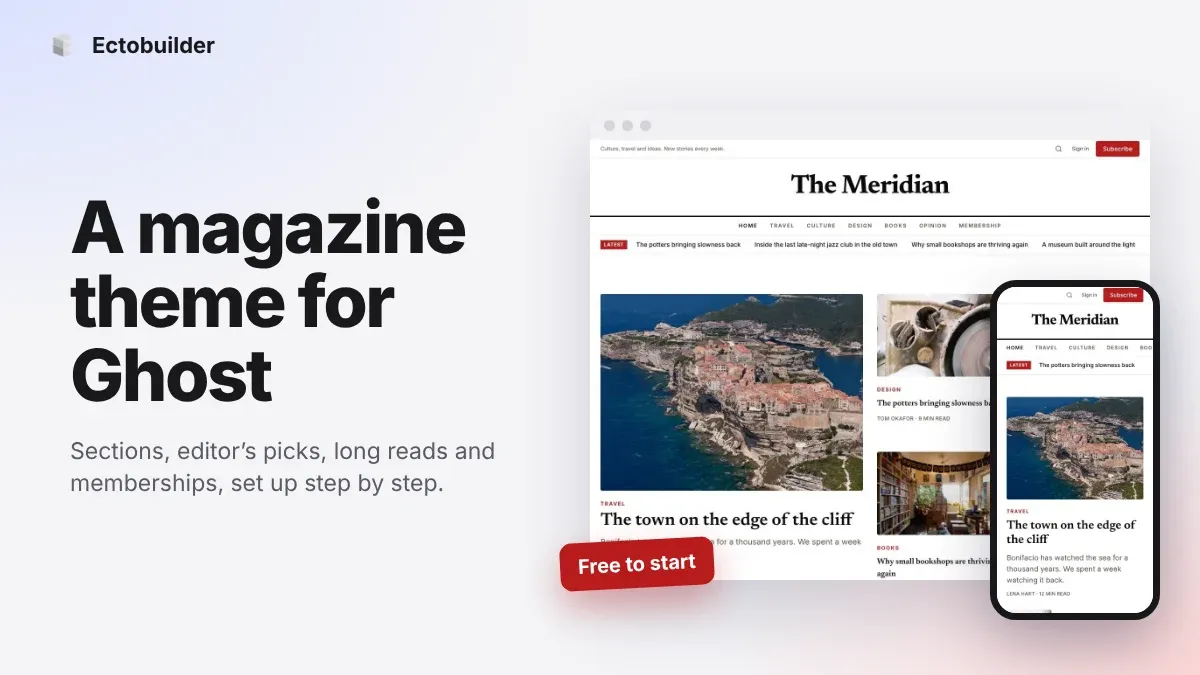
Magazine Theme for Ghost: Sections, Editor's Picks, Long Reads and Memberships
A step-by-step guide to the Magazine theme for Ghost: turn sections into tags, set up the navigation, fill the front page, editor's picks and section fronts, add your writers, sell memberships and send a weekly newsletter.
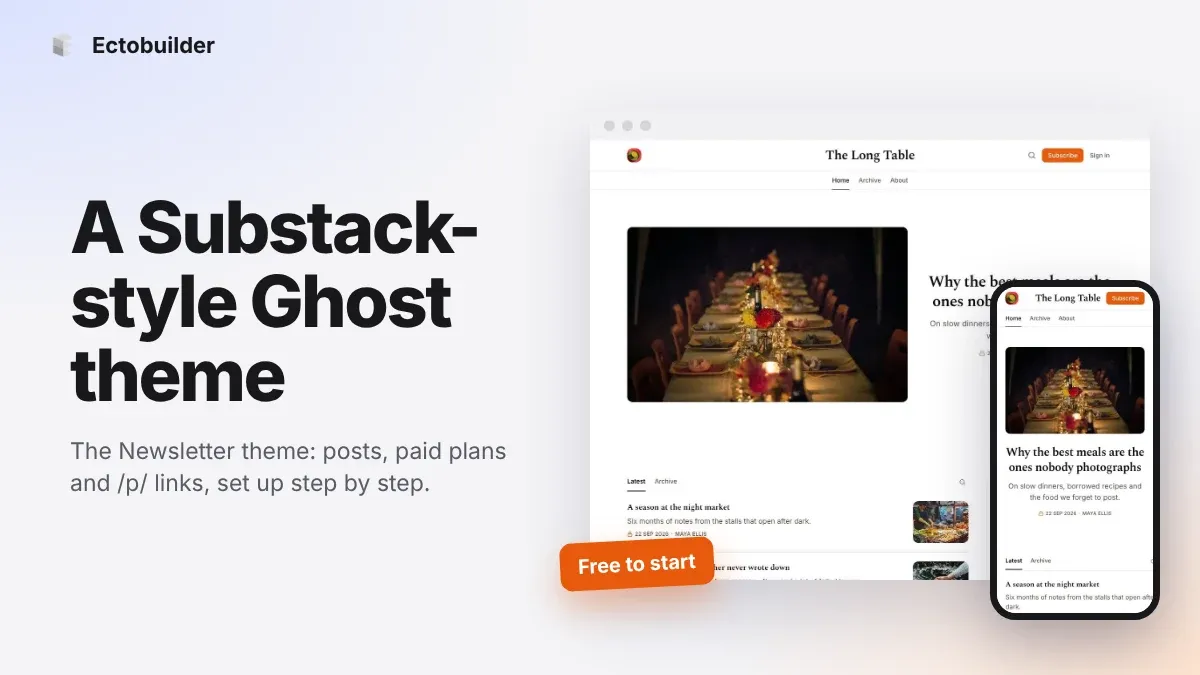
Newsletter Theme for Ghost: A Substack-Style Site With Paid Plans, /p/ Links and Comments
A step-by-step guide to the Newsletter theme for Ghost: a Substack-style homepage and reading page, then newsletters, paid plans, /p/ addresses, Plans, Welcome and About pages, comments and recommendations.