
Build your whole Ghost site by asking
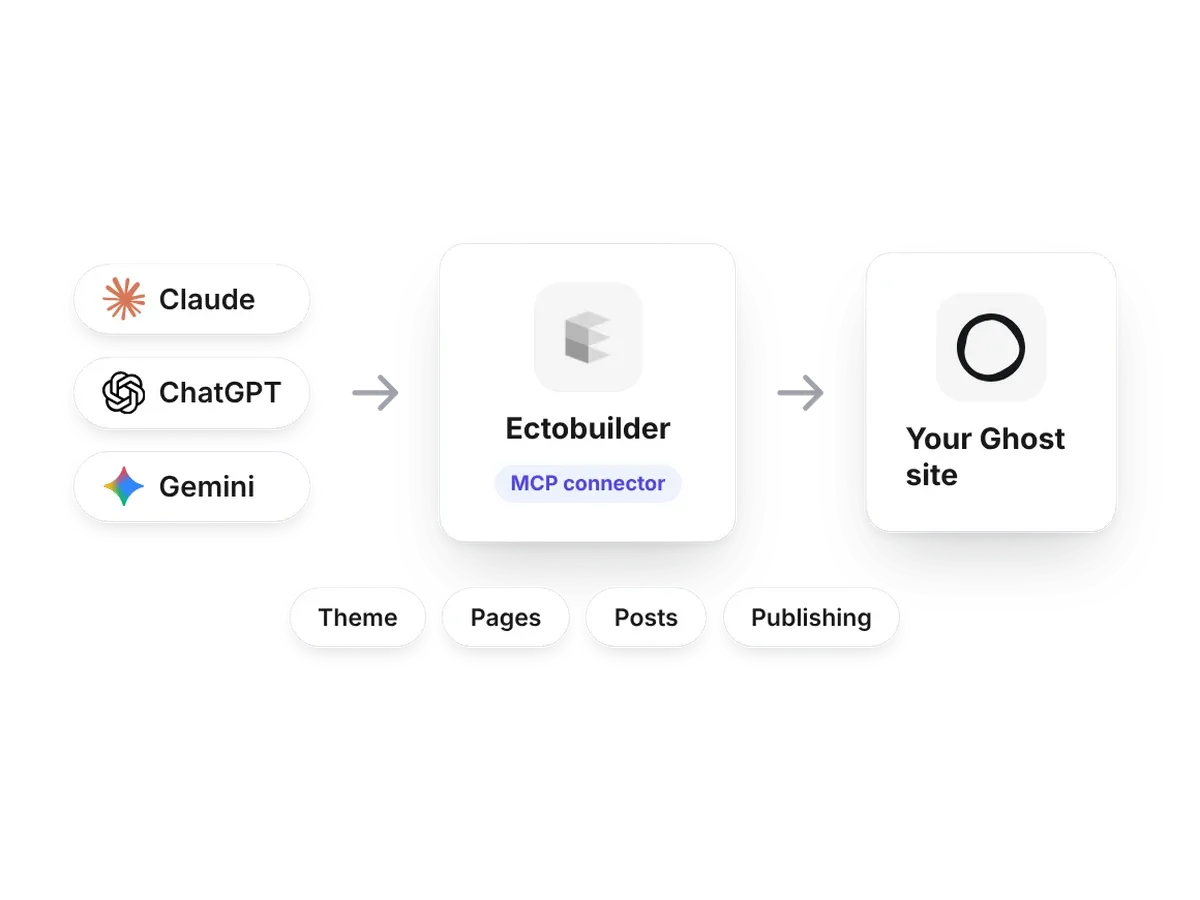
Connect an AI assistant to Ectobuilder and describe what you want. It designs your theme, builds your pages, and writes, schedules and publishes your posts, all from one conversation.
Start freeDesign the theme by describing it
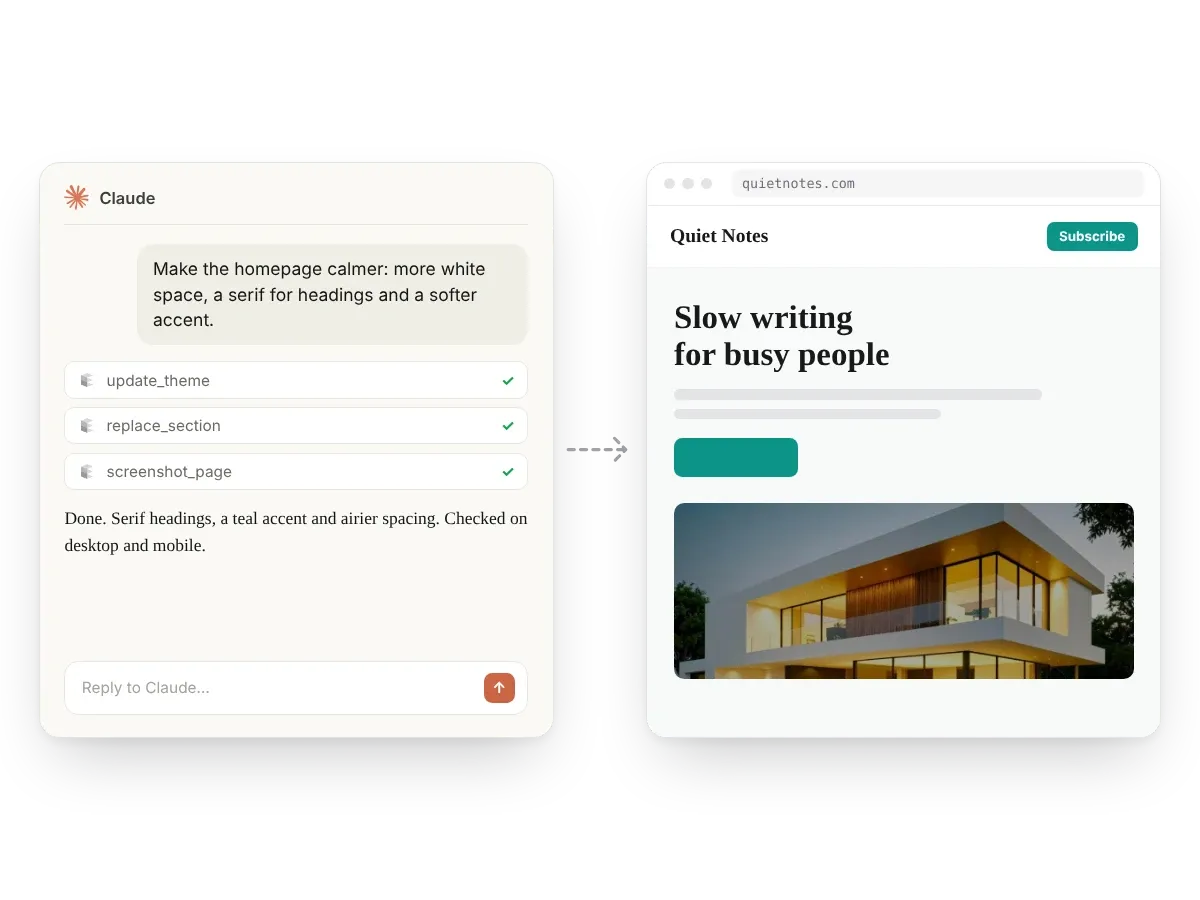
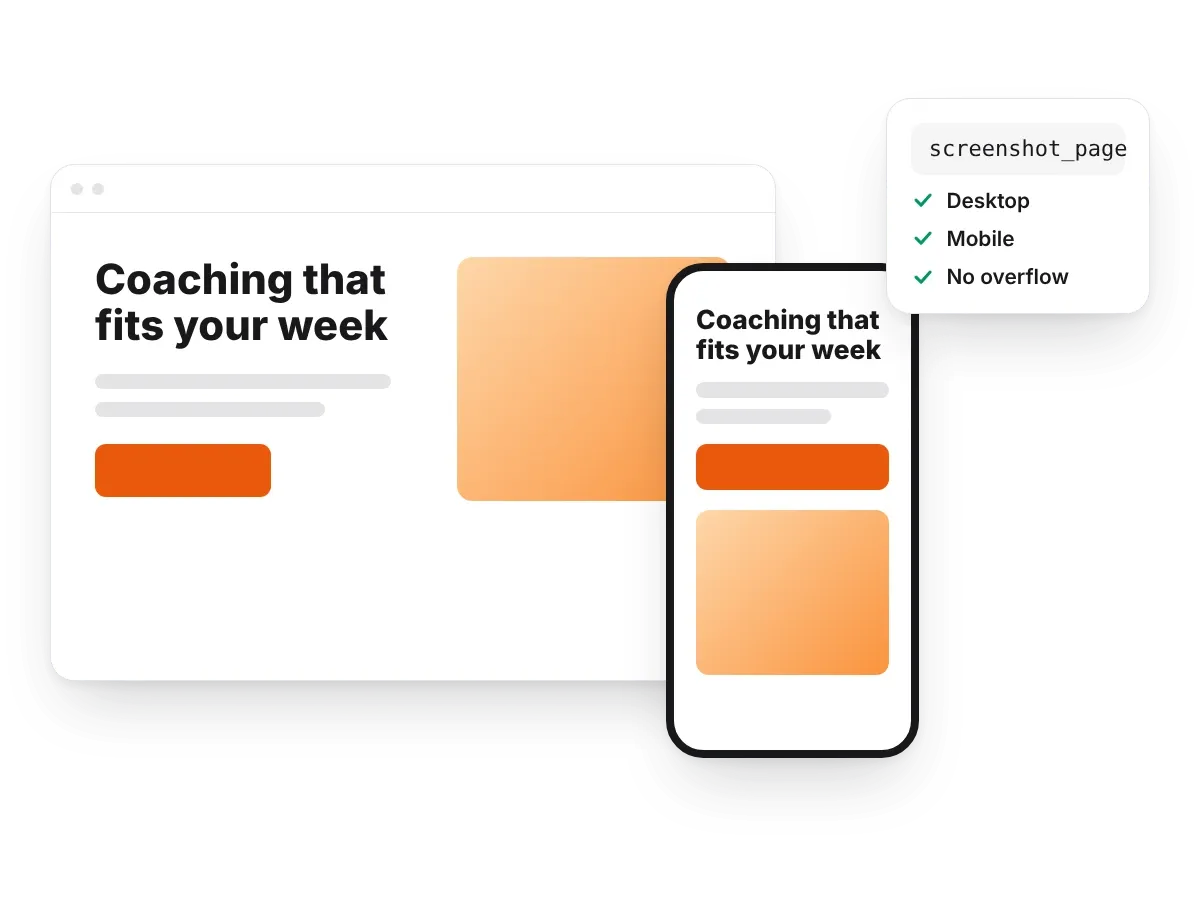
Ask for a homepage, a newsletter layout or a calmer look. The assistant picks from 270+ sections, writes the copy, finds photos, sets your colours and fonts, then checks the result on desktop and mobile.
Write and edit posts
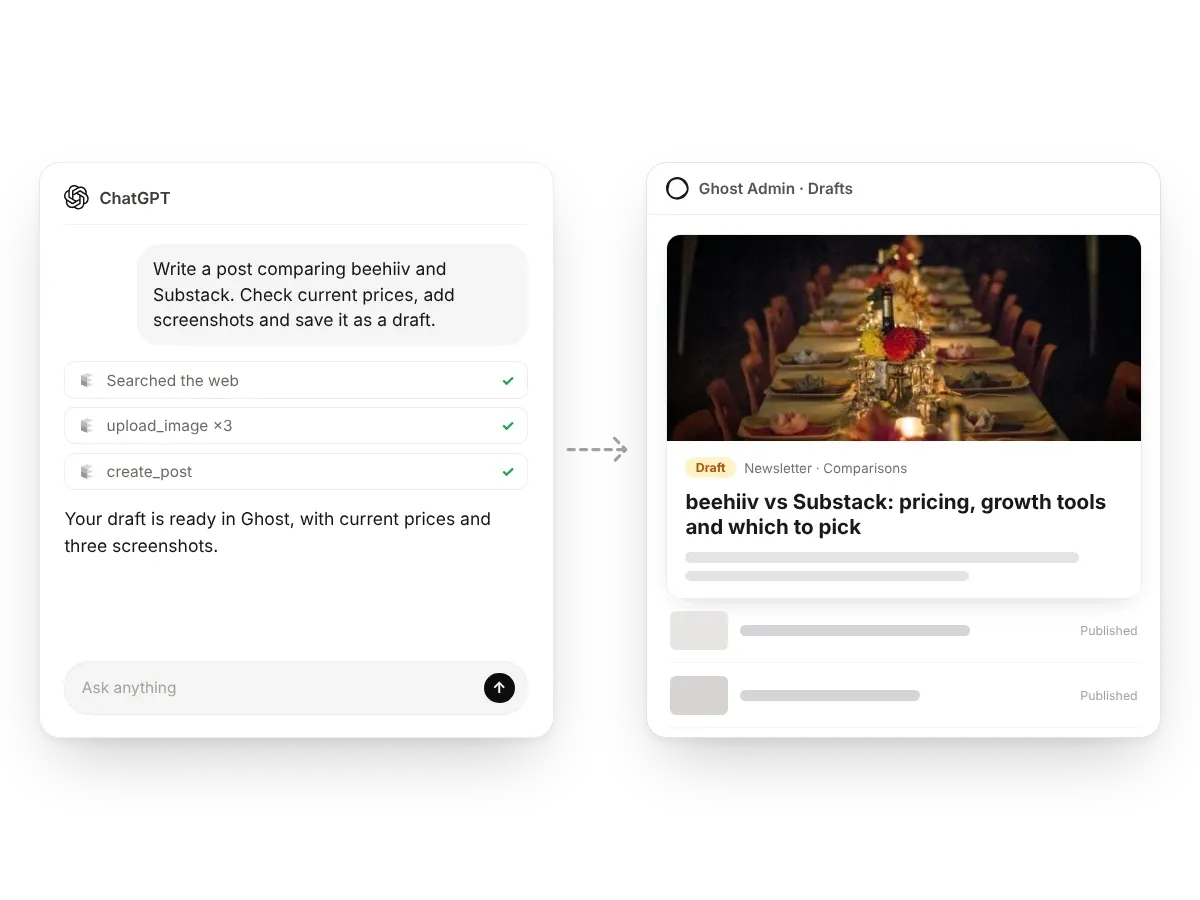
Turn an idea or your notes into a finished post with headings, images and links, saved to Ghost as a draft. Fix a price or a name across 20 posts in one message.
Build and publish pages
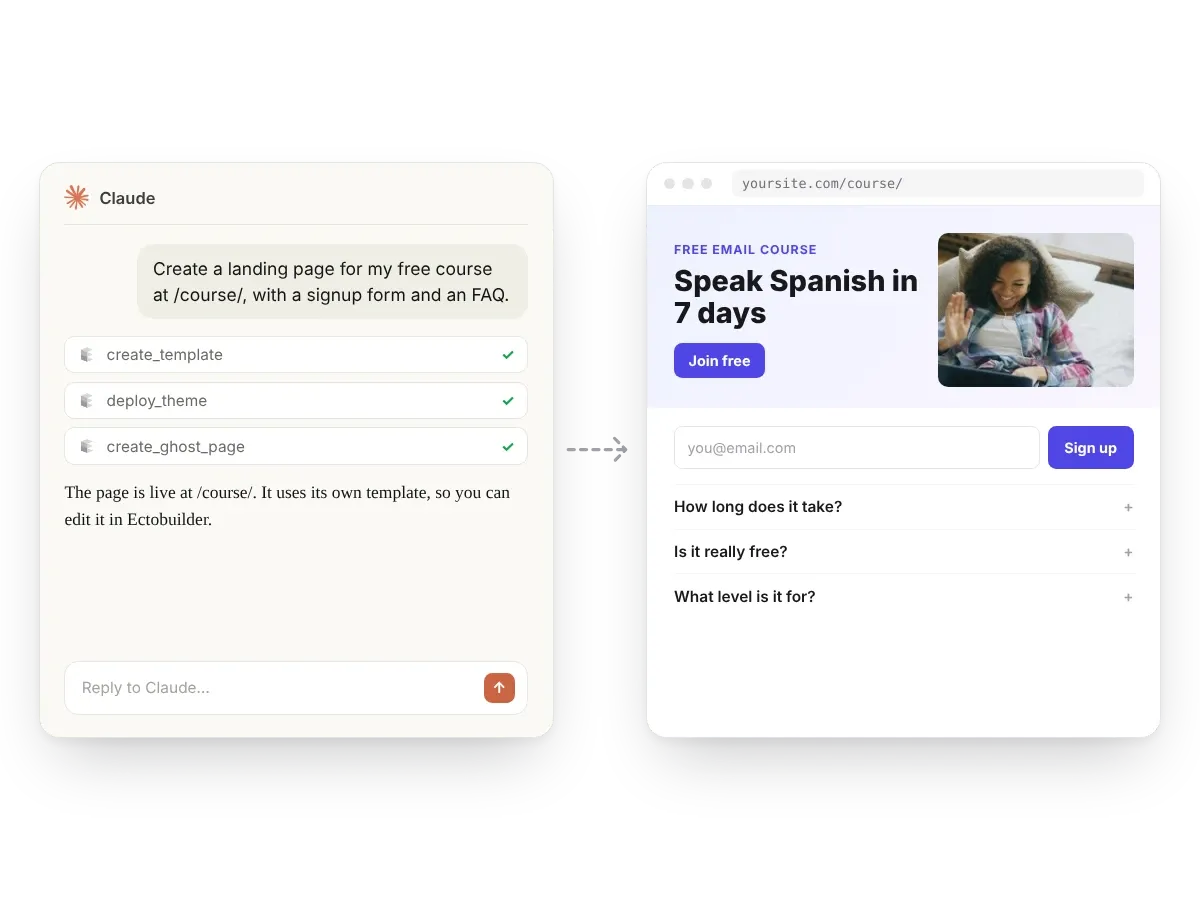
A course landing page, an About page, a Start here page: it designs the template, deploys it and creates the Ghost page at the address you choose.
Publish on your terms
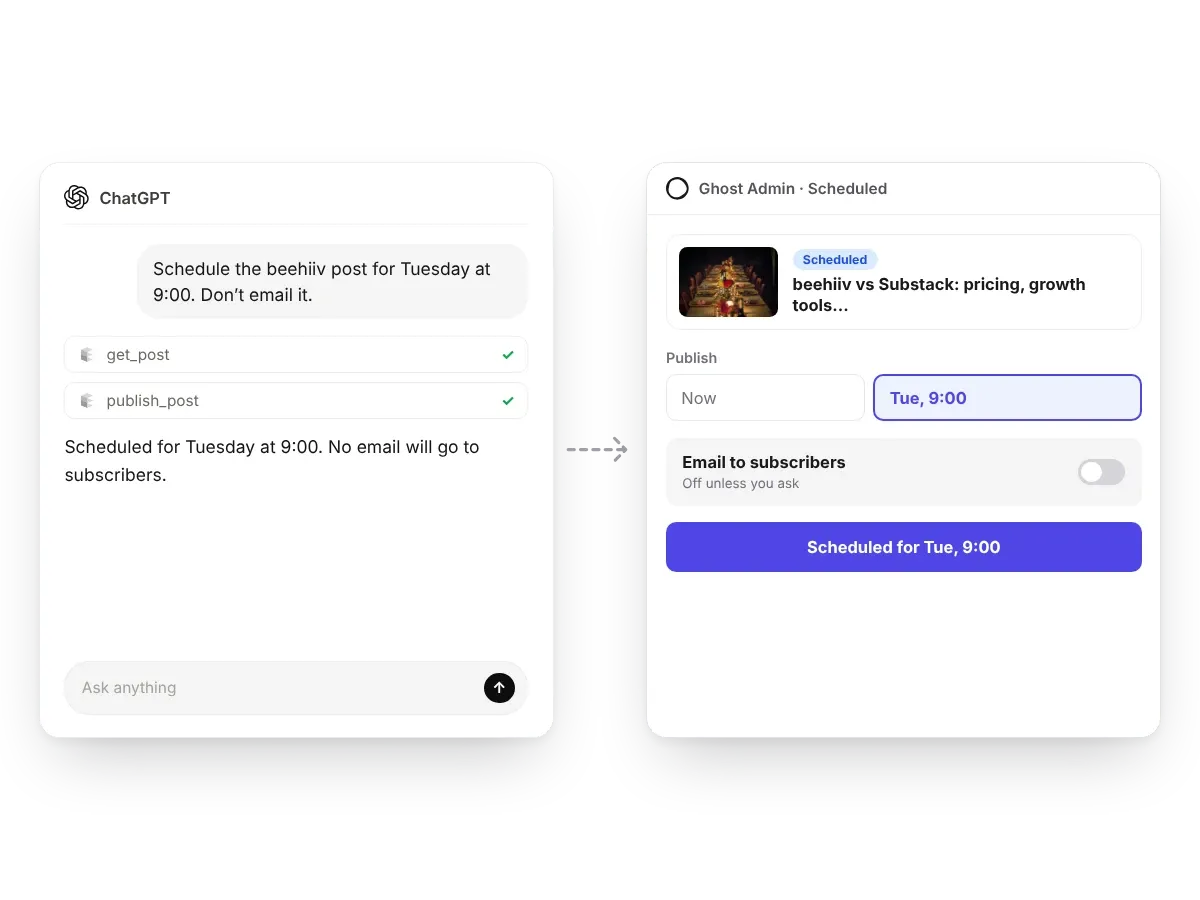
Everything lands as a draft. Publish now or schedule for later, and nothing is emailed to subscribers unless you ask for a newsletter send.
Things you can ask
Real requests that work today. One message each; the assistant does the steps and reports back.
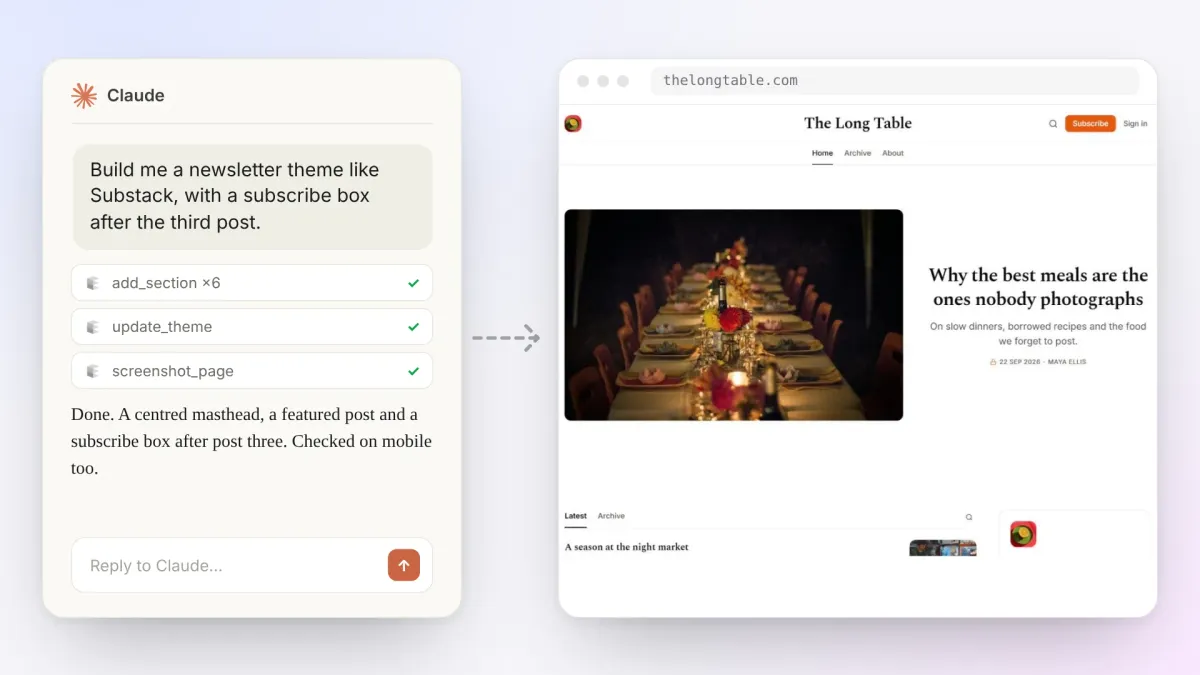
Theme editing
Ask for a newsletter theme like Substack, a calmer homepage or a fix for the post page on mobile. The assistant picks sections, writes the copy, sets your colours and fonts, and checks the result with screenshots before it deploys.
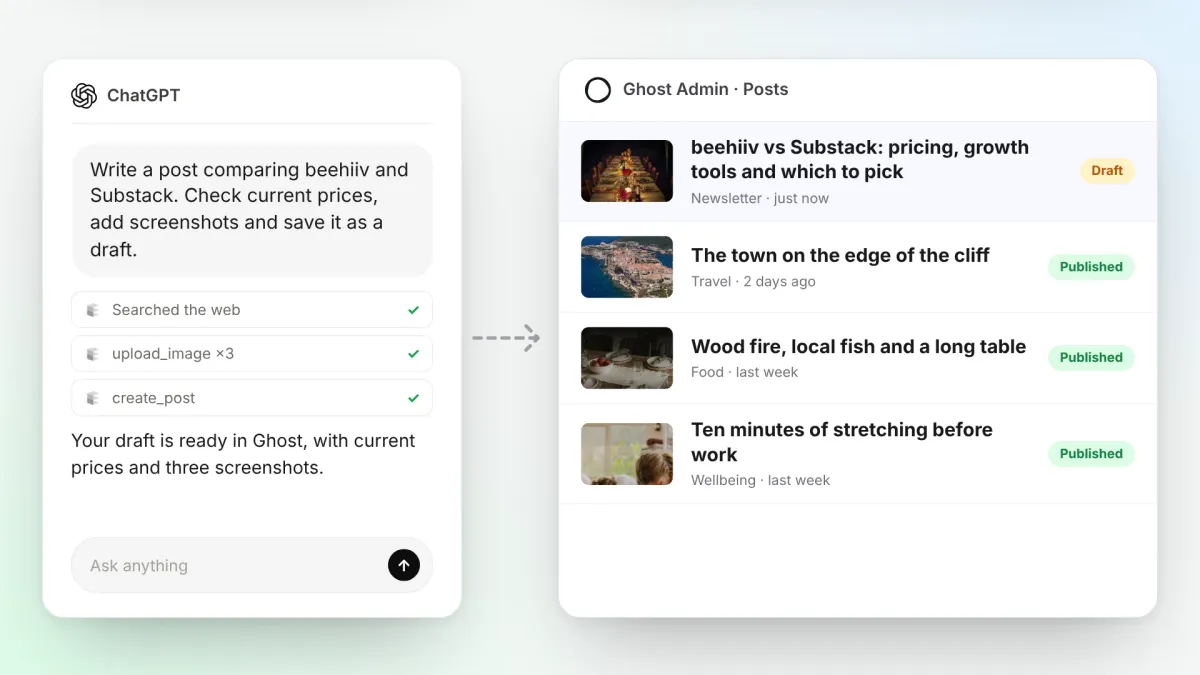
Post writing
Turn an idea into a finished post: it researches current facts, takes screenshots, writes the article and saves it to Ghost as a draft with tags, excerpt and cover. It can add missing cover images across your archive too.
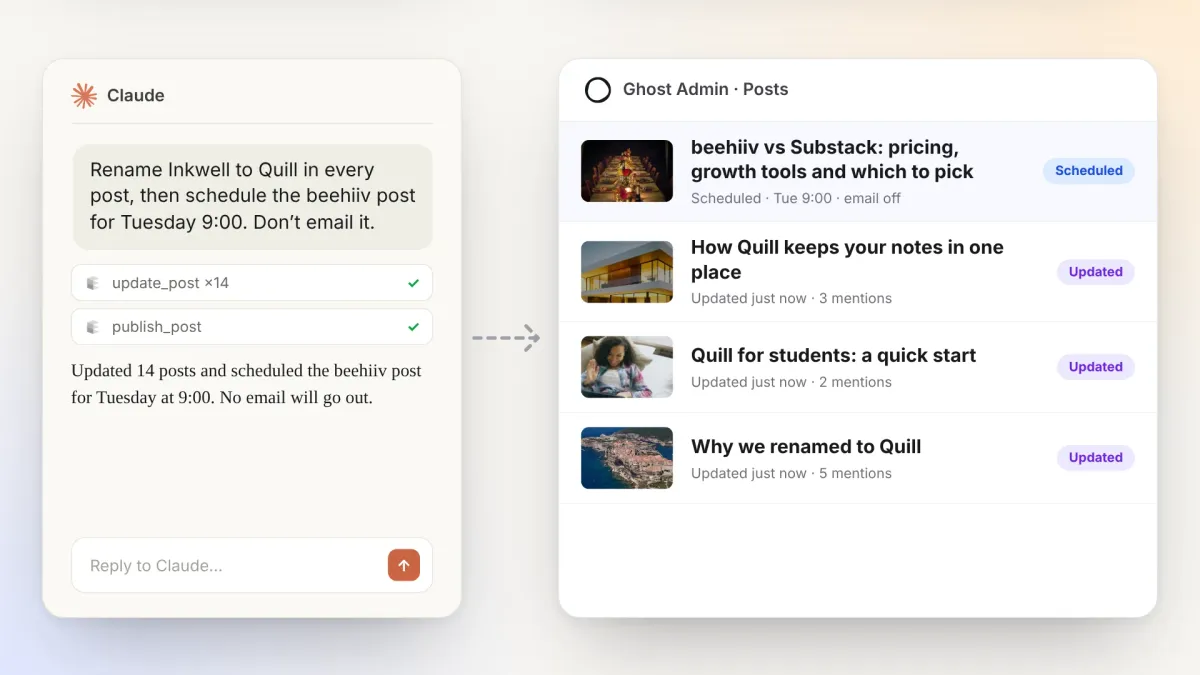
Publishing and updates
Rename a product across every post, fix a price in 20 articles, then publish or schedule. Nothing goes live without your say, and nothing is emailed unless you ask for a newsletter send.
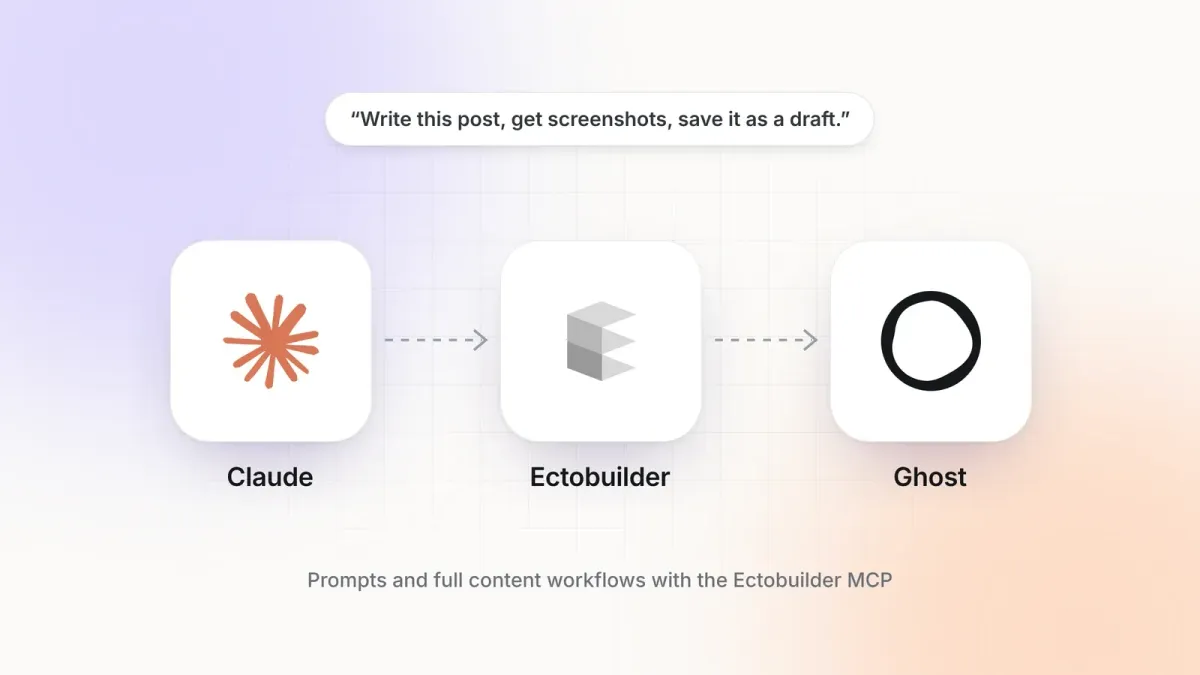
One message to a finished post
Ask for a post and the assistant researches it, takes and annotates screenshots with a browser tool, writes it, uploads the images and saves a draft to Ghost with tags, excerpt and cover. You read it, tweak it and press publish.
How it works
Set up in about two minutes
Connect once, then ask for what you want. Free to start, no credit card needed.
- 1
Step 1
Connect your Ghost site
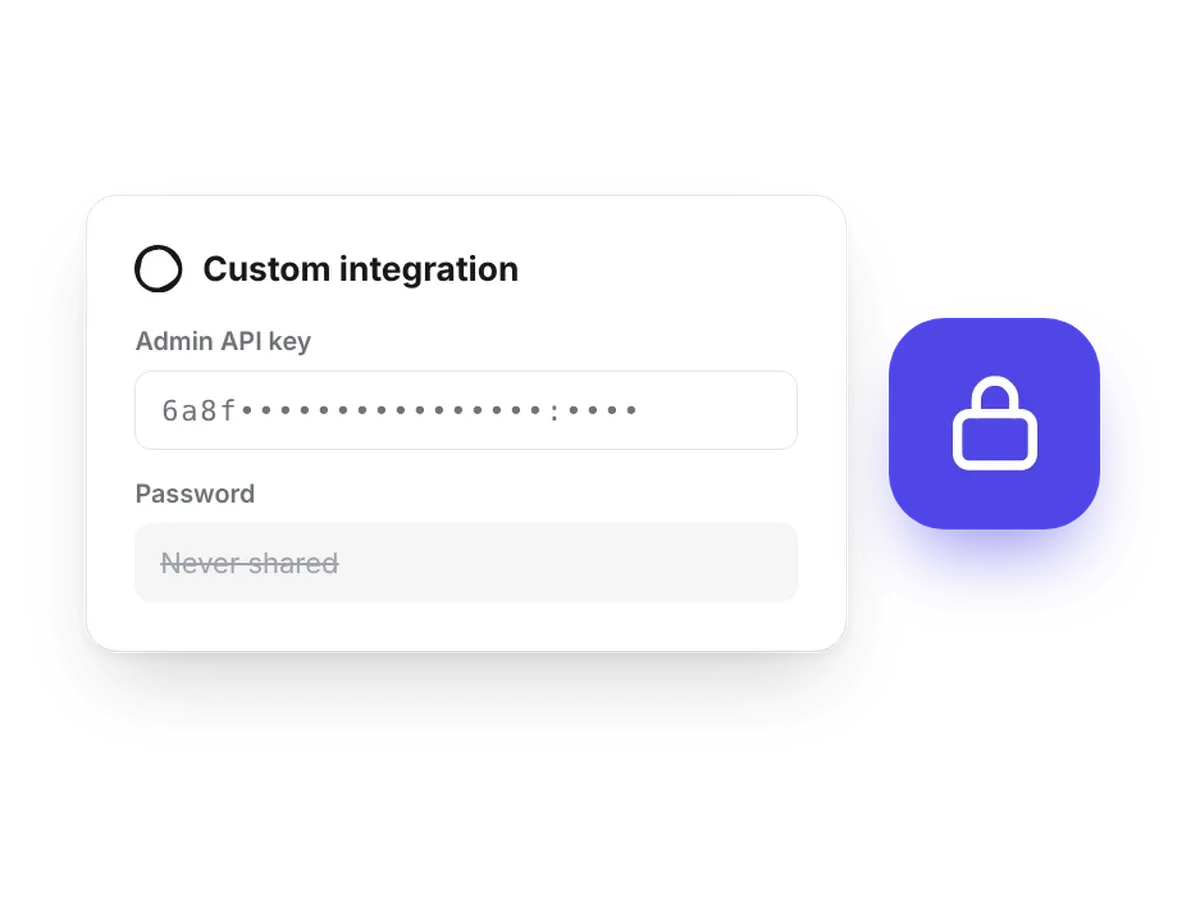
In Ectobuilder's site settings, add your Ghost site address and an Admin API key from a custom integration in Ghost Admin.
- 2
Step 2
Add the Ectobuilder connector
In Claude, ChatGPT or Gemini, add Ectobuilder as a custom connector using the address from our setup guide.
- 3
Step 3
Sign in and allow access
Sign in with your Ectobuilder account. The assistant can then see your themes and your connected Ghost site.
- 4
Step 4
Ask for what you want
Describe the page, the post or the change. The assistant does the work, checks it with screenshots and tells you what it did.
Under the hood
What makes the connector reliable enough to trust with your live site.
By hand vs by asking
The same jobs, done two ways.
By hand
With the AI connector
FAQs
About the AI connector
What is MCP?
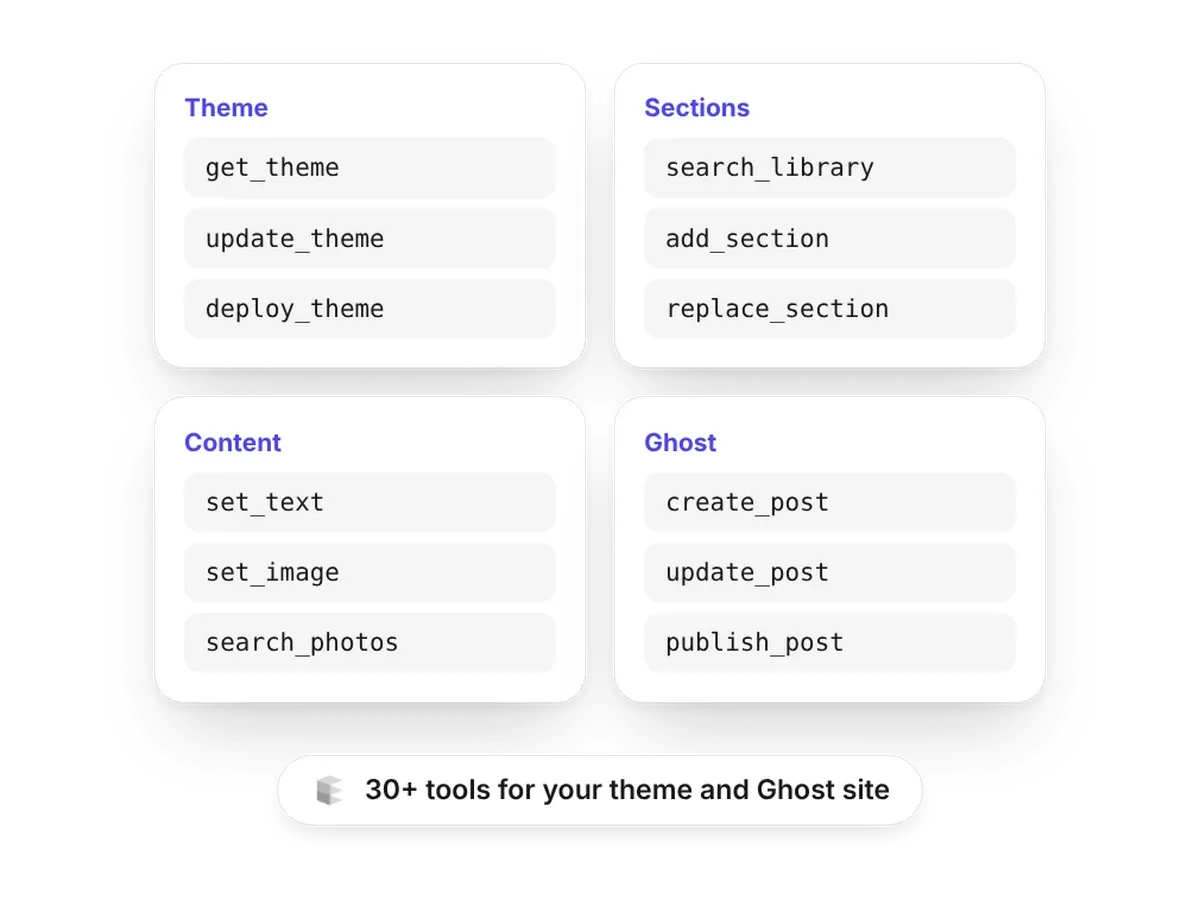
The Model Context Protocol is an open standard that lets AI assistants use tools. Ectobuilder's MCP connector gives your assistant tools for your theme and your Ghost site: sections, styles, posts, pages and publishing.
Which AI assistants does it work with?
Any assistant that supports custom MCP connectors, including Claude, ChatGPT and Gemini. For long jobs, like a full article with screenshots, use the most capable model your assistant offers.
Can it publish or email without asking?
No. Posts and pages are created as drafts. Publishing happens only when you ask, and an email only goes to subscribers when you ask for a newsletter send.
Does it need my Ghost password?
No. Ectobuilder connects to Ghost with an Admin API key from a custom integration. Your assistant works through Ectobuilder and never sees your password.
What does it cost?
The connector works on the Free plan, so you can build and preview with AI before paying. Downloading or publishing a theme needs Pro at $79 a year (3 Ghost sites) or Studio at $199 a year (unlimited sites), with a 14-day money-back guarantee.
Recent posts
More on building and running a Ghost site with AI.
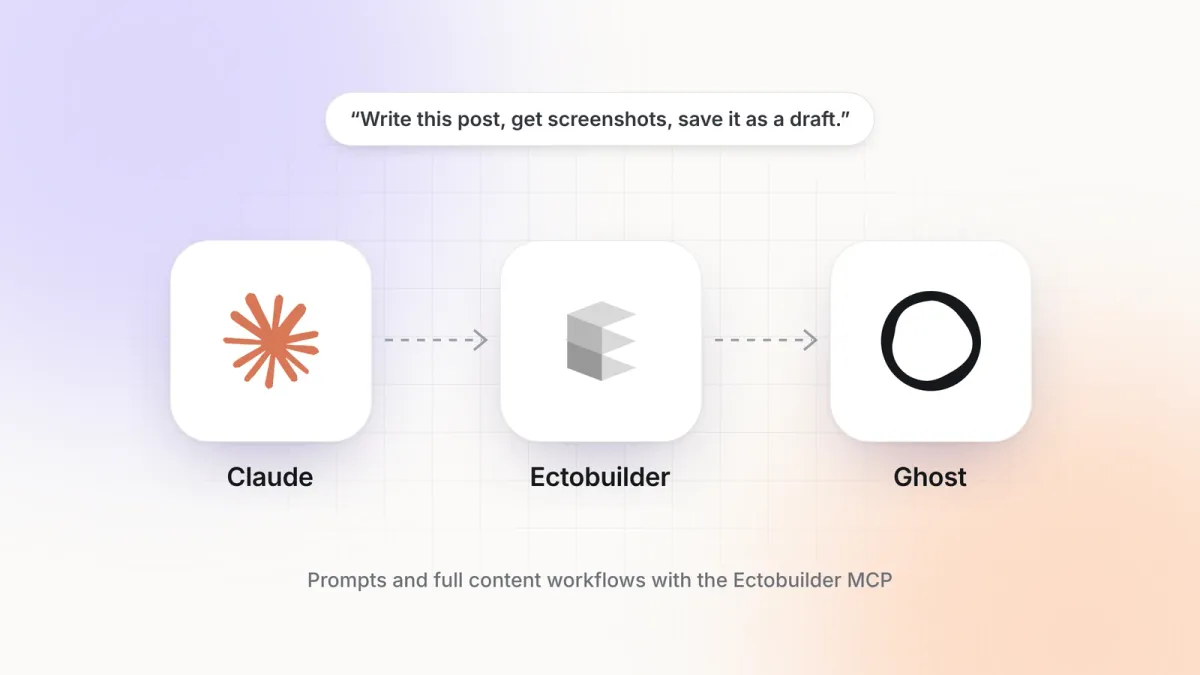 Guides
What you can do with the Ectobuilder MCP: prompts and full content workflows
Real prompts and complete workflows for running a Ghost site with Claude and the Ectobuilder MCP connector: write posts with screenshots, update old posts, schedule, build landing pages and redesign your theme.
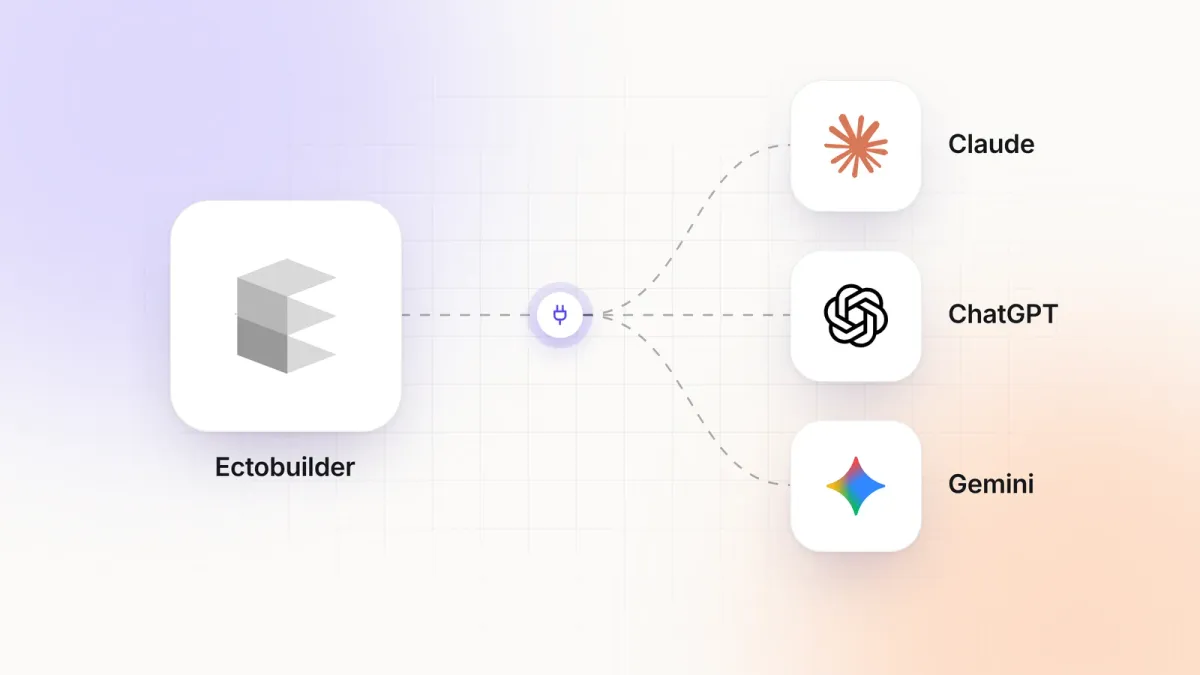 Guides
How to build Ghost themes with Claude and Ectobuilder
Connect Claude to Ectobuilder in about two minutes, then build and edit your Ghost theme by describing what you want.
Let your assistant build your Ghost site
Start free, connect your assistant and send your first request today.