
Theme gallery
Start from a finished Ghost theme
Every theme is a complete Ghost theme with all its pages designed. Preview it full screen, then start your own copy and make it yours: add, remove and edit sections, or ask AI to do it.
Previews are open to everyone. Editing needs a free Ectobuilder account; you'll be asked to sign in or sign up when you start.
How it works
From theme to live Ghost site
Four steps, no code. Most people publish the same day.
- 1
Pick a theme
Preview any theme full screen, page by page, then click Use this theme.
- 2
Make it yours
Change text, images, colours and fonts by clicking. Add or remove sections, or ask AI.
- 3
Connect Ghost
Add your Ghost site's admin key once, and the preview shows your real posts and pages.
- 4
Publish
Deploy to Ghost(Pro) or a self-hosted site in one click, or download the theme file.
Recent posts
Theme walkthroughs and practical Ghost guides.
 Guides
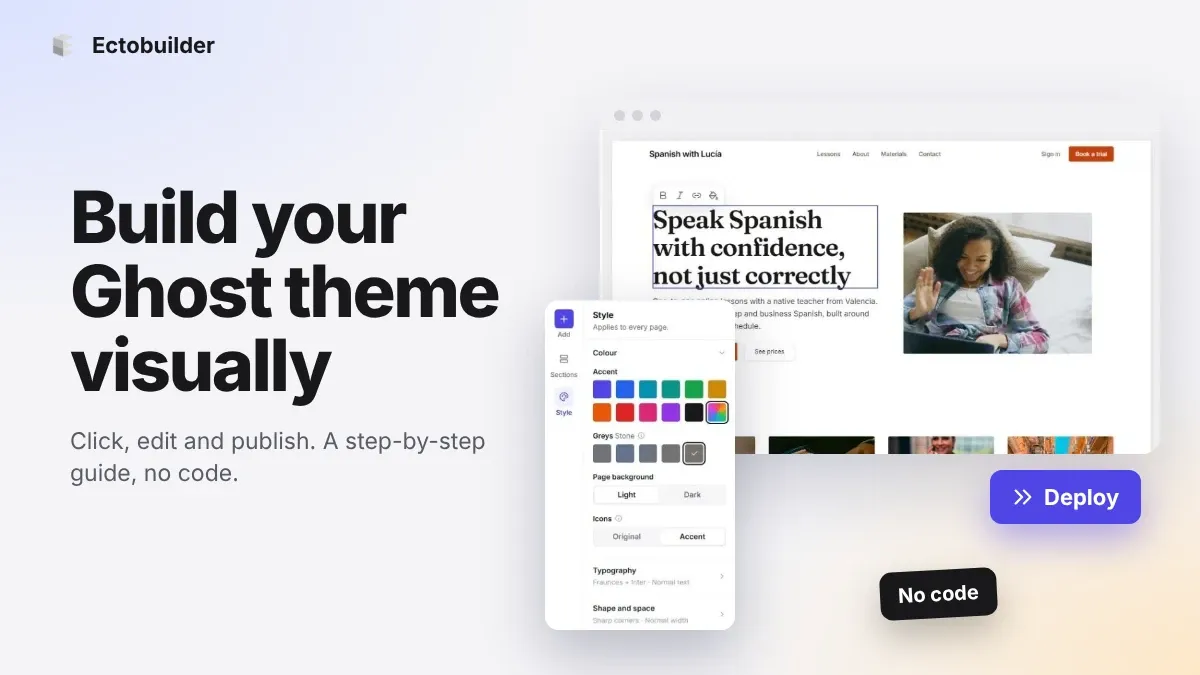
How to Build Your Ghost Theme Visually (Step-by-Step Guide, No Code)
Build a complete Ghost theme without touching code: start from a theme, edit text and pictures in place, add sections from a library of 270, set colours and fonts, design every page, and publish to Ghost in one click. Step by step, with screenshots.
 Guides
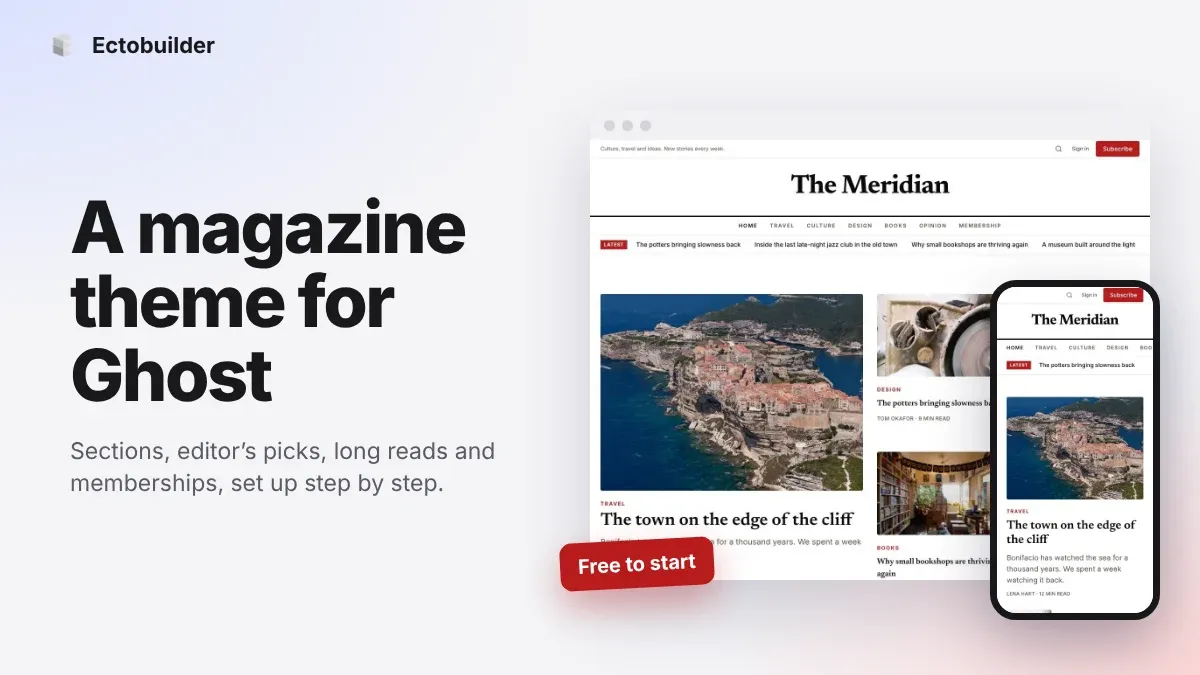
Magazine Theme for Ghost: Sections, Editor's Picks, Long Reads and Memberships
A step-by-step guide to the Magazine theme for Ghost: turn sections into tags, set up the navigation, fill the front page, editor's picks and section fronts, add your writers, sell memberships and send a weekly newsletter.
 Guides
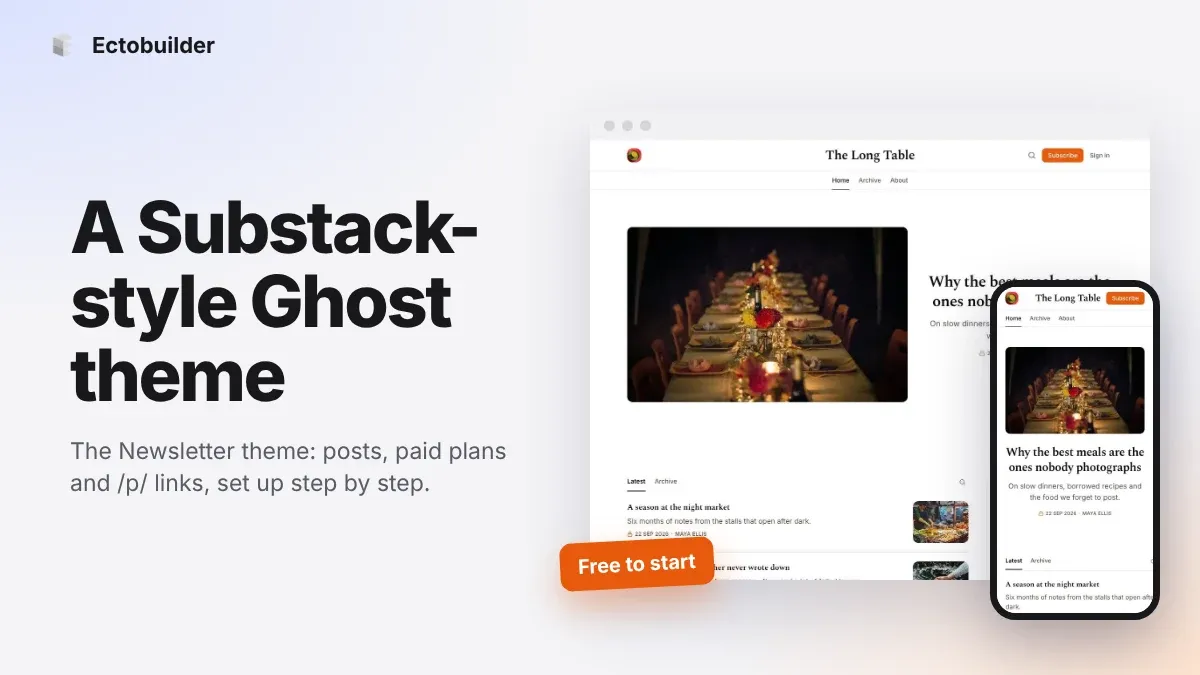
Newsletter Theme for Ghost: A Substack-Style Site With Paid Plans, /p/ Links and Comments
A step-by-step guide to the Newsletter theme for Ghost: a Substack-style homepage and reading page, then newsletters, paid plans, /p/ addresses, Plans, Welcome and About pages, comments and recommendations.