
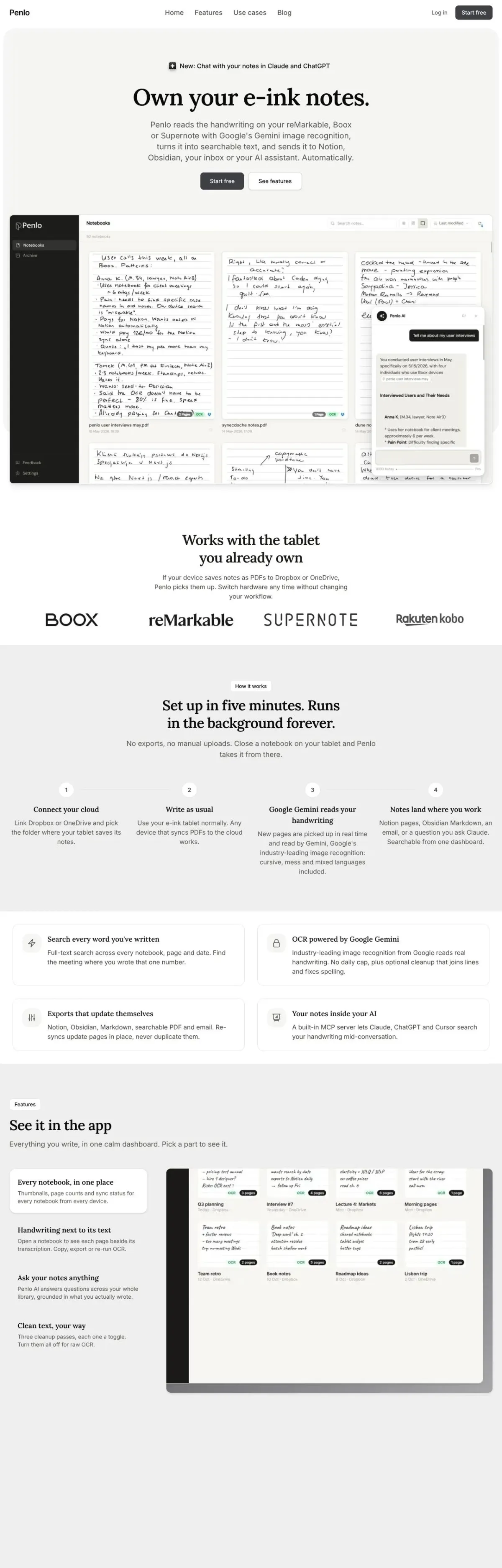
Penlo
SaaSThe site for an e-ink notes app: features, use cases, pricing and a blog.
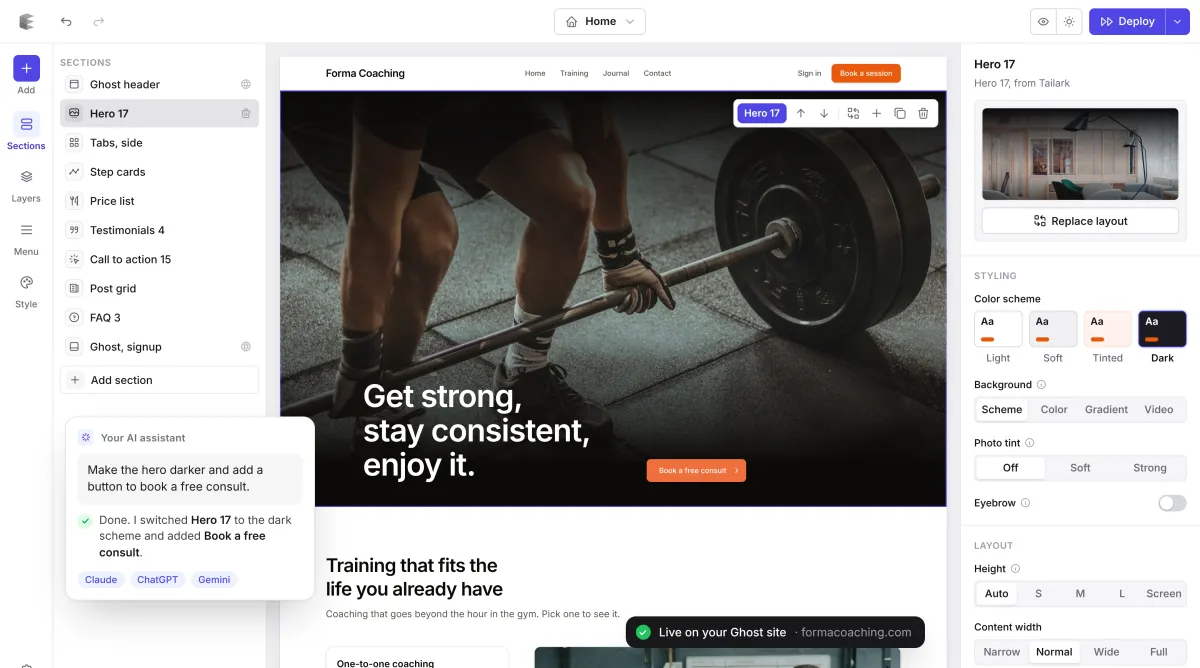
Works with Claude, ChatGPT and Gemini
Design your Ghost theme by clicking, or by asking AI. Edit everything right on the page, then publish to your Ghost site in one click. No code.
Selected work
A few recent projects. Point at one to scroll through the whole page.
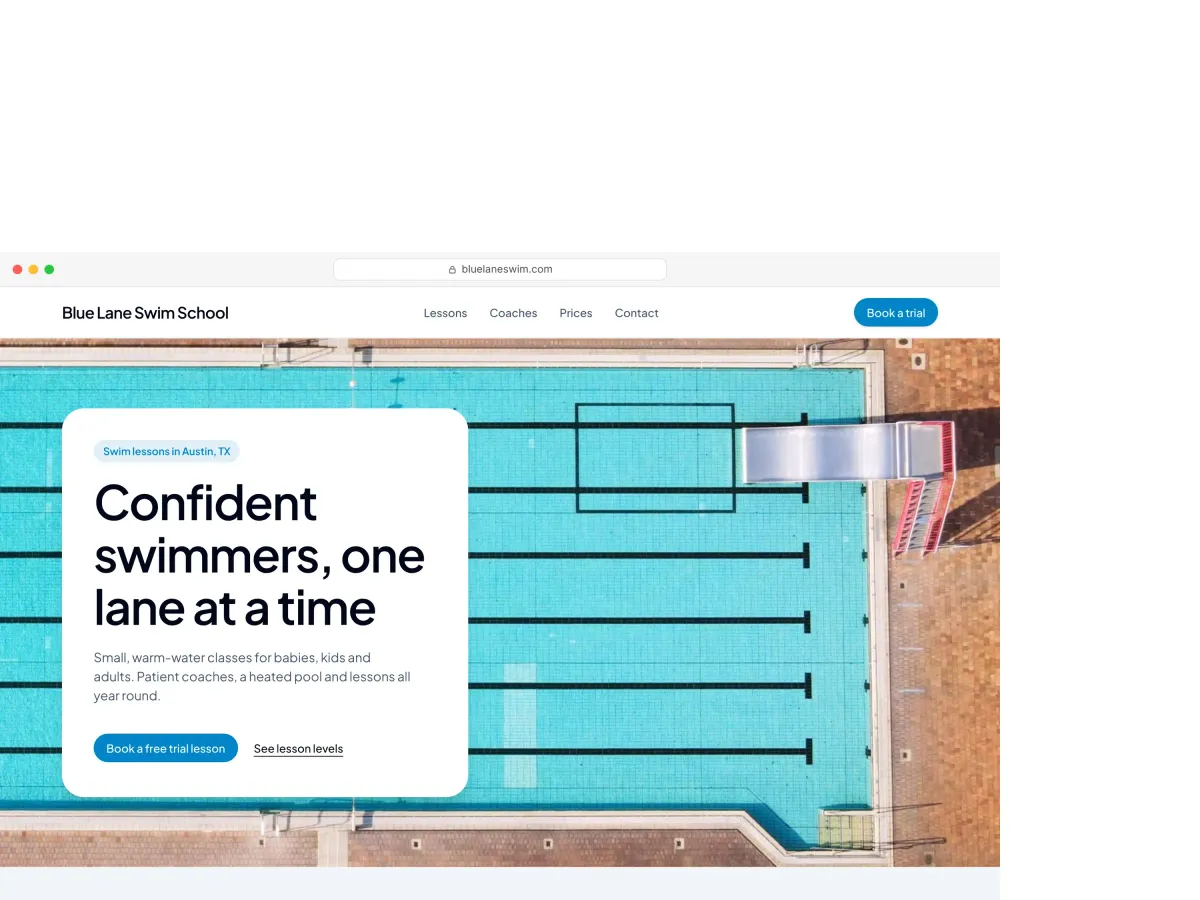
The site for an e-ink notes app: features, use cases, pricing and a blog.
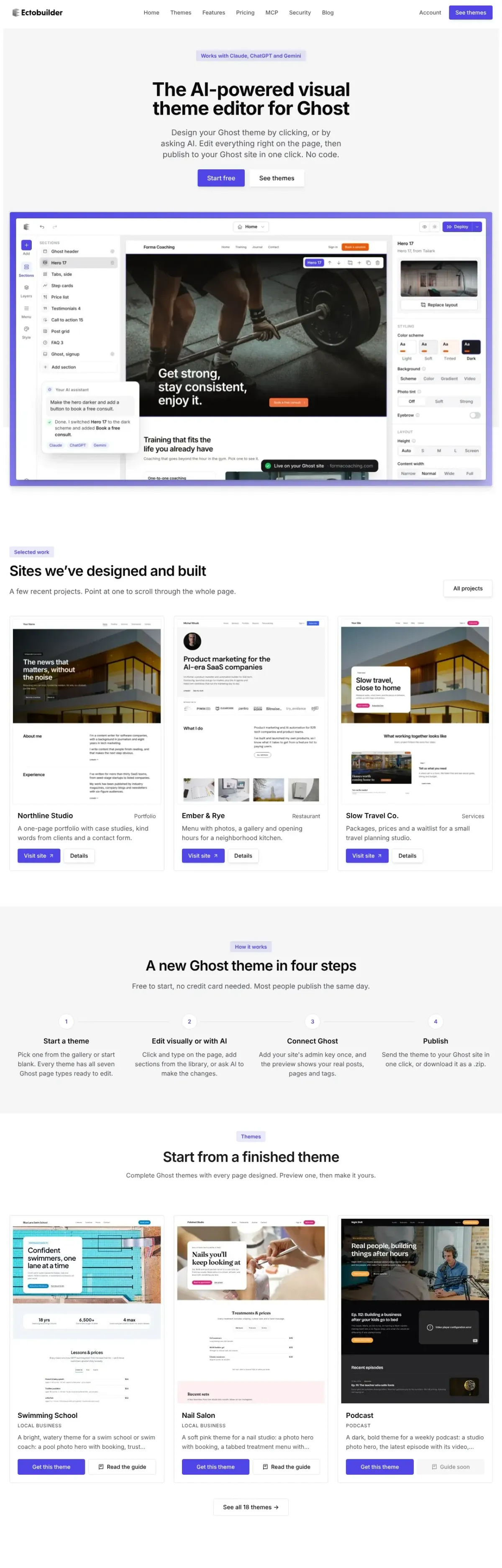
This site: a theme gallery with live previews, pricing, guides and a blog.

A Chrome extension that frees up Google Photos storage.
How it works
Free to start, no credit card needed. Most people publish the same day.
Pick one from the gallery or start blank. Every theme has all seven Ghost page types ready to edit.
Click and type on the page, add sections from the library, or ask AI to make the changes.
Add your site's admin key once, and the preview shows your real posts, pages and tags.
Send the theme to your Ghost site in one click, or download it as a .zip.
Themes
Complete Ghost themes with every page designed. Preview one, then make it yours.
Make it yours
Design, build and publish your Ghost theme without touching code.
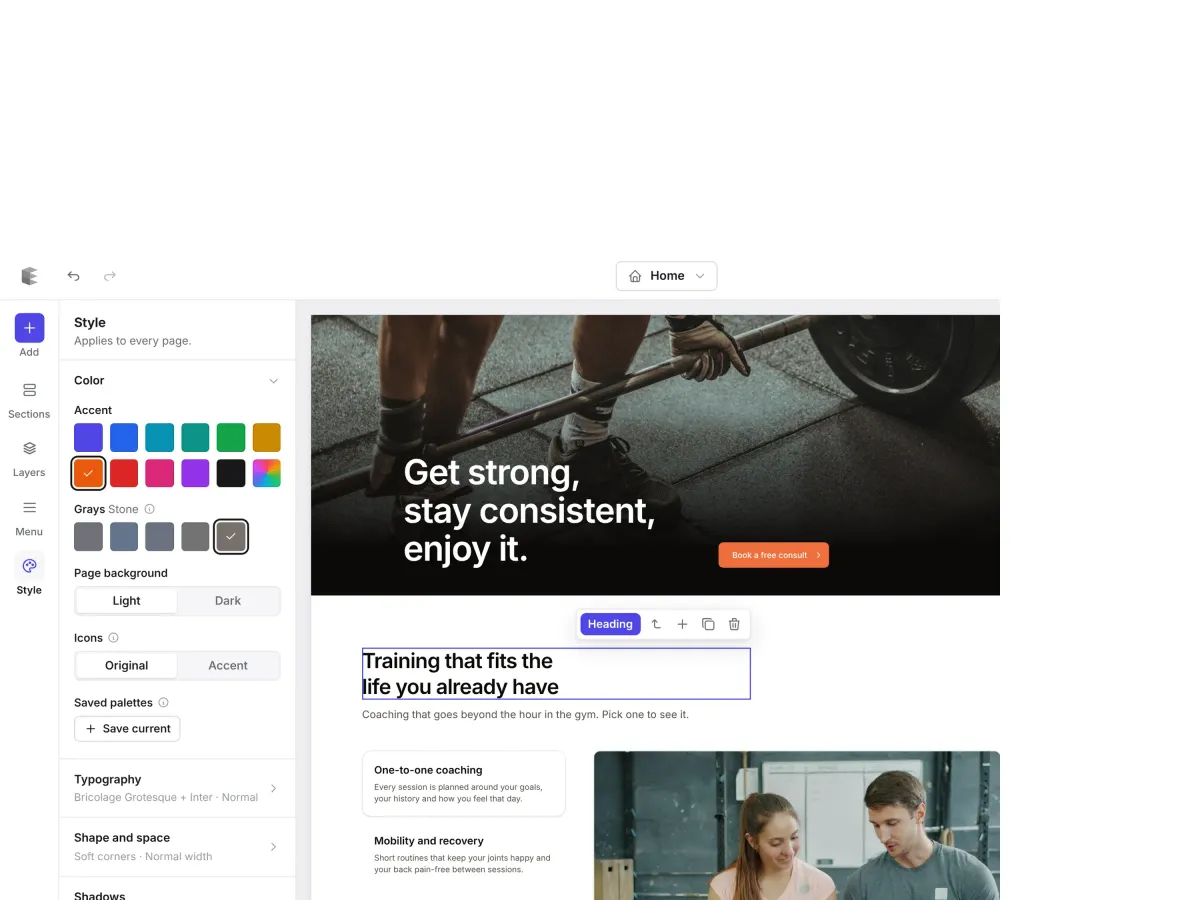
Click any text, image or button and change it right on the page. Set your colours, fonts and spacing once, and every page follows.
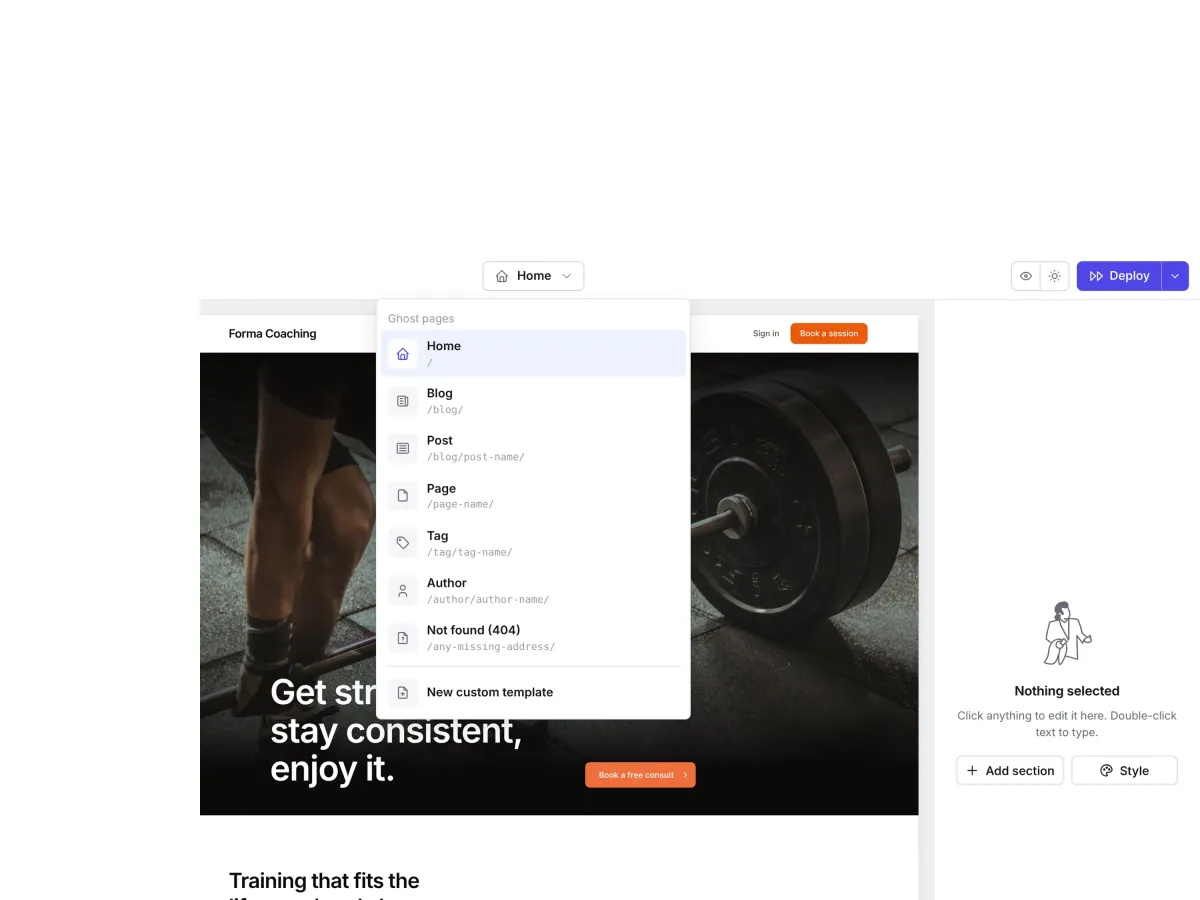
Home, blog, post, page, tag, author and 404, plus custom templates for landing pages. Change the header once and it updates everywhere.
Send the theme straight to your Ghost site. No zip files, no uploads. Your posts, members and newsletters keep working.
Connect Claude, ChatGPT or Gemini and describe what you want. It picks sections, writes the copy and finds photos, and it can write and publish your posts and pages too.
Send the theme straight to your Ghost site. No zip files, no uploads, no FTP.
Posts, tags, authors, member sign-in, newsletters and paid plans all use Ghost's own data, so your content just works.
It's a standard Ghost theme, not a lock-in. On Pro, download it any time and use it on any Ghost site.
Features and integrations
Consent, SEO and redirects come with every theme. Analytics, comments and bookings use the service you already have: paste an ID or a link in Settings, no code injection.
A banner in your theme’s style. Analytics, pixels and embeds wait until visitors agree, with Google Consent Mode when you need it.
Set up consent →Structured data for your brand, breadcrumbs and FAQs, added on top of what Ghost already writes.
/2021/05/old-post//blog/old-post//blog/pricing-2026//category/news//tag/news/Every missing page is logged, including links AI assistants made up. Pick a target and download Ghost’s redirects file.
How it works →Paste your GA4, Plausible, Fathom, Umami or Meta Pixel ID. No code injection, and tracking that needs consent waits for it.
Use Ghost’s own comments, or add your Hyvor Talk, Disqus or Giscus account and pick it in Settings.
Add comments →Add your Calendly, Cal.com or any booking link once. Every “Book a time” button and contact form uses it.
Building blocks
Every layout below is one click away in the editor. They all share your colours, fonts and corners, so any mix looks like one site.
Many of our sections are adapted from these free component libraries: HyperUI, Tailark and Shadcn Space. We rebuilt them as Ghost sections that share your theme's colours, fonts and spacing. Thank you to their authors.



Why Ectobuilder
How Ectobuilder compares with the other ways to get a custom Ghost site.
Buy a theme
$40–150 once
Ectobuilder
$79 / year, free to try
Hire a developer
$1,000+ per site
Ectobuilder needs your Ghost keys to publish. Here's how we look after them.
Every key and token is encrypted before it's stored, in a table only our server can read.
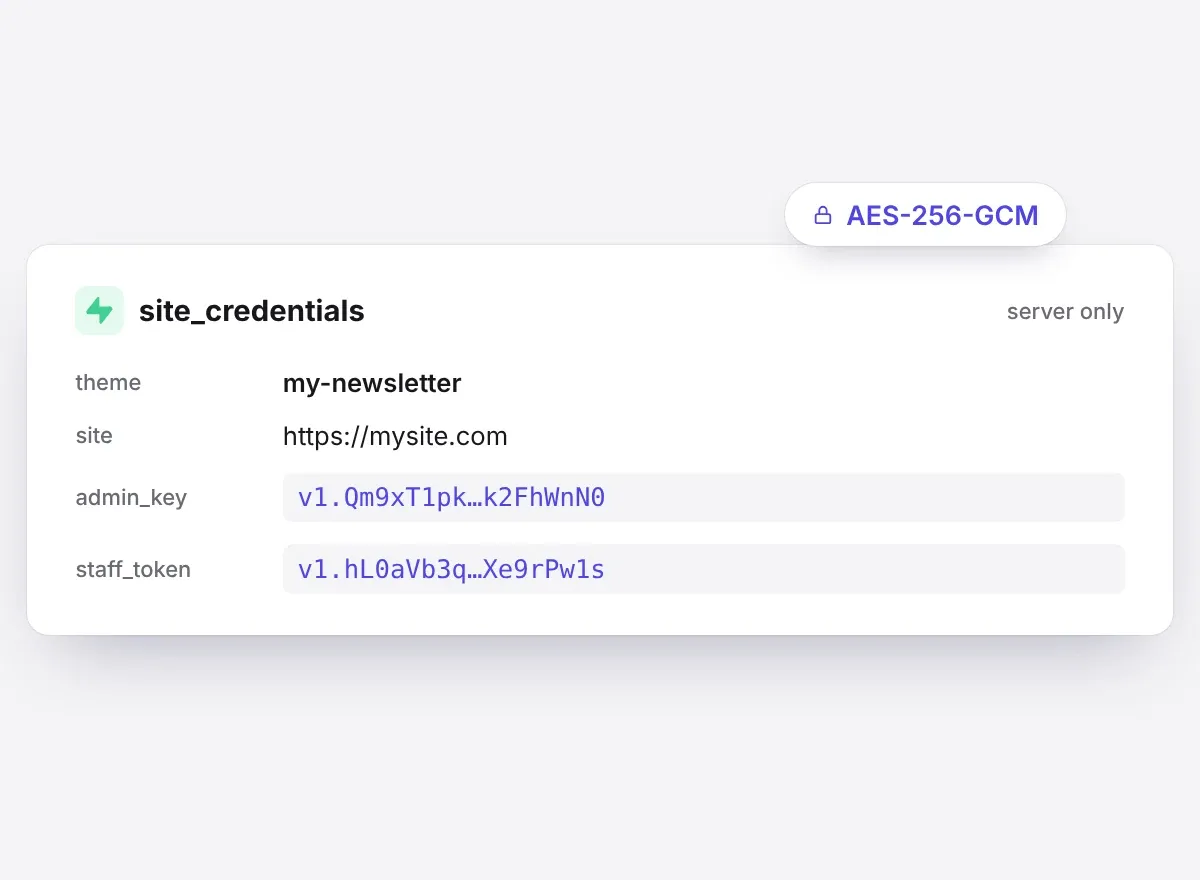
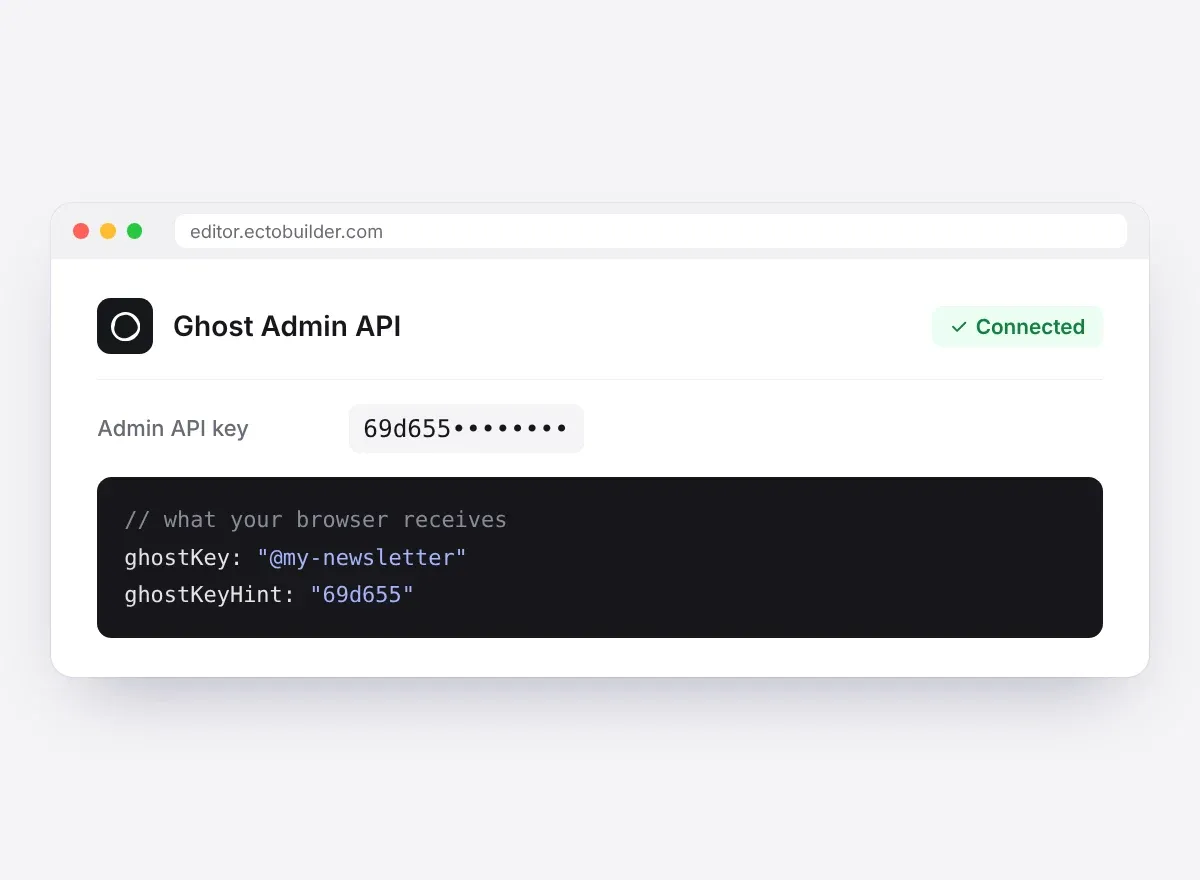
The editor sees only the first characters of a key. Ghost calls go through our server, after it checks the theme is yours.
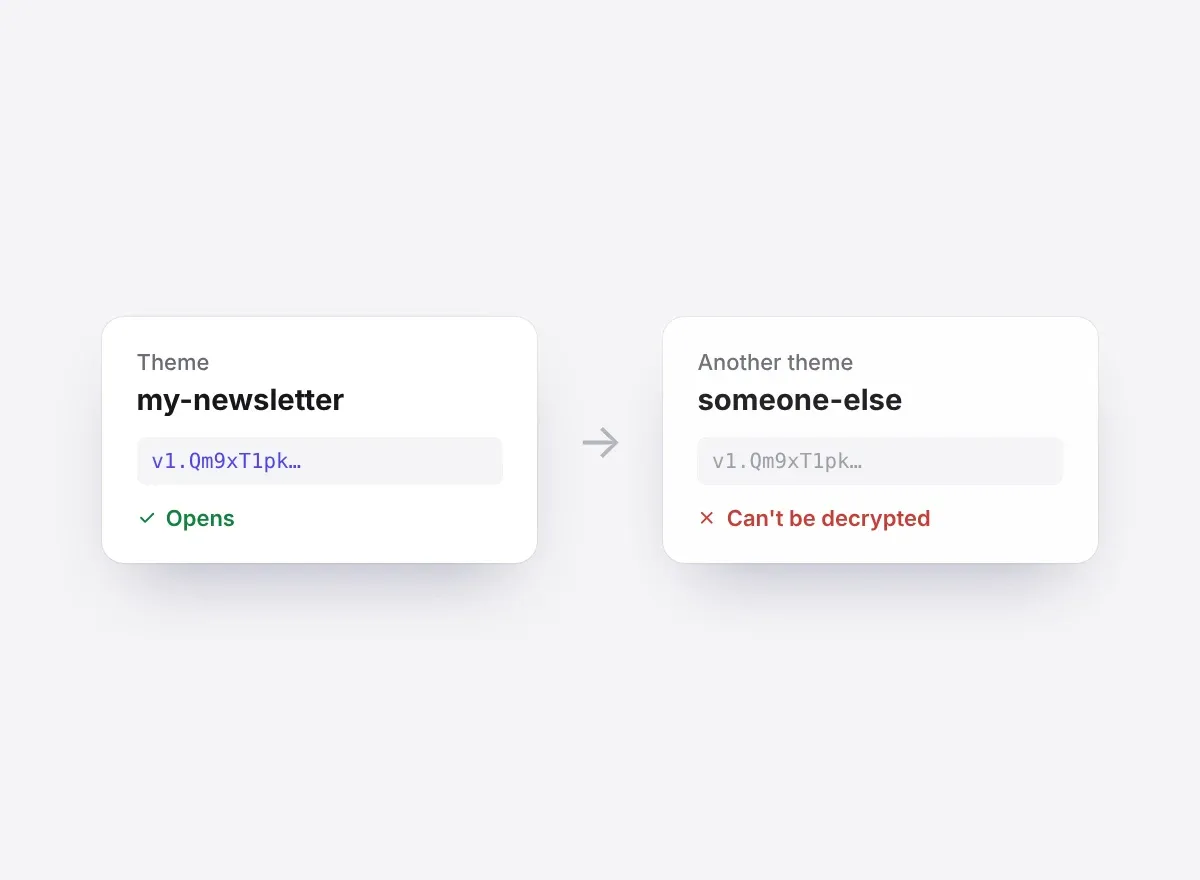
Each key is sealed to the theme it connects, so a copy anywhere else can't be decrypted.
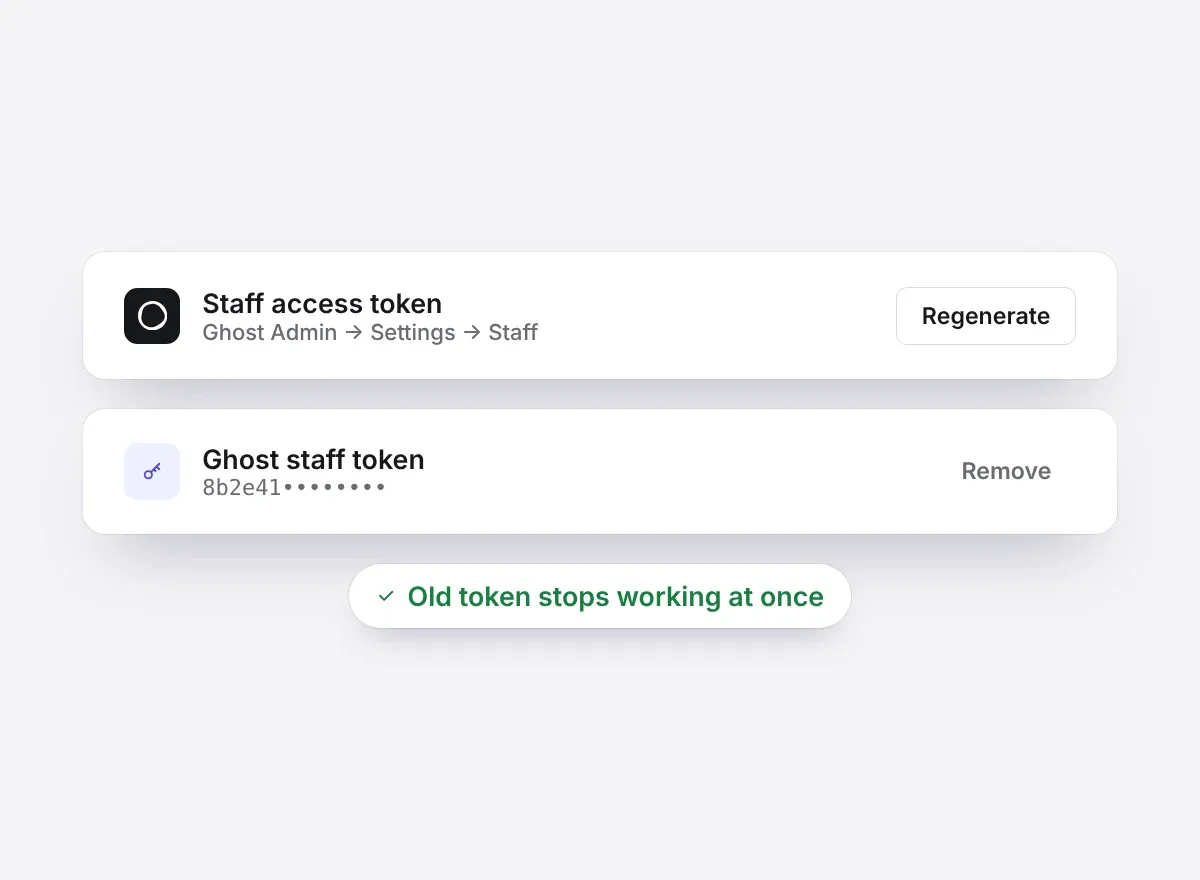
Disconnect and the key is deleted. Regenerate it in Ghost and the old one stops working at once.
Pricing
Every plan has the full editor. Paying is what puts your theme on a Ghost site. Prices include tax, except in the US, Canada and India, where sales tax is added at checkout.
Explore everything, no card needed.
No card neededNo card needed
Start freePut your theme on your Ghost site.
Billed yearlyBilled yearly
Get ProFor freelancers and agencies.
Billed yearlyBilled yearly
Get StudioYour questions answered
A theme is a design you build in Ectobuilder. A site is a Ghost install you publish it to. Pro publishes to 3 sites, Studio to any number, and you can build as many themes as you like on either.
No. You build with ready-made sections and edit text, images and links right on the page. Colours, fonts and spacing are set once in the theme settings.
Yes. Ectobuilder makes a standard Ghost theme. With Pro or Studio you publish it to your site in one click, or download the .zip and upload it in Ghost Admin.
Add Ectobuilder as a connector in Claude, ChatGPT or Gemini and ask for what you want in plain words. The assistant edits your theme, and can write and publish your posts and pages. You see every change in the editor and can adjust anything by hand.
Themes you've published keep working on your Ghost sites; editing and publishing stop at the end of your paid year. You can build and preview for free before you pay. Prices are in USD and billing is handled by Polar.
Can't find what you're looking for? Contact our support team
Guides to building, hosting and growing a Ghost site.
 Guides
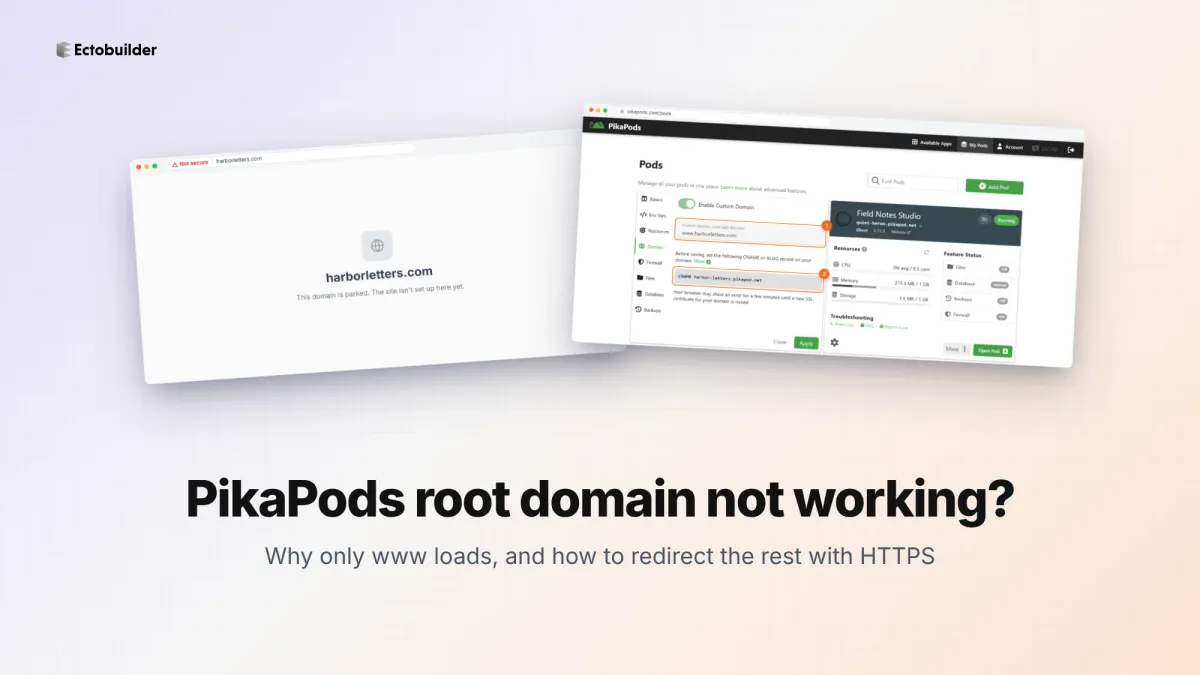
PikaPods maps one custom domain per pod, so yourdomain.com without www stays on a parked page with no SSL. Here's why, and three ways to redirect it to www over HTTPS without touching your email records.
 Guides
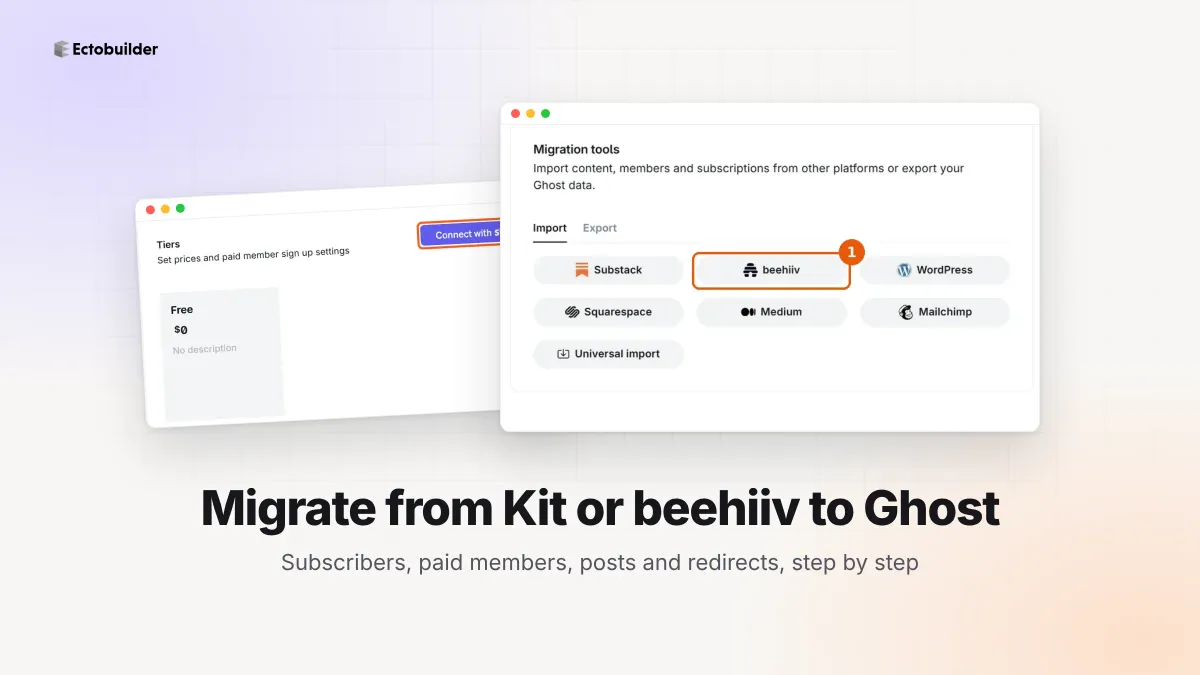
Move your newsletter from Kit (ConvertKit) or beehiiv to Ghost step by step: export and import subscribers, deal with paid members and Stripe, bring your posts across, set up redirects and your domain, warm up email sending, and make the new site look right.
 Guides
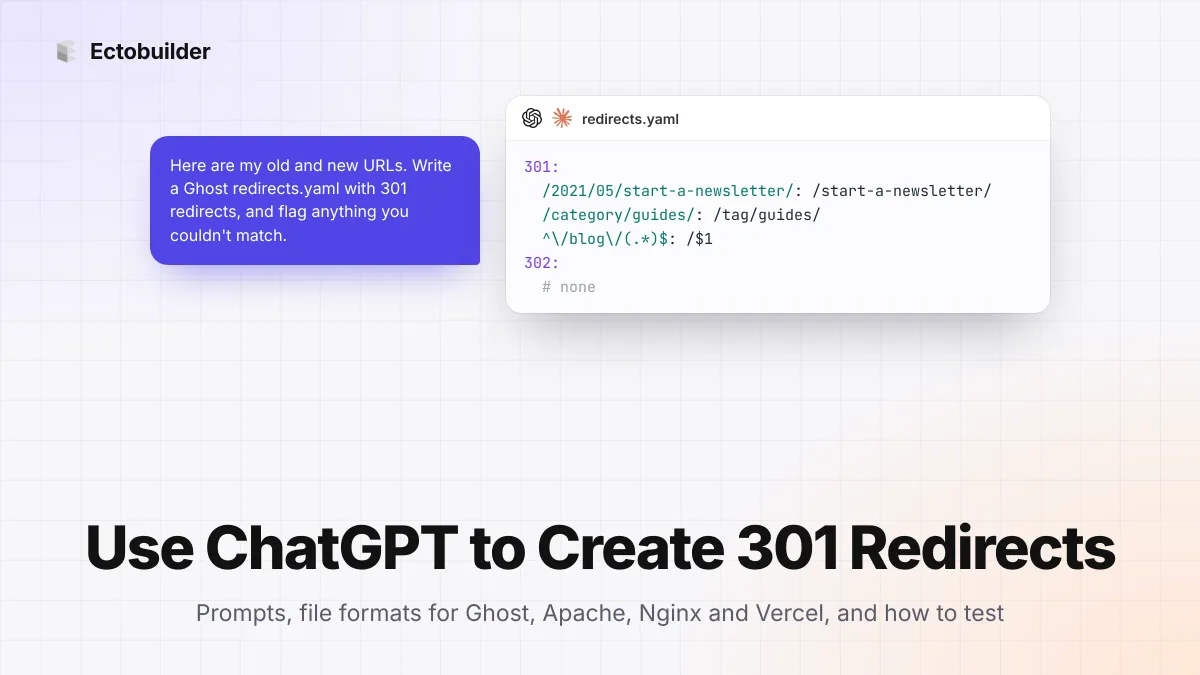
Let ChatGPT or Claude match your old URLs to new ones and write the redirect file for Ghost, Apache, Nginx, Netlify or Vercel. Prompts to copy, the mistakes to avoid, and how to test every redirect.