
Cookie consent on Ghost: how to set up a banner that actually blocks trackers
Ghost has no cookie banner, and most pasted-in ones don't stop the trackers. How to set up cookie consent in an Ectobuilder theme that holds back analytics, pixels, comments and your own scripts until visitors agree.

Michal Wlosik
· 5 min read
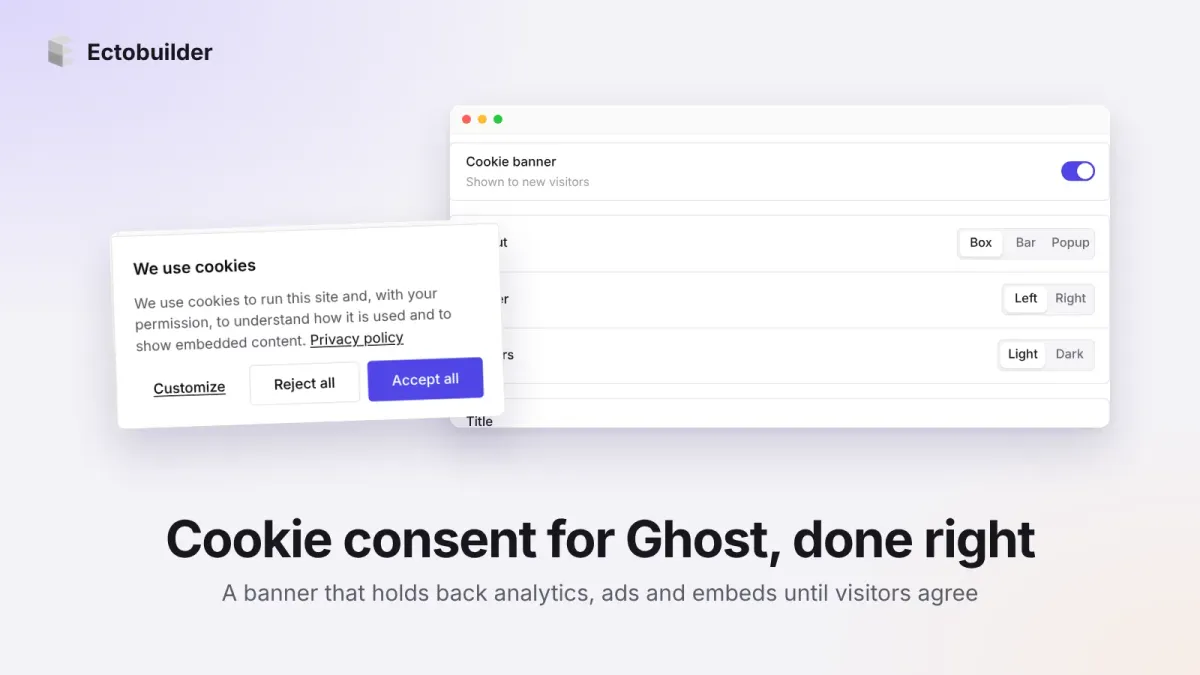
If your Ghost site loads Google Analytics, a Meta Pixel or a comments widget, visitors from the EU and UK need to be asked before those scripts run. Ghost doesn't ship a cookie banner, so most sites paste one in from a third-party service, then discover the trackers fire anyway because nothing connects the banner to the scripts.
This guide shows how cookie consent works in an Ectobuilder theme: how to switch the banner on, what each setting does, and how it holds back analytics, ads, comments and your own scripts until a visitor says yes.
How it works
The banner is part of your theme, not a separate service. That matters because the theme also adds your tracking tools, so it can load them in a waiting state:
- Scripts wait. Every optional script is written as
type="text/plain"with adata-ecto-consentcategory. The browser doesn't run it. When the visitor allows that category, the banner turns it into a real script and it runs. - Categories. Necessary cookies (signing in, Ghost's own member cookies) always work. Functional, Analytics and Marketing are optional, and you choose which ones the banner asks about.
- The choice is remembered in the visitor's browser. If you later add a category, everyone is asked again.
- Google Consent Mode v2. Turn it on and Google tags start with consent "denied", then update when the visitor chooses.
No extra script from a consent company, no monthly fee, and the banner uses your theme's fonts, colours and corners.
Step 1: Switch on the banner
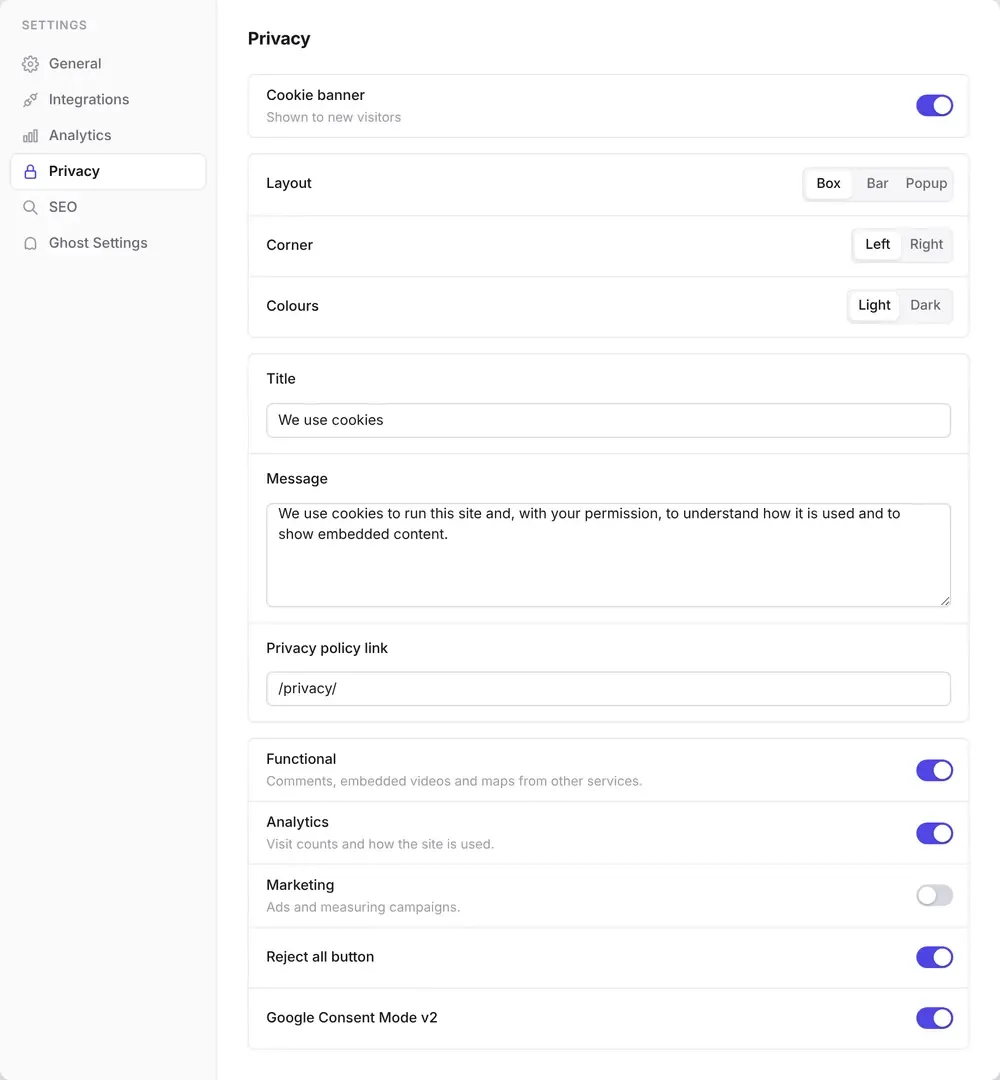
Open your theme in Ectobuilder, click Settings, then Privacy, and turn on Cookie banner. The rest of the settings appear below it.
Step 2: Choose how it looks
- Layout: Box is a card in a corner (left or right), Bar runs along the bottom of the page, and Popup sits in the middle with the page dimmed behind it.
- Colours: Light or Dark. Buttons use your theme's accent colour either way.
- Title, message and privacy policy link: write them in your own words. The link can be a page on your site, like
/privacy/, or a full address. Leave it empty for no link.
Step 3: Pick the categories
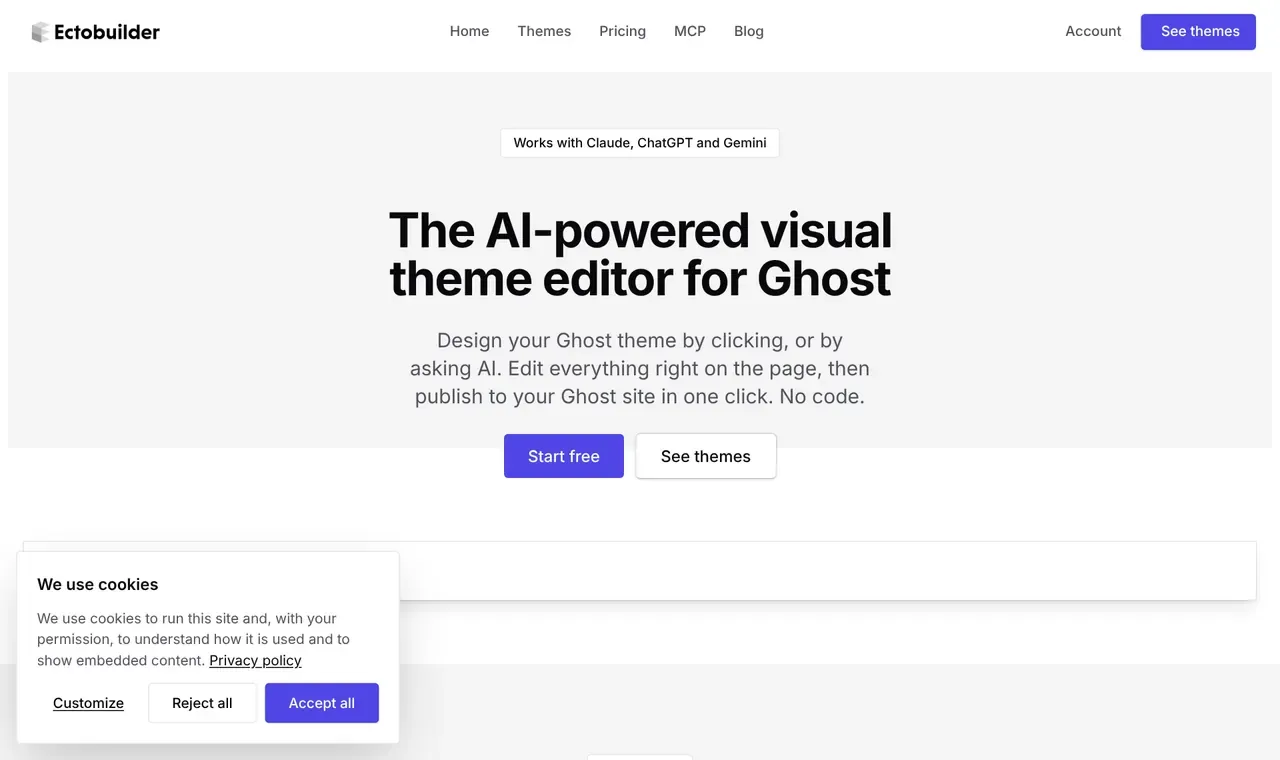
Only ask about what you use. Each category you switch on gets a checkbox when the visitor clicks Customize.
| Category | What waits for it |
|---|---|
| Necessary | Nothing. Always on: Ghost's sign-in and member cookies. |
| Functional | Third-party comments (Hyvor Talk, Disqus and others) and any embed you mark as functional. |
| Analytics | Google Analytics 4, Plausible, Fathom, Umami. |
| Marketing | The Meta Pixel and other ad or campaign tags. |
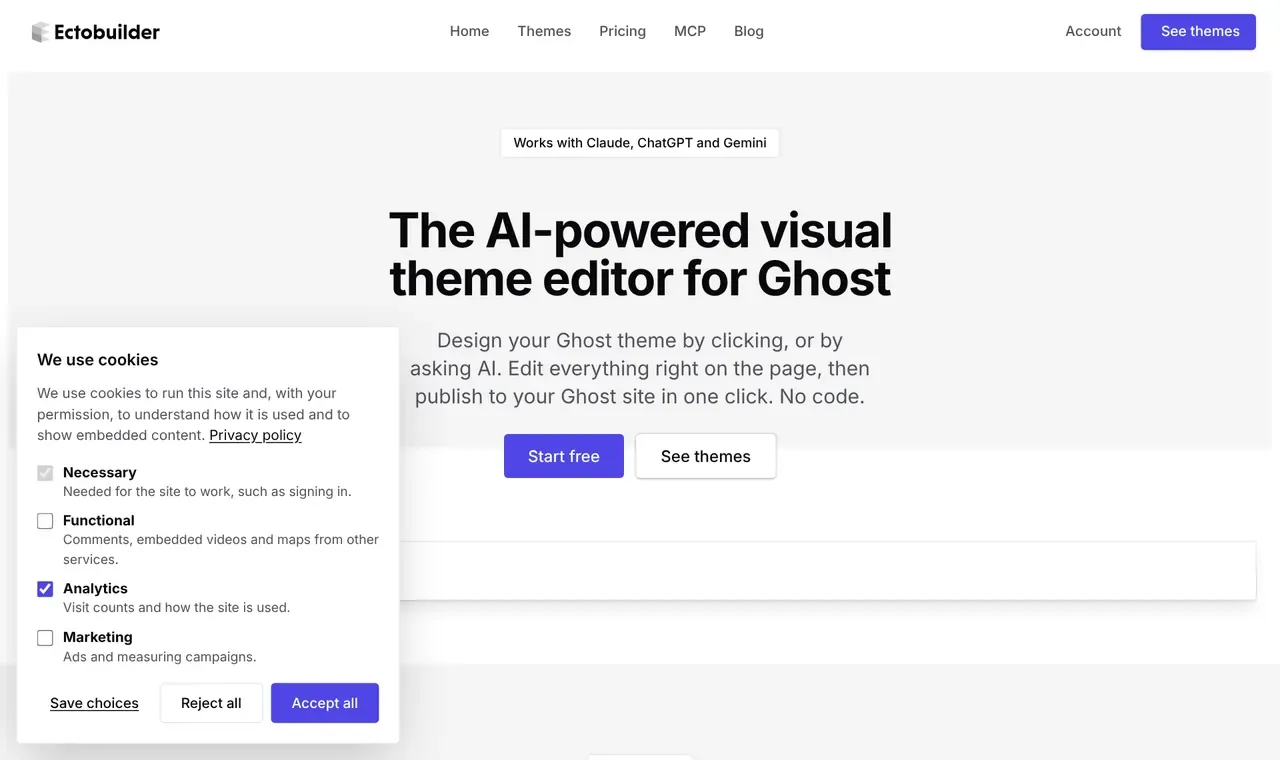
Two more switches sit under the categories:
- Reject all button. Shows "Reject all" next to "Accept all". EU regulators expect rejecting to be as easy as accepting, so leave it on.
- Google Consent Mode v2. Turn it on if you use Google Analytics or Google Ads. Google tags then load with consent denied and are updated from the visitor's choice, which lets Google model some of the visits you can't measure.

A cookie banner that actually blocks the trackers. Ectobuilder themes connect the banner to your analytics, pixels and comments, so nothing runs before visitors agree. Start free.
Step 4: Add your analytics in the theme
The banner can only hold back scripts it knows about. The simplest way is to let the theme add them: open Settings → Analytics, switch on Google Analytics 4, Plausible, Fathom, Umami or the Meta Pixel, and paste the ID. With the banner on, each one is added in its waiting state and runs once the visitor allows Analytics (the Meta Pixel waits for Marketing).
If the same tool is also pasted into Ghost's code injection, Ectobuilder warns you. Remove the old snippet from Ghost Admin, or it runs for everyone and counts every visit twice. Our guide to analytics on Ghost covers each tool.
Step 5: Hold back your own scripts
For a tool Ectobuilder doesn't list, such as a chat widget, a heatmap or an ad tag, use Other scripts at the bottom of the Privacy tab. Paste the code the tool gave you, choose which category it waits for, and copy the result into Ghost Admin → Settings → Code injection in place of the original.
The change is small. A script like this:
<script src="https://example.com/widget.js"></script>becomes:
<script type="text/plain" data-ecto-consent="functional" src="https://example.com/widget.js"></script>You can make that edit by hand too. The category must be one the banner asks about, or the script never runs.
Step 6: Let visitors change their mind
People should be able to change their choice later. Any link to #cookies reopens the banner with their current choices. In Ghost Admin, go to Settings → Navigation → Secondary navigation, add an item called Cookie settings and set its URL to #cookies. It shows in your footer.
Step 7: Deploy and test
- Click Deploy in Ectobuilder.
- Open your site in a private window. The banner should appear.
- Open the browser's developer tools, Network tab, and reload. You should see no requests to Google Analytics, Meta or your comments provider.
- Click Reject all and browse a page: still nothing.
- Click your Cookie settings link, choose Accept all, and the requests appear.
Do you need a banner at all?
Not always. Ghost's own analytics, Plausible, Fathom and Umami set no cookies, and many sites using only those run without a banner. Once you add Google Analytics, the Meta Pixel or third-party comments, you need to ask first if you have visitors in the EU or UK. Rules differ by country and change over time, so check with your own adviser if you're unsure. This guide is not legal advice.
Build your Ghost theme without code. Cookie consent, analytics, comments, SEO and redirects, all set from one Settings panel. Start free and only pay when you publish.
FAQ
Does Ghost have a built-in cookie banner?
No. Ghost leaves it to your theme or a third-party service. Ectobuilder themes include one you switch on in Settings → Privacy.
Will the banner block scripts I pasted into Ghost's code injection?
Only if they're marked with type="text/plain" and a data-ecto-consent category. Use Other scripts in the Privacy tab to convert them, or add the tool in Settings → Analytics instead.
Does it work with Google Consent Mode v2?
Yes. Switch it on in the Privacy tab. Google tags start with all consent types denied and are updated when the visitor chooses.
Where is the visitor's choice stored?
In their own browser (local storage). Nothing is sent to a consent service, and you don't need one.
Do comments work before visitors accept?
Third-party comments wait behind a short note with a Load comments button. Ghost's own native comments need no consent and always load.
Adding comments too? See how to add comments to a Ghost site.
Written by
Founder of Ectobuilder, the AI-powered visual theme editor for Ghost. Indie software builder in Wrocław and co-author of The AdTech Book. I write about Ghost themes, newsletters and building websites with AI.
Comments
Questions or thoughts? Share them below.
Keep reading
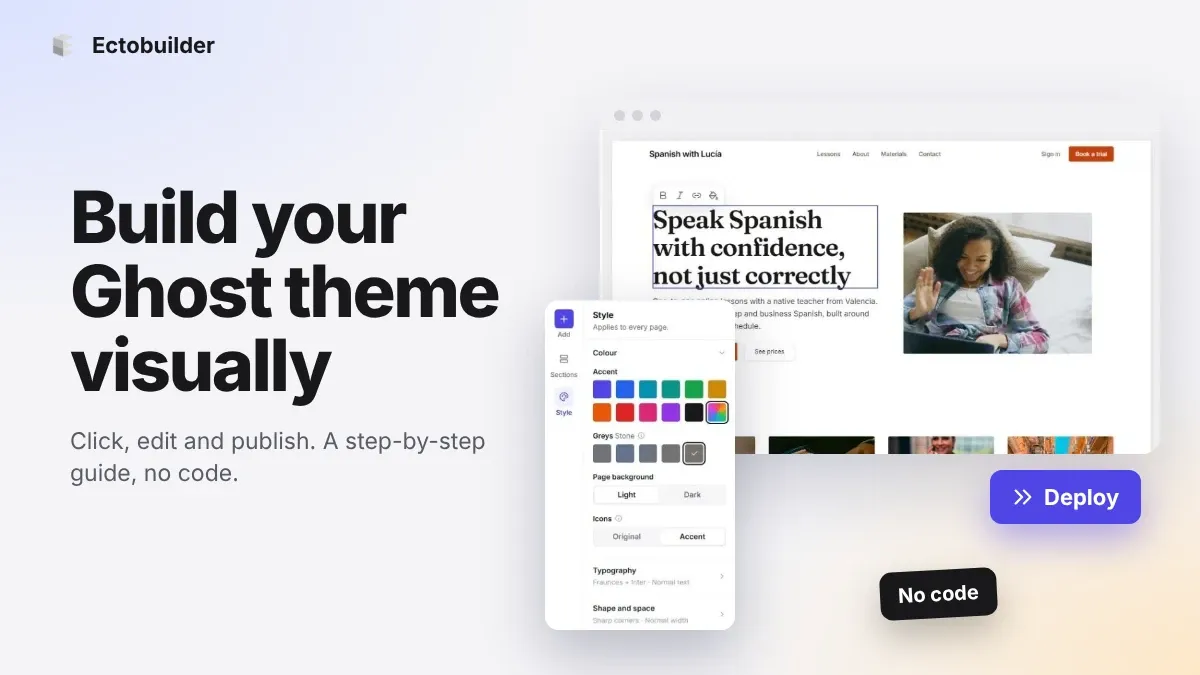
How to Build Your Ghost Theme Visually (Step-by-Step Guide, No Code)
Build a complete Ghost theme without touching code: start from a theme, edit text and pictures in place, add sections from a library of 270, set colours and fonts, design every page, and publish to Ghost in one click. Step by step, with screenshots.
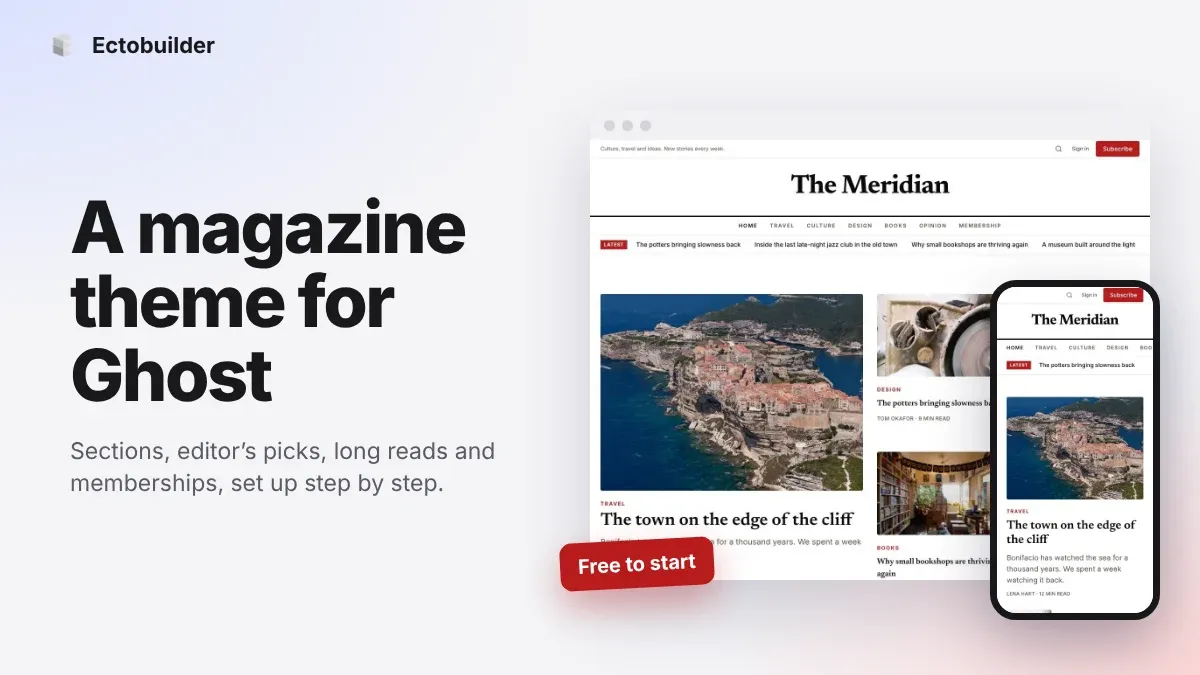
Magazine Theme for Ghost: Sections, Editor's Picks, Long Reads and Memberships
A step-by-step guide to the Magazine theme for Ghost: turn sections into tags, set up the navigation, fill the front page, editor's picks and section fronts, add your writers, sell memberships and send a weekly newsletter.
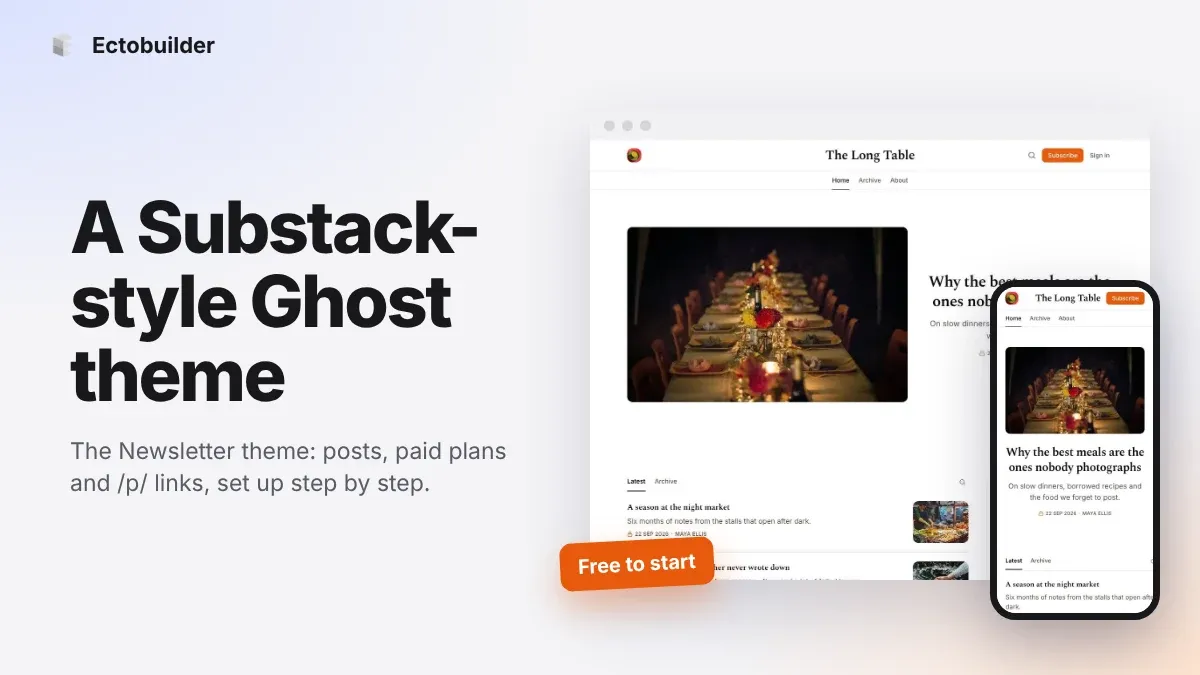
Newsletter Theme for Ghost: A Substack-Style Site With Paid Plans, /p/ Links and Comments
A step-by-step guide to the Newsletter theme for Ghost: a Substack-style homepage and reading page, then newsletters, paid plans, /p/ addresses, Plans, Welcome and About pages, comments and recommendations.