
Analytics for Ghost: Ghost Analytics vs Google Analytics, Plausible, Fathom and Umami
Ghost's built-in analytics, Google Analytics 4, Plausible, Fathom and Umami compared on price, privacy and cookie consent. Plus how to add any of them to your Ghost theme without code.

Michal Wlosik
· 8 min read
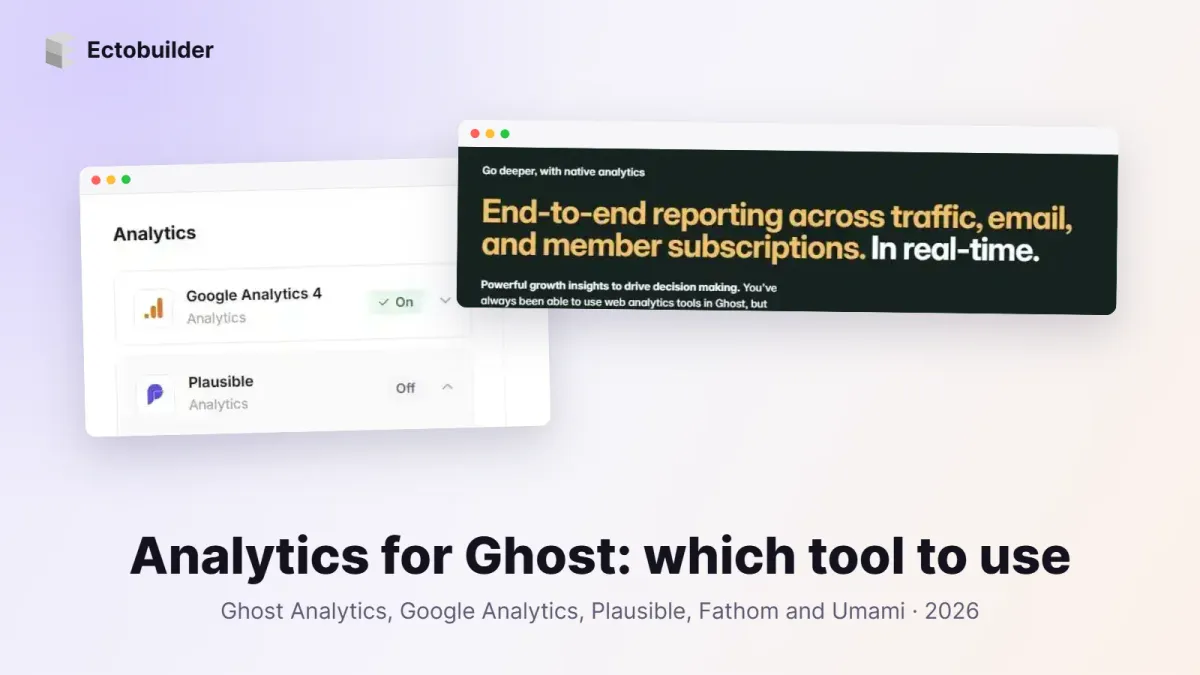
Every Ghost site needs an answer to a simple question: is anyone reading this, and where do they come from? Since Ghost 6, Ghost answers it on its own with built-in web analytics. You can still add Google Analytics, Plausible, Fathom or Umami, and plenty of sites do.
This guide compares the five on price, privacy, features and how much cookie-banner work they create, then shows how to switch any of them on in an Ectobuilder theme without pasting code.
Ghost analytics tools compared
| Ghost Analytics | Google Analytics 4 | Plausible | Fathom | Umami | |
|---|---|---|---|---|---|
| Price | Included in Ghost | Free | From $9/month | From $15/month | Free tier; Pro from $20/month; free to self-host |
| Cookies | None | Yes | None | None | None |
| Cookie banner needed in the EU/UK | No | Yes | Usually not | Usually not | Usually not |
| Member and revenue data | Yes: free vs paid members, newsletters, MRR | No | No | No | No |
| Depth of reports | Essentials | Very deep: funnels, audiences, ads | Clear essentials, goals, funnels | Clear essentials, events | Essentials, events, funnels, retention |
| Data location | Ghost(Pro): EU | Google (US) | EU | EU-isolated infrastructure | Cloud or your own server |
| Open source | Yes | No | Yes | No | Yes |
| Free trial | n/a | n/a | 30 days, no card | 7 days | Free tier |
| Best for | Newsletters and membership sites | Ad-funded sites, Google Ads users | Simple, privacy-first stats | Privacy-first stats for many sites | Free or self-hosted analytics |
Prices are the entry plans as of October 2026; check each site before you buy.
Ghost native analytics
Ghost 6 added web analytics to the core product. Open Analytics in Ghost Admin and you see real-time visitors, top posts and pages, traffic sources and locations, next to newsletter performance and member growth. Because Ghost knows who your members are, you can filter traffic by public visitors, free members and paid members, and see which posts bring in signups and revenue.

It's cookie-free and first-party, built on Tinybird and ClickHouse. On Ghost(Pro) it's switched on for you and the data is stored in the EU. On a self-hosted site you need to set up the Tinybird side yourself.
Pros
- Nothing to install or pay for on Ghost(Pro).
- The only option that links page views to members, newsletters and revenue.
- No cookies and no third-party script, so no consent banner for analytics.
Cons
- Data starts on the day you upgrade to Ghost 6; there's no import of older stats.
- Fewer reports than GA4: no custom funnels, audiences or ad integrations.
- Self-hosting it takes extra setup.
Google Analytics 4
GA4 is free and the deepest of the lot: events, conversions, funnels, audiences, and direct links to Google Ads and Search Console. If you buy ads or need to report to a marketing team that already lives in Google's tools, it's the standard.

Pros
- Free, with no traffic limit for normal sites.
- The most detailed reports and integrations, including Google Ads and Search Console.
- Everyone in marketing knows it.
Cons
- Sets cookies, so in the EU and UK it must wait for consent. Visitors who decline are missing from your numbers (Consent Mode fills some of the gap with modelled data).
- The interface is complex for a blog that just wants top posts and sources.
- Your visitors' data goes to Google.
Plausible
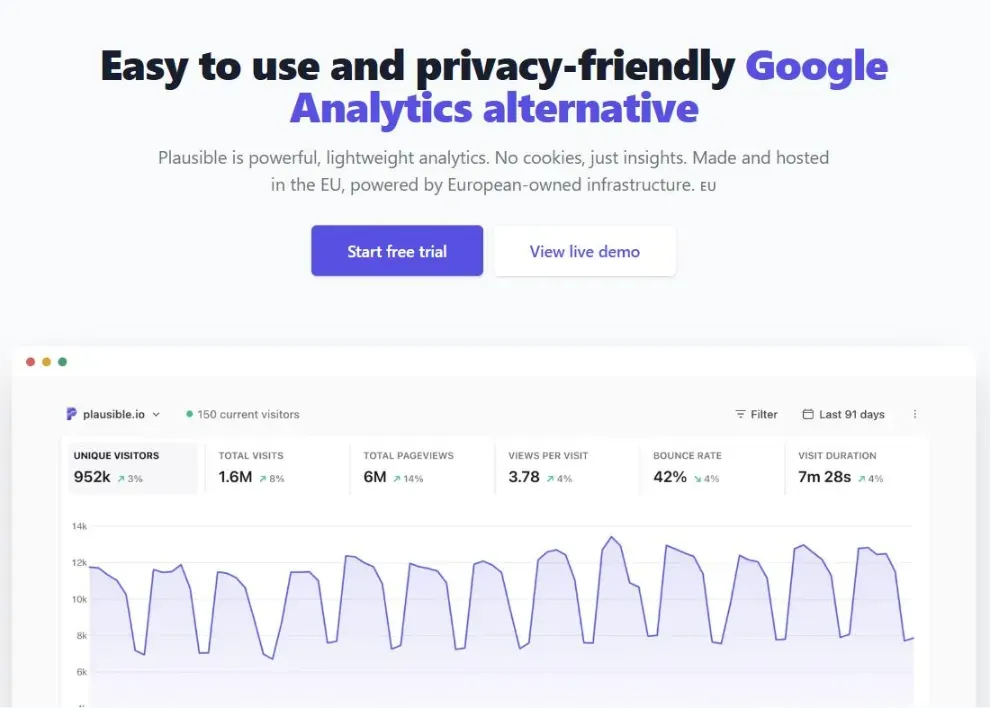
Plausible is the best-known privacy-first alternative. One small script, no cookies, and a single-page dashboard that shows visitors, sources, pages, countries and devices at a glance. It's open source, hosted in the EU, and adds goals, funnels and revenue tracking when you need them.
Pros
- No cookies and no personal data, so most sites run it without a consent banner.
- Very easy to read, and a light script that doesn't slow pages.
- EU-hosted and open source; you can self-host the Community Edition for free.
Cons
- Paid: from $9/month for 10k monthly page views on one site.
- Fewer advanced reports than GA4.
- No link to your Ghost members or revenue.
Fathom
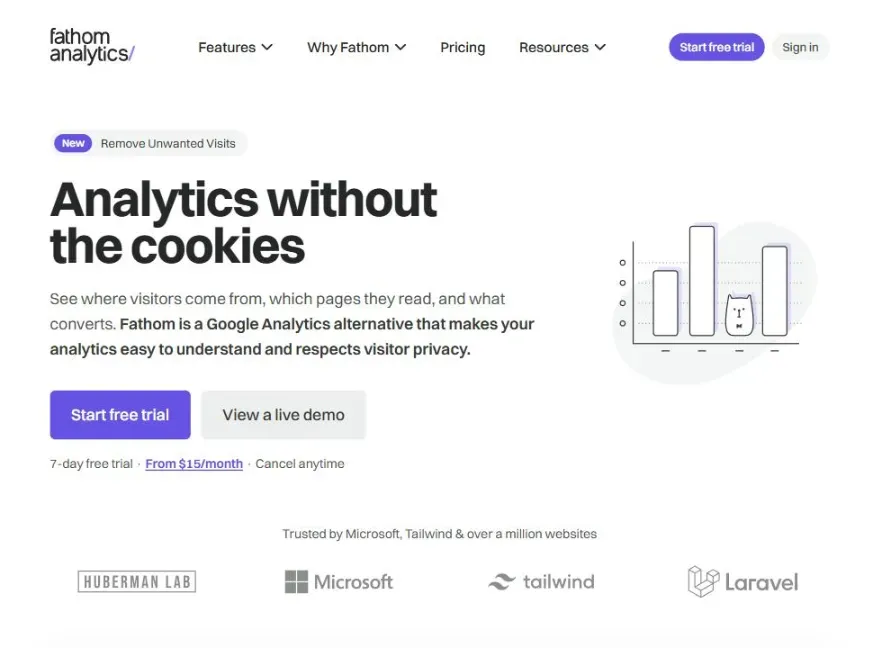
Fathom is a privacy-first analytics service with a clean dashboard and generous site limits. Its entry plan covers 100k page views across up to 50 sites, which makes it good value if you run several Ghost publications.
Pros
- No cookies, so no consent banner for most sites.
- Many sites on one plan, with email reports and event tracking.
- Fast script, simple dashboard, good support.
Cons
- Paid only: from $15/month; the trial is 7 days.
- Not open source and can't be self-hosted.
- No link to your Ghost members or revenue.
Umami
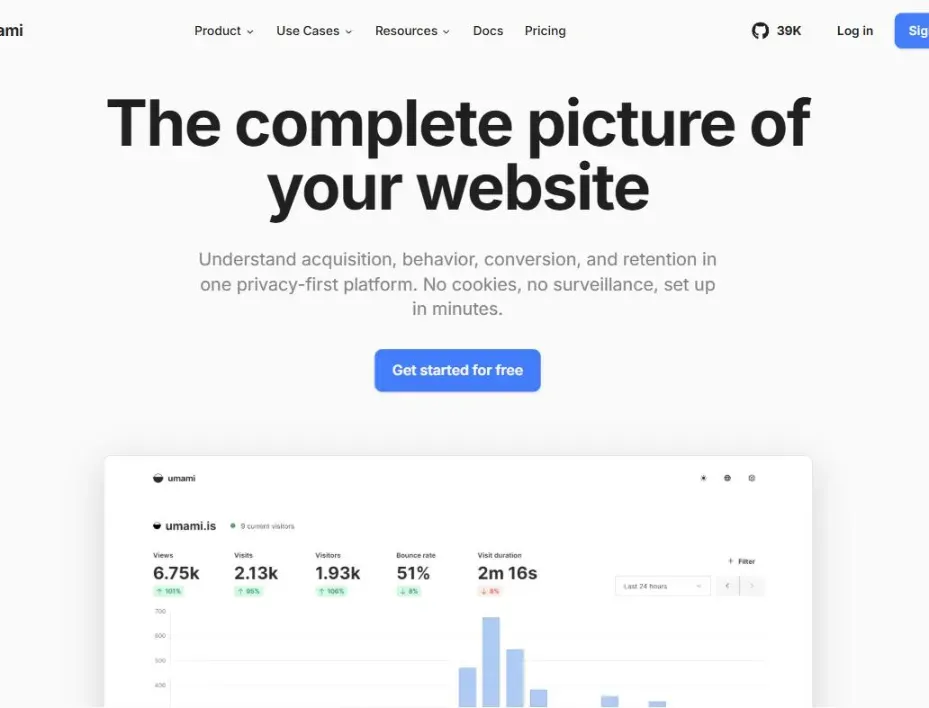
Umami is an open-source, cookie-free analytics tool you can run on your own server for free, or use through Umami Cloud. The cloud's free Hobby plan covers 100K events a month, enough for many small blogs.
Pros
- Free cloud tier, or free forever if you self-host.
- No cookies; events, funnels, journeys and retention reports.
- You can own all the data.
Cons
- The free plan keeps data for 6 months and covers one website.
- Self-hosting means a server and a database to look after.
- No link to your Ghost members or revenue.
What about the Meta Pixel?
The Meta Pixel isn't analytics in the same sense: it measures conversions from Facebook and Instagram ads and builds retargeting audiences. Add it only if you run Meta ads. It sets marketing cookies, so in the EU and UK it must always wait for consent.

Want analytics without pasting code into Ghost? Ectobuilder themes have GA4, Plausible, Fathom, Umami and the Meta Pixel built in, wired to a cookie banner. Design your theme by clicking and publish it to Ghost.
Which one should you choose?
- You run a newsletter or membership site: start with Ghost's own analytics. It's the only one that knows which posts turn readers into members.
- You buy Google ads or report to a marketing team: GA4, behind a cookie banner.
- You want simple, private stats and a site without a cookie banner: Plausible or Fathom. Pick Plausible for open source and the lower entry price, Fathom if you run many sites.
- You want privacy-first stats for free: Umami Cloud's Hobby plan, or self-host Umami or Plausible Community Edition.
Many sites combine two: Ghost's analytics for members and revenue, plus one outside tool for deeper traffic reports or ad conversions. That's fine. Running three or four trackers mostly adds page weight.
How to add analytics with Ectobuilder
Ghost's own analytics needs nothing from your theme. For the others, the usual way is to paste a script into Ghost Admin → Settings → Code injection. That works, but the script runs for every visitor whether or not they agreed to cookies. In Ectobuilder, analytics is a setting of your theme instead, and it works together with the cookie banner.
Step 1: Open Settings → Analytics
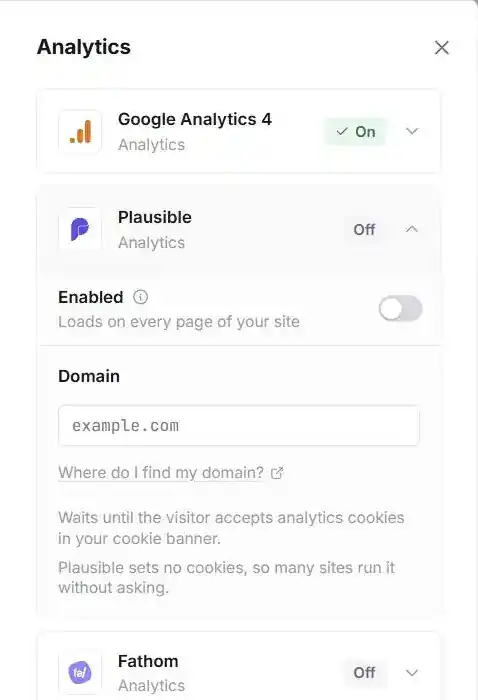
Open your theme in Ectobuilder and click Settings, then Analytics. You'll see a card for each tool: Google Analytics 4, Plausible, Fathom, Umami and the Meta Pixel.
Step 2: Switch it on and add the ID
Open the card, turn on Enabled and paste the one value the tool needs. Each card has a Where do I find my …? link to the right page of the tool's docs.
| Tool | What you paste | Example |
|---|---|---|
| Google Analytics 4 | Measurement ID | G-XXXXXXXXXX |
| Plausible | Your site's domain, as added in Plausible | example.com |
| Fathom | Site ID | ABCDEFGH |
| Umami | Website ID | xxxxxxxx-xxxx-xxxx-xxxx-xxxxxxxxxxxx |
| Meta Pixel | Pixel ID | 1234567890 |
Ectobuilder checks the format as you type, so a typo shows up before you deploy. If the same tool is already in Ghost's Code injection, the card warns you, so you don't count every visit twice. Remove the old snippet from Ghost Admin once the theme version is live.
Step 3: Decide on cookie consent
Open Settings → Privacy. With the cookie banner off, the analytics scripts load for every visitor. With it on, they wait until the visitor accepts the Analytics category (the Meta Pixel waits for Marketing). For Google tags, the banner also sends Google Consent Mode v2 signals, so GA4 starts as "denied" and updates when the visitor chooses.
If you only use Plausible, Fathom or Umami, you may not need a banner at all, since they set no cookies. Ask your own adviser if you're unsure what applies to your site.
Step 4: Deploy and check
Click Deploy, open your site in a private window, accept the banner if you have one, and browse a couple of pages. Within a minute you should see yourself in the tool's real-time view. If you don't, check the ID and turn off any ad blocker: many block GA4 and some block the privacy-first tools too.
Build your Ghost theme without code. Analytics, cookie consent, SEO structured data, comments and more, all set from one Settings panel. Start free and only pay when you publish.
Tips
- Exclude yourself. Plausible, Fathom and Umami can ignore your own visits; GA4 can filter internal traffic.
- Track signups as goals. A member signup is the conversion that matters on Ghost. Ghost's own analytics tracks it for you; in the other tools, set up a goal or event.
- Don't compare numbers across tools. Cookie-free tools and GA4 count visitors differently, and consent banners hide some GA4 visits. Watch trends within one tool.
- Keep one place for each job. Ghost for members and revenue, one outside tool for traffic detail. More trackers add weight, not insight.
FAQ
Does Ghost have built-in analytics?
Yes. Since Ghost 6, Ghost Admin includes web analytics: visitors, sources, top content and locations, alongside newsletter and member reports. On Ghost(Pro) it's on by default; self-hosted sites need to connect Tinybird.
Do I need a cookie banner for analytics on Ghost?
For Ghost's own analytics, Plausible, Fathom and Umami, usually not, because they set no cookies. For Google Analytics and the Meta Pixel, yes, if you have visitors in the EU or UK.
Can I use Ghost analytics and Google Analytics together?
Yes. They don't interfere. Many sites use Ghost's reports for members and revenue and GA4 for ads and deeper traffic analysis.
Why do my numbers differ between tools?
Each tool counts unique visitors in its own way, ad blockers block some scripts, and visitors who decline cookies don't appear in GA4. Differences of 10–30% are normal.
Can I import my old Google Analytics data into Ghost?
No. Ghost's analytics starts collecting from the day it's turned on. Keep your old tool running for a while if you need history, or export its reports first.
Where do I paste the tracking code in Ghost?
In Ghost Admin under Settings → Code injection, in the Site header. With an Ectobuilder theme you don't need to: add the ID in Settings → Analytics instead, and the script respects your cookie banner.
Want readers to stay once they arrive? See how to add comments to a Ghost site.
Some links in this article are affiliate links: if you sign up through them, we may earn a commission at no extra cost to you.
Written by
Founder of Ectobuilder, the AI-powered visual theme editor for Ghost. Indie software builder in Wrocław and co-author of The AdTech Book. I write about Ghost themes, newsletters and building websites with AI.
Comments
Questions or thoughts? Share them below.
Keep reading
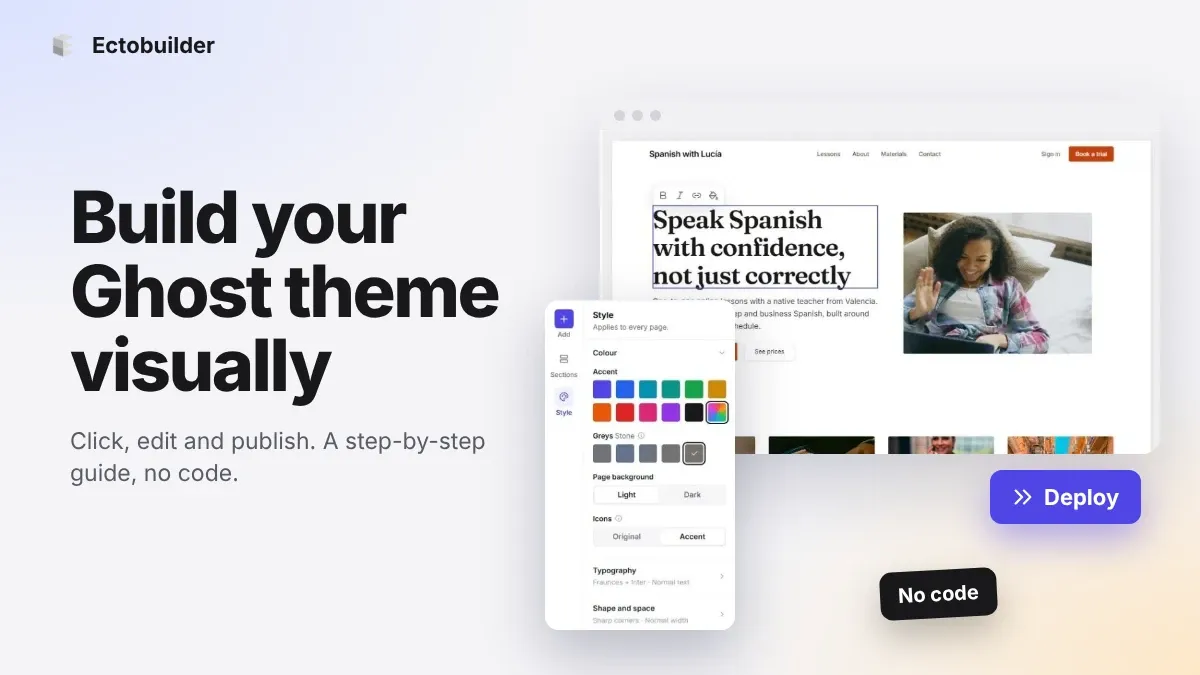
How to Build Your Ghost Theme Visually (Step-by-Step Guide, No Code)
Build a complete Ghost theme without touching code: start from a theme, edit text and pictures in place, add sections from a library of 270, set colours and fonts, design every page, and publish to Ghost in one click. Step by step, with screenshots.
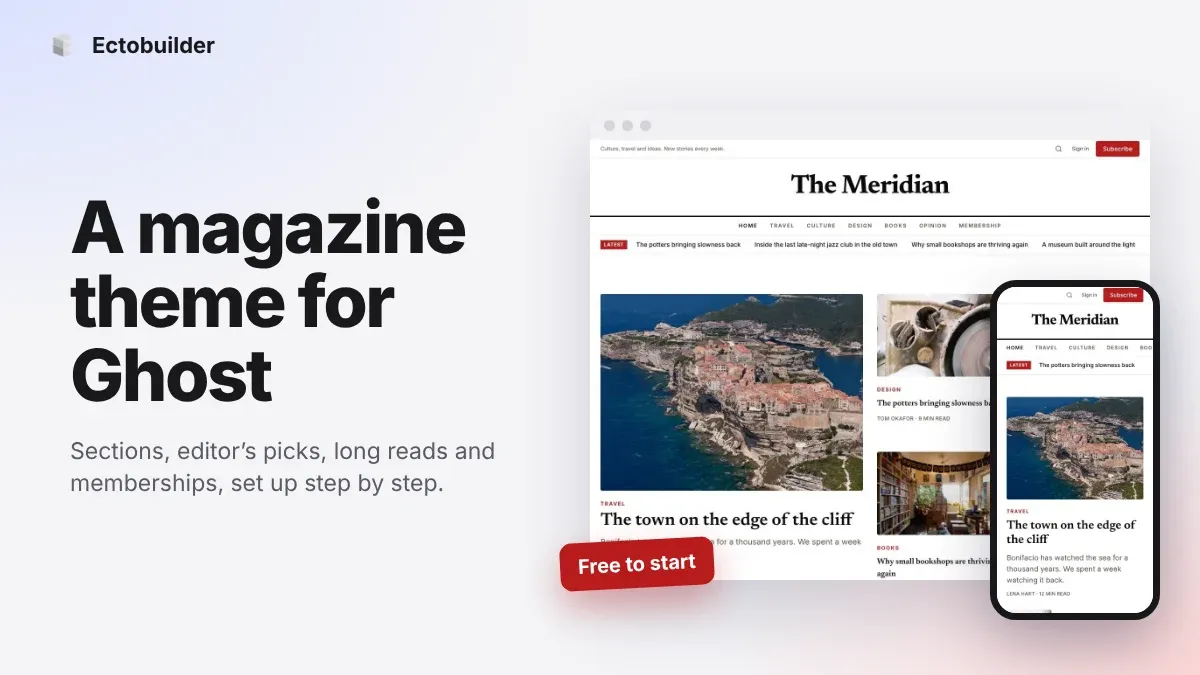
Magazine Theme for Ghost: Sections, Editor's Picks, Long Reads and Memberships
A step-by-step guide to the Magazine theme for Ghost: turn sections into tags, set up the navigation, fill the front page, editor's picks and section fronts, add your writers, sell memberships and send a weekly newsletter.
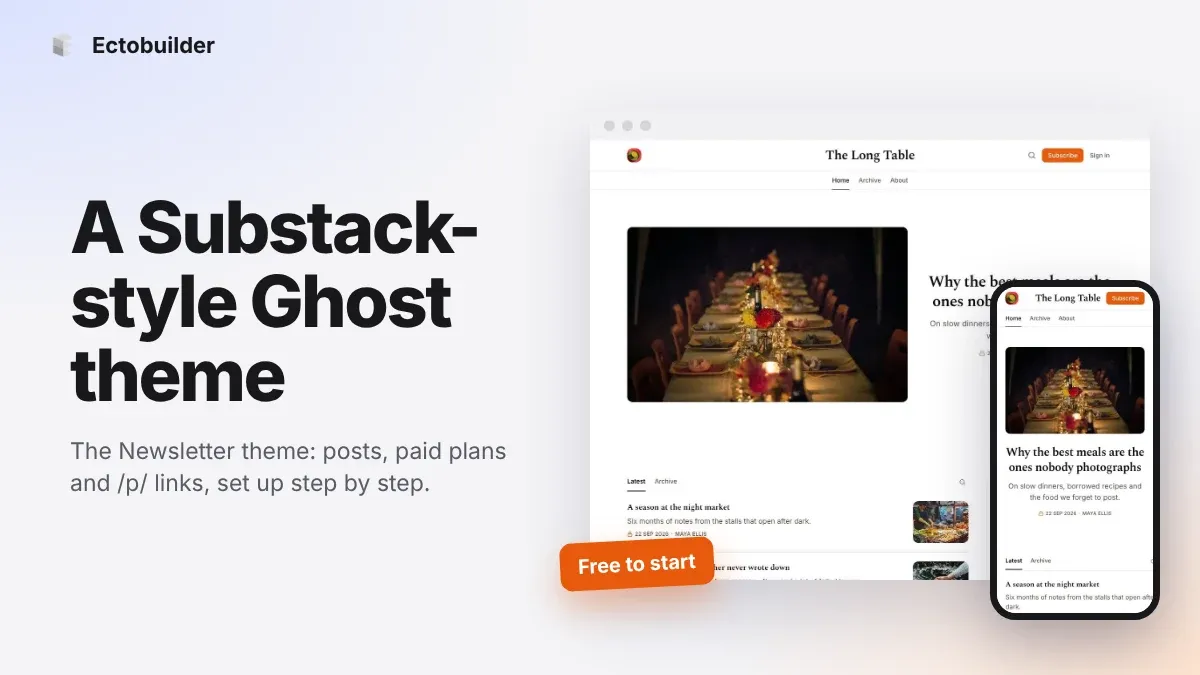
Newsletter Theme for Ghost: A Substack-Style Site With Paid Plans, /p/ Links and Comments
A step-by-step guide to the Newsletter theme for Ghost: a Substack-style homepage and reading page, then newsletters, paid plans, /p/ addresses, Plans, Welcome and About pages, comments and recommendations.