
How to Use ChatGPT to Create 301 Redirects (Prompts, File Formats and Testing)
Let ChatGPT or Claude match your old URLs to new ones and write the redirect file for Ghost, Apache, Nginx, Netlify or Vercel. Prompts to copy, the mistakes to avoid, and how to test every redirect.

Michal Wlosik
· 7 min read
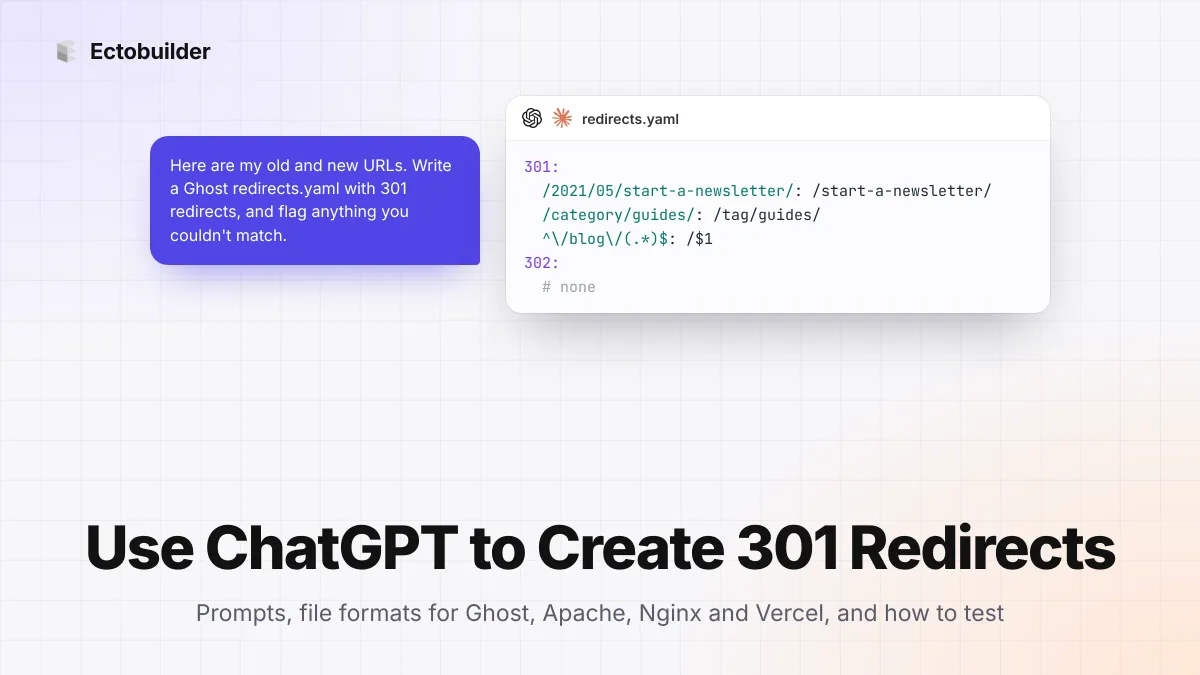
Moving a site means hundreds of old URLs that need to point somewhere new. Matching them by hand is slow and boring, which makes it a good job for ChatGPT or Claude. An AI assistant can pair each old URL with the right new one, write the redirect file in whatever format your server reads, and spot patterns you'd have missed.
It can also invent URLs that don't exist, send everything to your homepage, or write a rule that loops. This guide shows how to use ChatGPT to create 301 redirects that work: what to give it, prompts to copy, the file formats for Ghost, Apache, Nginx, Netlify and Vercel, and how to check the result before Google does.
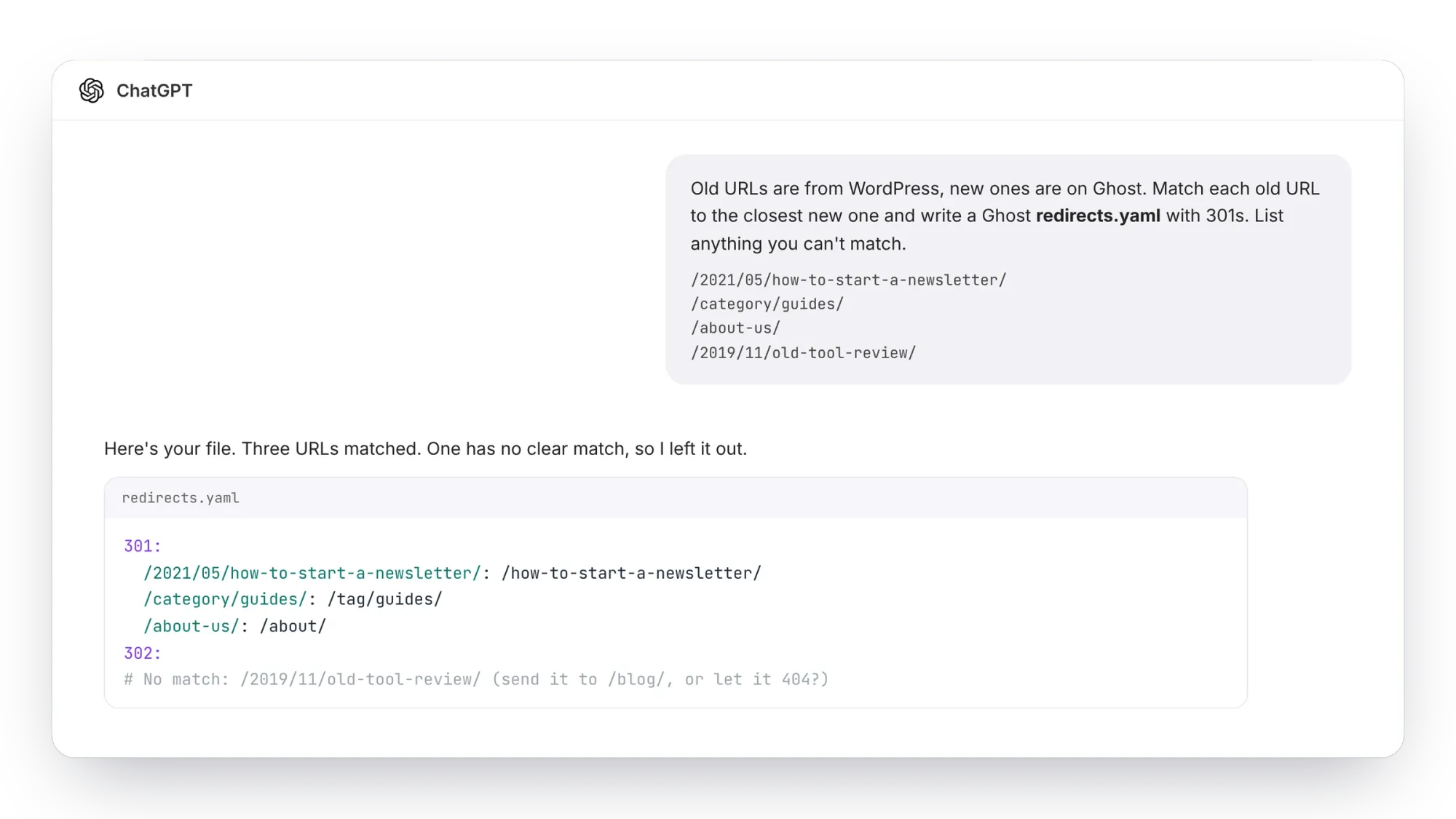
What ChatGPT is good at, and what it isn't
- Good at: matching old URLs to new ones by meaning ("/2021/05/how-to-start-a-newsletter/" goes to "/how-to-start-a-newsletter/"), spotting patterns that one rule can cover, and writing the syntax for any server.
- Not good at: knowing which pages exist on your new site. If you don't give it the list, it will guess slugs that look right and 404. It also won't know which old URLs still get visits.
So the rule is simple: you supply both lists of real URLs, and the AI only matches between them.
Step 1: Collect your old and new URLs
You need two plain lists, one URL per line.
- Old URLs. Export them from the old site's sitemap before you switch, or from Google Search Console (Pages, or Performance → Pages) and your analytics, which show the URLs people actually visit. Backlinks tools add the URLs other sites link to.
- New URLs. Your new site's sitemap. On Ghost it's at
/sitemap.xml, split intositemap-posts.xml,sitemap-pages.xml,sitemap-tags.xmlandsitemap-authors.xml.
Use paths, not full URLs, when the domain stays the same: /about-us/, not https://example.com/about-us/. It keeps the prompt shorter and the output cleaner.
Step 2: Ask for the matches
Paste both lists into ChatGPT or Claude with a prompt like this. It fixes the three classic problems up front: invented URLs, everything-to-the-homepage, and silent guesses.
I'm moving my site. Below are two lists: OLD URLs from the old site,
and NEW URLs that exist on the new site.

Match every OLD URL to the single best NEW URL.

Rules:
- Only use URLs from the NEW list. Never invent a URL.
- Match by meaning (title words, topic), not just by position.
- If nothing fits well, don't force it: put it in an "Unmatched" list.
- Never send a URL to the homepage unless it was the old homepage.
- If many OLD URLs follow one pattern (dates, /category/, /blog/),
  suggest one pattern rule for them and show which URLs it covers.

Output a table with three columns: OLD, NEW, confidence (high/medium/low).
Then the Unmatched list.

OLD:
/2021/05/how-to-start-a-newsletter/
/category/guides/
/about-us/
...

NEW:
/how-to-start-a-newsletter/
/tag/guides/
/about/
...
Read the table before you ask for the file. Check every "low" and "medium" match, and decide what to do with the unmatched ones: a close substitute, a parent page like /blog/, or nothing. A page that's really gone can return a 404 or 410; that's better than a redirect to something unrelated, which Google treats as a soft 404 anyway.
Step 3: Ask for the file in your format
Once the table is right, ask for the file:
Turn the approved matches into a redirects file for [Ghost redirects.yaml
| Apache .htaccess | Nginx | Netlify _redirects | Vercel vercel.json].
Use 301 (permanent) redirects. Keep exact-match rules before pattern rules.
Output only the file, in a code block.
Here's what each format looks like, so you can check the AI got it right.
Ghost: redirects.yaml
301:
  /2021/05/how-to-start-a-newsletter/: /how-to-start-a-newsletter/
  /category/guides/: /tag/guides/
  /about-us/: /about/
  ^\/category\/(.*)$: /tag/$1

302:
Permanent redirects go under 301, temporary ones under 302. Rules starting with ^ are regular expressions (JavaScript flavour), and $1 inserts what the brackets captured. Upload the file in Ghost Admin under Settings → Labs → Redirects. Uploading replaces the current file, so download it first and add to it.
Ghost: redirects.json (older sites)
[
  { "from": "/about-us/", "to": "/about/", "permanent": true },
  { "from": "^\\/category\\/(.*)$", "to": "/tag/$1", "permanent": true }
]
Apache: .htaccess
Redirect 301 /about-us/ /about/
Redirect 301 /2021/05/how-to-start-a-newsletter/ /how-to-start-a-newsletter/
RedirectMatch 301 ^/category/(.*)$ /tag/$1
Nginx
location = /about-us/ { return 301 /about/; }
location = /2021/05/how-to-start-a-newsletter/ { return 301 /how-to-start-a-newsletter/; }
location ~ ^/category/(.*)$ { return 301 /tag/$1; }
Netlify: _redirects
/about-us/                          /about/                       301
/2021/05/how-to-start-a-newsletter/ /how-to-start-a-newsletter/   301
/category/*                         /tag/:splat                   301
Vercel: vercel.json
{
  "redirects": [
    { "source": "/about-us/", "destination": "/about/", "statusCode": 301 },
    { "source": "/category/:slug*", "destination": "/tag/:slug*", "statusCode": 301 }
  ]
}
On Vercel, "permanent": true sends a 308, not a 301. Both are permanent and Google treats them the same, but if you want a 301 specifically, use statusCode as above.
Step 4: Have it check its own work
Before uploading, paste the file back in a new chat and ask for a review. A fresh conversation is more critical than the one that wrote the file.
Review this redirects file. Report:
1. Chains: any target that is itself redirected somewhere else.
2. Loops: any rule that ends up back where it started.
3. Duplicates: the same source listed twice.
4. Pattern rules that would also catch URLs they shouldn't.
5. Targets that are not in this list of live URLs: [paste NEW list]
6. Syntax errors for [format].
Give the fixed file at the end.
Step 5: Test every redirect
Upload the file, then check that each old URL answers with a 301 and lands on a page that loads. curl shows it in one line:
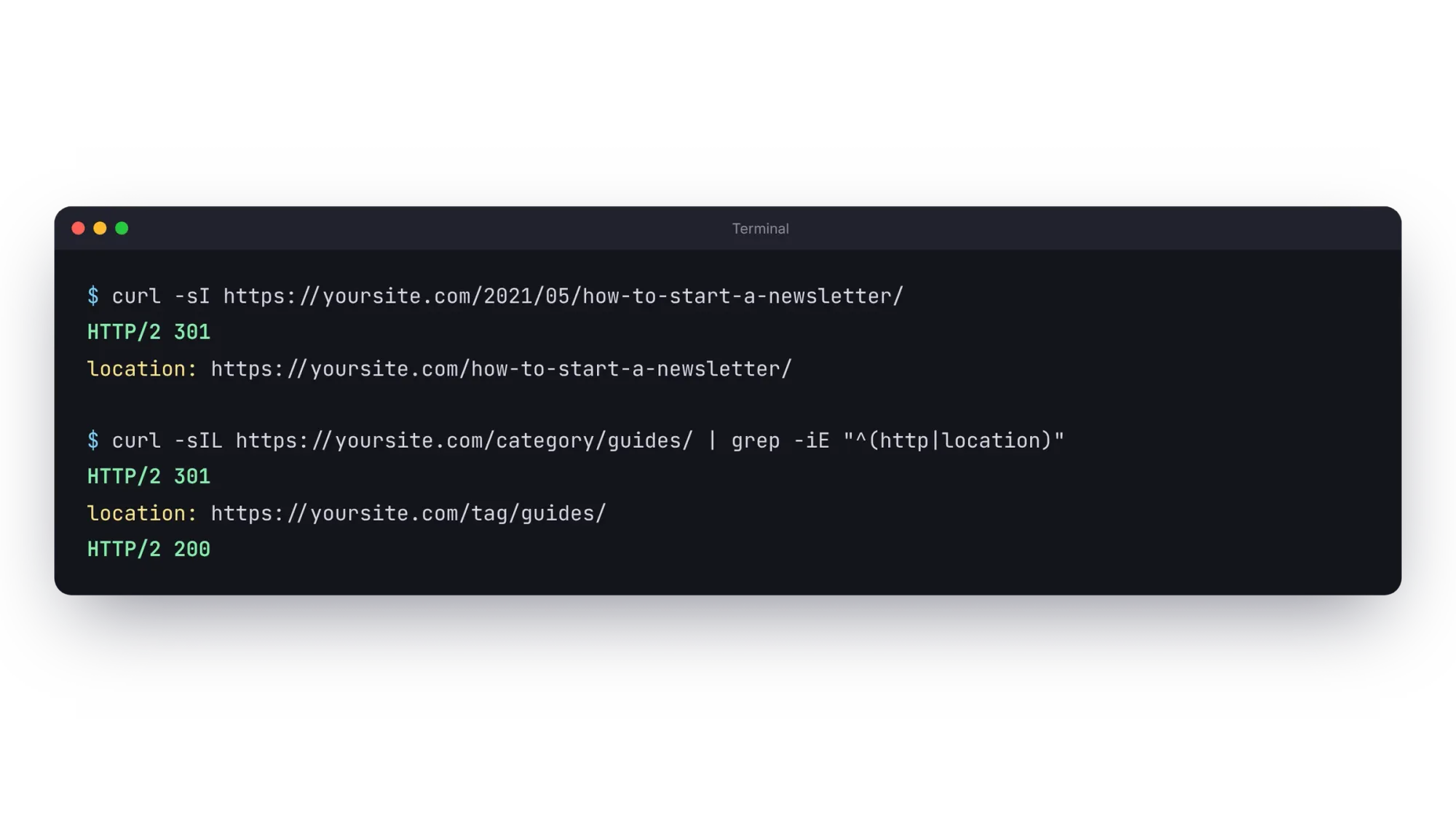
# one URL
curl -sI https://yoursite.com/about-us/ | grep -iE "^(http|location)"

# a whole list: old URL, final status, final URL
while read u; do
  curl -s -o /dev/null -w "$u -> %{http_code} %{url_effective}\n" -L "https://yoursite.com$u"
done < old-urls.txt
Every line should end in 200 on the URL you expected. More than one hop means a chain to fix. Test in a private window too: browsers cache 301s hard, so a mistake you've already visited can look fixed when it isn't, and the other way round.
Common mistakes
- 302 instead of 301. A 302 says "temporarily moved", so search engines keep the old URL. Use 301 for moves that are permanent.
- Chains. Old → older → new. Point every old URL straight at its final page.
- Greedy patterns.
^/blog/(.*)also catches/blog/itself and anything you add later under it. Anchor patterns with^and$, and keep exact rules above pattern rules. - Trailing slashes. Match how URLs really look on each side. Ghost adds the trailing slash itself, so you don't need extra rules for it.
- Everything to the homepage. It feels tidy, but Google treats it as a soft 404, and visitors land somewhere useless.
- Domain moves in the redirects file. www to non-www and HTTP to HTTPS belong in your DNS or host settings, not in Ghost's redirects file.
Let Claude add the redirects to Ghost for you
If your site runs on Ghost, you can skip the copy and paste. Ectobuilder's connector lets Claude, ChatGPT or Gemini work on your Ghost site directly. Among its tools are get_redirects, which reads your current redirects, and set_redirects, which saves new ones. Ask Claude to match the URLs, check them against your live posts and pages, and add the redirects, keeping the ones you already have.
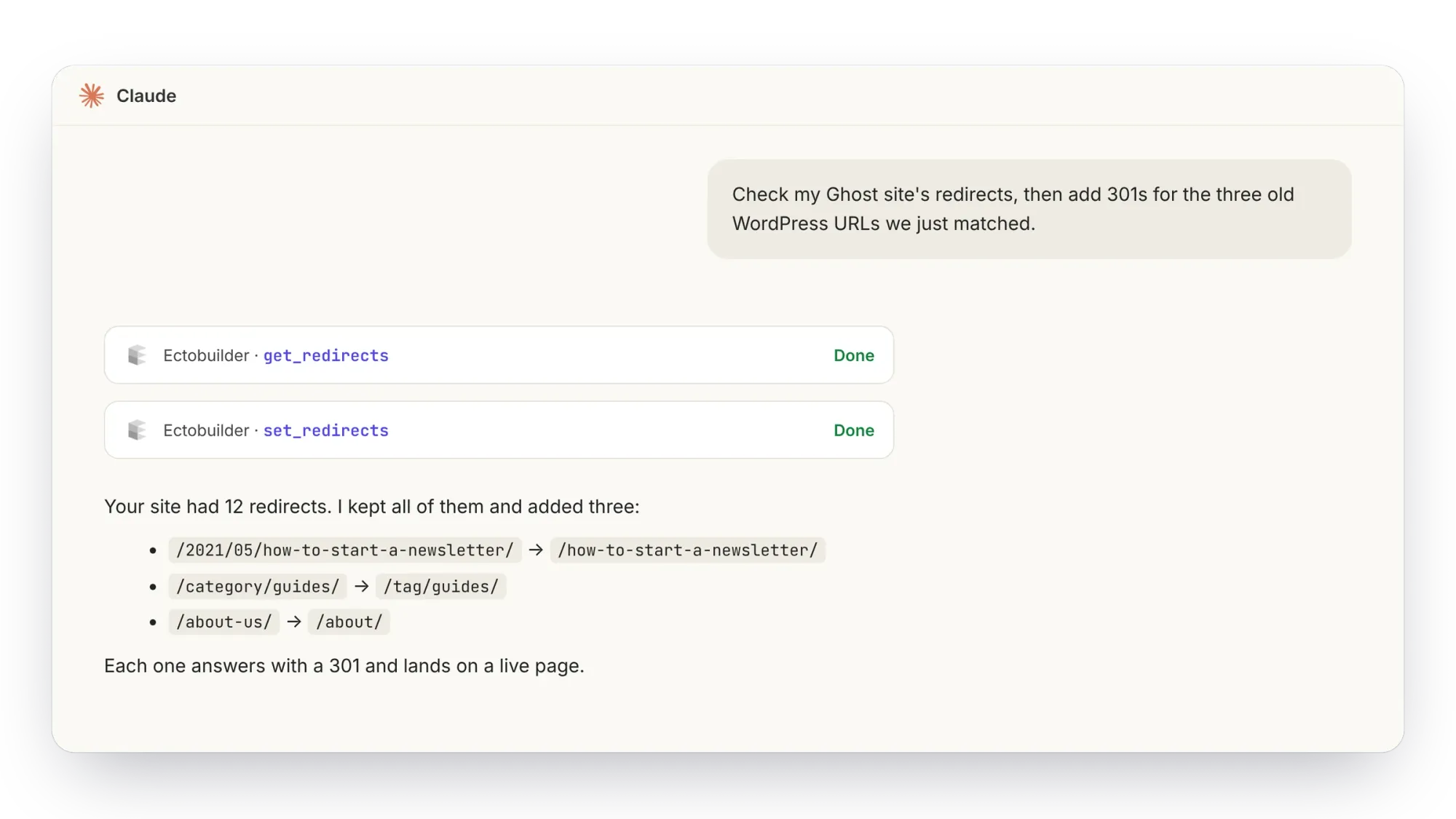
See how to connect Claude to Ectobuilder and example prompts and workflows.

Run your Ghost site from Claude or ChatGPT.
Connect your AI assistant to Ghost through Ectobuilder: redirects, posts, pages and your theme, all by asking. Start free.
FAQ
Can ChatGPT create 301 redirects?
It can write them: match old URLs to new ones and produce the file for Ghost, Apache, Nginx, Netlify, Vercel or anything else. It can't add them to your site by itself; you upload the file, or connect an assistant to your site through a tool like Ectobuilder's connector for Ghost.
How many URLs can I paste in at once?
A few hundred lines fit comfortably in one message. For thousands, work in batches by section (posts, pages, categories), or ask for pattern rules that cover whole groups at once.
Should I use 301 or 308?
Either is permanent and passes search value the same way. 301 is the classic choice and what Ghost, Apache, Nginx and Netlify use by default. Vercel's "permanent" setting sends 308.
Where do I upload redirects in Ghost?
In Ghost Admin under Settings → Labs → Redirects. Download the current file first: uploading replaces it.
How long should I keep redirects?
As long as you can, at least a year. Old links in other sites, emails and bookmarks keep working only while the redirects stay.
Sources
Written by
Founder of Ectobuilder, the AI-powered visual theme editor for Ghost. Indie software builder in Wrocław and co-author of The AdTech Book. I write about Ghost themes, newsletters and building websites with AI.
Comments
Questions or thoughts? Share them below.
Keep reading
PikaPods Custom Domain: Why Only www Works (and How to Fix the Root Domain)
PikaPods maps one custom domain per pod, so yourdomain.com without www stays on a parked page with no SSL. Here's why, and three ways to redirect it to www over HTTPS without touching your email records.
How to Migrate from Kit or beehiiv to Ghost (Subscribers, Paid Members, Posts and Redirects)
Move your newsletter from Kit (ConvertKit) or beehiiv to Ghost step by step: export and import subscribers, deal with paid members and Stripe, bring your posts across, set up redirects and your domain, warm up email sending, and make the new site look right.
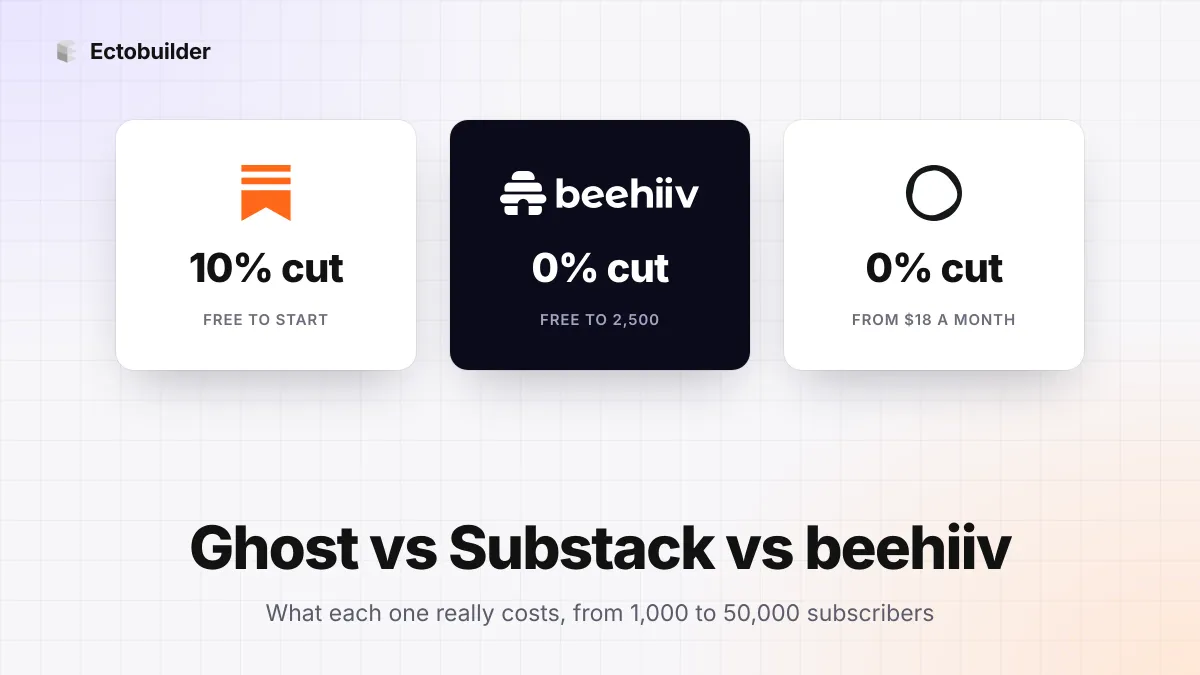
Ghost vs Substack vs beehiiv (2026): What Each Really Costs, and Which to Choose
Substack is free but takes 10%. beehiiv and Ghost take 0% but charge a monthly plan. The three newsletter platforms side by side, with what each costs at 1,000, 10,000 and 50,000 subscribers.