
Your Ghost keys, locked away
To publish your theme, Ectobuilder needs your Ghost Admin API key, and for your menu, a staff token. We encrypt both, keep them on our server and never send them back to your browser.
Start freeEncrypted with AES-256-GCM
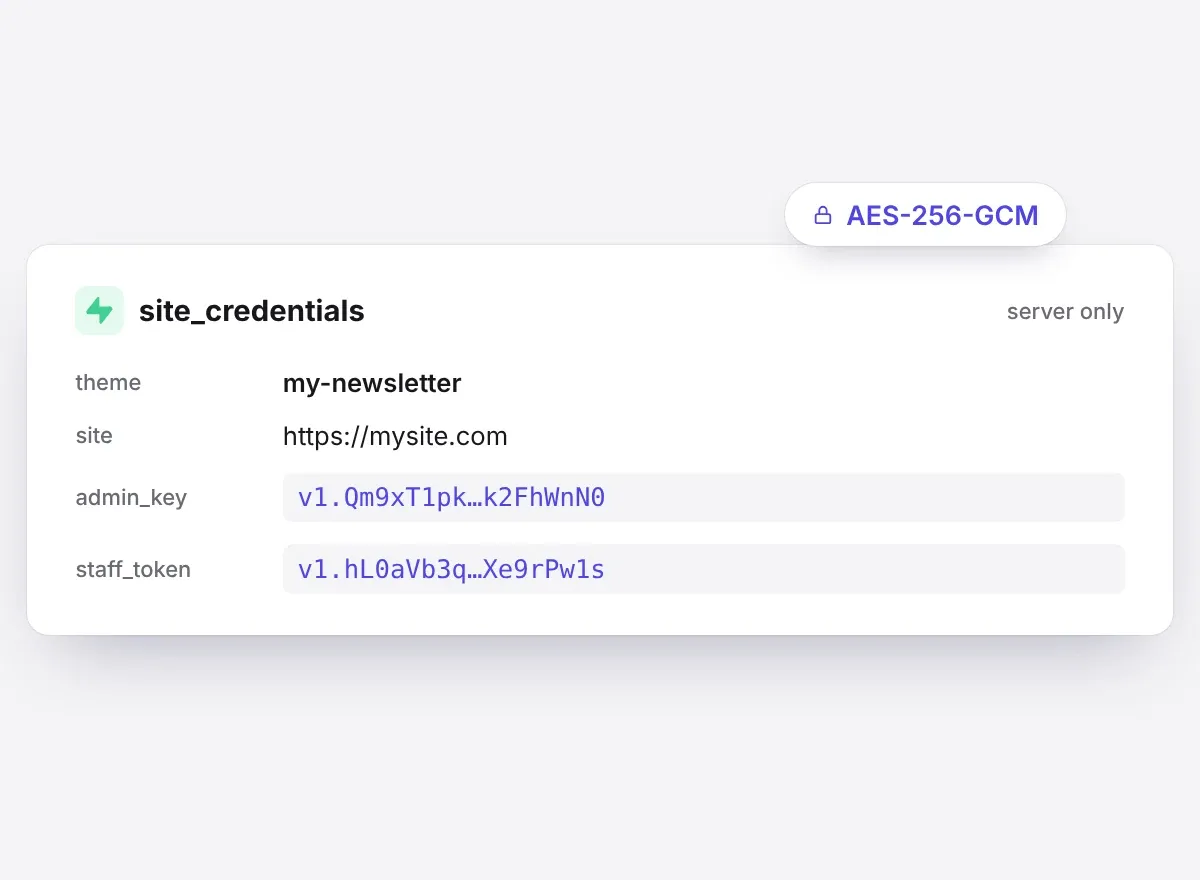
Every key and token is encrypted before it's stored, in a table only our server can read. The encryption key lives apart from the database, so a copy of the data on its own can't be read.
Never in your browser
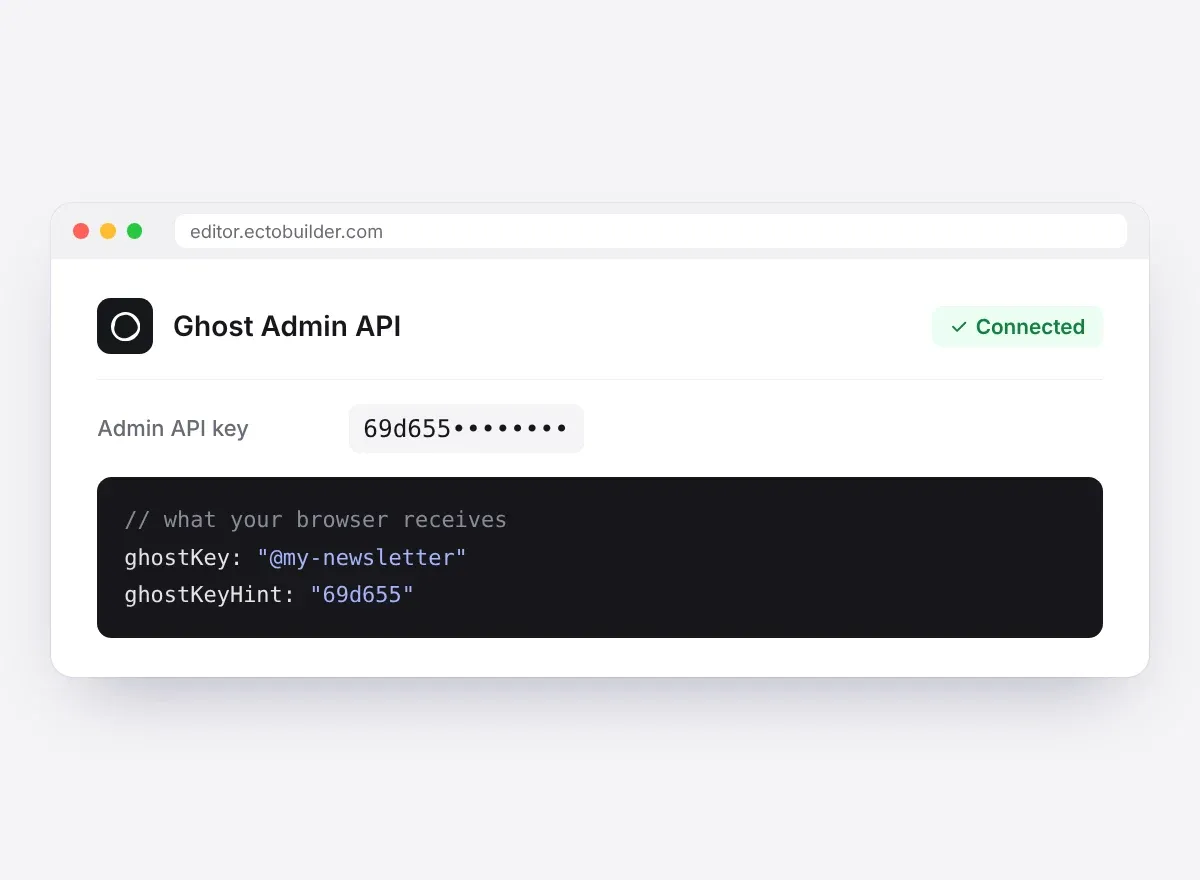
The editor only knows which theme a key belongs to and its first six characters. Ghost calls go through our server, which checks that the theme is yours first.
Locked to one theme
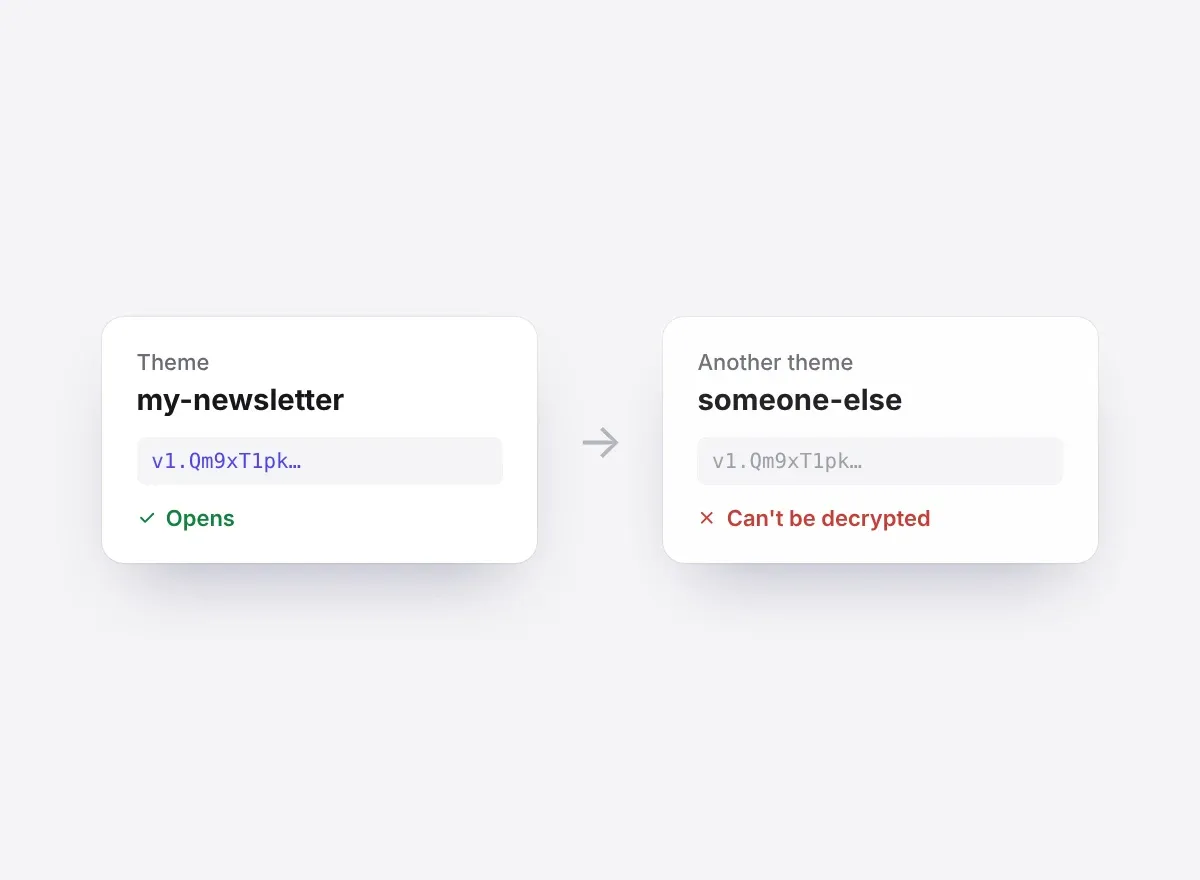
Each key is sealed to the theme it connects. Copied anywhere else, even another row in our own database, it can't be decrypted.
You stay in control
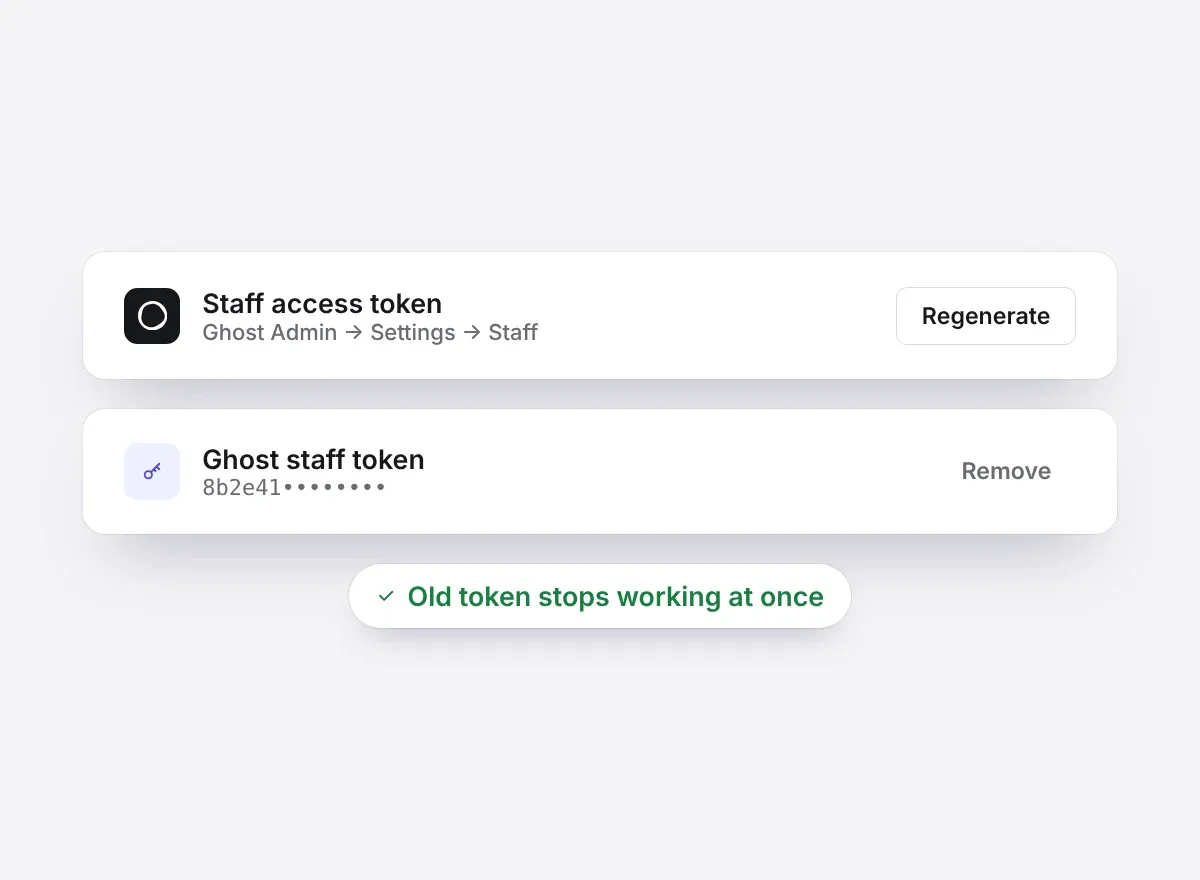
Disconnect in Settings and the key is deleted. Regenerate it in Ghost and the old one stops working everywhere, at once. The staff token is optional: Ghost Admin still works without it.
Built on services you know
Your content stays in Ghost and is reached only through its official Admin API. Ectobuilder runs on Vercel, keeps its data in Supabase with row-level security, and connects to Claude without handing over any keys.




AI tools never see your keys
Claude and other assistants connect to Ectobuilder with their own sign-in. They ask our server to act; your Ghost keys never reach them.
Nothing in your downloads
Theme downloads, saved versions, duplicates and gallery copies never include your keys or tokens.
Your content stays in Ghost
We don't copy your posts, members or subscribers. Ectobuilder works with them where they are, through Ghost's own API.
Only what's needed
The Admin API key publishes your theme. The staff token, if you add one, is used only for the menu and the site settings you change in Ectobuilder.
Questions about security
How we handle your Ghost connection
Why does Ectobuilder need my Admin API key?
To publish your theme to your Ghost site and to show your real posts while you edit. You create it in Ghost as a custom integration, and you can delete that integration at any time.
What is the staff token for?
Ghost only lets staff users change site settings like the menu and the announcement bar. A staff token from an Administrator lets you change them from Ectobuilder. It's optional.
Can Ectobuilder staff read my keys?
They're encrypted in the database, and the browser never receives them. Our server decrypts a key only for the moment it calls Ghost for you.
How do I revoke access?
Disconnect in Ectobuilder's Integrations settings and the key is deleted. To be certain, delete the custom integration in Ghost or regenerate your staff token: the old key stops working at once.
Where is my data stored?
Your posts and members stay in your Ghost site. Your theme designs and the encrypted keys are stored in Supabase. Our privacy policy has the details.
Can't find what you're looking for? Contact our support team