
ChatGPT is sending visitors to pages you never wrote. Here's what to do
AI assistants link to 404 pages about three times as often as Google. How to see phantom AI traffic on your Ghost site, and turn the best of those made-up URLs into real posts or redirects.

Michal Wlosik
· 5 min read
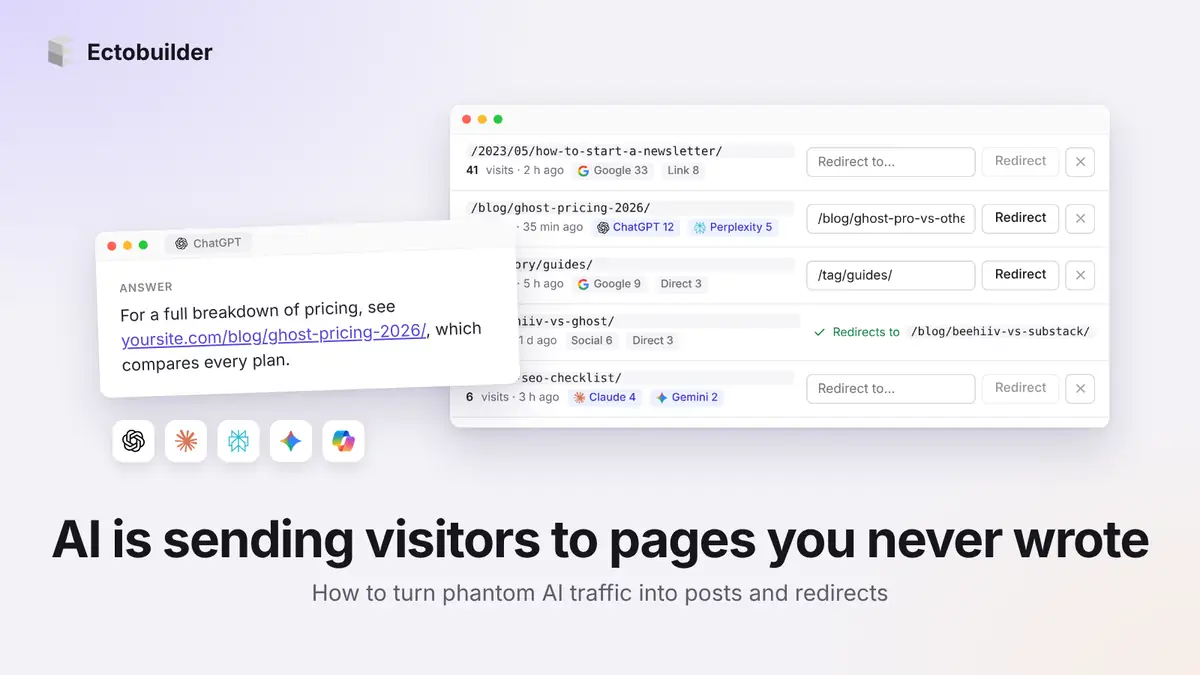
Ask ChatGPT about your niche and it may recommend your site, with a link. Sometimes the link goes to a page you never wrote. The URL looks right, follows your site's pattern, even has a sensible slug like /blog/ghost-pricing-2026/. The visitor clicks, lands on your 404 page, and leaves. It also helps to give AI tools a clean map of your site with llms.txt.
That's phantom AI traffic: real people, sent by an AI assistant, to a page that doesn't exist. This guide covers how often it happens, how to see it on your own site, and how to turn the best of those URLs into posts that do exist.
How often do AI assistants link to pages that don't exist?
Not often, but more often than Google. Ahrefs looked at clicks from AI assistants to millions of URLs and checked how many landed on a 404 page. Across assistants, 0.43% of clicks hit a missing page, nearly three times Google Search's 0.15%. ChatGPT had the highest rate at 1.01%.
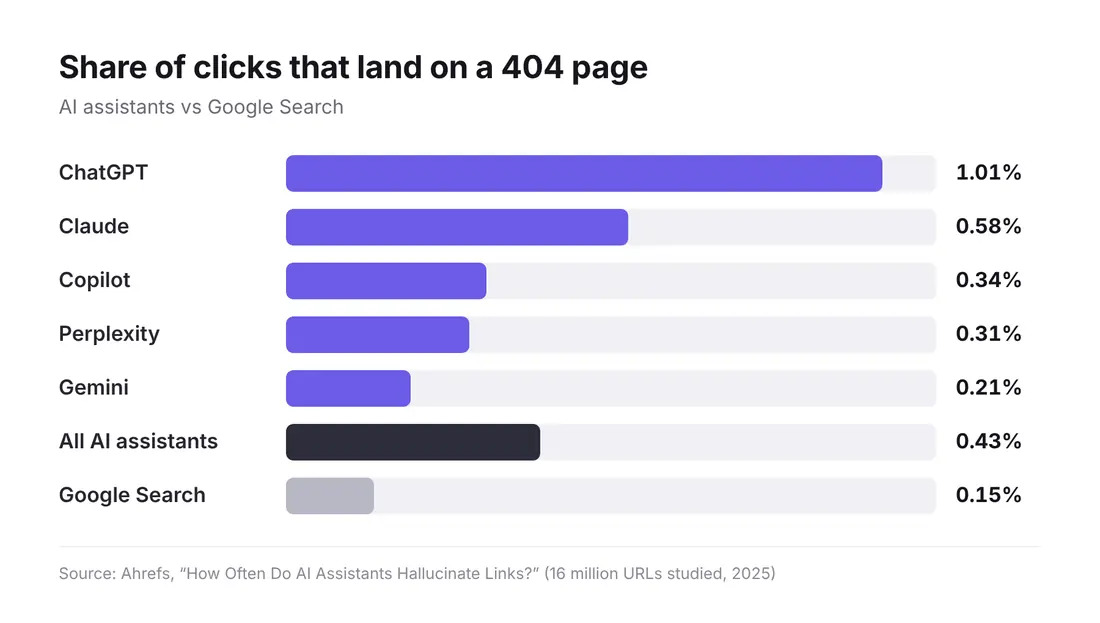
SE Ranking ran a separate test in December 2025 on 100,000 ChatGPT prompts and found that 1.22% of the URLs it cited returned a 404, about twice the rate of Google's AI Overviews.
Some of those 404s are pages that existed once and were deleted or moved without a redirect. Others never existed at all: the assistant guessed a URL that fits how your site is built. Either way, the visitor is gone.
Is it worth your time?
Be realistic. Ahrefs estimates AI assistants send around 0.25% of a typical site's traffic, and only a fraction of that hits a missing page. For most sites this is a handful of visits a month, not a growth channel.
But two things make those visits more interesting than the numbers suggest:
- They're high intent. Someone asked a specific question and was told your site has the answer. That's a warmer visitor than most search clicks.
- They're free topic research. When an assistant keeps inventing the same URL on your site, it's telling you what people expect you to have written. A phantom URL that gets ten visits a month is a post idea with demand already attached.
How to see phantom AI traffic on your site
You need two facts per visit: the page was missing, and the visitor came from an AI assistant. Most analytics tools record the second but not the first. ChatGPT helps a little by adding utm_source=chatgpt.com to the links it shows, and other assistants pass their own domain as the referrer.
In Ectobuilder, Log missing pages records both. Your theme's 404 page reports every missing URL with its source, and the list in Settings → SEO marks visits from ChatGPT, Claude, Perplexity, Gemini and Copilot so they stand out from old links and search traffic.
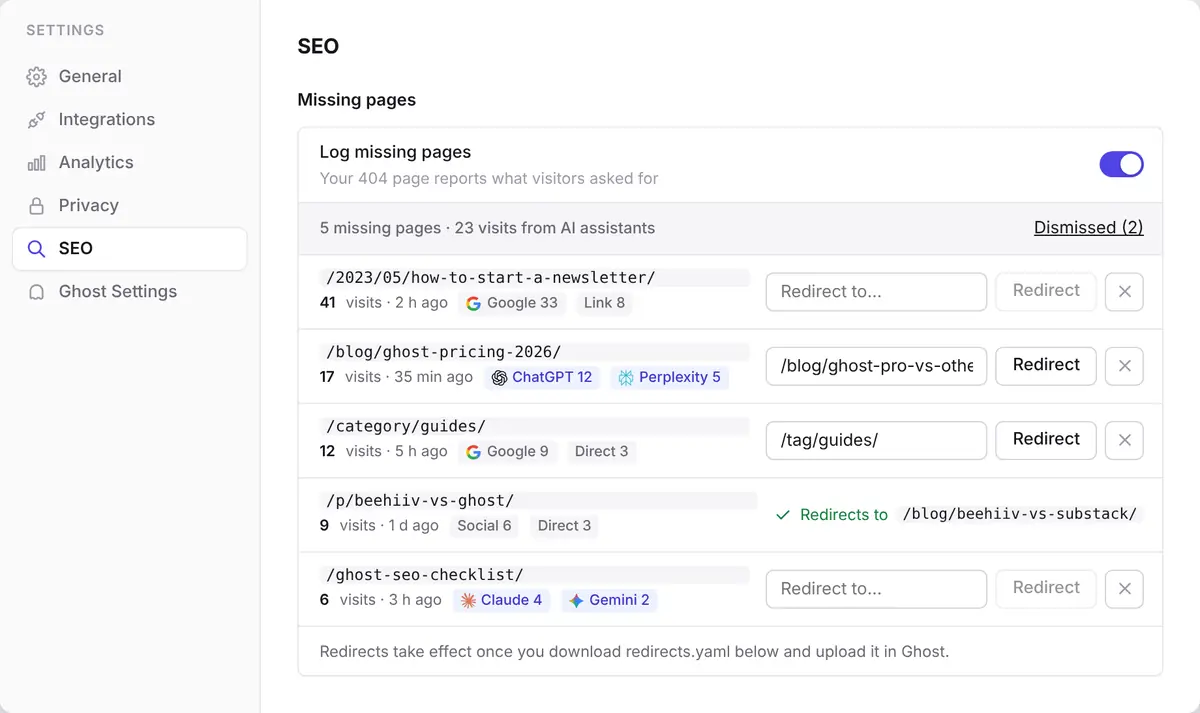
Switch it on, deploy your theme, and give it a few weeks. Phantom URLs come in slowly, and the useful ones repeat.
What to do with each phantom URL
Go through the list from the top. For every URL with AI visits, pick one of three answers.
1. Write the page
If the URL describes something you could genuinely write, and it keeps getting visits, write it. Use the exact slug the assistant invented, so the existing links start working on the day you publish. /blog/ghost-pricing-2026/ getting a dozen visits a month from ChatGPT and Perplexity is a strong hint that a Ghost pricing post would find readers.
Make it a real post that answers the question, not a thin page made to catch the click. A page with nothing on it is a worse experience than a 404, and it won't earn citations of its own.
2. Redirect to the closest real page
If you already cover the topic under a different URL, redirect. The assistant guessed /ghost-seo-checklist/; you have /blog/ghost-seo/. In Ectobuilder, type the target into Redirect to… next to the row (it suggests your real posts and pages), click Redirect, then download redirects.yaml and upload it in Ghost Admin under Settings → Labs → Redirects.
3. Dismiss it
One visit to a URL nobody will ever ask about again isn't worth a redirect. Dismiss it and move on. Don't redirect every miss to your homepage either: search engines treat that like a 404, and the visitor still doesn't find what they wanted.

See which pages AI thinks you have. Ectobuilder themes log every missing page with its source, so you can redirect it or write it. Design your Ghost theme by clicking and publish it in one go.
Make your 404 page work harder
You won't catch every phantom URL, so make the 404 page itself useful. Ahrefs suggests the same:
- A search box, so the visitor can look for what the assistant promised.
- Your most popular posts, as a short list of links.
- A newsletter signup. These visitors were looking for your expertise; some will subscribe even without the page they wanted.
In Ectobuilder the error page is a page like any other: open it in the editor and add a posts section, a signup form or a search link from the library.
Help assistants get your URLs right
You can't stop an assistant from guessing, but you can make the right answer easier to find:
- Keep URLs predictable. Short, descriptive slugs that match the title make an assistant's guess more likely to be a real page.
- Never delete without a redirect. Many "hallucinated" links are old pages that were removed. If you retire a post, redirect it.
- Keep your sitemap current. Ghost generates
/sitemap.xmlfor you; make sure nothing blocks it. - Add structured data. Breadcrumbs and FAQ markup give search engines and assistants a clearer map of your pages. Ectobuilder's SEO settings add both.
The other source of 404s
If you recently moved to Ghost, most of your missing pages will be old URLs from your previous platform, not AI guesses. The same list catches both. See how to find every missing page after moving to Ghost for the redirect patterns that cover WordPress, Substack, Squarespace and Wix.
FAQ
Why does ChatGPT link to pages that don't exist?
Sometimes the page existed once and was removed. Other times the model builds a URL that fits your site's pattern and the topic, without checking that it's real.
How do I know a visit came from ChatGPT?
ChatGPT adds utm_source=chatgpt.com to the links it shows, and most assistants send their domain as the referrer. Ectobuilder's missing pages list reads both.
Should I create a page for every URL an AI invents?
No. Only for URLs that keep getting visits and describe something you can write well. Redirect the rest to the closest real page, or dismiss them.
Will a redirect fix the link inside ChatGPT?
No, the assistant may keep giving the same URL. The redirect makes sure that whoever clicks it still lands on the right page.
Sources
Written by
Founder of Ectobuilder, the AI-powered visual theme editor for Ghost. Indie software builder in Wrocław and co-author of The AdTech Book. I write about Ghost themes, newsletters and building websites with AI.
Comments
Questions or thoughts? Share them below.
Keep reading
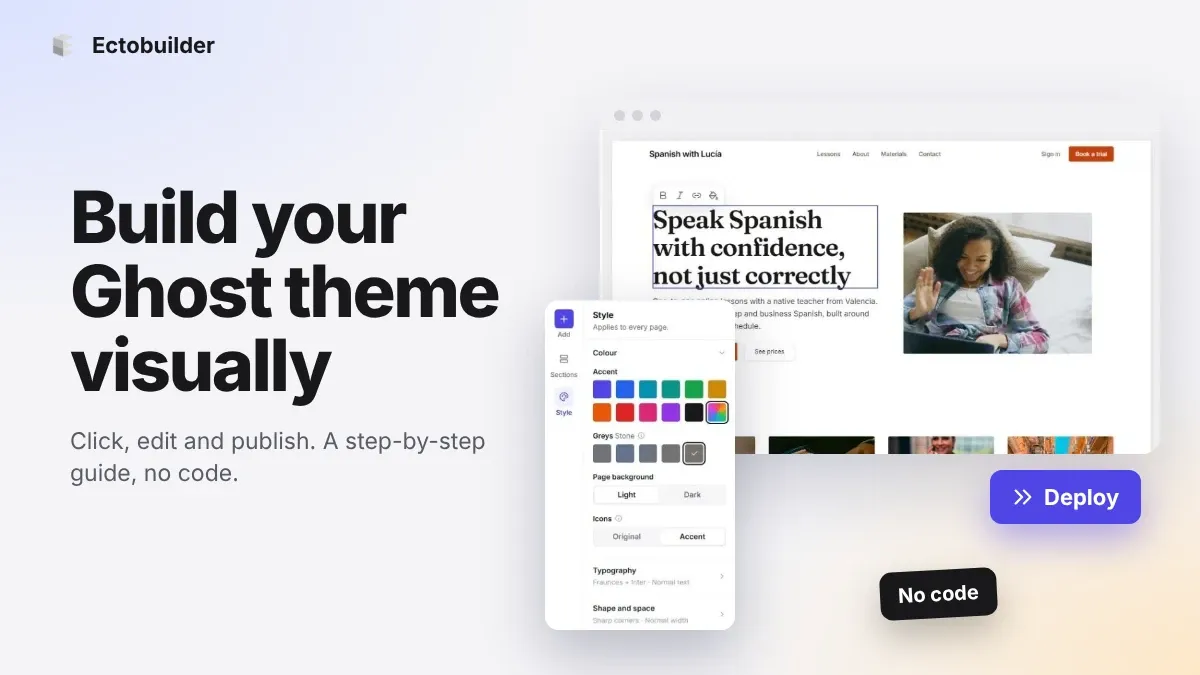
How to Build Your Ghost Theme Visually (Step-by-Step Guide, No Code)
Build a complete Ghost theme without touching code: start from a theme, edit text and pictures in place, add sections from a library of 270, set colours and fonts, design every page, and publish to Ghost in one click. Step by step, with screenshots.
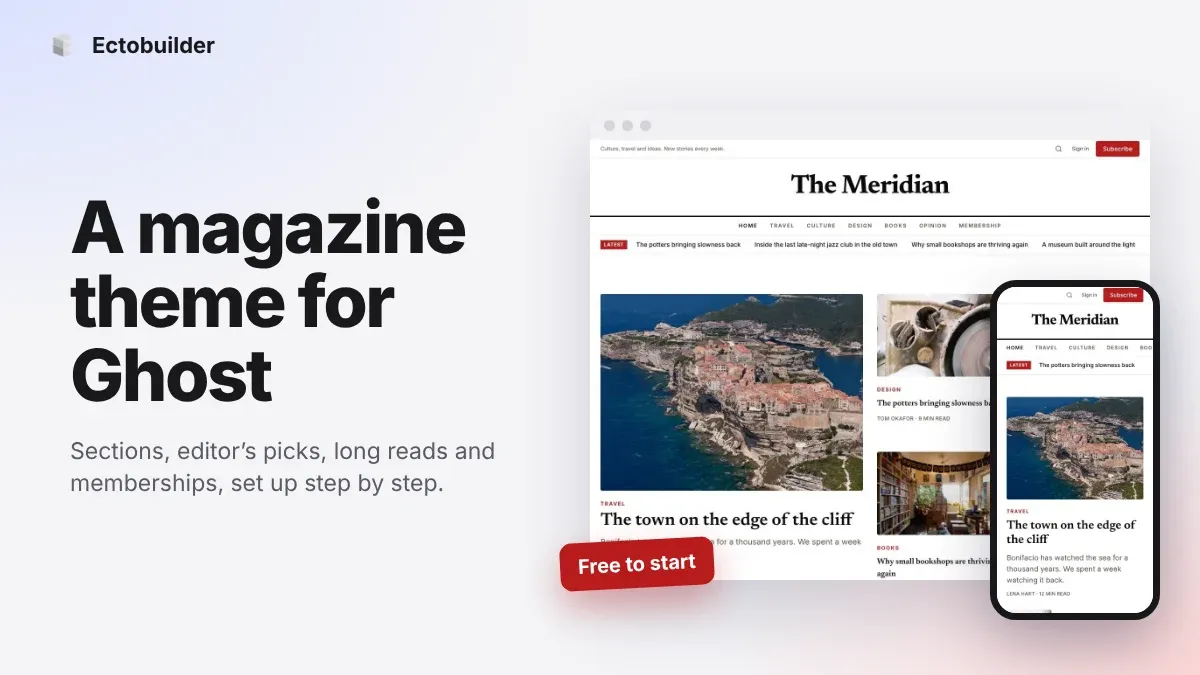
Magazine Theme for Ghost: Sections, Editor's Picks, Long Reads and Memberships
A step-by-step guide to the Magazine theme for Ghost: turn sections into tags, set up the navigation, fill the front page, editor's picks and section fronts, add your writers, sell memberships and send a weekly newsletter.
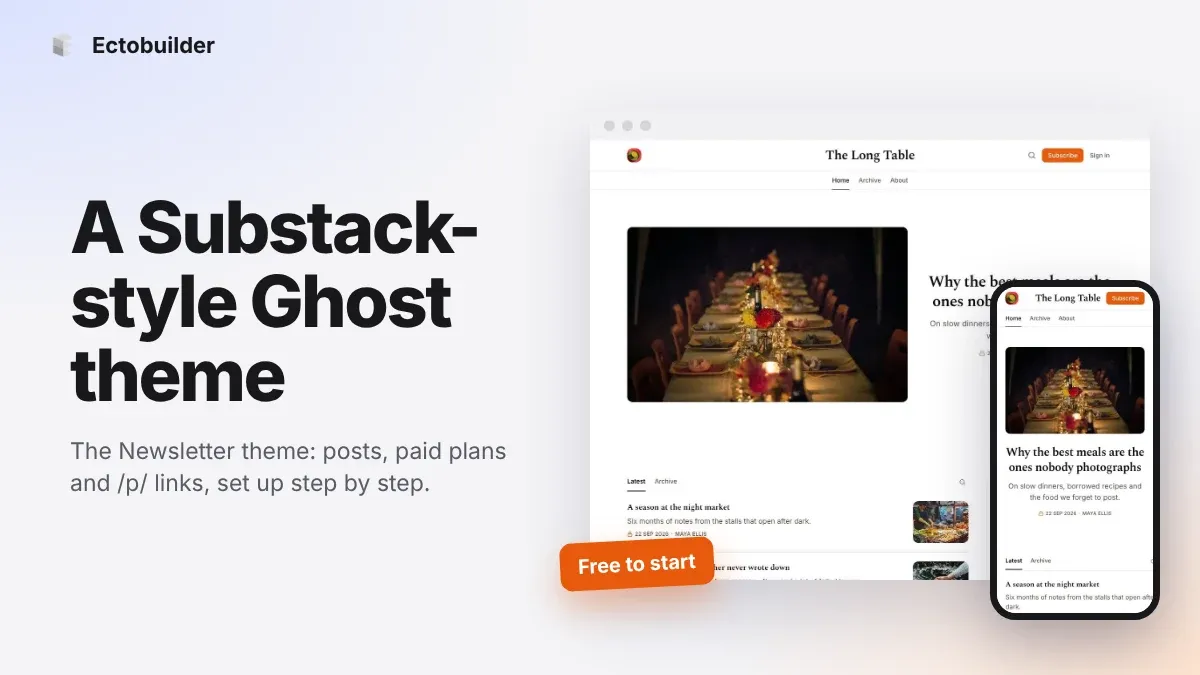
Newsletter Theme for Ghost: A Substack-Style Site With Paid Plans, /p/ Links and Comments
A step-by-step guide to the Newsletter theme for Ghost: a Substack-style homepage and reading page, then newsletters, paid plans, /p/ addresses, Plans, Welcome and About pages, comments and recommendations.