
How to Turn On llms.txt in Ghost (and Fix the Lighthouse Warning)
Lighthouse says your llms.txt "does not follow recommendations"? On Ghost, the fix is one switch in Settings, and it isn't labelled llms.txt. Here's where it is, what Ghost serves, and how much it matters for SEO.

Michal Wlosik
· 6 min read
If you run your Ghost site through Lighthouse or PageSpeed Insights, you may see a new warning: llms.txt does not follow recommendations. On Ghost, the fix is a single switch, but it isn't labelled "llms.txt", so it's easy to miss. This guide shows where it is, what it does, and how much it matters.
What is llms.txt?
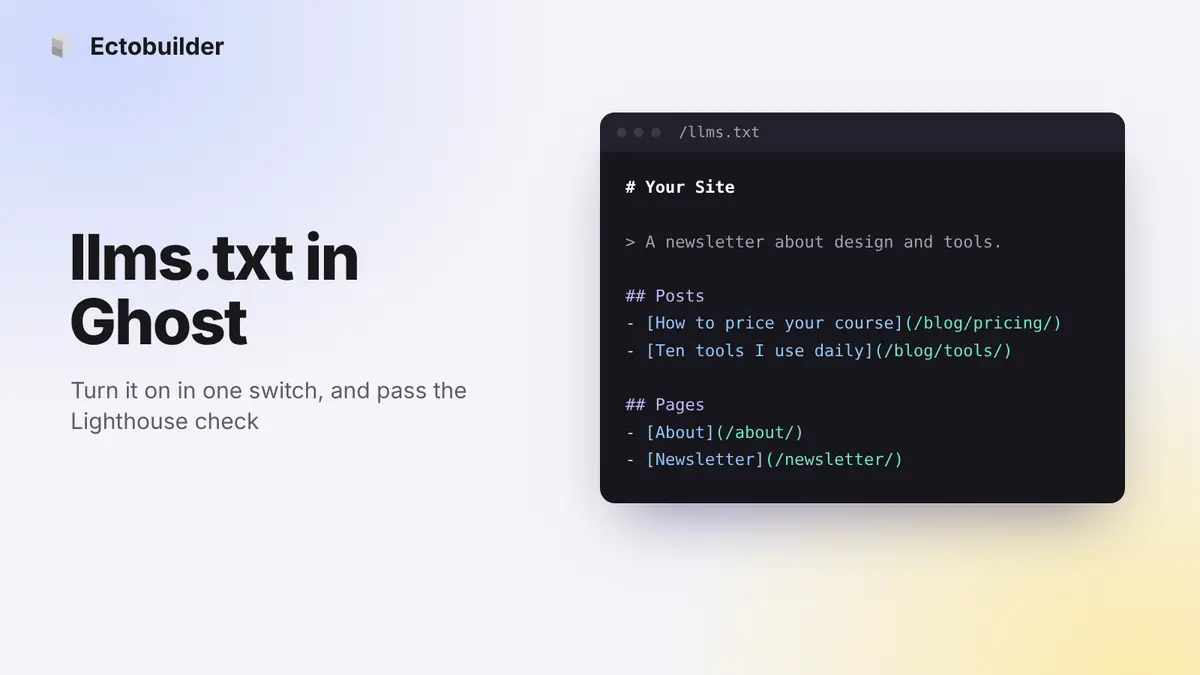
llms.txt is a proposed standard: a plain text file at the root of your site, written in Markdown, that gives AI tools a short guide to your content. It starts with your site's name as a heading, a one-line summary, and then lists of links to your most useful pages, each with a short description.
Think of it as a sitemap written for language models: shorter, readable, and focused on what's worth reading.
Why Lighthouse flags it
Recent versions of Lighthouse added an Agentic Browsing section, which checks how easy your site is for AI agents to use. One of its checks looks for /llms.txt and expects three things: a # heading, a file longer than a few lines, and links written in Markdown, like [About](/about/).
On a Ghost site with the feature switched off, /llms.txt redirects to your homepage. Lighthouse then reads your homepage's HTML, finds no Markdown heading or links, and reports that the file "does not follow recommendations".
How to turn on llms.txt in Ghost
Ghost generates the file for you. You only need to switch it on:
- In Ghost Admin, open Settings and find the Meta data section.
- Turn on Enable structured data for LLMs and AI search engines.
- Save.
- Open
yoursite.com/llms.txtin your browser. You should see a list of your pages and posts instead of being sent to your homepage.
If you don't see the switch, your Ghost version is older than the feature. Ghost(Pro) sites are updated automatically. If you host Ghost yourself, update it.
What Ghost serves
With the switch on, Ghost adds a few addresses to your site:
/llms.txt: an index of your public pages and posts, with links./llms-full.txt: all your public content in one file.- A Markdown version of each post and page, at its address with
.mdadded.
Paid and members-only posts appear with their title and excerpt only. The full text stays behind your paywall. Private sites don't serve any of these files.
Does llms.txt help SEO?
Not much, for now. Google has said it doesn't use llms.txt, and the big AI companies don't officially read it either: their crawlers mostly read your pages directly. The Lighthouse check sits outside the Performance and SEO scores, and it isn't a ranking factor.
It's still worth turning on. It costs nothing, it clears the warning, and if AI tools start relying on the file, your site is ready. Just don't expect it to move your traffic on its own. Clear pages, good titles and meta descriptions, and a fast site still matter far more. (More on that in Core Web Vitals for Ghost.)

A Ghost theme that's easy to read, for people and machines.
Ectobuilder themes are fast, server-rendered and built on clean HTML. Design visually, then publish to Ghost.
Landing pages and custom templates: the empty .md problem
This one catches out a lot of designed sites. Ghost builds llms.txt, llms-full.txt and every .md file from the text in its editor. A landing page made with a custom template keeps its words in the theme: the headline, the features, the FAQ. The page in Ghost only selects the template, so its editor is empty.
Visitors see a full page. AI tools get the title and nothing else. To check, open yoursite.com/your-landing-page.md: if all you see is a heading, it's happening on your site.
The same goes for anything a template pulls in on its own, like a table of tags or a list of recommendations. The theme renders it for visitors, but Ghost never runs the theme when it writes the Markdown.
The manual fix
Put the words in the page's editor as well. If the template doesn't show the page's content (no {{content}} in it), visitors won't see them twice, and Ghost uses them for the .md file and llms-full.txt.
The catch is keeping two copies in step. Change the template and the editor copy goes out of date. For content that changes by itself, like a tag list with post counts, a small script using Ghost's Admin API can rewrite the page body on a schedule.
How Ectobuilder handles it
Ectobuilder does this for you every time you deploy. For each custom template, it copies the template's words into its page in Ghost: headings, paragraphs, lists, FAQ questions and answers, and links with their labels. The header, footer, post lists and forms are left out. If the page has no excerpt, it gets the first paragraph, which also gives Ghost's search a better result.
- It follows your design. Change the template, deploy, and the page text in Ghost is updated with it.
- Visitors don't see it twice. It's only done for templates that don't show the page's own content.
- Your own writing is safe. If you edit the page in Ghost's editor, Ectobuilder leaves it alone from then on, and an excerpt you wrote yourself is never replaced.
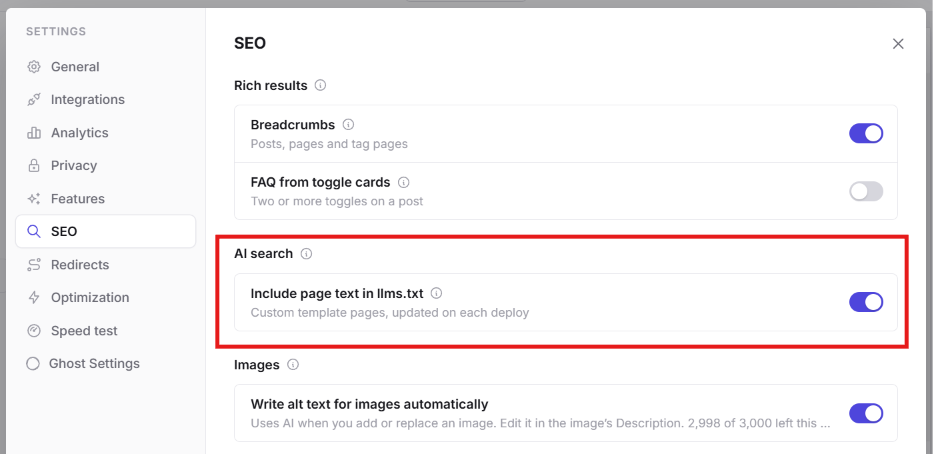
- It's on by default. You can turn it off under Settings → SEO → Include page text in llms.txt.
This isn't hidden text in the SEO sense. Google reads the rendered page, which doesn't change; the Markdown copy simply carries the same words visitors already see.
Things to know
- Ghost only lists what's in its editor. The files are built from your posts and pages as written in Ghost. Text that lives in your theme isn't included (see landing pages and custom templates above). Your home page isn't a Ghost page at all, so
llms.txtstarts with your site title and description from Settings → General: make that description count. - Older self-hosted versions had a caching issue. Before Ghost 6.60, sites behind Cloudflare could sometimes serve the Markdown version of a post to human visitors. If you host Ghost yourself behind a CDN, update before switching this on.
- Check for old redirects. If you once added a redirect for
/llms.txtunder Settings → Labs → Redirects, remove it, or it will keep hiding Ghost's file.
FAQ
Can I write my own llms.txt in Ghost?
Not with the built-in feature: Ghost generates the file from your content. If you host Ghost yourself, you can serve your own file instead, but the generated one stays up to date on its own, which is usually better.
Why is my landing page's .md file empty?
Its words live in a custom template, and Ghost only converts what's in the page's editor. Copy the text into the editor, or let Ectobuilder do it on each deploy.
Will AI tools read my paid posts through llms.txt?
No. Paid and members-only posts appear with their title and excerpt only.
Does llms.txt affect my PageSpeed score?
No. The check is in its own section, Agentic Browsing, and doesn't change your performance, accessibility or SEO scores.
Build your Ghost theme visually.
Start from a template or a blank page in Ectobuilder and deploy straight to Ghost, with speed and SEO settings built in.
Sources
- llmstxt.org: the llms.txt proposal
- Ghost: built-in support for llms.txt and Markdown output
- Search Engine Journal: Lighthouse fails your llms.txt without Markdown links
- Iris Themes: Ghost llms.txt and .md URLs, setup and gotchas
Some links in this article are affiliate links: if you sign up through them, we may earn a commission at no extra cost to you.
Written by
Founder of Ectobuilder, the AI-powered visual theme editor for Ghost. Indie software builder in Wrocław and co-author of The AdTech Book. I write about Ghost themes, newsletters and building websites with AI.
Comments
Questions or thoughts? Share them below.
Keep reading
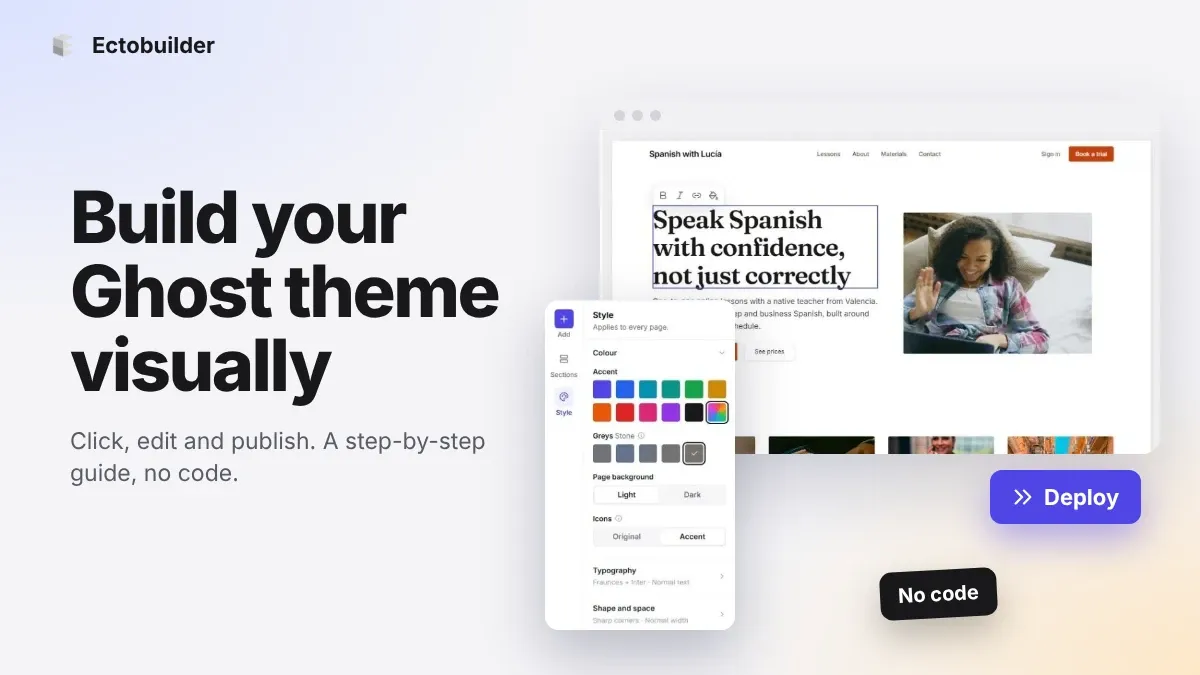
How to Build Your Ghost Theme Visually (Step-by-Step Guide, No Code)
Build a complete Ghost theme without touching code: start from a theme, edit text and pictures in place, add sections from a library of 270, set colours and fonts, design every page, and publish to Ghost in one click. Step by step, with screenshots.
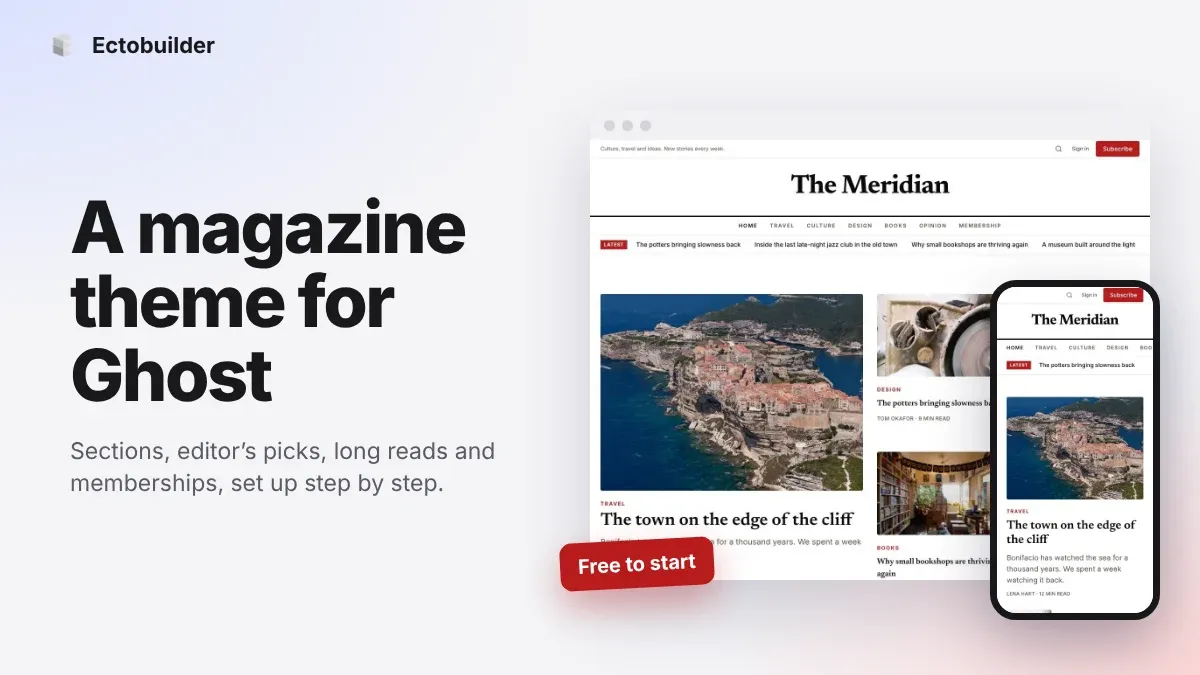
Magazine Theme for Ghost: Sections, Editor's Picks, Long Reads and Memberships
A step-by-step guide to the Magazine theme for Ghost: turn sections into tags, set up the navigation, fill the front page, editor's picks and section fronts, add your writers, sell memberships and send a weekly newsletter.
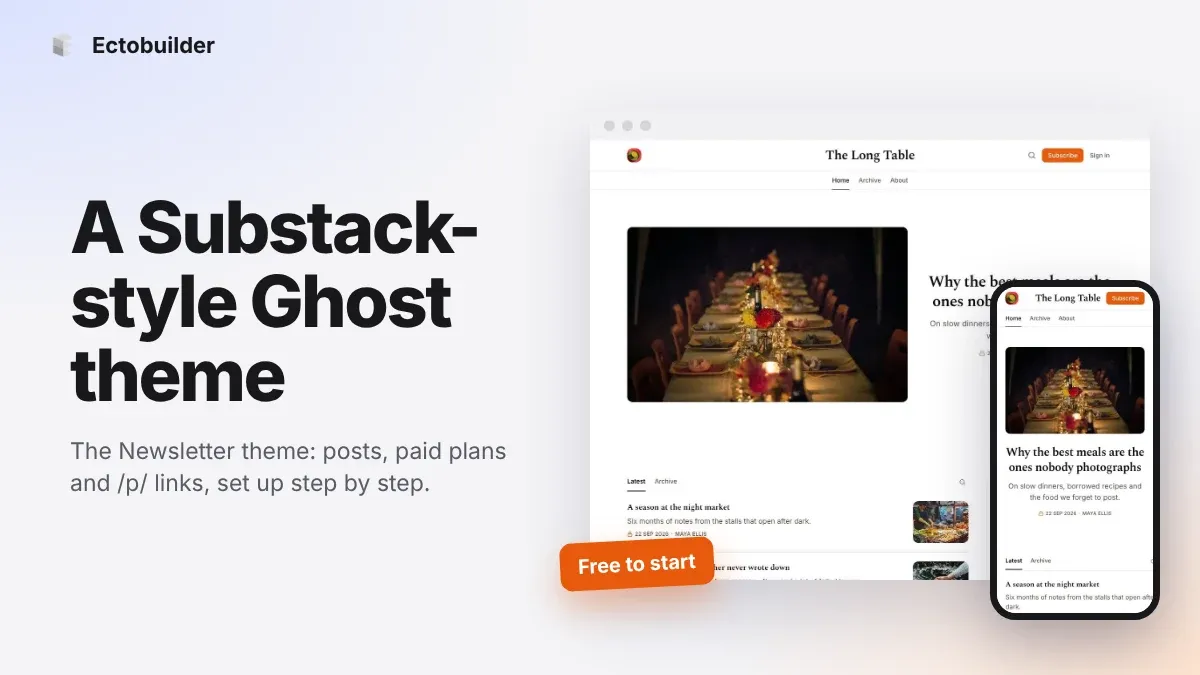
Newsletter Theme for Ghost: A Substack-Style Site With Paid Plans, /p/ Links and Comments
A step-by-step guide to the Newsletter theme for Ghost: a Substack-style homepage and reading page, then newsletters, paid plans, /p/ addresses, Plans, Welcome and About pages, comments and recommendations.