
Tag Icons for Ghost: Mark Premium, Video and Podcast Posts at a Glance
Show a tag as a small icon on the post's picture: a diamond for premium posts, a play button for videos, headphones for podcast episodes. Here's how tag icons work in an Ectobuilder theme, how to set them up step by step, and ideas for using them.

Michal Wlosik
· 6 min read
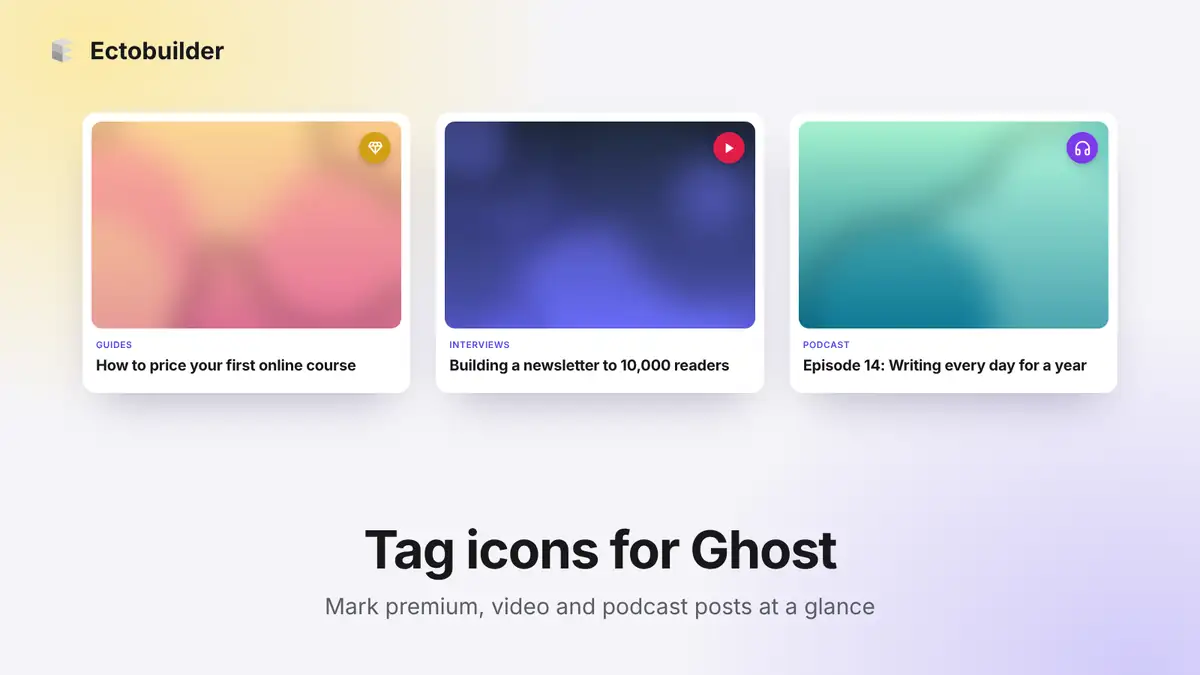
Readers scan a list of posts in seconds. A small icon on the picture tells them what kind of post it is before they read a word: a diamond for premium content, a play button for a video, headphones for a podcast episode.
Ghost doesn't have this, but it does have tags, and that's all you need. In an Ectobuilder theme, any tag can show as an icon on the post's picture. This guide shows how it works, how to set it up, and the most useful ways to use it.
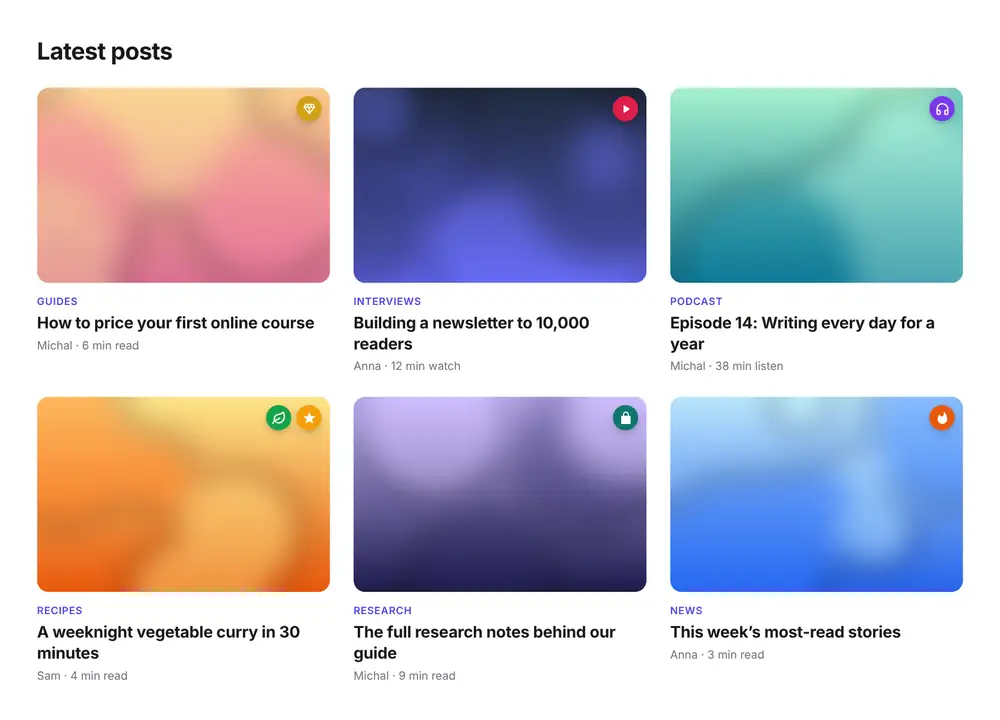
What tag icons are
A tag icon is a small round badge in the top corner of a post's picture, in your post lists: the homepage, the blog, tag pages and author pages. It appears on every post that has that tag, so you set it up once and it keeps working as you publish.
- The badge takes the tag's colour. Give a tag a colour in Ghost Admin and its badge uses it. Without one, it uses your theme's accent colour.
- The word steps aside. A tag shown as an icon is hidden from the row of tag names on the card, so it doesn't appear twice.
- Several can sit together. A post with two icon tags shows both badges side by side.
- It stays accessible. Hovering over a badge shows the tag's name, and screen readers read the name aloud.
How to add tag icons to your Ghost site
1. Create the tag in Ghost and give it a colour
In Ghost Admin, click Tags in the left sidebar. Click New tag to create the tag you want to show as an icon, like Premium or Video, or click an existing tag to edit it.
Next to the tag's name you'll find Color. Click the colour circle to pick one, or type a hex code like d4a017, then click Save in the top right. That's the colour your badge will be. If you leave it empty, the badge uses your theme's accent colour.
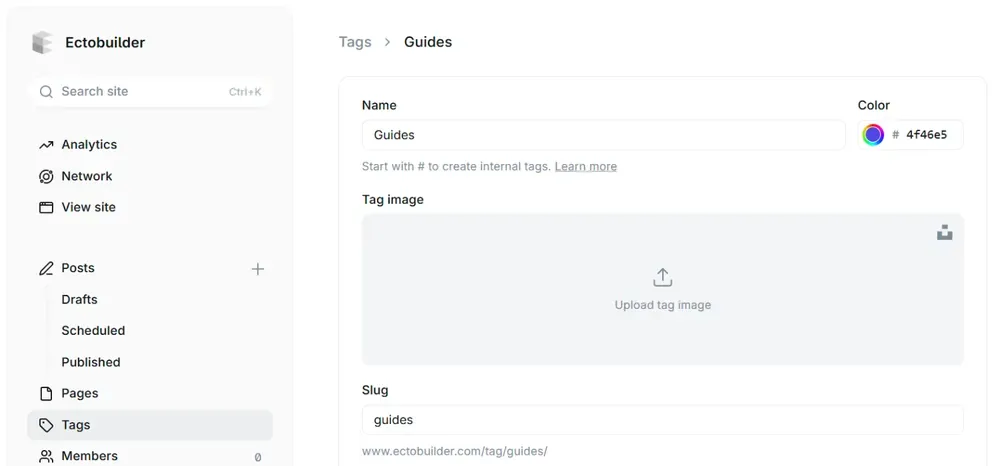
If you don't want the tag to have its own public page, make it an internal tag by starting its name with #, like #members. Internal tags never show on your site as words, but they work for icons just the same. You'll find them under Internal tags at the top of the Tags list.
2. Add the tag to your posts
Open a post, click the settings icon, and add the tag in the Tags field. For posts you've already published, the quickest way is the post list in Ghost Admin: filter, select several posts and add the tag to all of them at once.
3. Choose an icon in Ectobuilder
Open your theme in Ectobuilder, go to Settings → Features, and click Add next to Tag icons. Pick the tag from the list. With your Ghost site connected, the list shows all your tags, internal ones included.
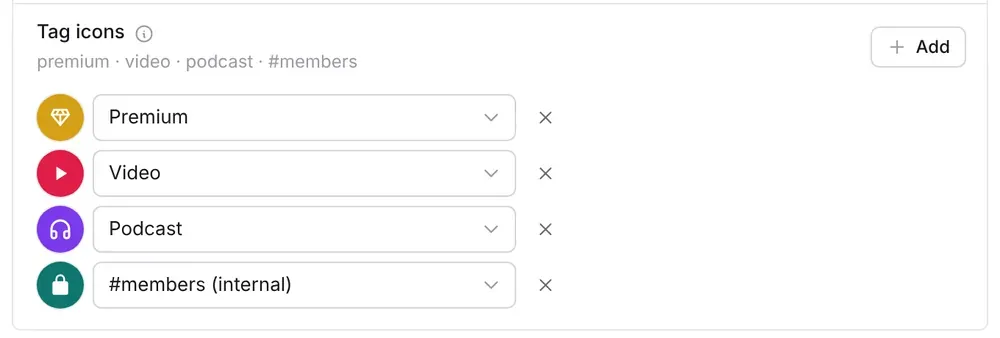
Each new tag icon starts as a diamond. Click the round icon to choose another: there are around 1,500 to search, from stars and locks to microphones, leaves and calendars.
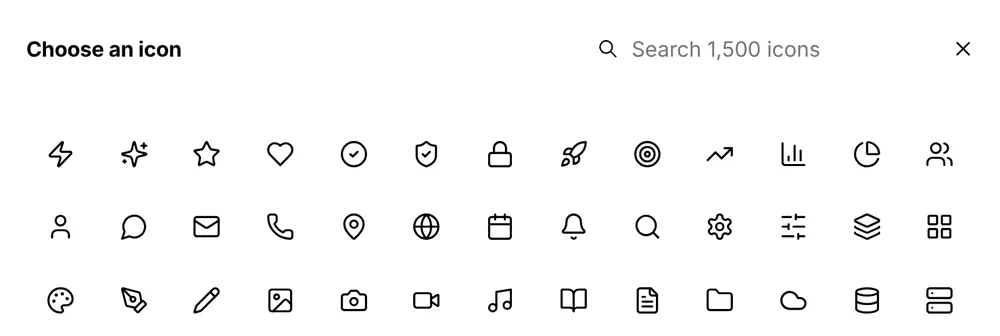
You can set up to six tag icons. To remove one, click the cross next to it.
4. Deploy
Deploy your theme to Ghost. From now on, every post with one of those tags shows its icon in your post lists, including posts you publish later. There's no code and nothing to add to Ghost's code injection.
Make your post lists easier to scan.
Tag icons, tag colours and tag styles come with every Ectobuilder theme. Design visually, then publish to your Ghost site.
Ideas for using tag icons
Paid and members-only posts
The classic use. Tag paid posts Premium with a diamond or crown, and members-only posts with a lock. Readers see at a glance what comes with a subscription, which is a quiet nudge to sign up.
A tag icon is a label, not a lock. Who can read a post is still set by the post's access setting in Ghost (public, members or paid), so set that too. Using an internal tag like #premium keeps the label off your public tag pages.
Videos and podcast episodes
A play button on video posts and headphones or a microphone on podcast episodes tell readers what kind of time they're signing up for. It works especially well on a mixed feed, where articles, videos and episodes sit side by side.
Editor's picks and trending posts
Use a star for your best posts and a flame for what's popular right now. Because tags are easy to add and remove, you can move the flame from post to post every week.
Recipes and dietary labels
Food blogs can show a leaf for vegetarian recipes, a wheat icon for gluten-free ones and a clock for quick weeknight meals. Readers can spot what suits them without opening every recipe.
Courses, downloads and events
Mark lessons that belong to a course with a graduation cap, posts with a free download with a file icon, and event announcements with a calendar.
New, updated and sponsored posts
A sparkle for brand-new posts, a refresh icon for guides you've updated, and a clear label for sponsored content so readers always know.
Tips
- Keep it to a few. Two or three icon tags are easy to learn. Six different badges on one page start to look like noise.
- Pick icons people already know. A play button, a lock and a star need no explanation. Save unusual icons for labels your regular readers will learn.
- Use colour to group. Give paid-content tags one colour and format tags (video, podcast) another, so the meaning carries even at a glance.
- Tell people once. A short line on your homepage or membership page, like "Posts with a diamond are for paid members", helps new readers.
FAQ
Where do tag icons appear?
On post pictures in your post lists: the homepage, the blog, tag pages and author pages. In post list designs without pictures, the icon sits in the card's corner instead.
Do tag icons work with internal tags?
Yes. Internal tags (those starting with #) never show as words on your site, so they're a good way to add an icon without creating a public tag page.
Can I change the badge colour?
Yes: it's the tag's colour in Ghost Admin → Tags. Change it there and the badge follows, with no need to redeploy your theme.
Does a premium icon stop people reading the post?
No. The icon is only a label. Set the post's access to Members or Paid in Ghost to control who can read it.
Build a Ghost theme that fits your content.
Start from a template or a blank page in Ectobuilder, add tag icons in a few clicks, and deploy straight to Ghost.
Written by
Founder of Ectobuilder, the AI-powered visual theme editor for Ghost. Indie software builder in Wrocław and co-author of The AdTech Book. I write about Ghost themes, newsletters and building websites with AI.
Comments
Questions or thoughts? Share them below.
Keep reading
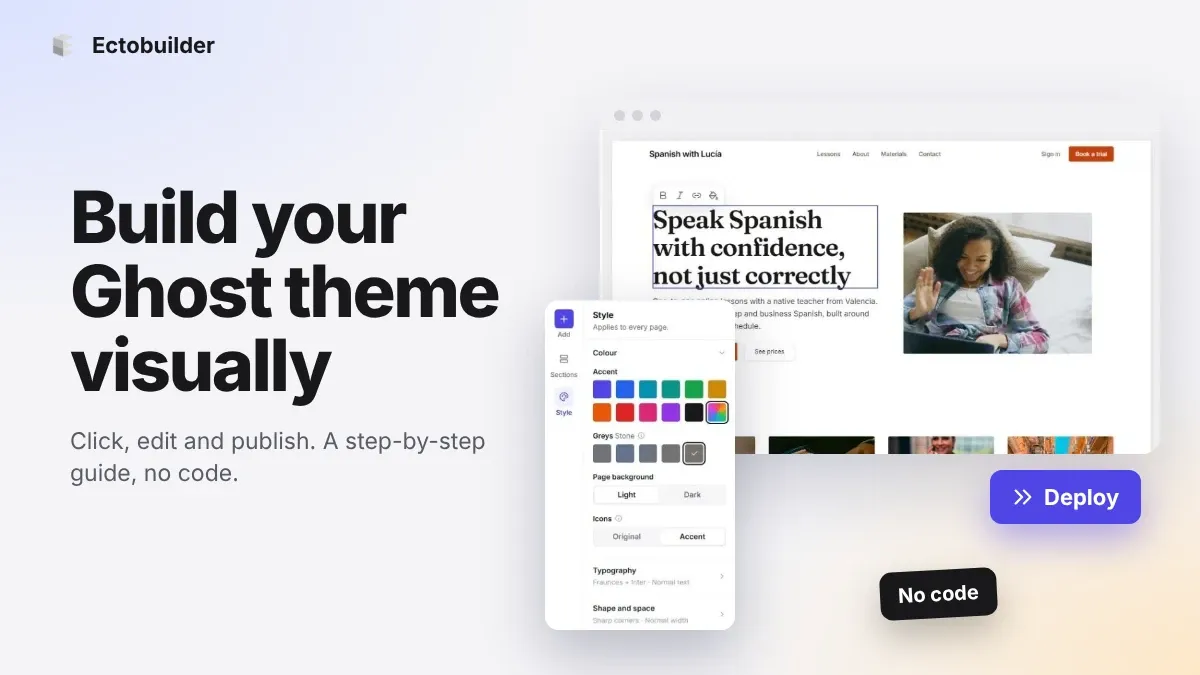
How to Build Your Ghost Theme Visually (Step-by-Step Guide, No Code)
Build a complete Ghost theme without touching code: start from a theme, edit text and pictures in place, add sections from a library of 270, set colours and fonts, design every page, and publish to Ghost in one click. Step by step, with screenshots.
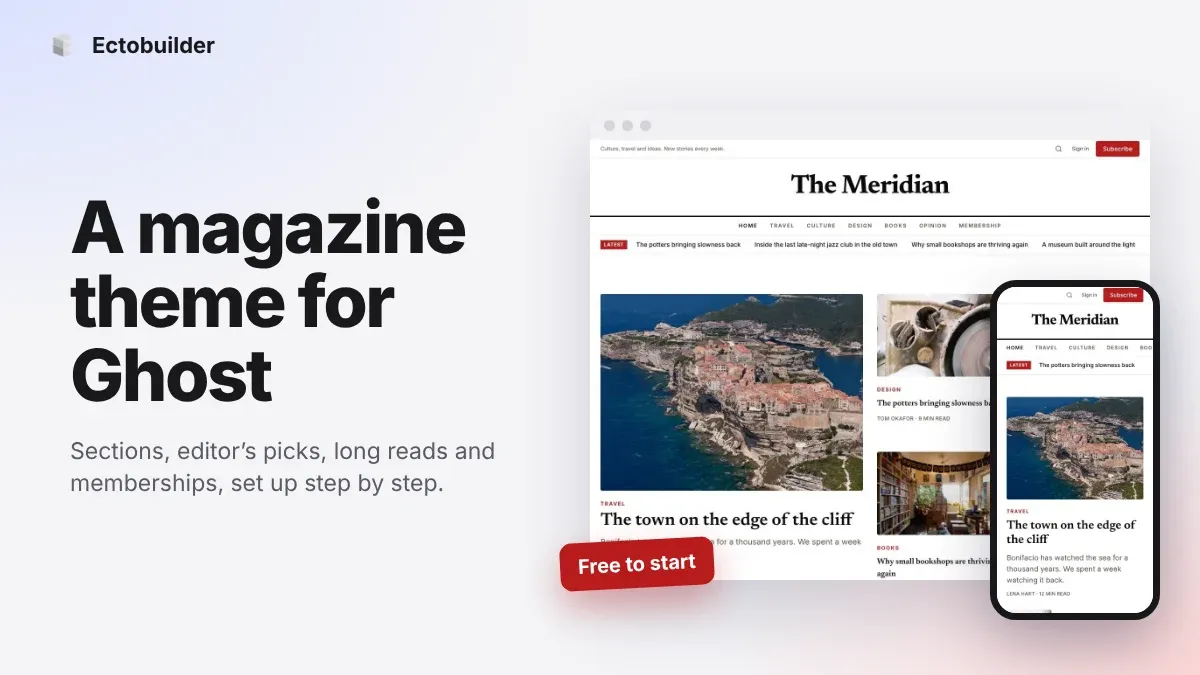
Magazine Theme for Ghost: Sections, Editor's Picks, Long Reads and Memberships
A step-by-step guide to the Magazine theme for Ghost: turn sections into tags, set up the navigation, fill the front page, editor's picks and section fronts, add your writers, sell memberships and send a weekly newsletter.
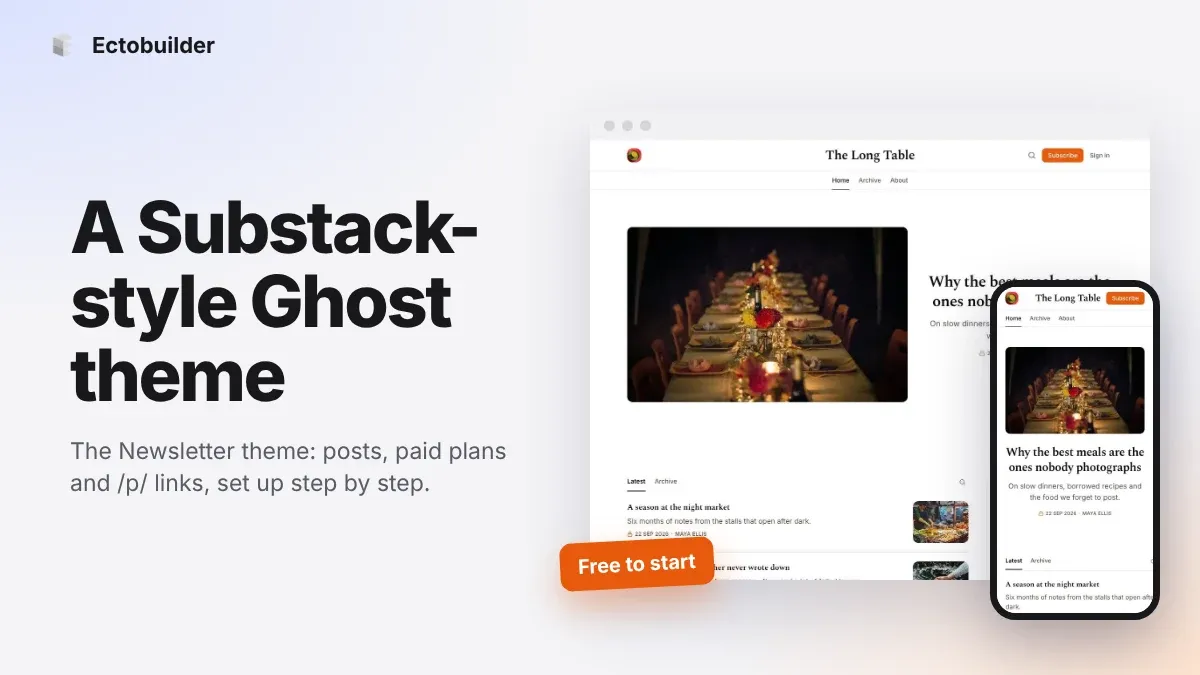
Newsletter Theme for Ghost: A Substack-Style Site With Paid Plans, /p/ Links and Comments
A step-by-step guide to the Newsletter theme for Ghost: a Substack-style homepage and reading page, then newsletters, paid plans, /p/ addresses, Plans, Welcome and About pages, comments and recommendations.