
Ghost vs Ghost(Pro): Self-Hosting vs Official Hosting Compared (2026)
Ghost is free software; Ghost(Pro) is the paid service that runs it for you. Self-hosting vs Ghost(Pro) compared on real yearly cost including Mailgun, setup, upkeep and custom themes, plus the managed hosts in between.

Michal Wlosik
· 6 min read
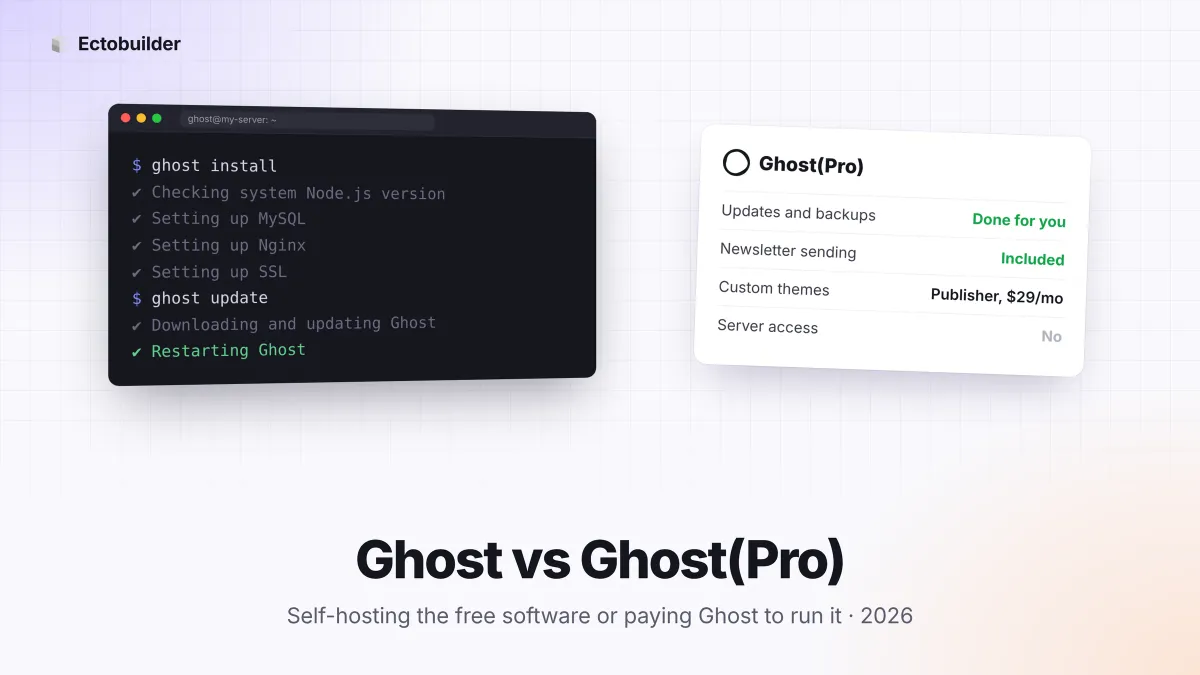
Ghost is free, open-source publishing software. Ghost(Pro) is the paid hosting service that runs that software for you, sold by the non-profit Ghost Foundation that makes it. The editor, themes, memberships and newsletters are the same in both. What changes is who runs the server, who sends your emails, which features are behind a plan, and what you pay.
This guide compares self-hosted Ghost with Ghost(Pro) on cost, setup, email, upkeep and custom themes, and covers the managed hosts in between. Prices were checked on 28 October 2026.
The short answer
| Self-hosted Ghost | Ghost(Pro) | |
|---|---|---|
| Software licence | Free (MIT) | Included |
| Hosting cost | From about $6 to $12 a month for a server | From $15 a month billed yearly |
| Newsletter email | Your own Mailgun account | Included, unlimited sends |
| Custom themes | Always | Publisher plan ($29 a month) and up |
| Paid subscriptions | Always, 0% fee | Publisher and up, 0% fee |
| Updates, backups, security | You | Done for you |
| Server access | Full | None |
| Price based on | Server size | Number of members |
| Support | Community forum | Ghost's own team |
For a broader look that includes independent managed hosts, see Ghost(Pro) vs other Ghost hosting.
What Ghost(Pro) costs
Ghost(Pro) has four plans. Billed yearly for up to 1,000 members: Starter $15 a month, Publisher $29, Business $199 and Custom on request. Paid monthly, they're $18, $35 and $239. Publisher and Business get more expensive as your member count grows: Publisher is $88 a month at 10,000 members and $208 at 50,000. Starter doesn't allow custom themes, paid subscriptions or integrations such as Zapier. Every band and limit is in Ghost(Pro) pricing in 2026.
What self-hosting costs
Self-hosted Ghost needs a Linux server with Node.js, MySQL 8 and Nginx. Ghost recommends at least 1GB of memory; DigitalOcean builds and tests its Ghost image on a 2GB server, which costs $12 a month. A Hostinger Ghost VPS with 4GB starts at $6.49 a month for the first term and renews at $11.99. The software costs nothing.
The cost people forget is email. Ghost sends newsletters only through Mailgun. Mailgun's free plan allows 100 emails a day, which a newsletter to more than 100 people outgrows on the first send, so in practice you need its Basic plan: $15 a month for 10,000 emails, $35 for 50,000 or $90 for 100,000.
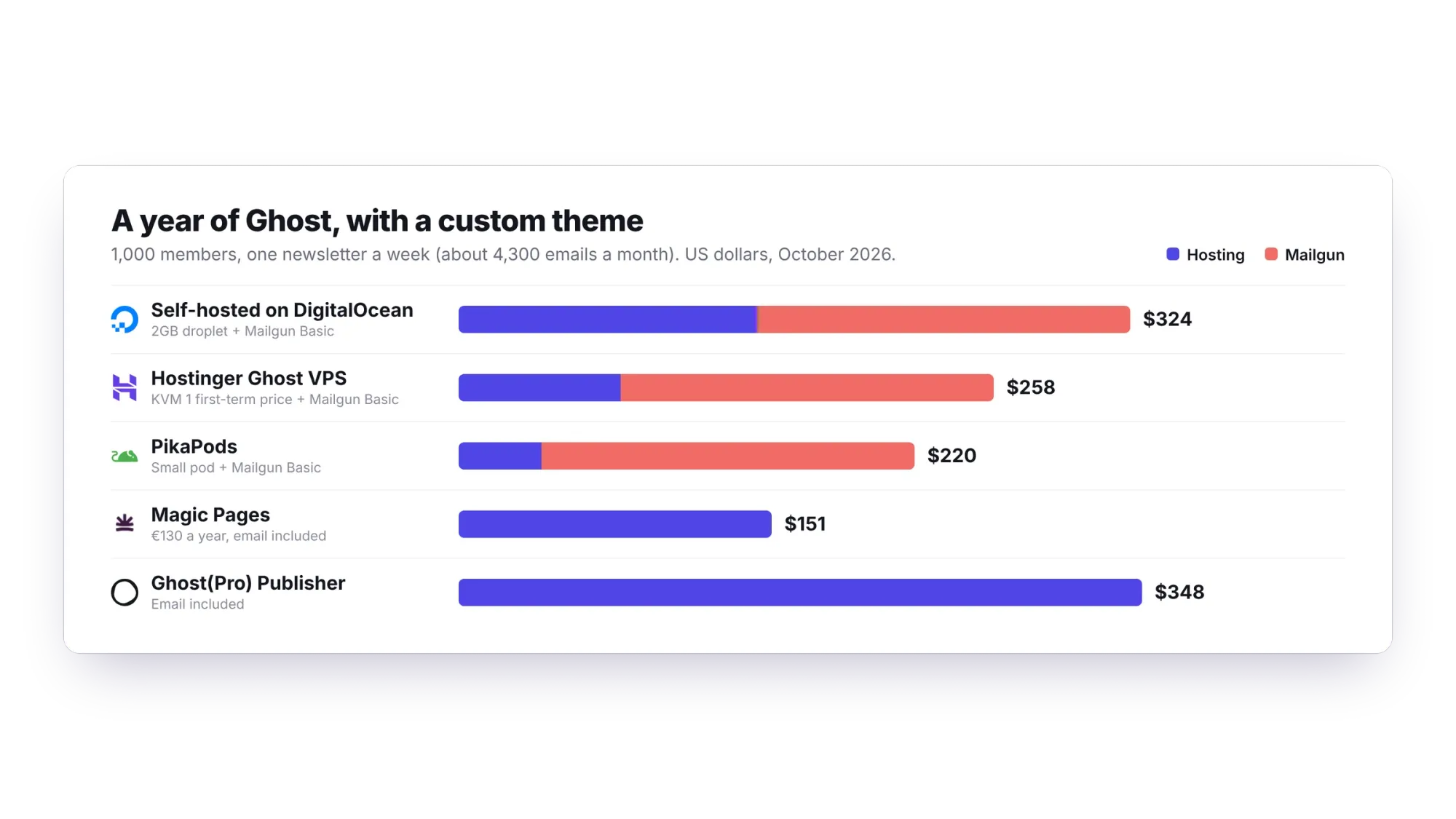
With a weekly newsletter to 1,000 members, Mailgun is the biggest single cost of self-hosting. Self-hosted Ghost wins clearly when you don't send newsletters at all, or when your list is large: Ghost(Pro) Publisher at 10,000 members costs $1,056 a year, while a $12 server plus $35-a-month Mailgun comes to $564.
Setting up
On Ghost(Pro), you sign up, pick a name and start writing. Your site is live in minutes, with SSL, a CDN and email ready.
Self-hosting takes an afternoon if you're comfortable on the command line. You rent a server, point your domain at it, create a user, install Node.js, MySQL and Nginx, then run ghost install, which sets up the database, Nginx and a free SSL certificate. Then you add your Mailgun details in Ghost Admin and set up outgoing mail for sign-in links. A 1-Click image from DigitalOcean or a preinstalled Hostinger VPS does most of the installing for you; PikaPods does all of it.
Keeping it running
Ghost releases updates often. On Ghost(Pro), updates, security patches, backups, SSL renewals and monitoring happen without you. On your own server they're your job:
- Updates: run
ghost updateregularly, and keep Ubuntu, Node.js and MySQL patched too. - Backups: export your content and members from Ghost Admin, and back up the database and the
contentfolder off the server. - Uptime: if the server falls over at night, nobody else is watching.
- Extras: Ghost's web analytics and social web features need extra setup on a self-hosted site, while on Ghost(Pro) they work from day one.
Custom themes
On your own server, any theme works: marketplace themes, a theme you built, or a theme from a visual builder. On Ghost(Pro), Starter runs only Ghost's official themes, so a custom design means Publisher at $29 a month or more. Why Starter blocks custom themes.

Build the theme once, run it anywhere.
Ectobuilder builds a standard Ghost theme visually and publishes it to your own server, Ghost(Pro) Publisher or any managed host. Free to build; $79 a year to publish.
Managed hosting in between
You don't have to choose between doing everything and paying Ghost(Pro). Several hosts sit in between:
| Option | Price | Who looks after Ghost | |
|---|---|---|---|
| Magic Pages | €13/mo or €130/year | Them | 10,000 a month included |
| PikaPods | About $3.30/mo | Them (automatic updates) | Bring your own |
| Hostinger Ghost VPS | $6.49/mo first term | You, with Ghost preinstalled and weekly backups | Bring your own |
| DigitalOcean 1-Click | $12/mo | You, with Ghost preinstalled | Bring your own |
Magic Pages is the closest to Ghost(Pro): updates, backups, custom themes and email are handled, for unlimited members, at €130 a year. PikaPods is the cheapest managed option but leaves email to you. We compare more of them, with full costs, in Cheap Ghost hosting: 7 alternatives to Ghost(Pro) and Ghost(Pro) vs Magic Pages. On a tight budget? The cheapest blogging platform you actually own goes further.
Ghost(Pro) features without the Ghost(Pro) bill.
Magic Pages runs Ghost for you with custom themes, 10,000 newsletter emails a month, backups and a 99.9% uptime SLA, from €13 a month. Try it free for 14 days, no card needed.
Your own server, Ghost already installed.
Hostinger's Ghost VPS gives you 4GB of RAM, weekly backups and full root access from $6.49 a month for the first term, with a 30-day money-back guarantee. Get 20% off your first purchase through our link.
Which should you choose?
- Choose Ghost(Pro) if you want zero maintenance, send newsletters to a list that fits the member bands, want new features first, or want your money to fund Ghost.
- Self-host if you're comfortable with Linux, want full control or several sites on one server, don't send newsletters, or have a large free list that would be expensive on Ghost(Pro).
- Choose a managed host if you want custom themes and hands-off hosting for less than Publisher.
Whichever you choose, you can switch later: every Ghost install exports and imports the same content and member files.
FAQ
Is Ghost free?
Yes. Ghost is open source under the MIT licence. You pay only for hosting, and for email if you send newsletters from your own server.
Is self-hosted Ghost missing features?
The software is the same. On a self-hosted site you set up newsletter email through Mailgun yourself, and Ghost's web analytics and social web features need extra setup.
Do I need Mailgun to self-host Ghost?
Only to send newsletters. Sign-in links and other site emails can go through any SMTP service.
Is Ghost(Pro) cheaper than self-hosting?
Sometimes. For a small newsletter with a custom theme, the totals are close once you add Mailgun. Without newsletters, or with a large list, self-hosting is cheaper.
Can I move from self-hosted Ghost to Ghost(Pro), or back?
Yes. Export your content and members from Ghost Admin, import them on the other side, reconnect Stripe and point your domain at the new host. Copy your images and theme across too.
Your Ghost theme, designed by clicking.
Pick a theme from the gallery, make it yours, and publish it to your own server or any Ghost host. Start free and pay only when you go live.
Some links in this article are affiliate or referral links: if you sign up through them, Ectobuilder may earn a commission at no extra cost to you. Prices were checked on 28 October 2026 and change often, so check each provider's pricing page before you sign up.
Written by
Founder of Ectobuilder, the AI-powered visual theme editor for Ghost. Indie software builder in Wrocław and co-author of The AdTech Book. I write about Ghost themes, newsletters and building websites with AI.
Comments
Questions or thoughts? Share them below.
Keep reading
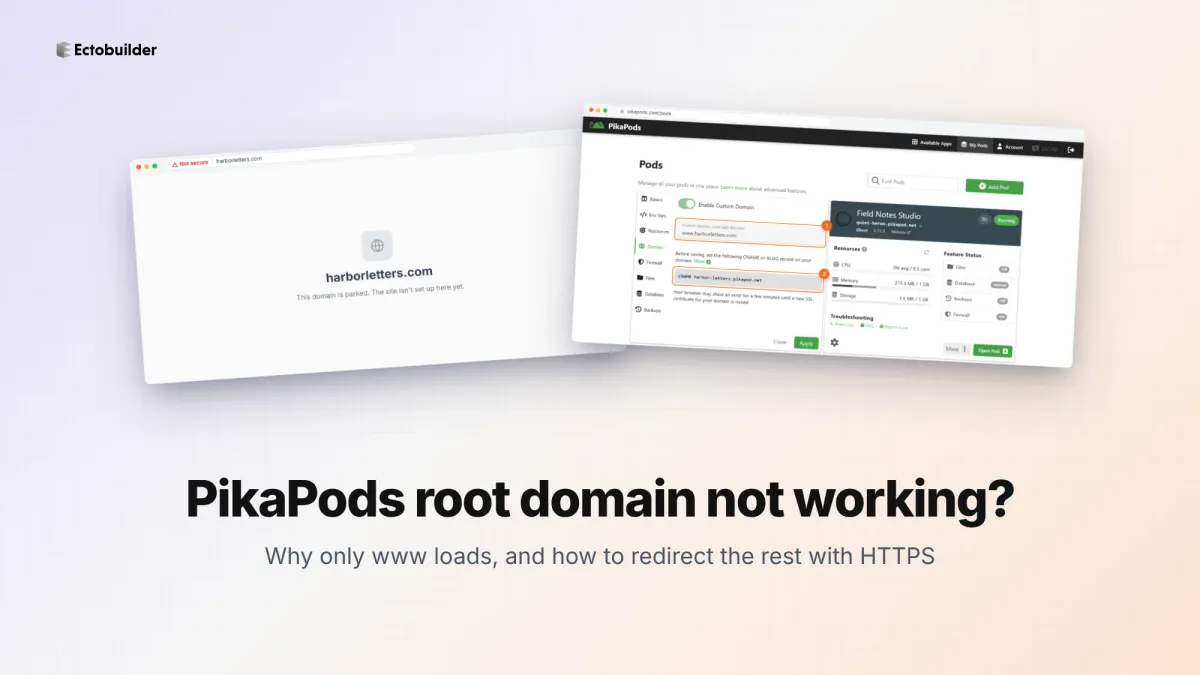
PikaPods Custom Domain: Why Only www Works (and How to Fix the Root Domain)
PikaPods maps one custom domain per pod, so yourdomain.com without www stays on a parked page with no SSL. Here's why, and three ways to redirect it to www over HTTPS without touching your email records.
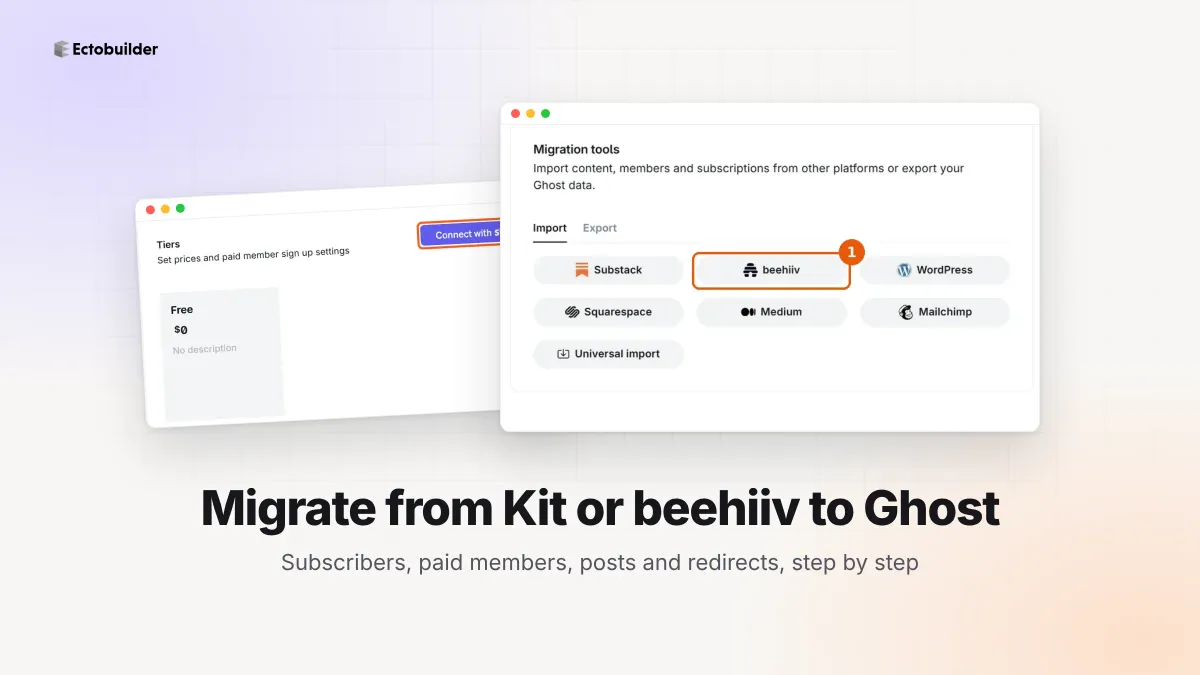
How to Migrate from Kit or beehiiv to Ghost (Subscribers, Paid Members, Posts and Redirects)
Move your newsletter from Kit (ConvertKit) or beehiiv to Ghost step by step: export and import subscribers, deal with paid members and Stripe, bring your posts across, set up redirects and your domain, warm up email sending, and make the new site look right.
How to Use ChatGPT to Create 301 Redirects (Prompts, File Formats and Testing)
Let ChatGPT or Claude match your old URLs to new ones and write the redirect file for Ghost, Apache, Nginx, Netlify or Vercel. Prompts to copy, the mistakes to avoid, and how to test every redirect.