
Can You Use a Custom Theme on Ghost(Pro) Starter?
No: Ghost(Pro) Starter only runs Ghost's official themes. Here is what you can still change on Starter, and the two ways to get a custom or marketplace theme live: upgrade to Publisher or move to another Ghost host.

Michal Wlosik
· 5 min read
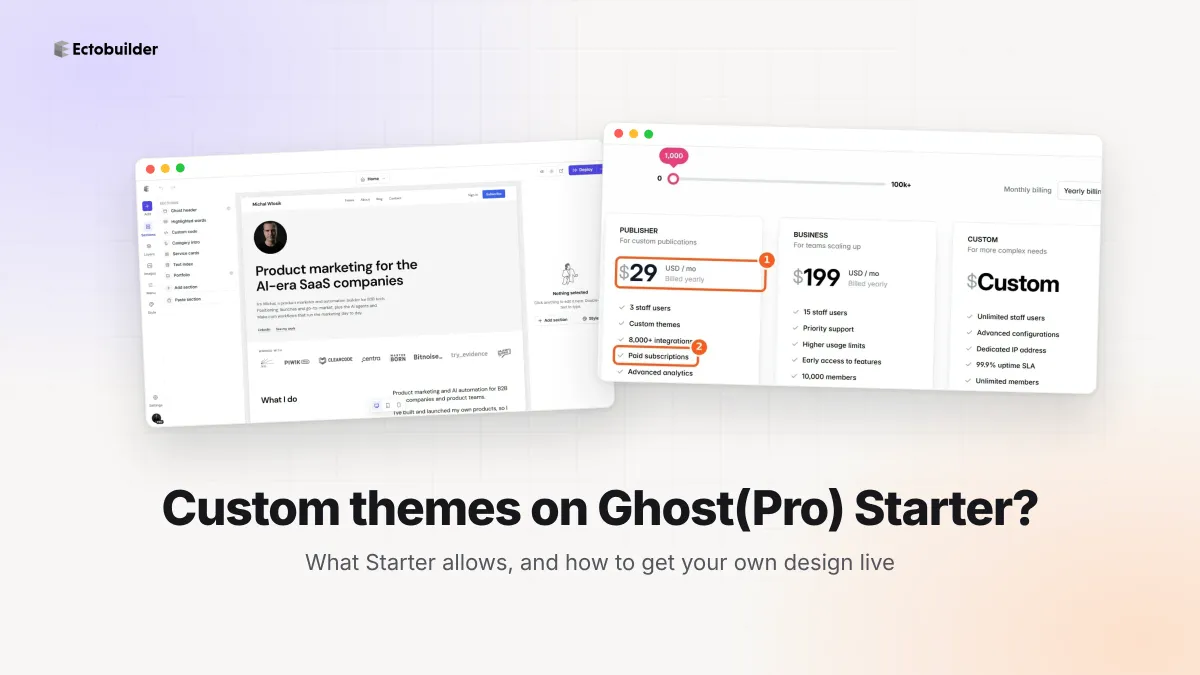
No. On Ghost(Pro) Starter you can't upload a custom theme, and you can't install a theme you bought from a marketplace either. Ghost's own help page puts it plainly: "On Ghost(Pro), only official themes can be used with the Starter plan." The pricing page also lists custom integrations as not included on Starter.
So if you have a theme ZIP file and a Starter site, the Upload theme option won't help you. You have two ways out: move up to Publisher, or move to a Ghost host with fewer theme restrictions. Both are covered below, along with what you can still change while you stay on Starter.
What Starter includes
As of October 2026, Ghost(Pro) has four plans. Prices are per month, billed yearly, as shown on ghost.org:
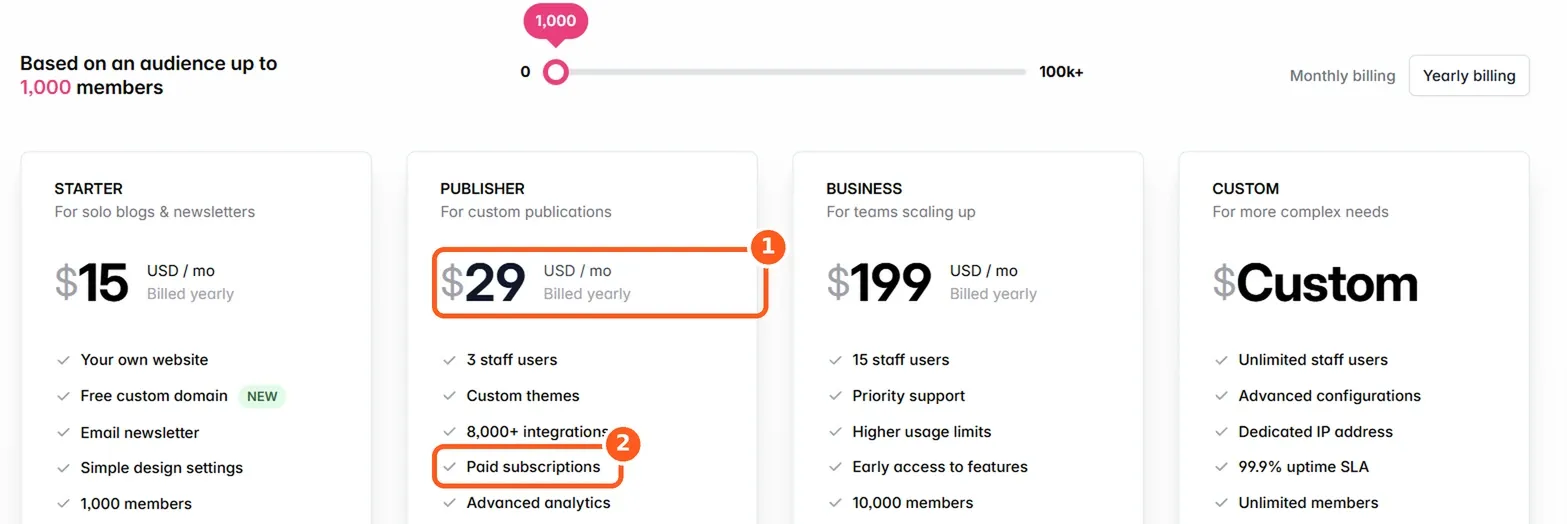
| Plan | Price | Custom and marketplace themes | Custom integrations |
|---|---|---|---|
| Starter | $18/mo | No | No |
| Publisher | $29/mo | Yes | Yes |
| Business | $199/mo | Yes | Yes |
| Custom | On request | Yes | Yes |
The pricing page describes Starter's design options as "a built-in default theme with plenty of layout and color settings." That is the whole design toolbox on Starter: an official Ghost theme and the settings it exposes.
What you can change on Starter
More than you might expect, as long as you stay inside the theme's own settings:
- Design settings. In Settings → Design & branding you can set your accent color, logo, icon, cover image and fonts, and pick from the layout options the official theme offers (header style, post feed layout, and so on).
- Navigation and pages. Primary and secondary menus, static pages, tags and authors all work the same as on any plan.
- Code injection, probably. Ghost has site-wide and per-post code injection for adding scripts or a few lines of CSS. Ghost's pricing page doesn't say whether Starter includes it, and we couldn't find an official answer. Community members on the Ghost forum describe it as available on Starter and the way to make small tweaks there. Check Settings → Code injection in your own admin before you rely on it.
What you can't do is change templates. A different homepage structure, a new post layout, a custom template for one page: all of those mean editing theme files, and an edited official theme counts as a custom theme. Code injection can restyle what is already on the page, but it can't add sections the theme doesn't render.
Option 1: upgrade to Publisher
The simplest route. Publisher is $29/month billed yearly, $11 more than Starter, and it unlocks custom themes, marketplace themes and custom integrations. You stay on the same site, keep your members and payment setup, and upload your theme from Settings → Design & branding → Change theme.
This is the right choice if you're happy with Ghost(Pro) and the extra cost doesn't bother you. You don't move anything.
Option 2: move to a host that allows custom themes
Ghost is open source, and the theme limit is a Ghost(Pro) plan rule, not a Ghost rule. Other hosts run the same software with fewer theme restrictions:
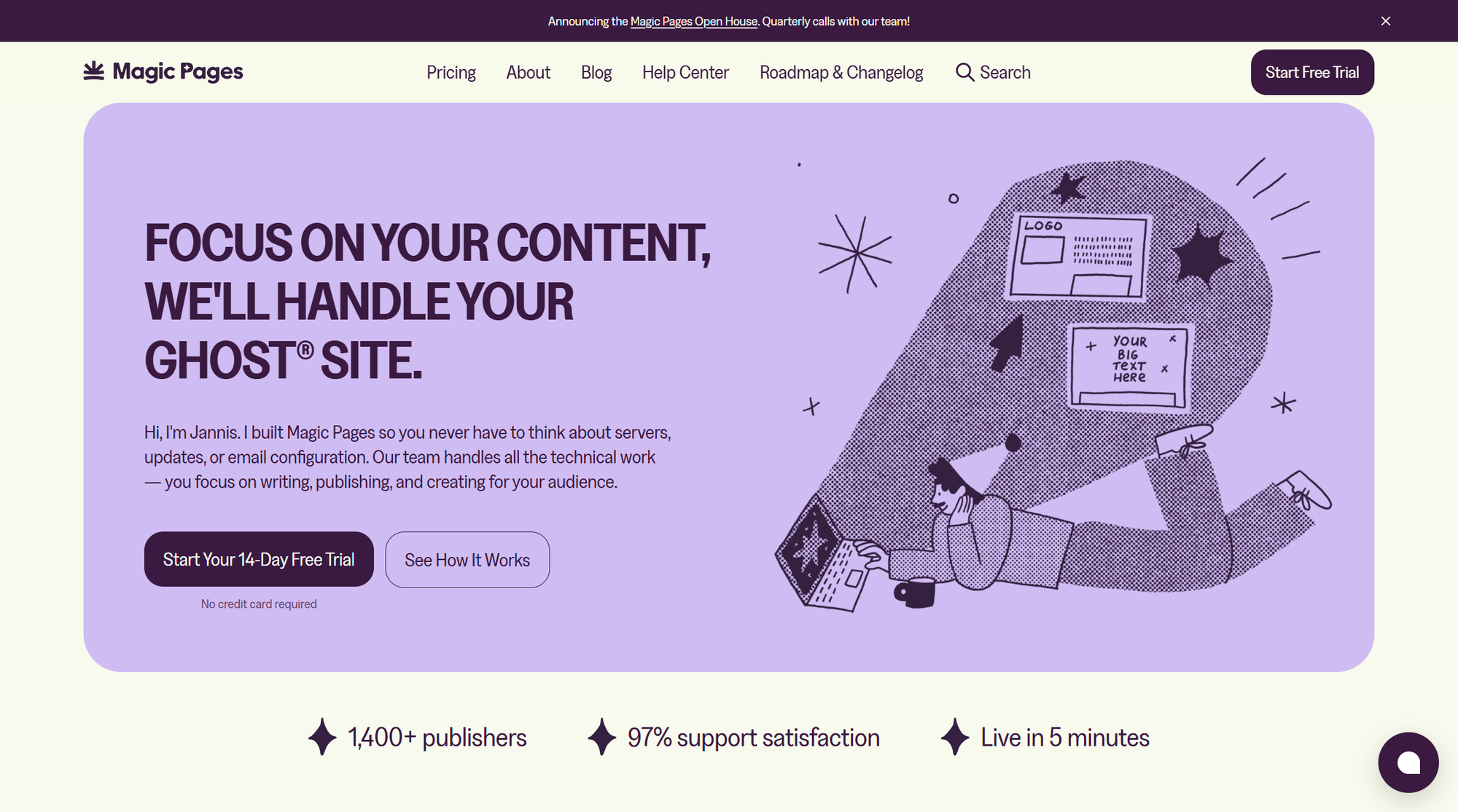
- Magic Pages is a managed Ghost host with newsletter email included. Custom themes are included on its Pro plan, and on its Starter plan you can add them as a paid add-on without upgrading.
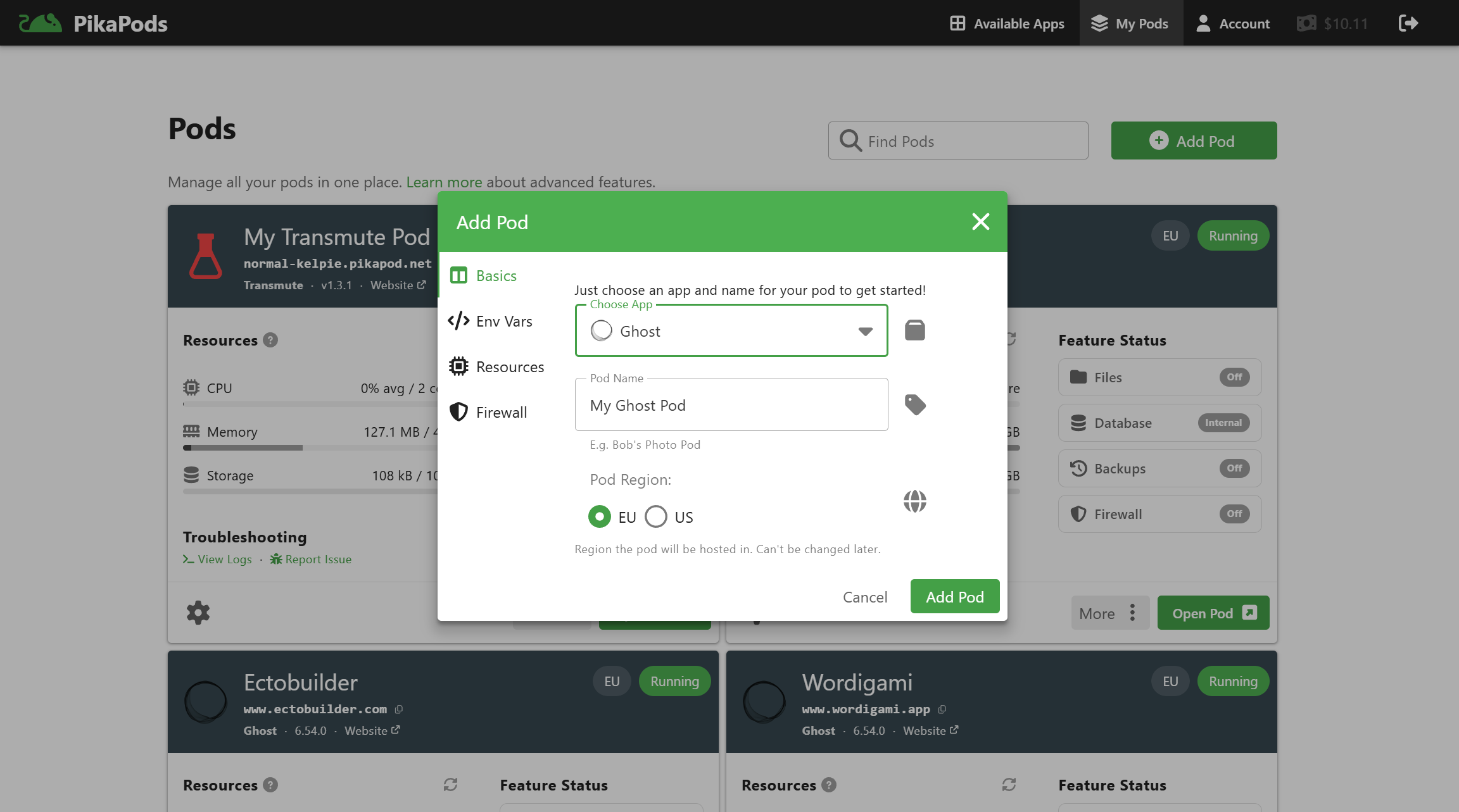
- PikaPods runs Ghost for a few dollars a month and lets you upload any theme. It's the cheapest option, but newsletter email is not included.
- Self-hosting on your own server gives you full control, with the server admin, updates, backups and email setup that come with it.
We compare these and more, with full costs including email, in Cheap Ghost Hosting: 7 Alternatives to Ghost(Pro) and Ghost(Pro) vs other hosting.
How moving hosts works
Moving a Ghost site from one host to another is routine, because every Ghost install uses the same export and import formats. In short:
- Export your content. In Ghost admin, go to Settings → Migration tools and export your content as a JSON file. The JSON file holds your posts, pages and settings but not your image files, so ask Ghost(Pro) support for a copy of your images or check whether your new host helps with migration.
- Export your members. In Members, export the list as CSV. If you have paid members, connect the same Stripe account on the new site so their subscriptions keep running.
- Import on the new host. Import the JSON file and then the members CSV in the new site's admin.
- Point your domain. Update your DNS records to the new host, wait for the change to spread, and check that HTTPS works.
- Upload your theme. This is the step Starter didn't allow.
If you're coming to Ghost from another platform rather than switching Ghost hosts, we have step-by-step guides for Substack and Copyfolio.
Where Ectobuilder fits
Ectobuilder is a visual theme builder for Ghost. You pick sections, set colors and fonts, and preview the result with your own posts, without writing Handlebars.
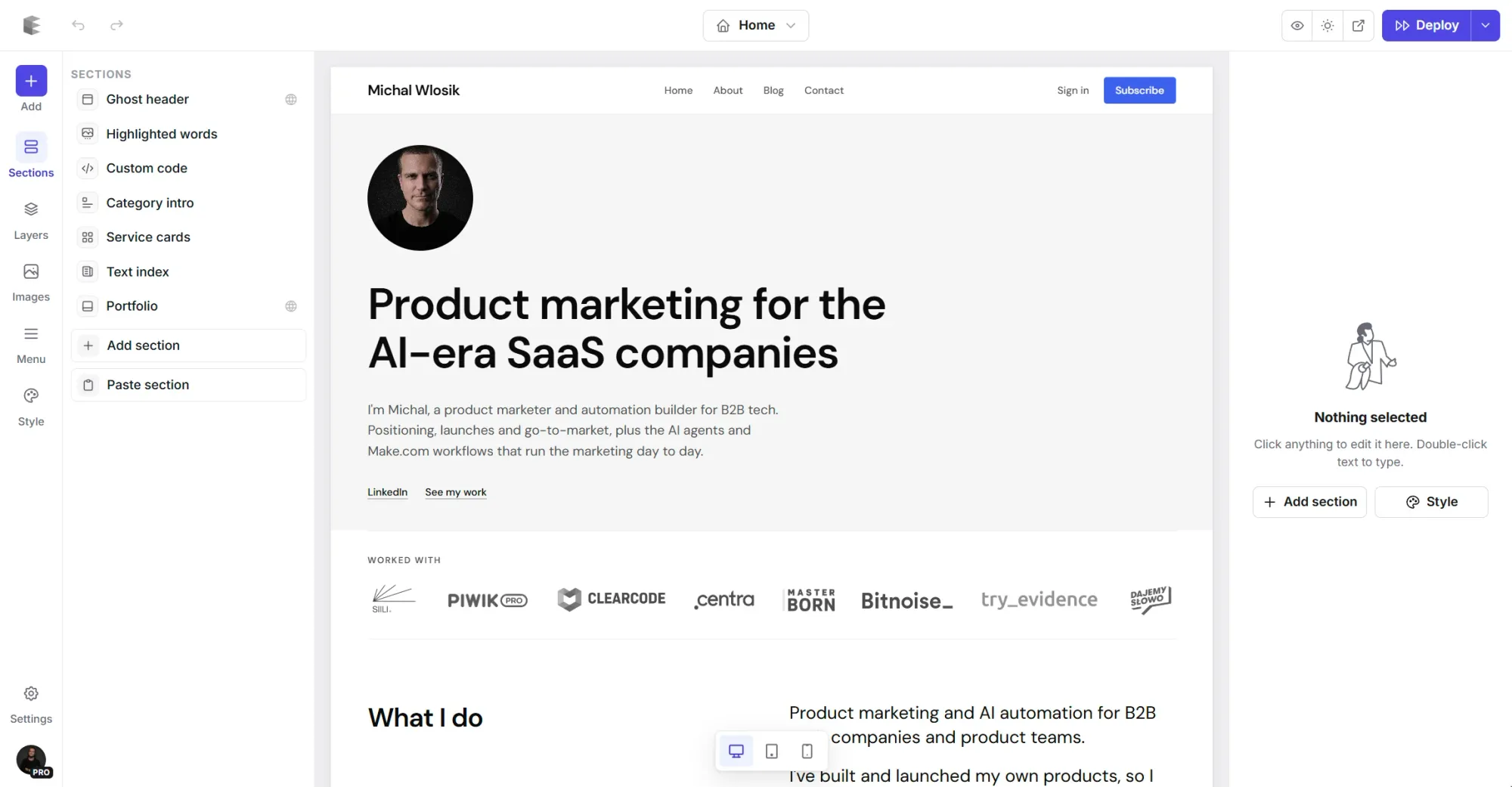
Building and previewing a theme is free, so you can design your theme first and decide on hosting later. You only need a host that accepts custom themes when you're ready to put it live: Ghost(Pro) Publisher or above, Magic Pages (Pro, or Starter with the custom theme add-on), PikaPods, or your own server. If you deploy, Pro is $79/year for up to 3 sites and Studio is $199/year.
FAQ
Can I use a marketplace theme on Ghost(Pro) Starter?
No. Marketplace themes, free or paid, count the same as custom themes. Starter is limited to Ghost's official themes.
Can I edit the official theme's files on Starter?
No. Once you change a theme's files it becomes a custom theme, and Starter won't accept the upload. You can still use the theme's design settings and, where available, code injection for CSS tweaks.
Does Starter support custom integrations?
No. Ghost's pricing page lists custom integrations, which let you connect third-party services through Ghost's APIs and webhooks, as a Publisher feature and above.
Is it cheaper to move hosts than to upgrade?
Often, yes. Some hosts cost less than Ghost(Pro) Starter and still allow custom themes, either included or as an add-on. Add up email costs before you decide, though: the cheapest options don't include newsletter sending.
Some links in this article are affiliate or referral links: if you sign up through them, Ectobuilder may earn a commission at no extra cost to you. Prices were checked in 2026 and may change; check each provider's pricing page before you sign up.
Written by
Founder of Ectobuilder, the AI-powered visual theme editor for Ghost. Indie software builder in Wrocław and co-author of The AdTech Book. I write about Ghost themes, newsletters and building websites with AI.
Comments
Questions or thoughts? Share them below.
Keep reading
PikaPods Custom Domain: Why Only www Works (and How to Fix the Root Domain)
PikaPods maps one custom domain per pod, so yourdomain.com without www stays on a parked page with no SSL. Here's why, and three ways to redirect it to www over HTTPS without touching your email records.
How to Migrate from Kit or beehiiv to Ghost (Subscribers, Paid Members, Posts and Redirects)
Move your newsletter from Kit (ConvertKit) or beehiiv to Ghost step by step: export and import subscribers, deal with paid members and Stripe, bring your posts across, set up redirects and your domain, warm up email sending, and make the new site look right.
How to Use ChatGPT to Create 301 Redirects (Prompts, File Formats and Testing)
Let ChatGPT or Claude match your old URLs to new ones and write the redirect file for Ghost, Apache, Nginx, Netlify or Vercel. Prompts to copy, the mistakes to avoid, and how to test every redirect.