
How to migrate from Substack to Ghost (and what doesn't come with you)
Ghost has a built-in Substack importer that moves your posts, free subscribers and paid subscribers in one go. Here is every step, plus an honest list of what stays behind.

Michal Wlosik
· 6 min read
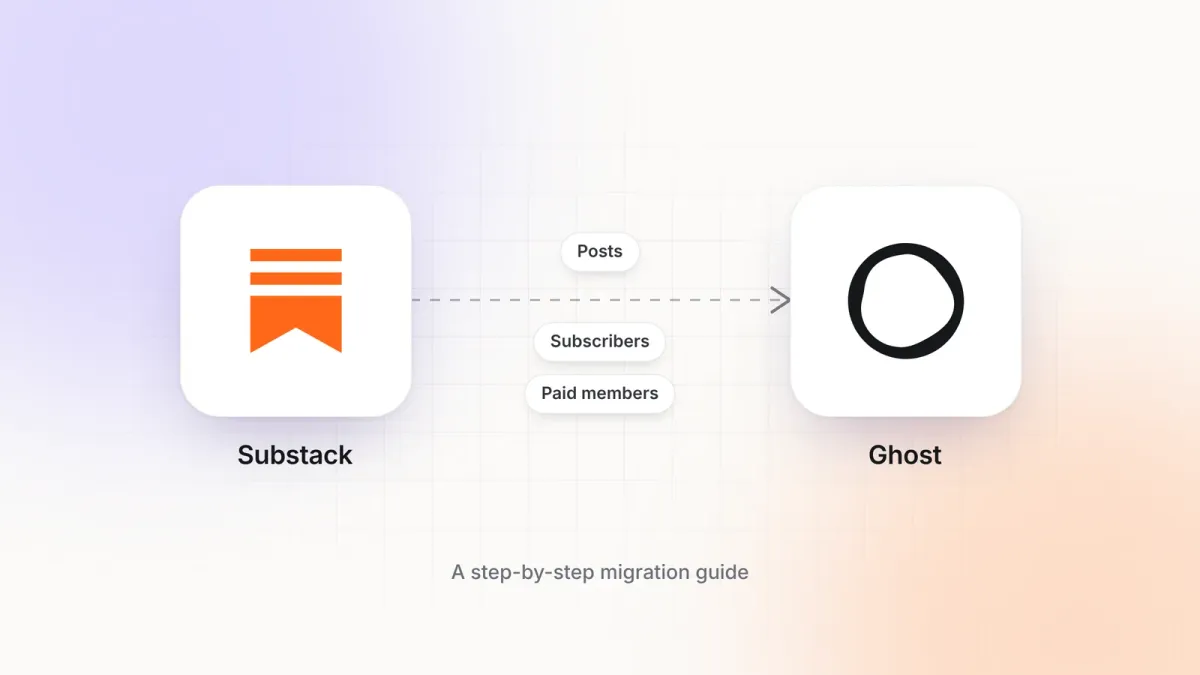
Ghost has a Substack importer built into its admin. It moves your posts, your free subscribers and your paid subscribers in one guided flow, and it keeps paid subscriptions running on the same Stripe account. A small newsletter can be across in under an hour.
It is not a perfect copy, though. Some things that make Substack feel like Substack live only on Substack's servers and don't leave in the export. This guide walks through the import step by step, then lists exactly what you will need to rebuild or let go.
If you also want your new Ghost site to look like your Substack, read the companion guide: How to make Ghost look and feel like Substack.
Before you start
- A Ghost site. Ghost(Pro) or a self-hosted install both work. The importer is the same.
- Log in to Substack in the same browser. The importer sends you to your Substack settings to download files.
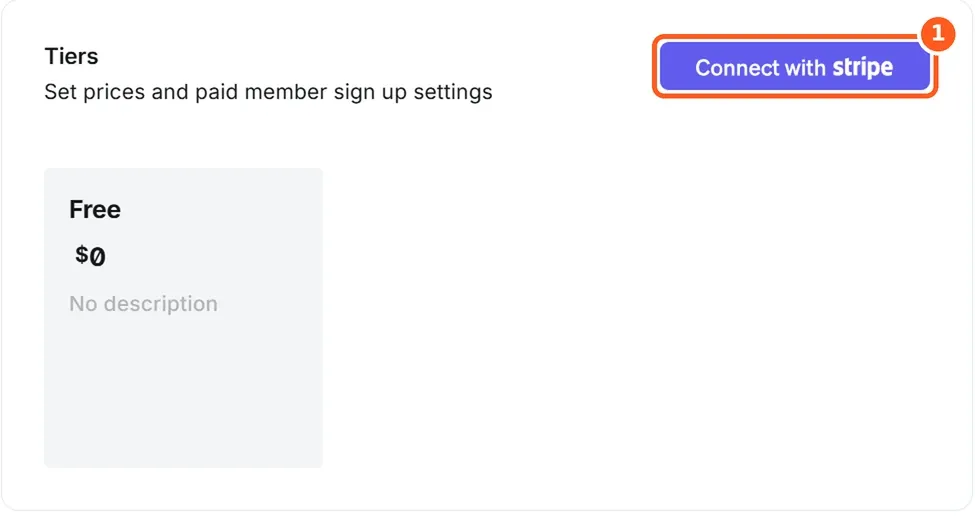
- If you have paid subscribers, connect Stripe in Ghost first, and use the same Stripe account that Substack uses. This is what lets existing subscriptions carry on without anyone re-entering card details.
- Take a fresh export on the day you move. Anyone who subscribes on Substack after your export won't be in it.
Why Ghost(Pro)? It’s the official hosting, run by the non-profit Ghost Foundation, so your subscription funds Ghost itself. Updates, backups, security and a worldwide CDN are handled for you, newsletter sending is included with no Mailgun account to set up, analytics work out of the box, and new features reach you first. Ghost takes 0% of your paid subscriptions. One thing to know: Starter runs only Ghost’s official themes, so choose Publisher for a custom theme. Try Ghost(Pro) free for 14 days.
Step 1: Open Ghost's Substack importer
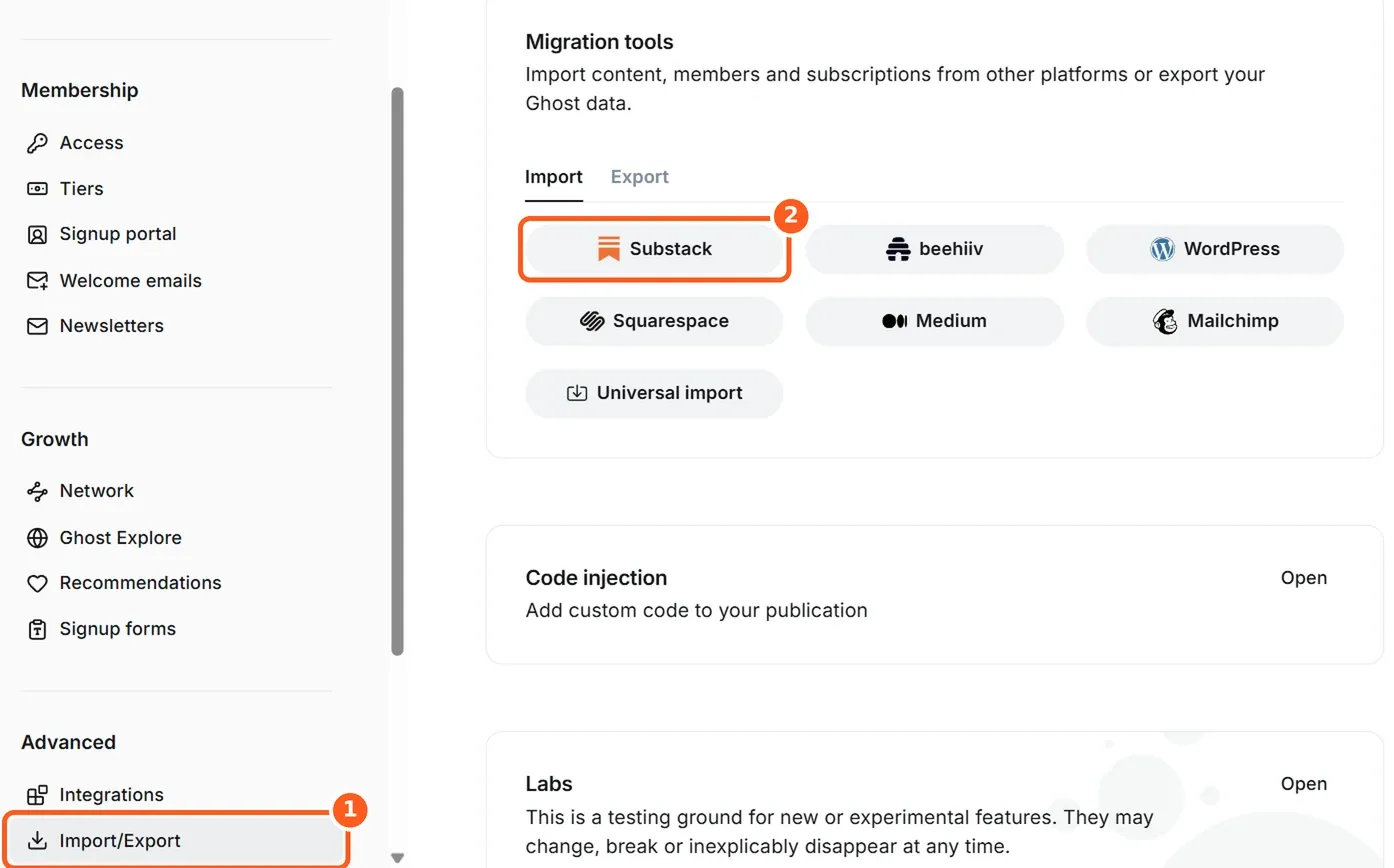
In Ghost Admin, open Settings and choose Import/Export under Advanced. Under Migration tools, keep the Import tab selected and click Substack.
Step 2: Enter your Substack address
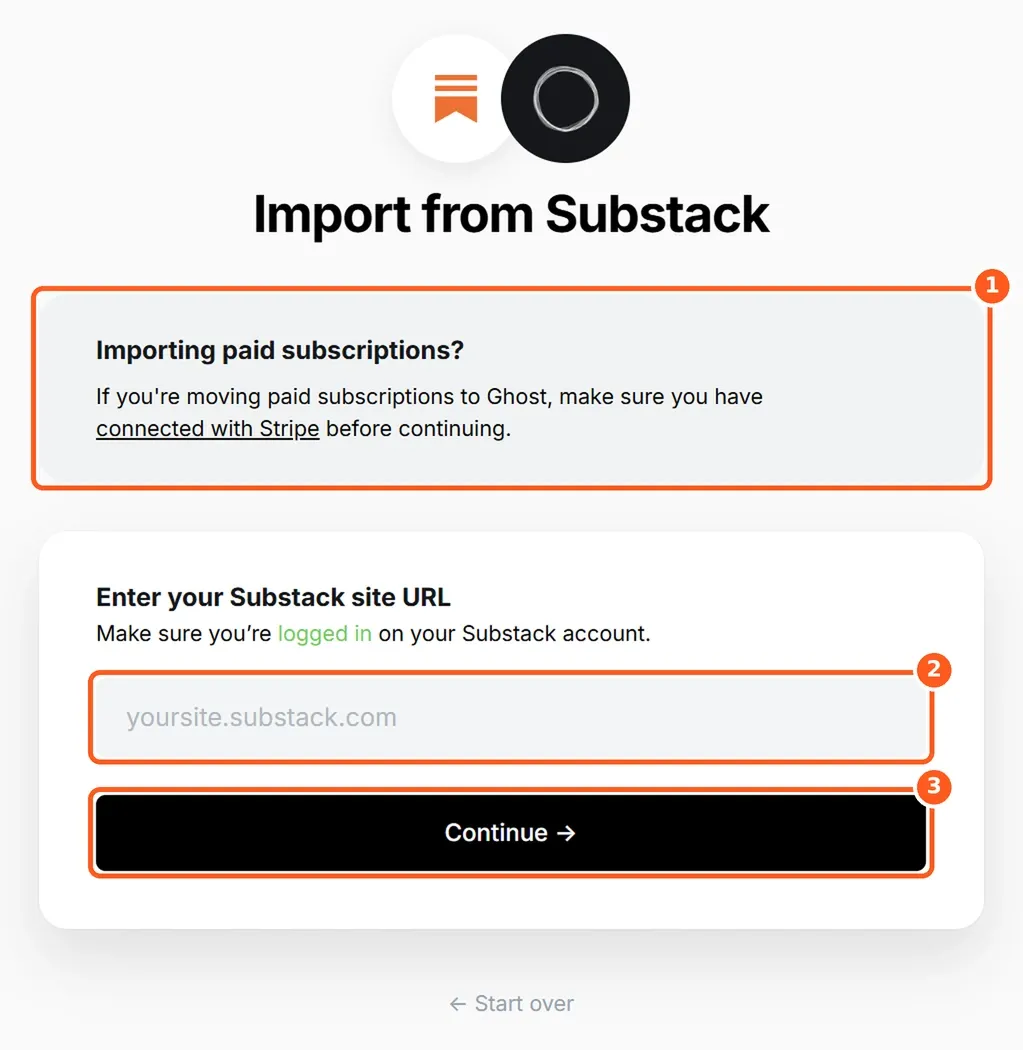
The importer reminds you to connect Stripe if you're moving paid subscriptions. Type your publication's address, for example yourname.substack.com or your custom domain, and click Continue.
Step 3: Export your posts from Substack
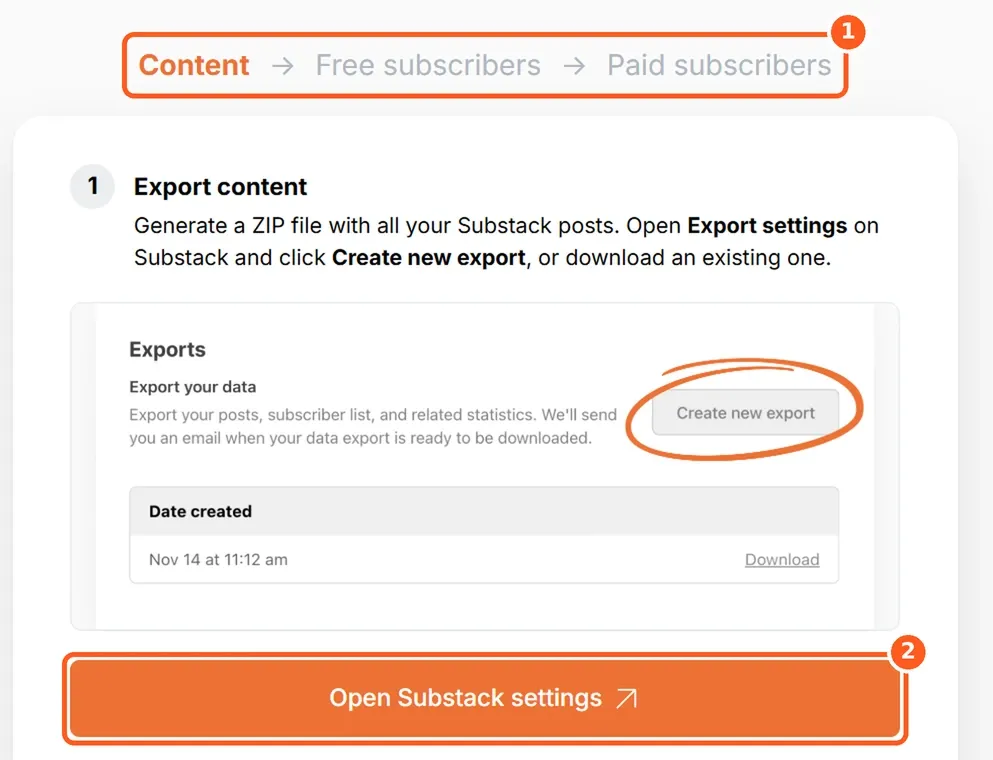
The importer now shows three stages: Content → Free subscribers → Paid subscribers. Click Open Substack settings. On Substack, go to Settings → Exports and click Create new export.
Substack builds a ZIP file and emails you when it's ready. On a large archive this can take a while. When it's done, click Download next to the new export.

Moving your newsletter to Ghost? Ectobuilder lets you design your Ghost site visually, from a Substack-style layout to a full homepage, without touching theme code.
Step 4: Upload the ZIP
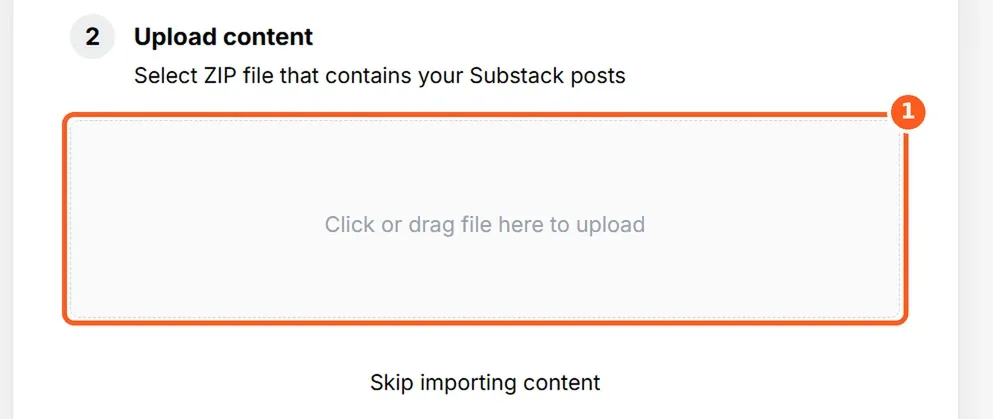
Back in Ghost, click the upload area under Upload content and pick the ZIP you just downloaded. Don't unzip it first. Ghost reads the posts out of it and moves you on to the subscribers.
Step 5: Add your free subscribers
Click Download free subscribers from Substack. You get a CSV file. Upload it in the box below and click Continue. Each free subscriber becomes a free member in Ghost and keeps getting your emails.
Step 6: Add your paid subscribers
Click Download paid subscribers from Substack, upload that CSV and click Continue. Ghost matches each one to their existing subscription in your Stripe account, so they keep their plan, price and renewal date. If you have no paid subscribers, skip this step.
Step 7: Review and import
Ghost shows how many posts and members it found. Check the numbers against Substack's dashboard, then click Import content and subscribers. You'll see a confirmation when it's finished, and Ghost emails you a summary.
Step 8: Tidy up after the import
The import is done, but a few things need your attention before you announce the move.
- Open five or six posts, including an old one, a paid one and one with embeds. Check images load and paid posts show the paywall where you expect.
- Check where images are stored. If any image addresses still start with
substackcdn.com, those pictures still depend on Substack. - Point your custom domain at Ghost if your Substack used one. Readers and search engines then land on Ghost.
- Fix the old
/p/links. Substack post addresses look like/p/post-name; Ghost's look like/post-name/by default. Either add a redirect (below), or keep Substack's addresses with a theme that uses them. The companion guide shows how. - Send yourself a test email from a draft, so you see how your newsletter now looks in an inbox.
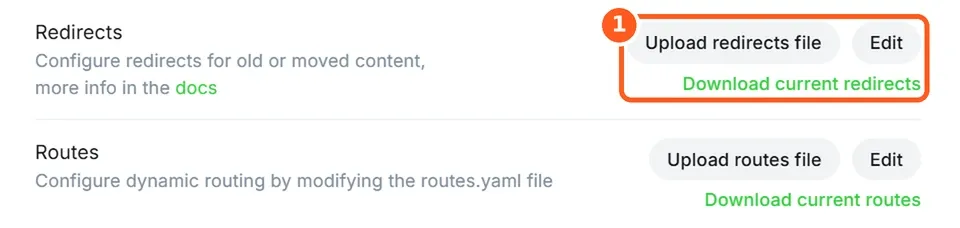
To redirect old links, go to Settings → Labs, click Download current redirects, add the rule below, and upload the file again with Upload redirects file:
301:
  ^\/p\/(?![0-9a-f]{8}-[0-9a-f]{4}-[0-9a-f]{4}-[0-9a-f]{4}-[0-9a-f]{12})(.*)$: /$1
It sends /p/my-post to /my-post. The part in brackets leaves Ghost's own preview links alone: they also start with /p/, followed by a long ID.
What doesn't come with you
Substack's export contains your posts and your subscriber lists. Everything below lives only on Substack, so plan for it before you switch.
| On Substack | After the move |
|---|---|
| Comments, likes and restacks | Not in the export, so they stay on Substack. Ghost has its own comments, which start empty. |
| Notes and Chat | No export and no direct equivalent. Ghost's Network lets people follow your publication from other apps, which is the closest thing to Notes. |
| Followers in the Substack app | People who follow you in the app without subscribing by email aren't on your subscriber list, so they don't move. |
| Recommendations and discovery | Substack's network and the recommendations you made don't transfer. Add your recommendations again under Settings → Recommendations. |
| Open rates and growth stats | History stays behind. Ghost starts counting from your first email sent on Ghost. |
| Podcast audio | Ghost doesn't host podcast feeds. Move your audio to a podcast host, and embed episodes in posts. |
| Substack-only blocks | Polls, subscribe and share buttons, and some embeds become plain links or disappear. Check posts that used them. |
| Substack's 10% fee | Ghost takes no cut, but existing subscriptions created on Substack keep paying Substack's fee. Ghost's support team can help remove it (concierge@ghost.org). |
| Bank statement name | Subscribers' statements may still say "Substack". Change it in Stripe under your public business details. |
Your substack.com address | You can't redirect yourname.substack.com. Only links on your own custom domain can follow you to Ghost, so post a "we've moved" note on Substack. |
Large or complicated archives
Ghost(Pro) customers can ask Ghost's migrations team to do the move for them. If you host Ghost yourself or want more control, Ghost publishes its migration tools as open source (TryGhost/migrate), with options the admin importer doesn't have.
Next: make it feel like home
Your readers are used to Substack's look: a centred masthead, a calm reading column and posts at /p/. You don't have to give that up. How to make Ghost look and feel like Substack shows how to build that theme in Ectobuilder without code, section by section.
Some links in this article are affiliate links: if you sign up through them, we may earn a commission at no extra cost to you.
Written by
Founder of Ectobuilder, the AI-powered visual theme editor for Ghost. Indie software builder in Wrocław and co-author of The AdTech Book. I write about Ghost themes, newsletters and building websites with AI.
Comments
Questions or thoughts? Share them below.
Keep reading
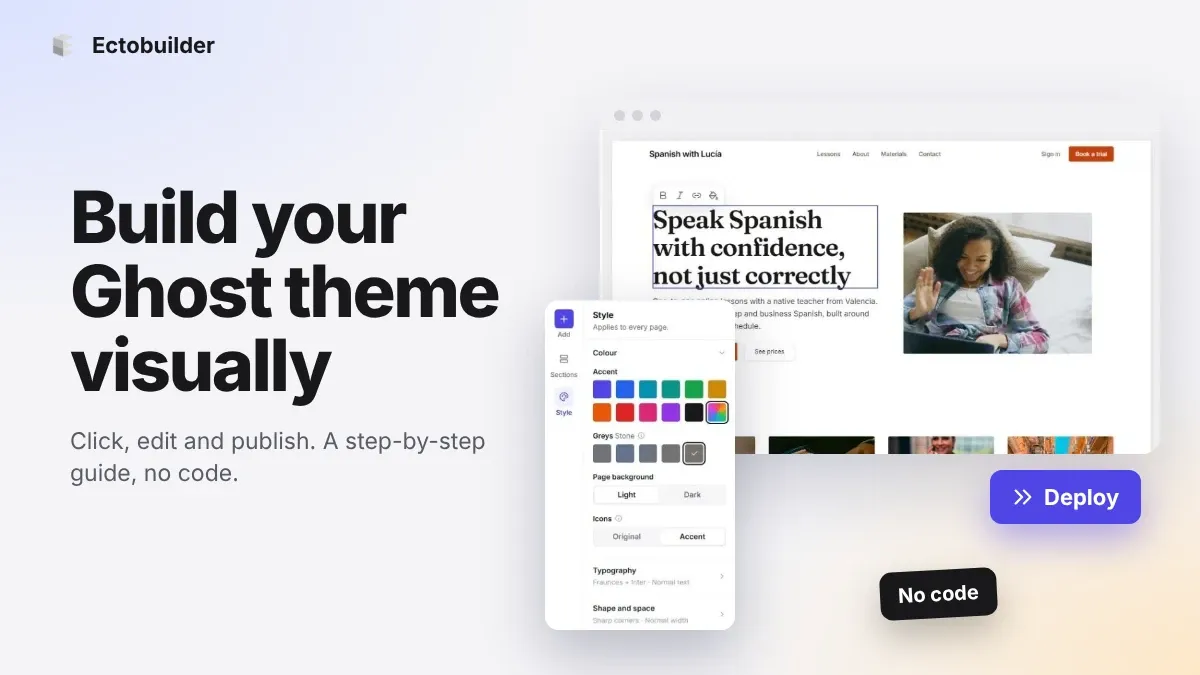
How to Build Your Ghost Theme Visually (Step-by-Step Guide, No Code)
Build a complete Ghost theme without touching code: start from a theme, edit text and pictures in place, add sections from a library of 270, set colours and fonts, design every page, and publish to Ghost in one click. Step by step, with screenshots.
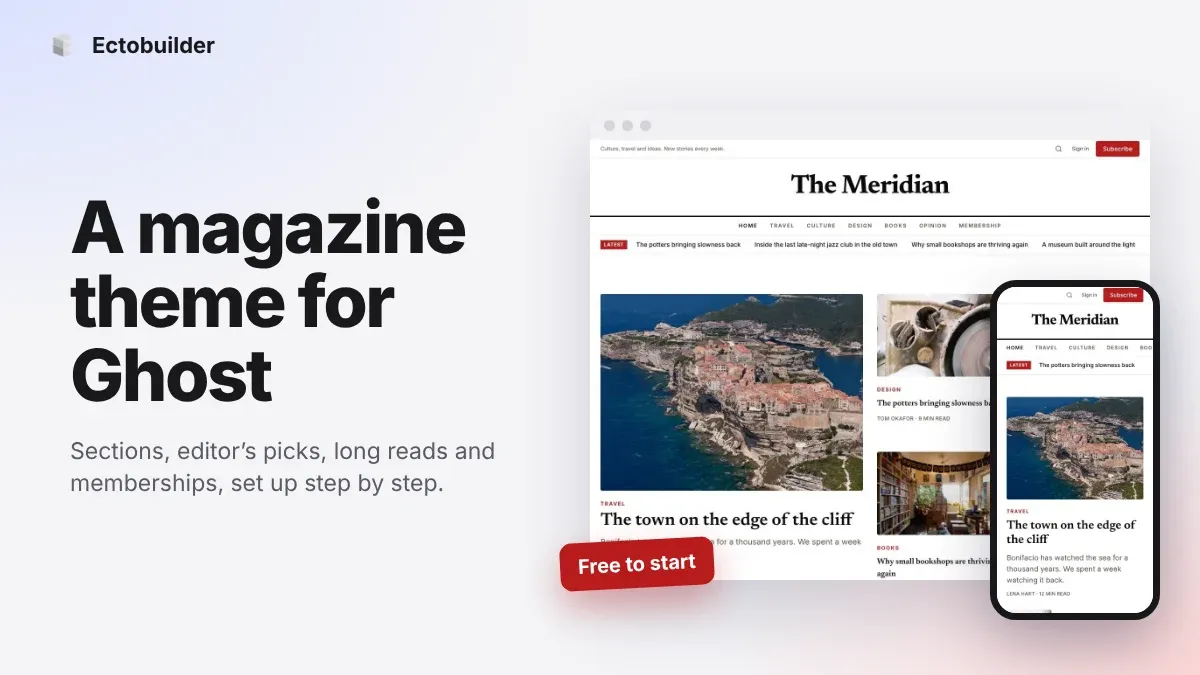
Magazine Theme for Ghost: Sections, Editor's Picks, Long Reads and Memberships
A step-by-step guide to the Magazine theme for Ghost: turn sections into tags, set up the navigation, fill the front page, editor's picks and section fronts, add your writers, sell memberships and send a weekly newsletter.
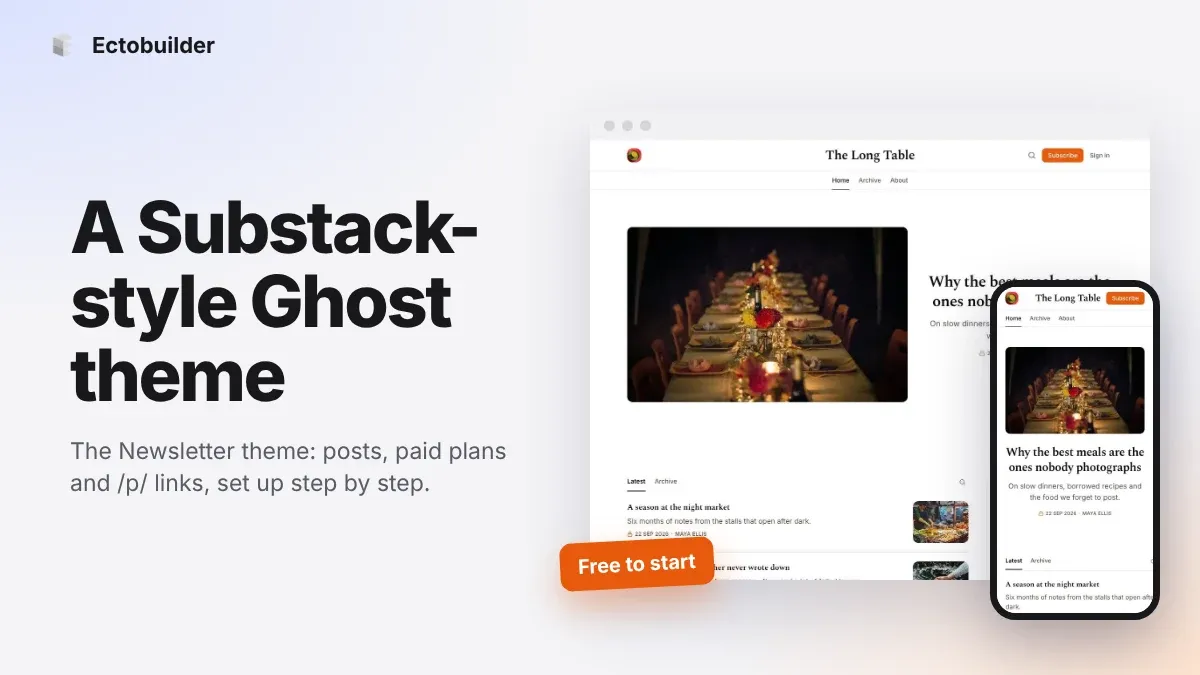
Newsletter Theme for Ghost: A Substack-Style Site With Paid Plans, /p/ Links and Comments
A step-by-step guide to the Newsletter theme for Ghost: a Substack-style homepage and reading page, then newsletters, paid plans, /p/ addresses, Plans, Welcome and About pages, comments and recommendations.