
Ghost(Pro) vs other Ghost hosting: what you get and what you give up
Ghost runs the same everywhere, but hosting decides what's included, what's plan-gated and who fixes things. Ghost(Pro), independent managed hosts and self-hosting compared.

Michal Wlosik
· 6 min read
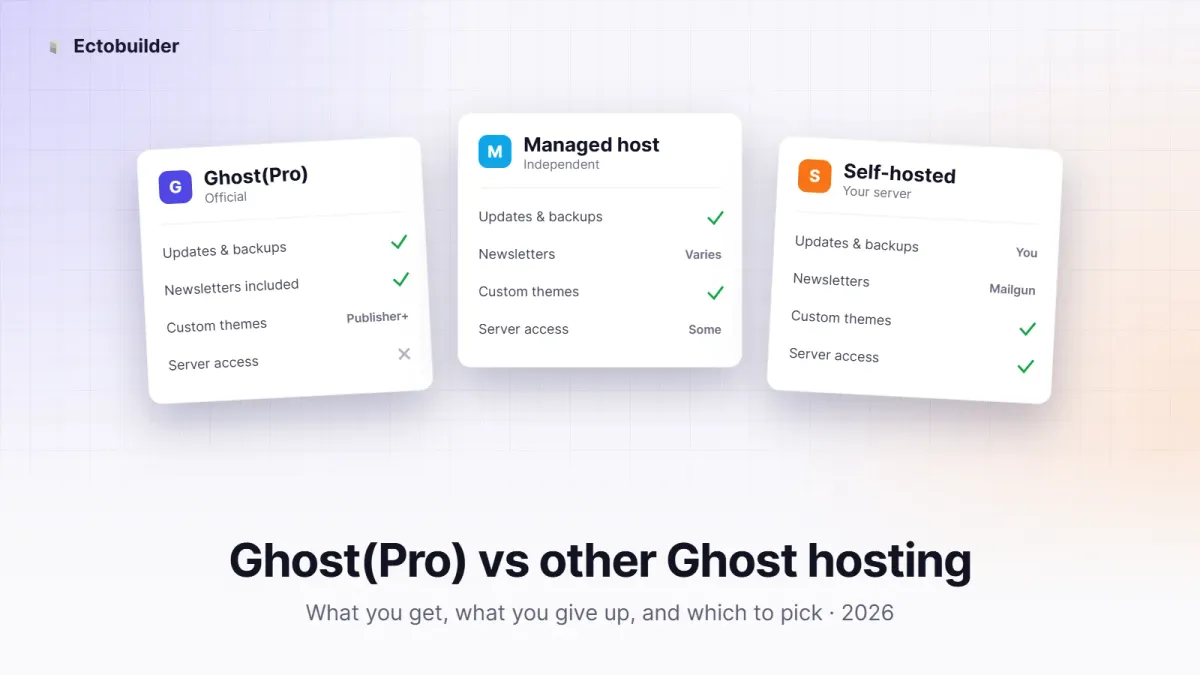
Ghost is open source, so the same software runs everywhere: on Ghost(Pro), on an independent managed host, or on a server you rent yourself. Where you run it doesn't change what Ghost can do. It changes what's included, what's locked behind a plan, who fixes things when they break, and what you pay.
This guide compares the three options: what you get with each, what you give up, and which one fits which kind of site.
The three ways to run Ghost
- Ghost(Pro) is the official hosting, run by the Ghost Foundation, the non-profit that makes Ghost. Your subscription pays for Ghost's development.
- Independent managed hosts such as Magic Pages, PikaPods, Synaps Media or FirePress run Ghost for you, like Ghost(Pro) does, but with their own plans, prices and limits.
- Self-hosting means installing Ghost on a server you rent (DigitalOcean, Hetzner, Hostinger, Linode and so on) and looking after it yourself.
Ghost(Pro): what you get
- Nothing to look after. Updates, security patches, backups, SSL and a worldwide CDN are handled for you. New Ghost features reach you first.
- Newsletters that just work. Email sending is included and set up. Ghost's team manages deliverability, so you don't need your own Mailgun account.
- The newest features, ready to use. Built-in web analytics and the social web (ActivityPub) work without any setup.
- Support from the people who make Ghost. When something breaks, you're talking to the team that wrote the code.
- 0% transaction fees. Ghost takes no cut of paid subscriptions on the plans that allow them; you only pay Stripe's fees.
- Funding the project. Your subscription pays for Ghost's development. If you care about Ghost staying independent, that's worth something.
Ghost(Pro): what you give up
- Custom themes need a higher plan. On the Starter plan you can only use Ghost's official themes. A theme from a marketplace, one you've built, or one made with Ectobuilder needs Publisher or above.
- Integrations and paid memberships are plan-gated too. Starter doesn't include paid subscriptions or custom integrations, and it caps the number of members and staff users.
- The price grows with your audience. Ghost(Pro) charges by the number of members, not by traffic. A growing free newsletter can push you into a higher price band even if it earns nothing.
- Less control over the server. No server access, no custom configuration and no storage adapters. Hosting Ghost under a subdirectory, like
yoursite.com/blog, is a paid add-on on the Business plan.
Independent managed hosts: what you get
- Lower prices. Plans usually start well below Ghost(Pro)'s, and many don't charge by member count.
- Fewer locked features. Custom themes, integrations and full API access are often available on the entry plan or as a small add-on.
- Choices Ghost(Pro) doesn't offer. Some hosts let you pick EU-only servers, download full backups, install Ghost under a subdirectory, or change Ghost's configuration.
- Still hands-off. Updates and backups are usually handled for you, though how quickly updates arrive varies from host to host.
Independent managed hosts: what you give up
- Smaller teams. Several are run by one person or a small team. Support can be personal and fast, or slow when that person is away.
- Email limits vary. Some include newsletter sending with a monthly cap; others expect you to bring your own Mailgun account. Check before you move a large list.
- New features may lag. Features that depend on Ghost's own services, like analytics and the social web, may need extra setup or arrive later.
- Your money doesn't fund Ghost. You pay the host, not the Ghost Foundation.
Self-hosting: what you get
- Full control. Any theme, any integration, any configuration: custom storage, redirects, server-level caching, several sites on one server.
- The lowest running cost. A small server costs a few dollars a month, and the price doesn't depend on your member count.
- Your data, on your server. You choose the country, the backups and who has access.
Self-hosting without the setup. Hostinger’s Ghost VPS comes with Ghost preinstalled, 4GB of RAM, weekly backups and full root access from $6.49 a month, with a 30-day money-back guarantee. Get 20% off your first purchase through our link.
Self-hosting: what you give up
- Your time. Updates, security patches, backups, SSL renewals and server monitoring are all yours. If the site goes down at night, so does your sleep.
- Easy newsletters. Ghost sends bulk email only through Mailgun, so you need your own Mailgun account, paid once your list grows, and you handle deliverability yourself.
- Turnkey extras. Analytics and the social web need extra setup on a self-hosted site.
- Support. There's the community forum and your own skills. Nobody else is on call.
Side by side
| Ghost(Pro) | Managed host | Self-hosted | |
|---|---|---|---|
| Updates, backups, security | Done for you | Done for you | You |
| Custom themes | Publisher plan and up | Usually any plan | Always |
| Newsletter sending | Included | Varies (caps or own Mailgun) | Your own Mailgun |
| Analytics and social web | Built in | Varies | Extra setup |
| Price based on | Members | Usually a flat plan | Server size |
| Server access and config | No | Some hosts | Full |
| Subdirectory (/blog) | Business add-on | Some hosts | Yes |
| Support | Ghost's own team | The host's team | Community forum |
| Funds Ghost's development | Yes | No | No |
Prices and plan limits change often, so check each host's current pricing page before you decide.

Your theme works on every host. Ectobuilder themes are standard Ghost themes. Deploy to Ghost(Pro), a managed host or your own server, and take the theme with you if you move.
Which one should you pick?
- Pick Ghost(Pro) if you want zero maintenance, plan to send newsletters to a large list, want the newest features the day they ship, or want your money to support Ghost. Budget for Publisher if you want your own theme.
- Pick a managed host if you want hands-off hosting with a custom theme at a lower price, need EU-only hosting or a subdirectory, or have a large free list that would be expensive on member-based pricing.
- Self-host if you're comfortable running a server, want full control or several sites on one machine, and don't mind setting up Mailgun.
Want a custom theme without the Publisher price? Magic Pages is independent managed Ghost hosting on EU servers. Custom themes, a CDN and downloadable backups are included, and updates are handled for you.
Switching later
You're not locked in. Ghost exports your posts, pages, tags and settings as one JSON file, and your members as a CSV. Paid members stay connected to the same Stripe account. Images and your theme are separate downloads, so move those too. A redirect isn't needed if the domain stays the same: point it at the new host and you're done.
Build your Ghost theme without code. Pick a design, change it by clicking, and deploy it to your Ghost site in one step. Start free and only pay when you publish.
FAQ
Is Ghost itself free?
Yes. Ghost is open source under the MIT license. You pay for hosting, not for the software.
Does Ghost(Pro) have features self-hosted Ghost doesn't?
The software is the same. What Ghost(Pro) adds is setup: newsletter sending, analytics and the social web work out of the box, while elsewhere some of them need extra configuration.
Can I use a custom theme on Ghost(Pro) Starter?
No. Starter only allows Ghost's official themes. Custom themes need Publisher or above.
Do I need Mailgun?
Only to send newsletters from a self-hosted site, or on a managed host that doesn't include email. Ghost(Pro) includes it.
Which is cheapest?
Self-hosting on a small server, if you don't count your time. A managed host is usually cheapest once you do.
Some links in this article are affiliate links: if you sign up through them, we may earn a commission at no extra cost to you.
Written by
Founder of Ectobuilder, the AI-powered visual theme editor for Ghost. Indie software builder in Wrocław and co-author of The AdTech Book. I write about Ghost themes, newsletters and building websites with AI.
Comments
Questions or thoughts? Share them below.
Keep reading
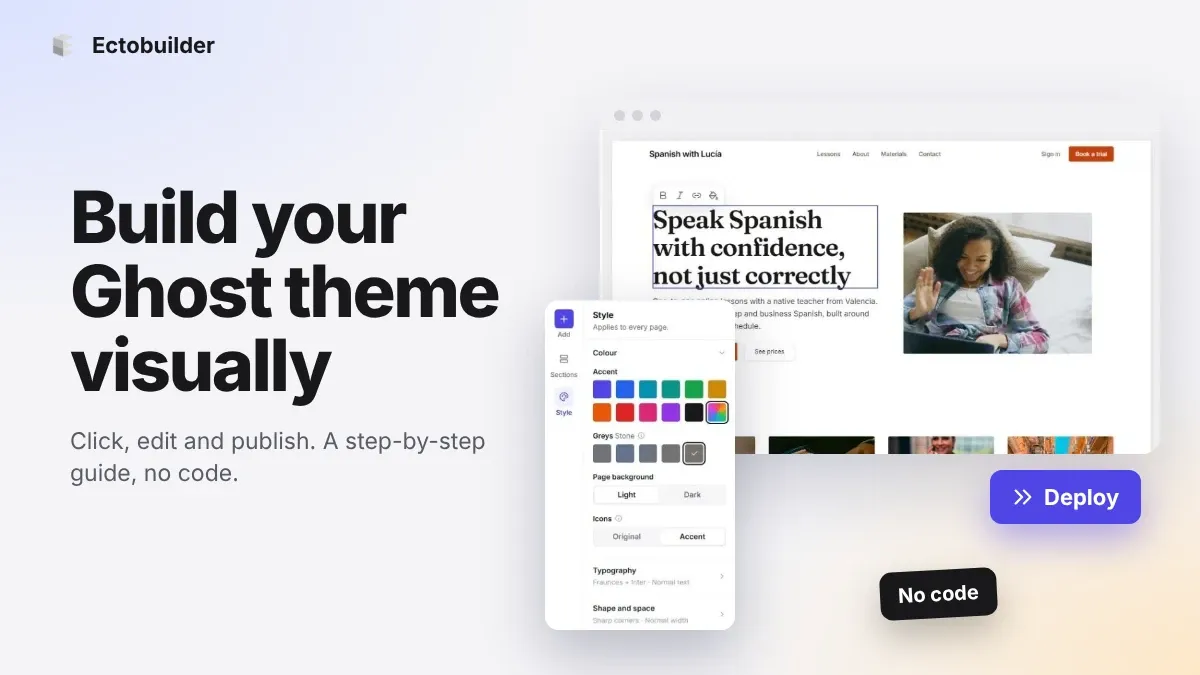
How to Build Your Ghost Theme Visually (Step-by-Step Guide, No Code)
Build a complete Ghost theme without touching code: start from a theme, edit text and pictures in place, add sections from a library of 270, set colours and fonts, design every page, and publish to Ghost in one click. Step by step, with screenshots.
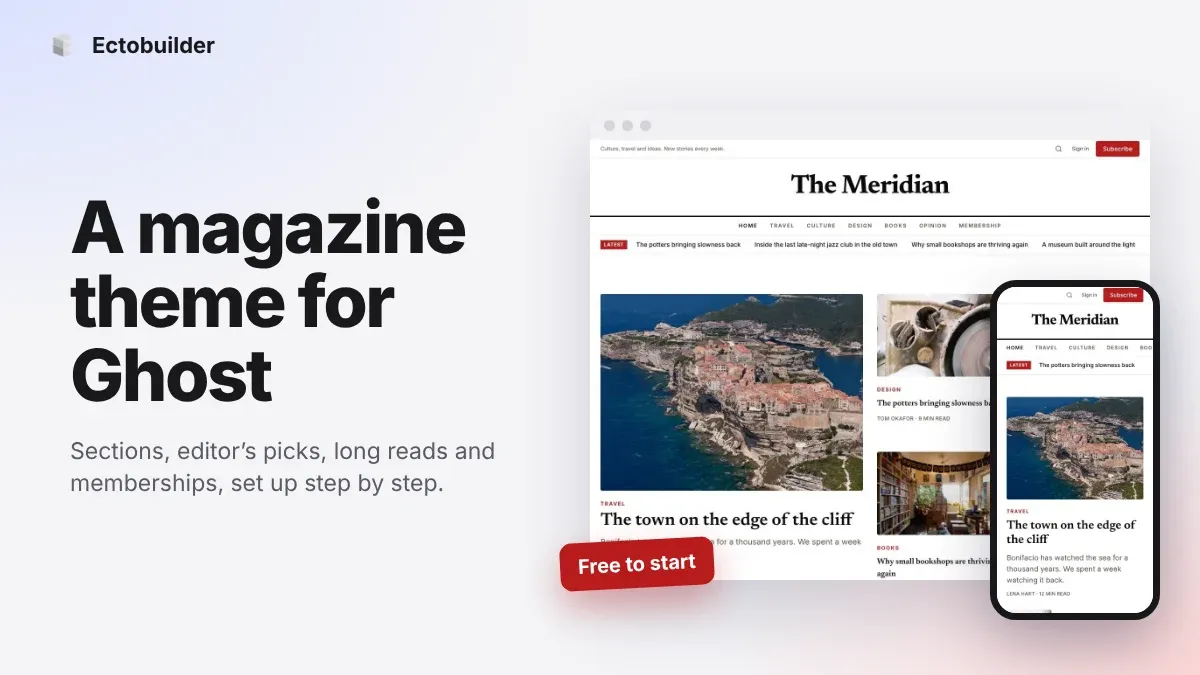
Magazine Theme for Ghost: Sections, Editor's Picks, Long Reads and Memberships
A step-by-step guide to the Magazine theme for Ghost: turn sections into tags, set up the navigation, fill the front page, editor's picks and section fronts, add your writers, sell memberships and send a weekly newsletter.
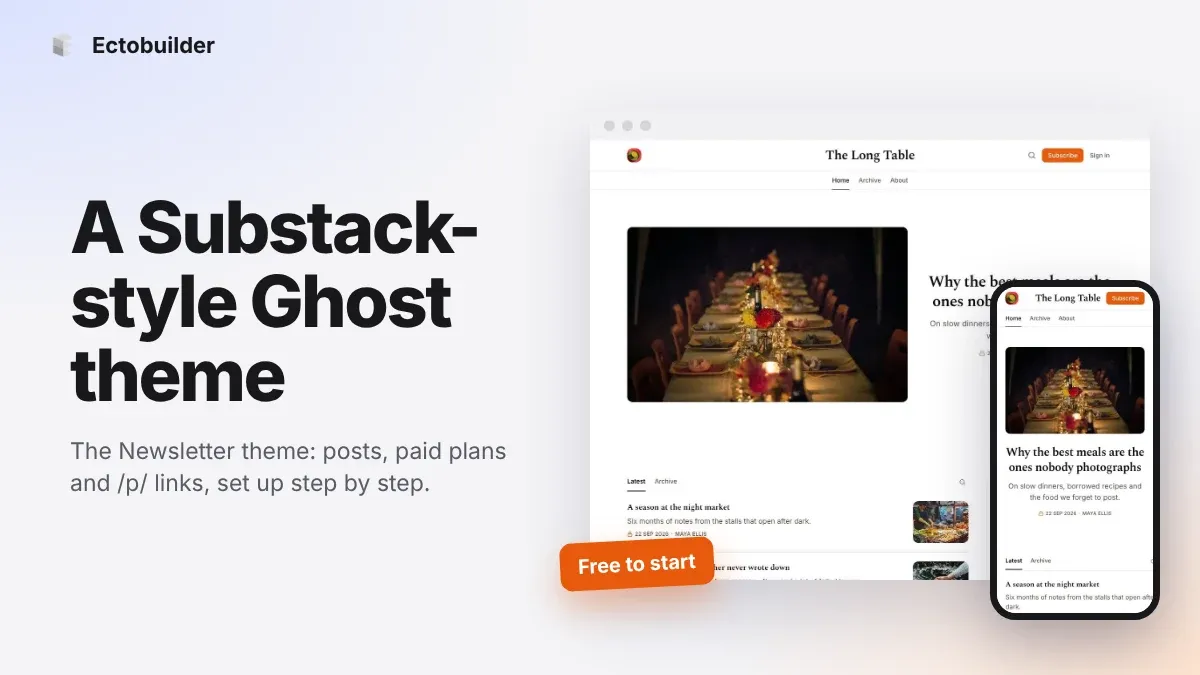
Newsletter Theme for Ghost: A Substack-Style Site With Paid Plans, /p/ Links and Comments
A step-by-step guide to the Newsletter theme for Ghost: a Substack-style homepage and reading page, then newsletters, paid plans, /p/ addresses, Plans, Welcome and About pages, comments and recommendations.