
The Cheapest Blogging Platform in 2026 (That You Actually Own)
Free blogging platforms cost you in ads, fees and ownership. Ghost runs from about $3 a month, includes a newsletter, memberships and SEO that cost hundreds a year on WordPress, and you own all of it. Here's how to run it on a budget.

Michal Wlosik
· 8 min read
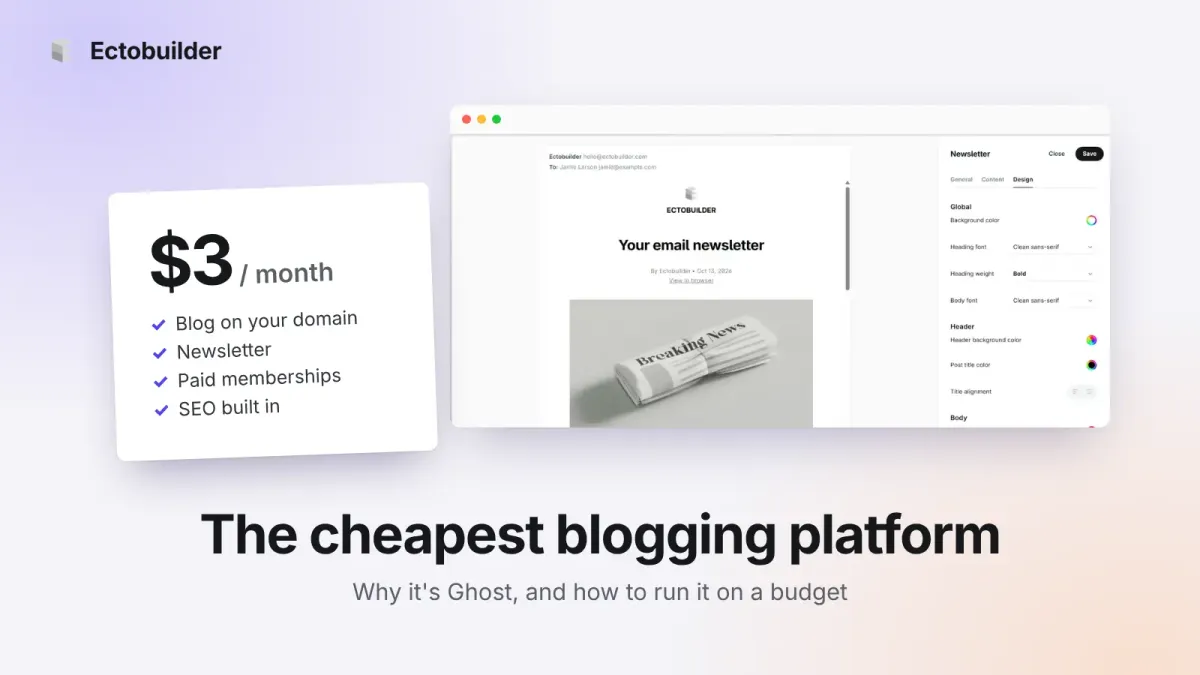
If you only want the cheapest place to publish words, the answer is easy: Blogger, Medium, Substack and WordPress.com's free plan all cost nothing. But free blogs are paid for somehow, with ads on your pages, a share of your revenue, a domain that isn't yours, or a design you can't change.
Ask a slightly different question, what's the cheapest blogging platform you actually own?, and the answer in 2026 is Ghost. It runs from about $3 a month, and it includes a newsletter, paid memberships and SEO tools that cost hundreds of dollars a year on WordPress. This guide explains why, and how to run it on a budget.
Prices were checked in October 2026, in US dollars, billed yearly unless noted.
Disclosure: we make Ectobuilder, a visual theme builder for Ghost. The DigitalOcean, Hostinger and Ghost(Pro) links below are affiliate links: if you sign up through them, we may earn a commission at no extra cost to you.
Free blogging platforms and what they really cost
| Platform | Price | Your own domain | What you pay with |
|---|---|---|---|
| Blogger | Free | Yes, free | Dated design, no newsletter, no memberships, Google can change or close it |
| Medium | Free | No | Medium owns the readers, the design and the paywall |
| Substack | Free | One-time $50 | 10% of paid subscriptions, Substack's design |
| WordPress.com | Free, or from about $4/mo | Paid plans | Ads on free sites; plugins and lower fees cost more |
| Wix | From $17/mo | Paid plans | Can't move your site elsewhere |
| Squarespace | From $19/mo | Paid plans | Up to 7% on memberships |
| Self-hosted WordPress | From about $3/mo hosting, plus plugins | Yes | Premium plugins, updates and security |
| Ghost (self-hosted) | From about $3/mo | Yes | A little setup |
Two of the free options also limit what your blog can become. Medium and Blogger have no way to send your posts as a newsletter or to charge readers through your own site. Substack does both, but keeps 10% of what you earn and your site looks like every other Substack. If you want a blog that can grow into a newsletter or a small business, you need a platform you control.
Why Ghost is the cheapest platform you own
Ghost is free, open-source software run by a non-profit foundation. You pay only for hosting, and because Ghost is light, hosting is cheap. What makes it cheap overall is what's already inside it.
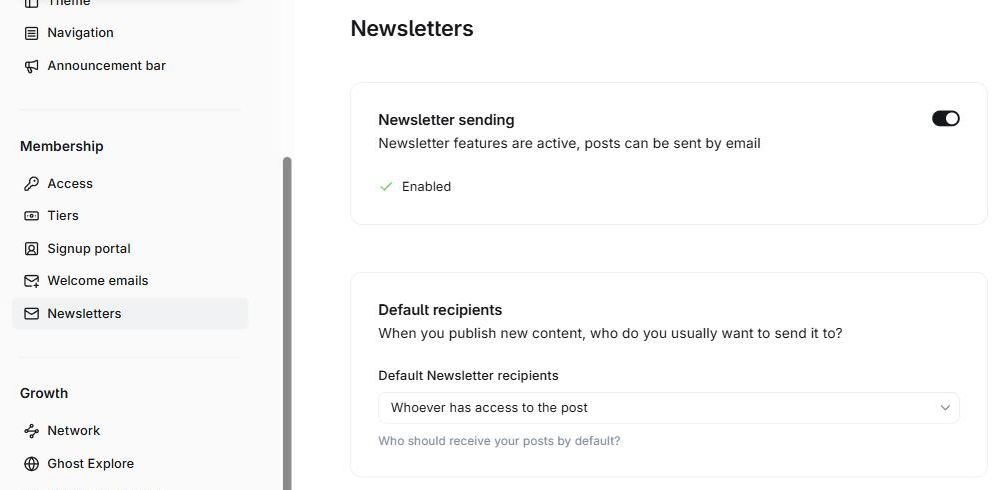
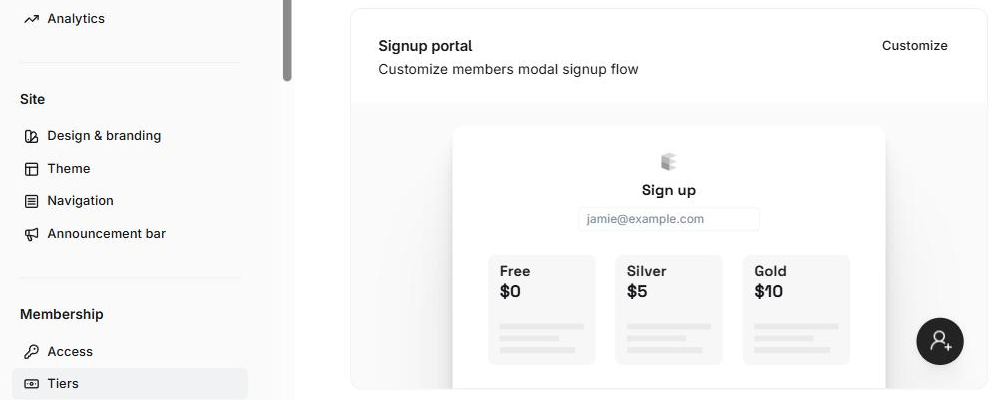
A blog that grows usually ends up needing the same handful of things: a newsletter, a way to charge members, decent SEO, signup forms, speed and security. On WordPress, each of those is a plugin, and the good ones are paid. On Ghost, they come built in.
What you get with Ghost that costs money on WordPress
| You need | On WordPress | Year 1 | On Ghost |
|---|---|---|---|
| Newsletter | MailPoet Business | about $120 | Built in |
| Paid memberships | MemberPress Launch + 4.9% of payments | $199.50 | Built in, 0% fee |
| SEO | Yoast SEO Premium | $118.80 | Built in: meta tags, sitemaps, structured data |
| Signup forms | WPForms Basic | $49.50 | Built in |
| Speed | WP Rocket | $59.95 | Not needed |
| Security | Wordfence Premium | $149 | Not needed: no plugins to patch |
| Page design | Elementor Pro | about $60 | Free themes, or a visual builder |
| Total | about $757 + hosting | $0 + hosting |
Most of those plugins renew at a higher price in year two. You won't need every one on day one, but the newsletter and membership pieces are exactly the ones a blog needs when it starts earning. Our Ghost vs WordPress comparison breaks the costs down further.
Skip the premium theme. Design your own Ghost theme by clicking, from more than 270 ready-made sections, and publish it to your site. Building and previewing is free.
How to run Ghost on a budget
Ghost costs whatever your hosting costs. Here are the options from cheapest to most hands-off. Our cheap Ghost hosting guide covers each one in detail.
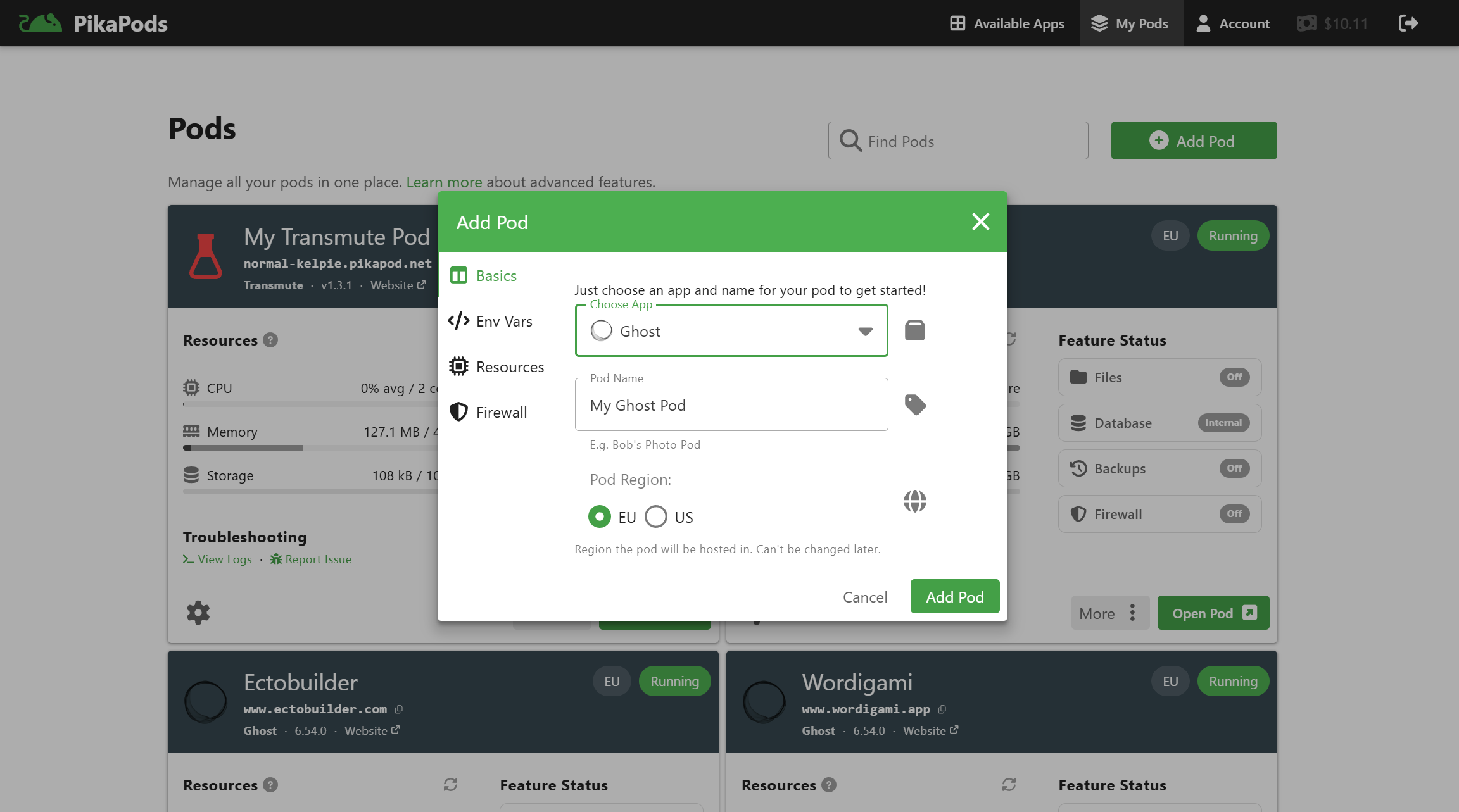
PikaPods: about $3 a month
PikaPods runs Ghost for you from about $3 a month, with updates, HTTPS and your own domain included. It takes about three minutes to set up, and we have a step-by-step PikaPods guide. You bring your own email service for newsletters, and backups are up to you.
Your own server: about $6 a month
A small virtual server from DigitalOcean, Hetzner or Vultr runs Ghost with Docker. Choose 2GB of memory, not 1GB, so budget $6 to $7 a month. It's the cheapest option if you run several sites on one server, and the most work: updates and backups are yours.
Hosting Ghost yourself?
DigitalOcean Droplets start at a few dollars a month, with one-click Docker images, snapshots and automatic backups. New accounts that sign up through our link get free credit to try it.
Rather skip the setup? Hostinger’s Ghost VPS comes with Ghost preinstalled: choose the Ghost template and you’re publishing in minutes. The entry plan has 4GB of memory, twice what you need, for $6.49 a month, with weekly backups, a free domain for the first year and a 30-day money-back guarantee. Our link gets you 20% off your first purchase. The intro price is paid upfront and renews at $11.99 a month. Step-by-step instructions with screenshots: How to host Ghost on Hostinger.
Ghost preinstalled, 4GB of RAM, $6.49 a month. Hostinger’s Ghost VPS sets Ghost up for you, with weekly backups and a 30-day money-back guarantee. Get 20% off your first purchase through our link.
Managed Ghost with email included: about $15 a month
If you'd rather not think about servers or email at all, Magic Pages costs €13 a month with 10,000 newsletter emails, backups and support included. Ghost(Pro), from Ghost itself, starts at $15 a month billed yearly, but its Starter plan has no paid memberships and no custom themes. See Ghost(Pro) vs other Ghost hosting for the trade-offs.
Why Ghost(Pro)? It’s the official hosting, run by the non-profit Ghost Foundation, so your subscription funds Ghost itself. Updates, backups, security and a worldwide CDN are handled for you, newsletter sending is included with no Mailgun account to set up, analytics work out of the box, and new features reach you first. Ghost takes 0% of your paid subscriptions. One thing to know: Starter runs only Ghost’s official themes, so choose Publisher for a custom theme. Try Ghost(Pro) free for 14 days.
Email: free until your list grows
Self-hosted Ghost sends newsletters through Mailgun. Its free plan covers 100 emails a day, which is enough for a small list. Past that, Mailgun Basic costs $15 a month for 10,000 emails. Sign-in links and other one-off emails can go through any mail account, even Gmail.
What it adds up to
| Your blog | Cheapest Ghost setup | Per year |
|---|---|---|
| Blog, no newsletter | PikaPods + domain | about $52 |
| Blog + newsletter under ~100 subscribers | PikaPods + Mailgun Free + domain | about $52 |
| Blog + newsletter, 500 subscribers weekly | Magic Pages (email included) | about $180 |
| Several blogs | One 2GB server + Mailgun when needed | about $80 for all of them |
Compare that with roughly $200 a year for Wix Light or Squarespace Basic, which don't include a real newsletter, or $750-plus a year in WordPress plugins for the same features Ghost has built in.
Design without paying for a theme
Ghost comes with free themes, including Source, its default, which you can adjust from Ghost's design settings. Marketplace themes cost $49 to $149, and changing their layout means editing code.
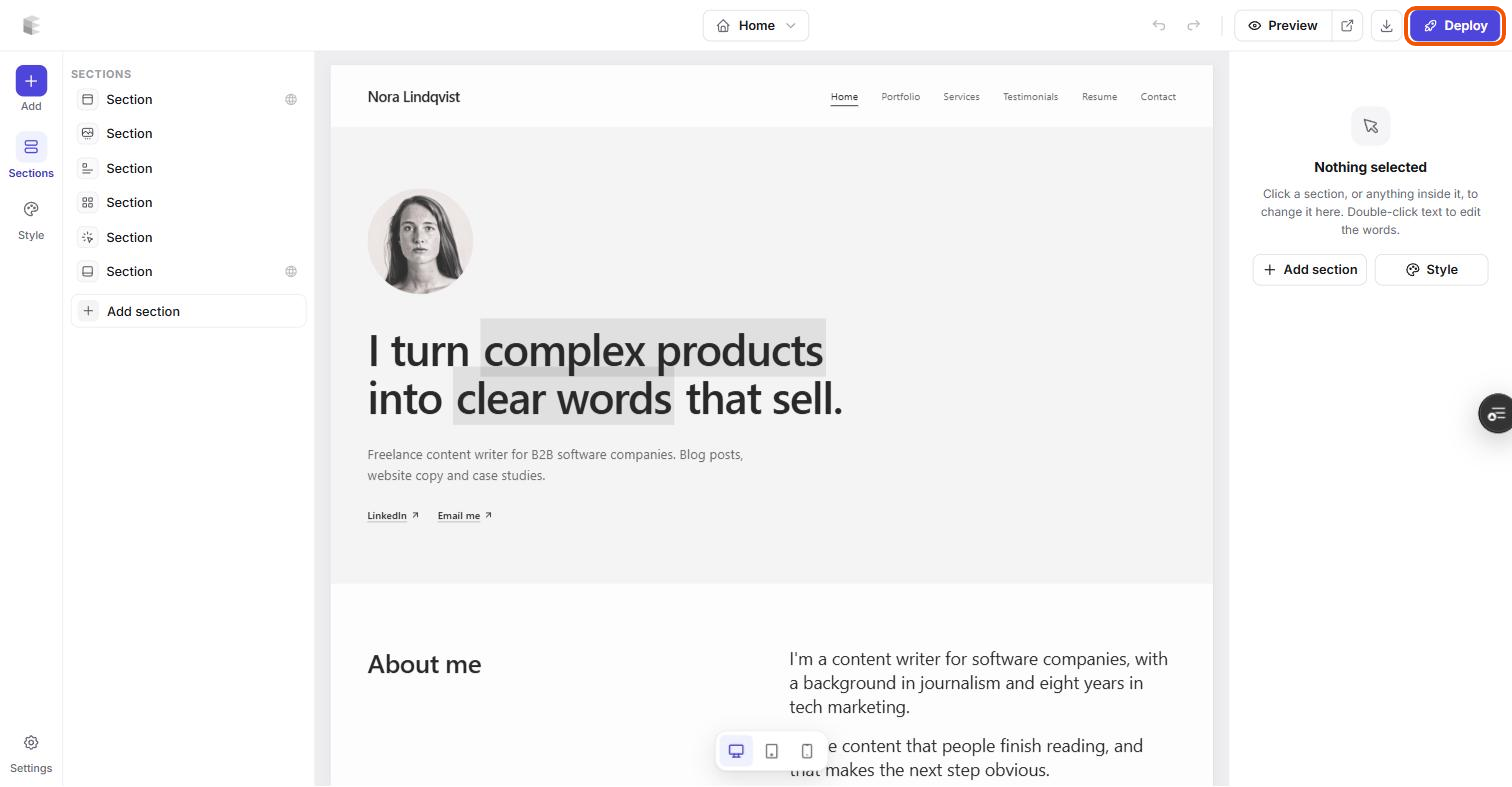
The other option is to build your own. With Ectobuilder you pick a starting theme or a blank page, add sections like a newsletter signup hero, post grids and pricing tables, edit everything on the page, and publish the theme straight to your Ghost site. Building and previewing is free; publishing to your own site is $79 a year.
The catch
- A little setup. Cheap Ghost hosting takes 10 to 30 minutes to set up, and your own server takes longer. Managed Ghost hosts remove that, for more money.
- Email costs money once your list grows. Newsletters past about 100 subscribers need Mailgun or a host that includes email.
- No plugin store. Ghost does fewer things than WordPress. Anything outside blogging, newsletters and memberships, like a shop or a forum, means connecting another service.
- No built-in audience. Unlike Medium or Substack, nobody finds you inside an app. Readers come from search, social and your newsletter.
Which is right for you?
- Just want to write, and don't care where: Medium or Substack. Free, with built-in readers.
- Want a blog you own, as cheaply as possible: Ghost on PikaPods or your own server.
- Want a blog plus a newsletter, without the setup: Ghost on Magic Pages or Ghost(Pro).
- Need a shop or lots of plugins: WordPress, and budget for the plugins.
Make your budget blog look like it wasn't. Start from a theme in the Ectobuilder gallery, change it by clicking, and publish it to your Ghost site. Start free and only pay if you're happy with it.
FAQ
What is the cheapest blogging platform?
Blogger, Medium and Substack are free. The cheapest platform you own and control is Ghost, self-hosted from about $3 a month, with a newsletter and memberships included.
Is Ghost free?
The software is free and open source. You pay for hosting: about $3 a month on PikaPods, about $6 on your own server, or from $15 a month on Ghost(Pro).
Is Ghost cheaper than WordPress?
Hosting costs about the same. The difference is plugins: a newsletter, memberships, SEO, forms, speed and security cost around $750 a year on WordPress and nothing extra on Ghost.
Can I start free and move to Ghost later?
Yes. Ghost imports posts and subscribers from Substack and WordPress, and paid subscribers move with your Stripe account. Set up redirects so your old links keep working.
Affiliate disclosure: the DigitalOcean, Hostinger and Ghost(Pro) links in this post are affiliate links. We may earn a commission if you sign up, at no extra cost to you. We only recommend services we'd use ourselves.
Written by
Founder of Ectobuilder, the AI-powered visual theme editor for Ghost. Indie software builder in Wrocław and co-author of The AdTech Book. I write about Ghost themes, newsletters and building websites with AI.
Comments
Questions or thoughts? Share them below.
Keep reading
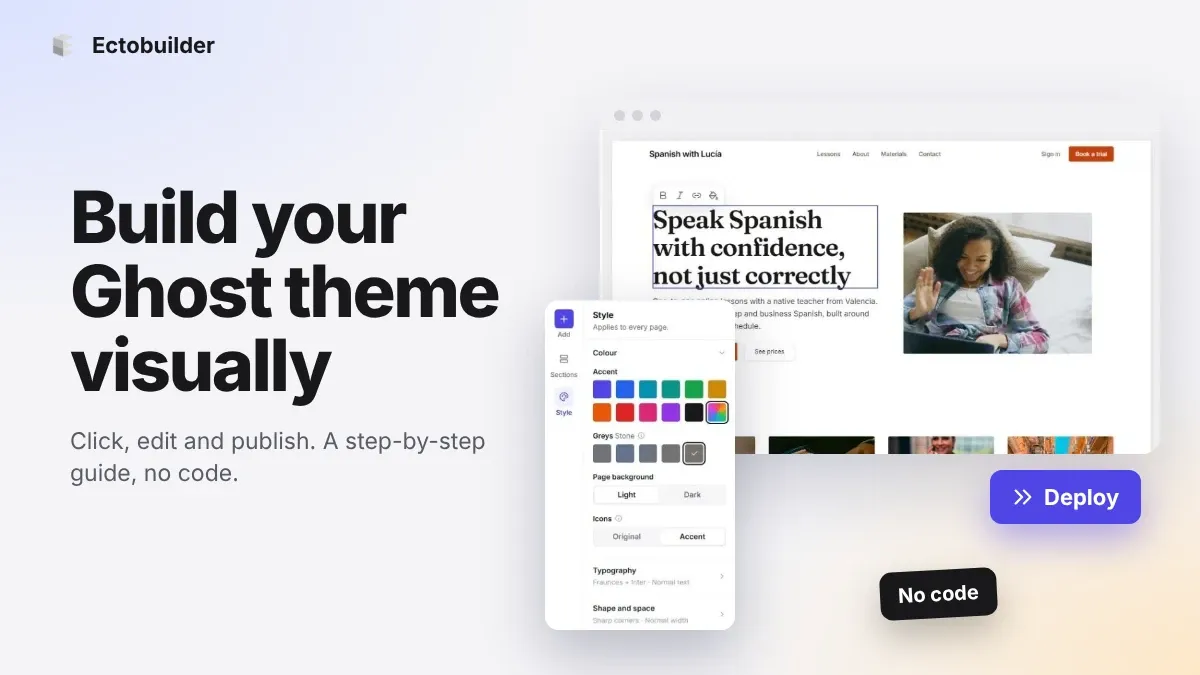
How to Build Your Ghost Theme Visually (Step-by-Step Guide, No Code)
Build a complete Ghost theme without touching code: start from a theme, edit text and pictures in place, add sections from a library of 270, set colours and fonts, design every page, and publish to Ghost in one click. Step by step, with screenshots.
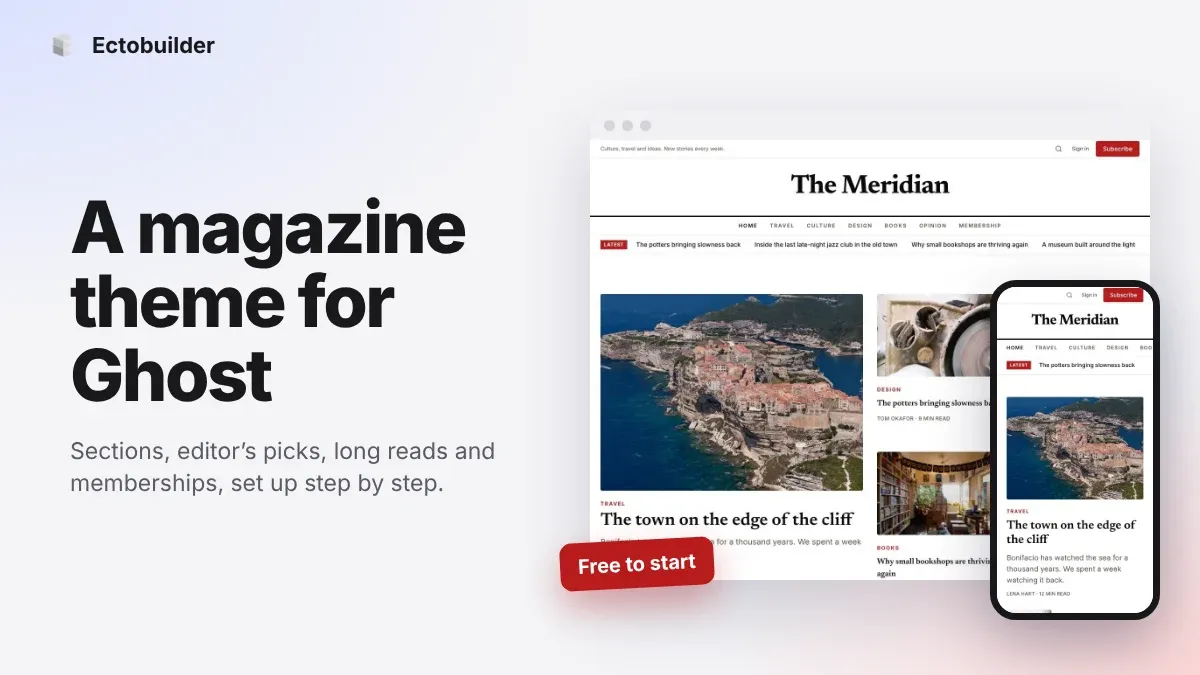
Magazine Theme for Ghost: Sections, Editor's Picks, Long Reads and Memberships
A step-by-step guide to the Magazine theme for Ghost: turn sections into tags, set up the navigation, fill the front page, editor's picks and section fronts, add your writers, sell memberships and send a weekly newsletter.
Newsletter Theme for Ghost: A Substack-Style Site With Paid Plans, /p/ Links and Comments
A step-by-step guide to the Newsletter theme for Ghost: a Substack-style homepage and reading page, then newsletters, paid plans, /p/ addresses, Plans, Welcome and About pages, comments and recommendations.