
Ghost vs WordPress (2026): What You Get Out of the Box and What 'Free' Really Costs
Ghost includes newsletters, paid memberships and SEO out of the box. WordPress is free, but the plugins add up. A 2026 comparison with real prices.

Michal Wlosik
· 8 min read
WordPress is free to download, and it runs a big share of the web. Ghost costs money unless you host it yourself. So WordPress is the cheaper choice, right?
Not for most blogs, newsletters and small business sites. Ghost includes newsletters, paid memberships, SEO basics and fast pages out of the box. On WordPress you add each of those with a plugin, and many of the good ones are paid yearly. This guide compares the two in 2026: what each one gives you, what it really costs, and which one fits your site.
Prices checked on 10 October 2026, in US dollars unless noted. Plugin prices change often, so check before you buy.
Ghost vs WordPress at a glance
| Ghost | WordPress | |
|---|---|---|
| Best for | Blogs, newsletters, paid memberships, personal and small business sites | Online shops, complex sites, sites that need a specific plugin |
| Newsletters | Built in | Plugin or separate email service |
| Paid memberships | Built in, 0% Ghost fee (Stripe fees apply) | Plugin, e.g. MemberPress |
| SEO basics | Built in: meta tags, sitemaps, structured data, social cards | Plugin, e.g. Yoast SEO |
| Speed | Fast by default | Depends on theme, plugins and caching |
| Plugins | None; integrations and embeds instead | Over 75,000 free plugins, plus paid ones |
| Design | Themes are code (Handlebars); fewer themes | Thousands of themes and drag-and-drop page builders |
| Online shop | No | Yes, with WooCommerce |
| Typical yearly cost | $39 to $348 | $36 to $1,200+, depending on plugins |
What you get with Ghost out of the box
Ghost is built for publishing. Everything a writer, creator or small business usually needs is part of the core product, made by one team and updated together.
- A clean editor with image galleries, embeds, buttons, call-to-action cards and collapsible toggles.
- Newsletters. Every post can go out by email to your subscribers. You can run several newsletters from one site.
- Members and paid subscriptions. Free and paid tiers, a signup and login portal, and Stripe payments. Ghost takes no cut of your revenue.
- SEO basics. Meta titles and descriptions, sitemaps, canonical URLs, structured data and social sharing cards, with no plugin.
- Speed. Ghost pages are light. There is no caching plugin to configure.
- Growth tools. Signup forms you can embed anywhere, recommendations between sites, built-in analytics, and Ghost's network for following and sharing across the social web.
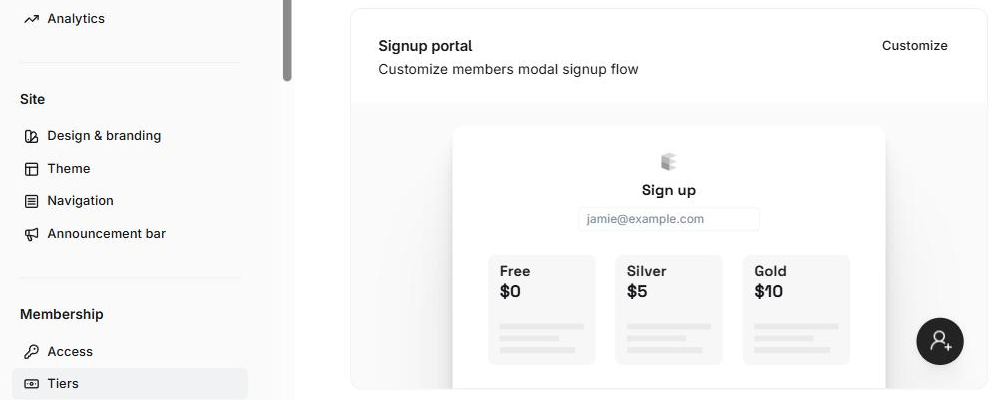
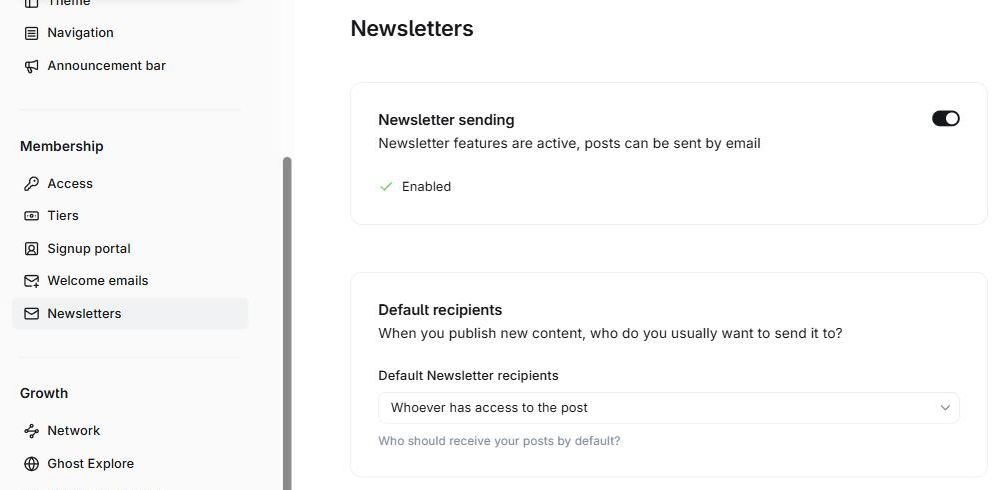
What Ghost doesn't do: it has no online shop, no plugin directory and fewer themes. For things like booking, contact forms or a store, you embed another service. We have guides for adding a contact form and adding online booking.
Why WordPress isn't really free
The WordPress software costs nothing. A working site usually does. Core WordPress is a content manager, and most of what a modern blog needs comes from plugins. The WordPress plugin directory lists over 75,000 free plugins, and many of the popular ones have paid versions with the features people actually want.
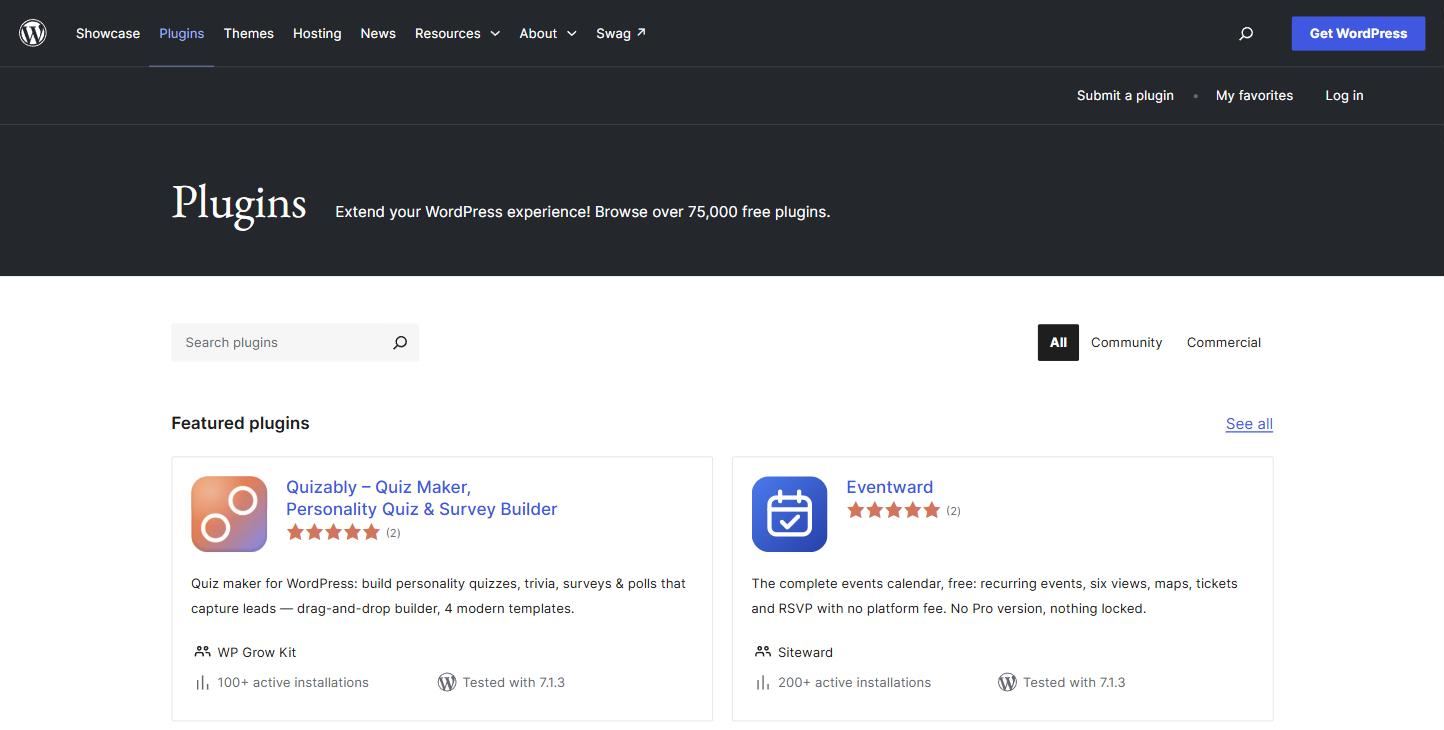
Plugins bring three kinds of cost:
- Money. Premium plugins are sold as yearly licences, and many charge a discounted first year, then renew at full price.
- Maintenance. Each plugin updates on its own schedule. An update to one can break another, or clash with your theme, and you find out when a page stops working.
- Security. According to Patchstack's State of WordPress Security in 2026, 11,334 new vulnerabilities were found in the WordPress ecosystem in 2025. 91% were in plugins and 9% in themes. WordPress core had only 6.
None of this makes WordPress bad. It means a WordPress site is something you assemble and maintain, and Ghost is something you mostly just use.
Going with Ghost? Ghost themes are code. Ectobuilder gives you a visual editor instead: pick a layout, change the words, colours and photos by clicking, and publish to Ghost.
The real cost: a like-for-like comparison
Here is what it costs to give a WordPress site the features Ghost includes: a newsletter, paid memberships, forms, SEO, speed, security and a page builder. We used one popular plugin for each job and each one's cheapest plan for a single site.
| What you need | WordPress option | Year 1 | Year 2 onward | On Ghost |
|---|---|---|---|---|
| Hosting | SiteGround StartUp ($2.99/mo intro, then $17.99/mo) | $35.88 | $215.88 | PikaPods: about $39/year |
| SEO | Yoast SEO Premium | $118.80 | $118.80 | Built in |
| Forms | WPForms Basic | $49.50 | $99 | Signup forms built in; embed a form service for contact forms |
| Paid memberships | MemberPress Launch, plus 4.9% of each payment | $199.50 | $399 | Built in, 0% Ghost fee |
| Newsletter | MailPoet Business (from €10/month for 500 subscribers) | about $120 | about $120 | Built in (self-hosted Ghost sends through Mailgun: free up to 100 emails a day, $15/month for more) |
| Speed | WP Rocket Single | $59.95 | $59.95 | Not needed |
| Security | Wordfence Premium | $149 | $149 | Not needed: no plugins to patch |
| Design | Elementor Pro Essential | about $60 | about $60 | Your theme; optional visual editor such as Ectobuilder ($79/year) |
| Total | about $793 | about $1,222 | $39 to $219 self-hosted, or $348 on Ghost(Pro) Publisher |
Sources: SiteGround, Yoast, WPForms, MemberPress, MailPoet, WP Rocket, Wordfence, Elementor, Ghost.
To be fair to WordPress: you don't need every plugin on this list. Free versions of Yoast, Wordfence and many form plugins exist, and a simple blog can run on hosting alone. The gap opens when you want what Ghost gives every site: email newsletters and paid memberships. Those are exactly the paid add-ons on WordPress, and payment processor fees apply on both platforms.
On the Ghost side, your choice is between self-hosting and Ghost(Pro). Self-hosting on PikaPods starts at about $3 a month. Prefer fully managed hosting? Magic Pages is €13 a month with newsletter sending, backups and support included. We compare more options in our cheap Ghost hosting guide. Ghost(Pro) is $18 a month on Starter or $29 a month on Publisher, billed yearly. Starter doesn't allow paid subscriptions or custom themes, so most sites that want their own design need Publisher.
If you’d rather not run a server, Ghost(Pro) is the easy option: the Ghost Foundation runs it for you, with updates, backups, a CDN, built-in analytics and newsletter sending included, and 0% taken from your paid subscriptions. Your subscription also funds Ghost’s development. Pick Publisher if you want a custom theme; Starter only runs Ghost’s official ones. There’s a 14-day free trial.
Where WordPress is the better choice
- You sell products. WooCommerce turns WordPress into a full online shop. Ghost has no shop.
- You need a specific feature. Directories, online courses, forums, multilingual sites, booking systems that live inside your site: there is a WordPress plugin for almost everything.
- You want to design pages by dragging blocks. Page builders like Elementor let you lay out every page visually, without code.
- You work with a developer or agency who already builds on WordPress. It's the platform most freelancers know.
Ghost's real weakness: design, and how to fix it
For years the honest answer to "Why not Ghost?" was design. Ghost themes are written in Handlebars, HTML and CSS. Changing the layout of your home page meant editing code, or paying a developer. Compared with WordPress page builders, that's a real barrier. Ghost Admin now has a theme code editor, but it’s made for small fixes, not redesigns.
That's the gap Ectobuilder fills. It's a visual theme editor for Ghost: start from a finished theme in the gallery, add, remove and edit sections on the page, or ask AI to make changes. When it looks right, publish it to your Ghost site in one click, or download the theme as a .zip. You end up with a normal Ghost theme, with no plugins and nothing extra running on your site.
It also adds things Ghost themes usually leave out, like dropdown menus you manage from Ghost's own navigation settings, and search with filters for your blog.
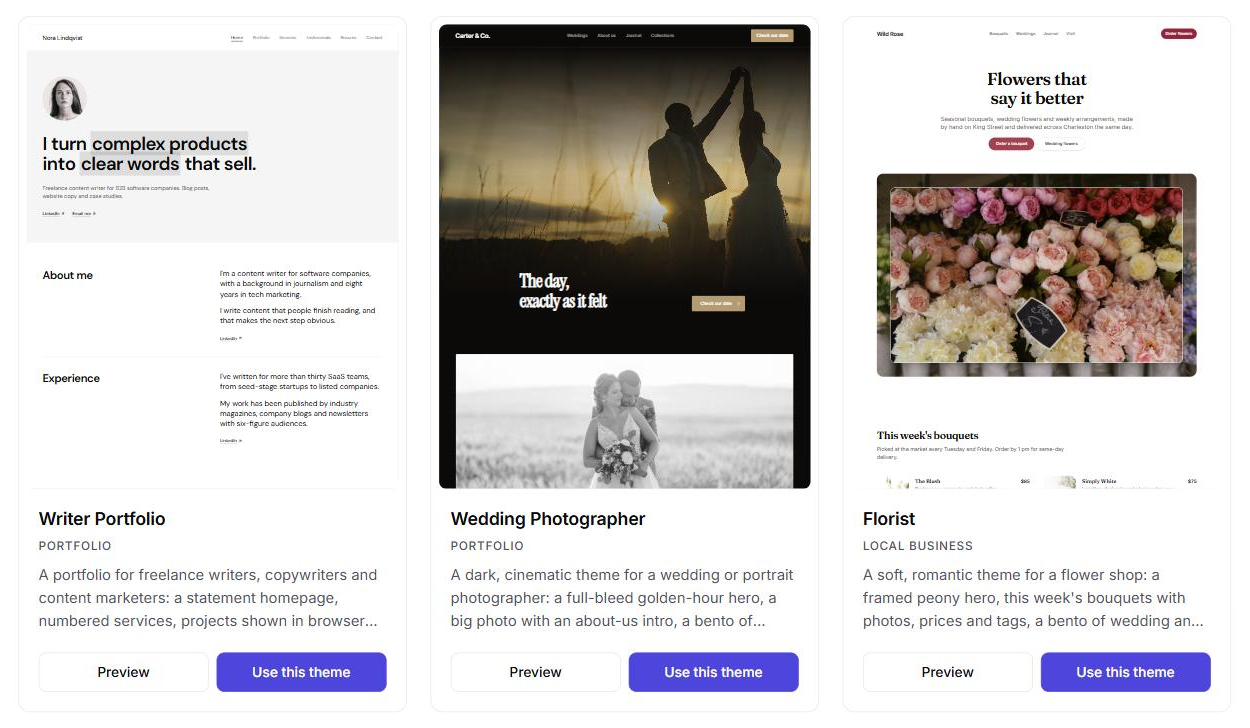
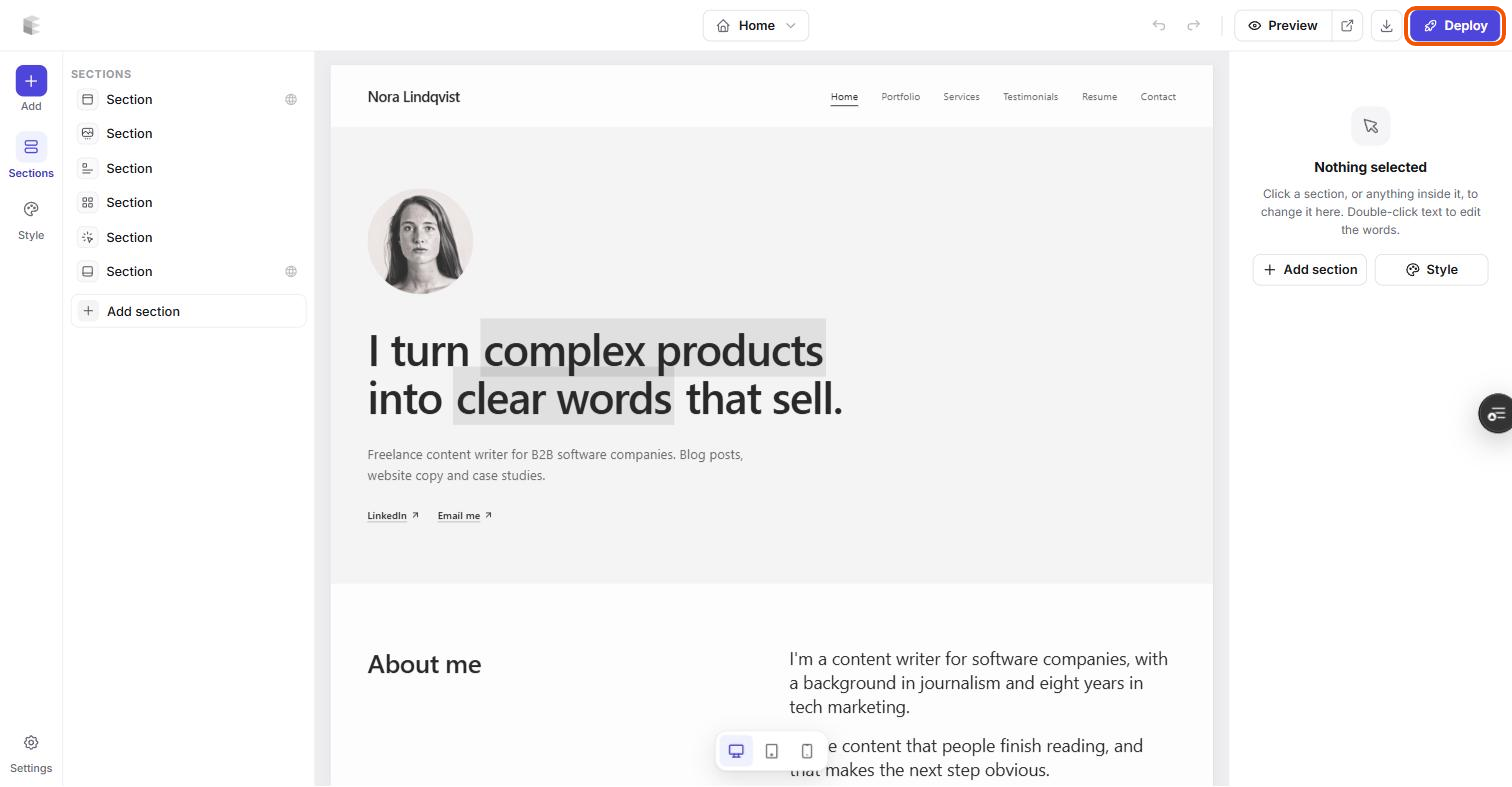
Want to see what's possible first? Browse the theme gallery or read our roundup of the best Ghost themes in 2026.
Build your Ghost theme without code. Pick a theme from the Ectobuilder gallery or start from scratch, change it by clicking, and publish it to your Ghost site. Start free and only pay if you’re happy with it.
Which should you choose?
- Writers, bloggers and newsletter creators: Ghost. Publishing, email and paid subscriptions work on day one, and there's nothing to patch.
- Small businesses and freelancers who need a fast, good-looking site with a blog: Ghost, with a visual theme editor for the design.
- Online shops: WordPress with WooCommerce, or a dedicated shop platform.
- Complex sites that rely on specific plugins: WordPress.
Moving from WordPress to Ghost
Ghost has a WordPress migrator built into Ghost Admin, under Settings → Advanced → Import/Export. You export an XML file of your content from WordPress and upload it to Ghost, which imports your posts and pages and turns your categories into tags. Ghost's WordPress migration guide has the steps. To set up hosting first, follow our PikaPods guide.
Before you switch, list the plugins your site depends on and check how you'd replace each one in Ghost. Most blogs find they need far fewer than they thought.
FAQ
Is Ghost better than WordPress?
For blogs, newsletters and membership sites, usually yes: Ghost includes publishing, email newsletters and paid subscriptions, and there are no plugins to maintain. For online shops and sites that depend on a specific plugin, WordPress is the better fit.
Is Ghost free like WordPress?
Yes. Ghost is open source, and you can host it yourself for free. You only pay for hosting, from about $3 a month on PikaPods. Ghost(Pro), the official hosted service, starts at $18 a month billed yearly.
Can Ghost do everything WordPress plugins do?
No. Ghost has no plugin directory. It covers the core publishing features itself, and for extras like contact forms, booking or a shop you embed a third-party service or use an integration.
Is Ghost faster than WordPress?
Out of the box, usually yes. Ghost pages are light and need no caching plugin. A well-built WordPress site can be fast too, but it depends on the theme, the plugins and the caching setup.
Can I design a Ghost site without code?
Ghost themes are code, but you can use a visual theme editor. Ectobuilder lets you start from a finished theme, edit sections on the page or with AI, and publish the theme to your Ghost site in one click.
Can I move my WordPress site to Ghost?
Yes. Ghost Admin has a built-in WordPress migrator under Settings → Advanced → Import/Export. You upload an export file from WordPress, and Ghost imports your posts and pages and turns categories into tags.
Some links in this article are affiliate links: if you sign up through them, we may earn a commission at no extra cost to you.
Written by
Founder of Ectobuilder, the AI-powered visual theme editor for Ghost. Indie software builder in Wrocław and co-author of The AdTech Book. I write about Ghost themes, newsletters and building websites with AI.
Comments
Questions or thoughts? Share them below.
Keep reading
How to Build Your Ghost Theme Visually (Step-by-Step Guide, No Code)
Build a complete Ghost theme without touching code: start from a theme, edit text and pictures in place, add sections from a library of 270, set colours and fonts, design every page, and publish to Ghost in one click. Step by step, with screenshots.
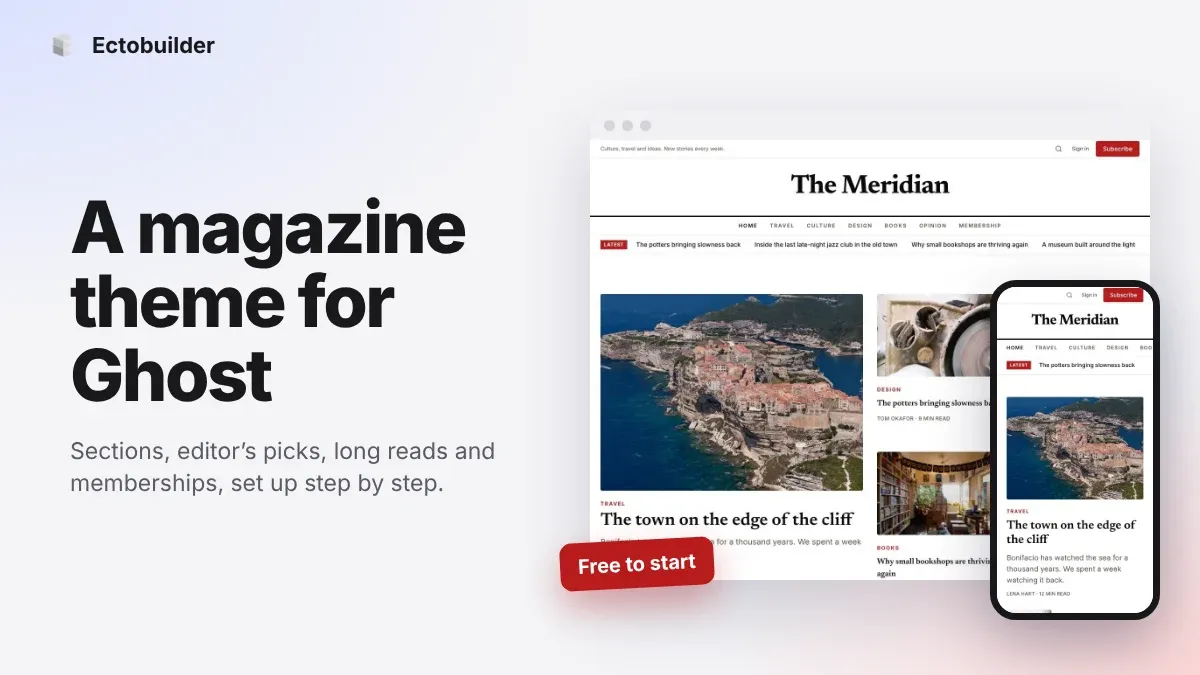
Magazine Theme for Ghost: Sections, Editor's Picks, Long Reads and Memberships
A step-by-step guide to the Magazine theme for Ghost: turn sections into tags, set up the navigation, fill the front page, editor's picks and section fronts, add your writers, sell memberships and send a weekly newsletter.
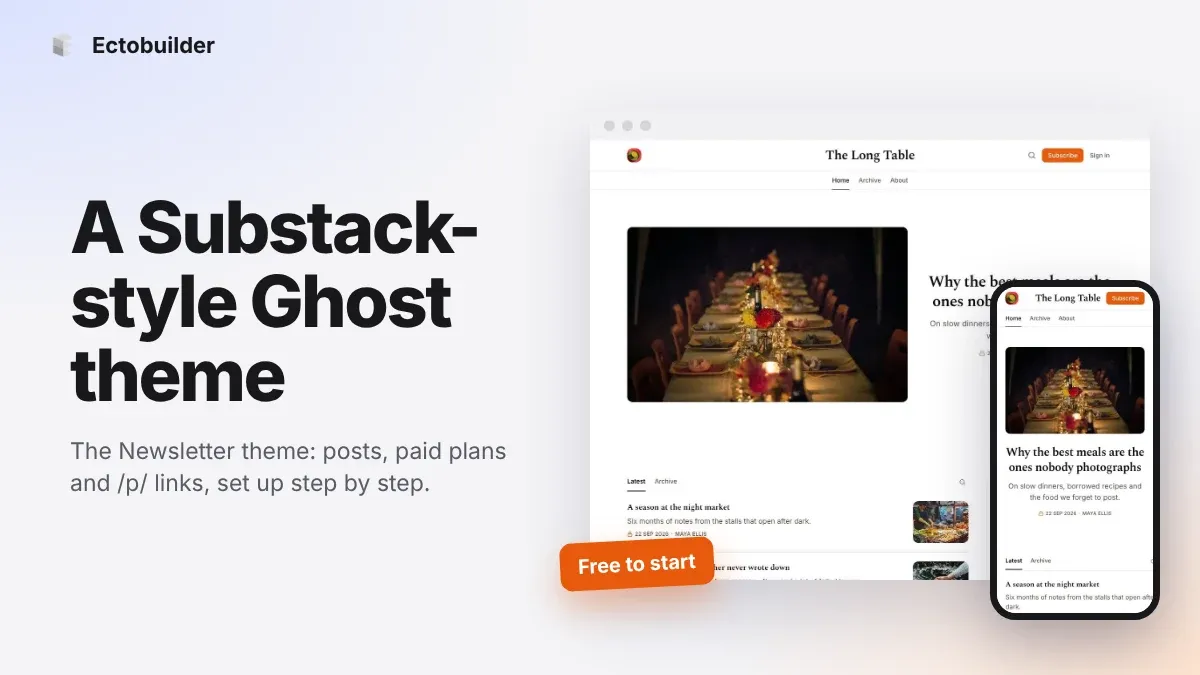
Newsletter Theme for Ghost: A Substack-Style Site With Paid Plans, /p/ Links and Comments
A step-by-step guide to the Newsletter theme for Ghost: a Substack-style homepage and reading page, then newsletters, paid plans, /p/ addresses, Plans, Welcome and About pages, comments and recommendations.