
Best Ghost Themes in 2026: Free, Paid and Custom
The best free and paid Ghost themes in 2026, what premium themes really cost once you customise them, and how to build your own Ghost theme without code.

Michal Wlosik
· 8 min read
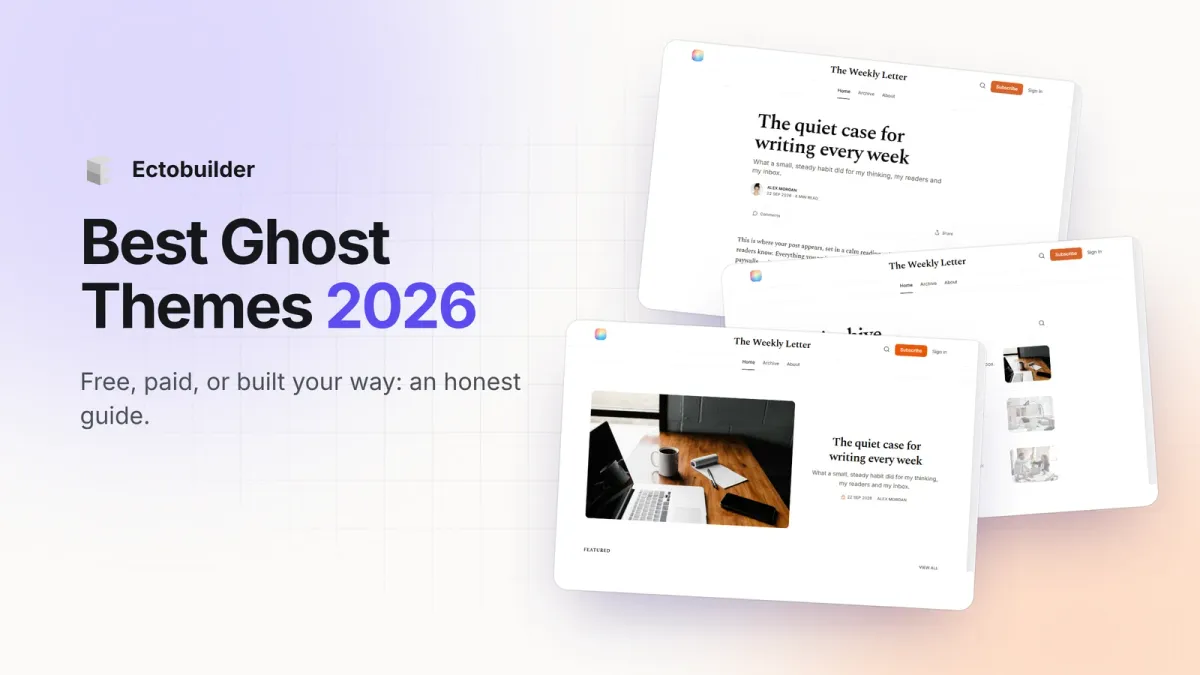
Ghost's theme marketplace lists close to 250 themes, from Ghost's own free ones to $149 premium designs. Picking one is mostly about three questions: what you publish, which Ghost plan you're on, and how much you'll want to change the design later. This guide covers the best free and paid Ghost themes in 2026, what paid themes really cost once you start customising them, and a third option that didn't exist a few years ago: building your own theme without code.
Disclosure: we make Ectobuilder, a visual theme builder for Ghost. The free and paid picks below are chosen on their merits, and we say where a ready-made theme is the better buy.
Quick picks
- Best free theme overall: Source, Ghost's default. Clean, flexible, and works on every Ghost plan.
- Best free newsletter theme: Edition, or Dawn and Journal for a simpler look.
- Best paid newsletter theme: Moshi by Aspire Themes ($149).
- Best paid magazine theme: Krabi by Aspire Themes ($149), or Lines by Pixel Themes ($69) on a budget.
- Best podcast theme: Episode (free) or Signal by Enova Studio ($129) for transcripts and chapters.
- Best docs theme: Ease (free) or DocuHub by LayeredCraft ($49).
- Best if you want a design nobody else has: build it in Ectobuilder, free to start.
Before you choose: check your Ghost plan
On Ghost(Pro), the cheapest plan, Starter, only runs Ghost's official themes. Any third-party theme, free or paid, needs the Publisher plan ($29/month billed yearly) or higher. If you host Ghost yourself, you can use any theme.
Why Ghost(Pro)? It’s the official hosting, run by the non-profit Ghost Foundation, so your subscription funds Ghost itself. Updates, backups, security and a worldwide CDN are handled for you, newsletter sending is included with no Mailgun account to set up, analytics work out of the box, and new features reach you first. Ghost takes 0% of your paid subscriptions. One thing to know: Starter runs only Ghost’s official themes, so choose Publisher for a custom theme. Try Ghost(Pro) free for 14 days.
| Where Ghost runs | Official free themes | Third-party and custom themes |
|---|---|---|
| Ghost(Pro) Starter | Yes | No |
| Ghost(Pro) Publisher, Business | Yes | Yes |
| Self-hosted Ghost | Yes | Yes |
Best free Ghost themes
Ghost makes 18 official themes, all free, all installable from Settings → Theme → Change theme in Ghost Admin, and all kept up to date by the Ghost team. These are the most useful:
- Source: Ghost's default theme. A flexible layout for news, magazines and newsletters, with lots of design settings. If you're unsure, start here.
- Casper: the classic Ghost blog theme and former default. Simple, card-based, dependable.
- Edition: a blog and newsletter theme with a strong signup focus.
- Headline: a news layout with sections by topic, for publications with lots of posts.
- Dawn, Journal, Digest and Bulletin: lighter newsletter themes, each with a slightly different reading feel.
- Episode and Wave: podcast themes with episode-first layouts.
- Ease: documentation and knowledge bases.
- Edge: photography and visual portfolios. Whatever theme you pick, add a lightbox so readers can enlarge photos.
There are also good free themes from independent makers in the marketplace, such as Missive, Liebling and Attila. Remember they count as third-party themes, so they need Publisher on Ghost(Pro).
Want a theme that’s exactly yours? Start from an Ectobuilder gallery theme, change anything by clicking, and publish it to Ghost. Start free and only pay if you’re happy with the design.
Best paid Ghost themes in 2026
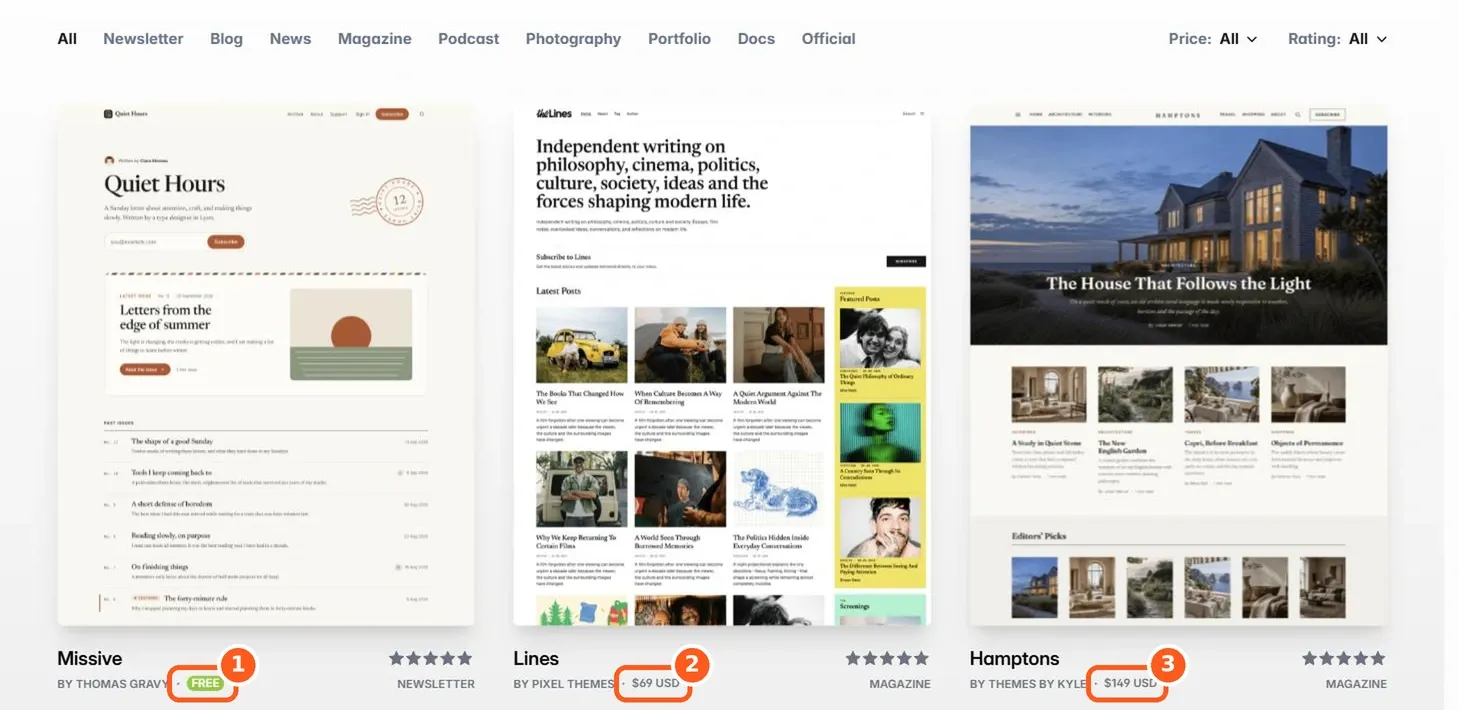
Paid themes are one-time purchases, usually licensed for one site. These stand out across different kinds of publications:
| Theme | Maker | Best for | Price |
|---|---|---|---|
| Moshi | Aspire Themes | Newsletters with a landing-page homepage | $149 |
| Krabi | Aspire Themes | Magazines with a sidebar signup | $149 |
| Lines | Pixel Themes | Editorial magazines on a budget | $69 |
| Hamptons | Themes by Kyle | Photo-led lifestyle and travel magazines | $149 |
| Ikiru | Fueko | Courses and series ("paths"), magazines | From $99 |
| Signal | Enova Studio | Podcasts with transcripts and chapters | $129 (one site) |
| Quiet | Enova Studio | Personal sites, writers, portfolios | $99 (one site) |
| Curie | Bright Themes | Changelogs and product updates | $149 |
| DocuHub | LayeredCraft | Documentation and help centres | $49 |
Prices checked on each maker's site on 9 October 2026. Most paid themes cost $69–149; the marketplace range is roughly $35 to $149.
What a paid theme really costs
The sticker price is only part of it. Before you buy, know how these themes work:
- One license, one site. A second publication usually means a second license, or a pricier "unlimited" tier where the maker offers one.
- Support runs out. Support is typically 6–12 months; Aspire Themes, for example, charges $29 for another 6 months or $49 for 12.
- Customising means code. Beyond the theme's own settings, changing a layout means editing Handlebars templates and CSS, then re-uploading a theme that passes Ghost's validator. Ghost now has a built-in theme code editor for small changes, but it’s still code.
- Updates overwrite your edits. Ghost has no child themes. When the maker ships an update, any code you changed has to be redone by hand.
- Everyone else has it too. A popular theme runs on hundreds of sites, and readers notice.
- Custom homepages need routes.yaml. A landing-page homepage with the blog at
/blog/means writing and uploading a routing file in Ghost's Labs settings.
Ghost's own design settings help a lot: you can set an accent colour, logo, cover image and fonts, and each theme can expose up to 20 custom settings of its own. For anything those don't cover, you're back to code. Features like a table of contents or a dark mode toggle depend on the theme.
Option 3: build your own Ghost theme with Ectobuilder
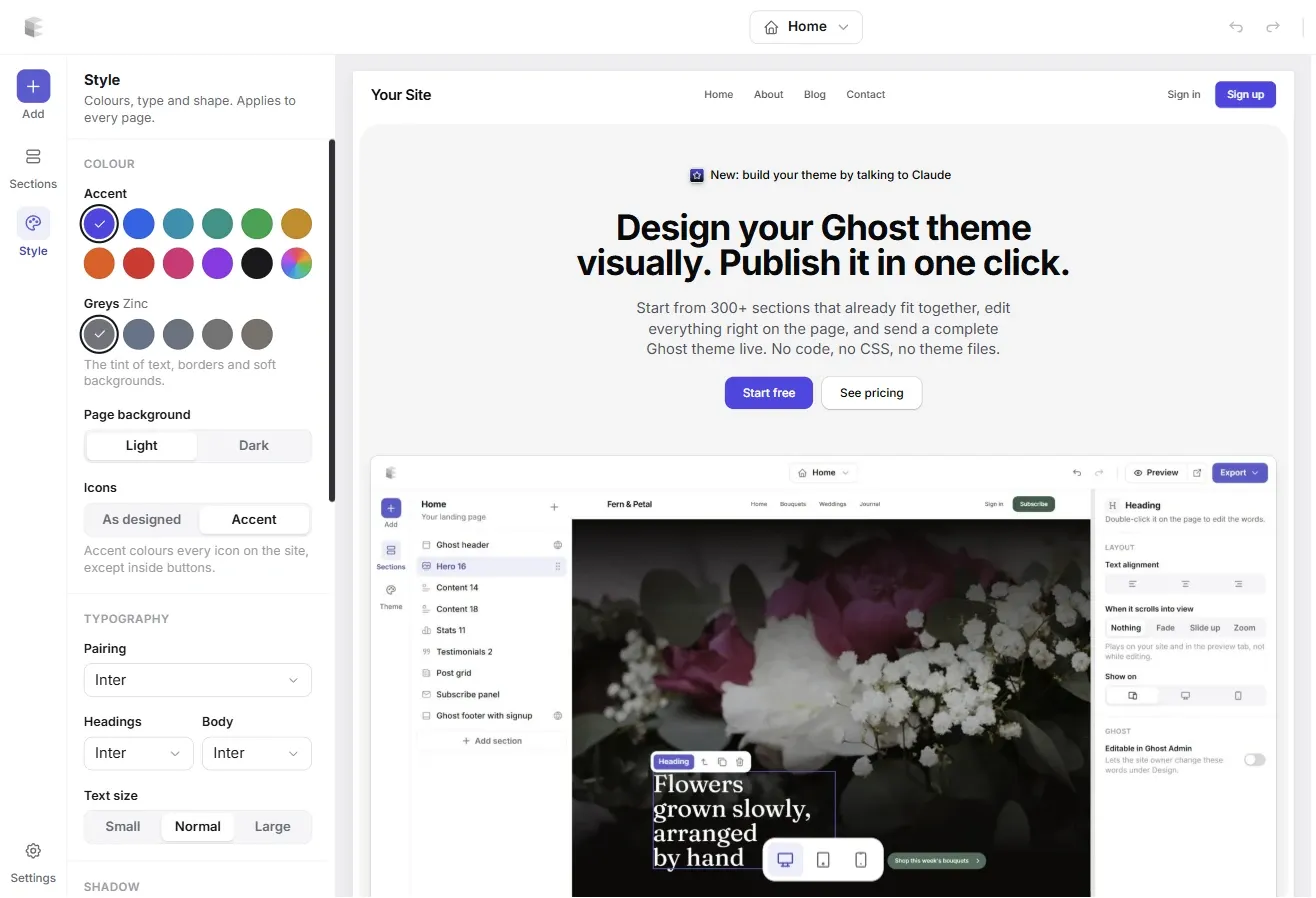
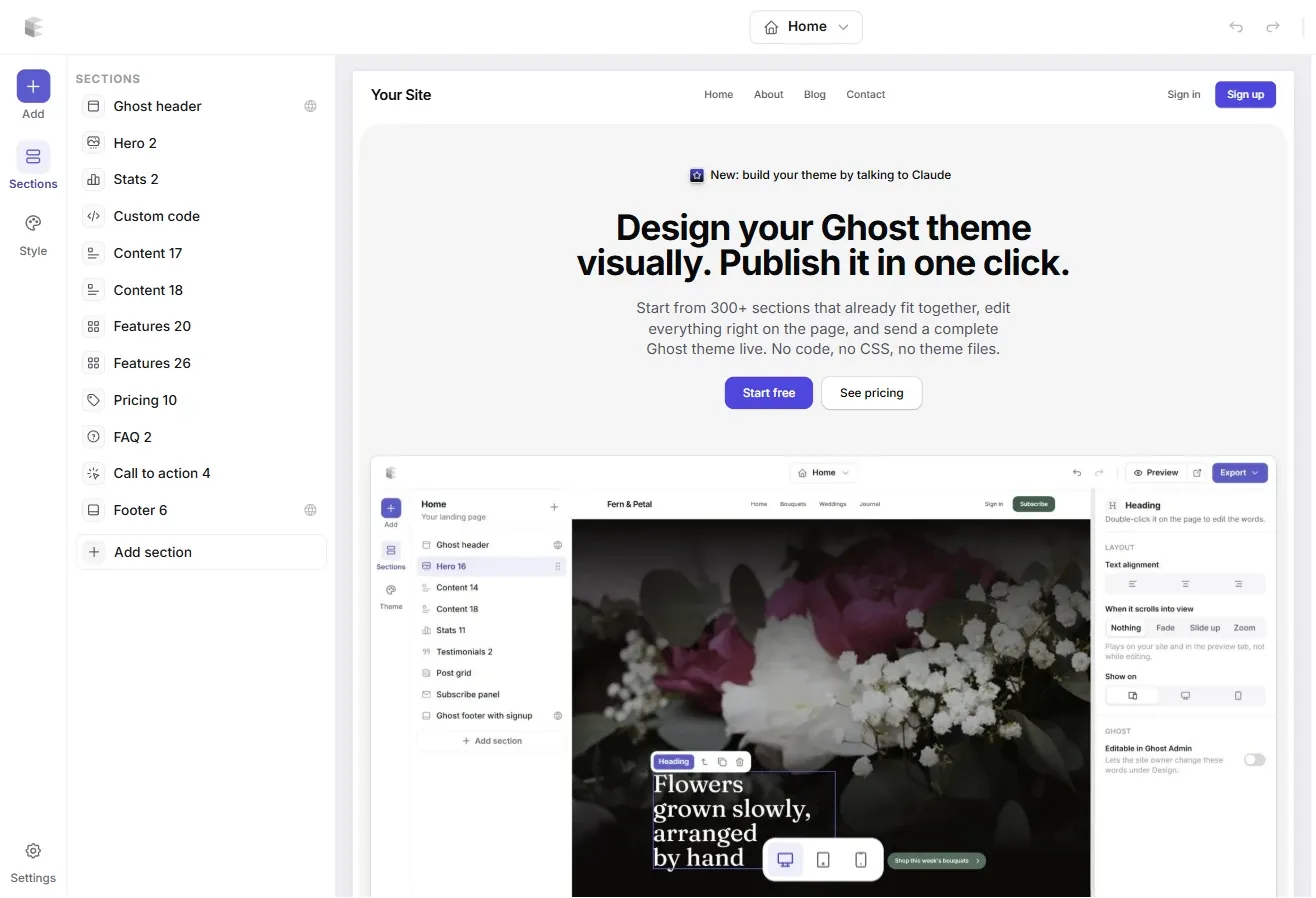
Ectobuilder is a visual theme builder for Ghost. Instead of buying a design and bending it, you put the theme together from more than 300 ready-made sections, edit everything directly on the page, and publish a complete Ghost theme. No Handlebars, no CSS, no theme files.
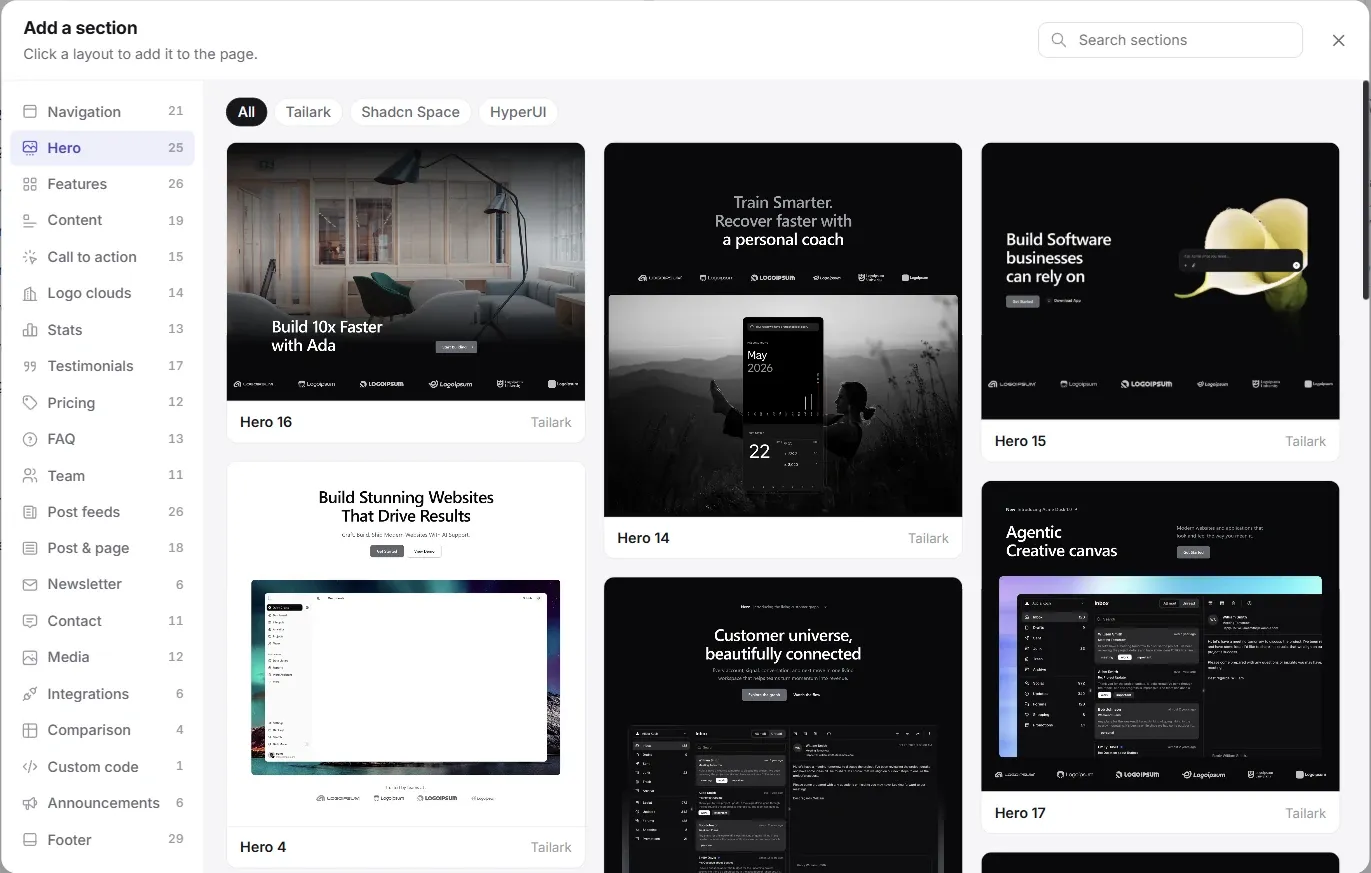
- Every page Ghost needs. Home, blog, post, page, tag, author and 404 come laid out, plus as many custom templates as you want for landing pages.
- Style once, everywhere. Pick an accent colour, fonts, corners and spacing, and every section on every page follows.
- Real Ghost features. Post feeds, member signup, paid tiers, recommendations, comments and search are wired to Ghost, not mock-ups.
- One-click publishing. Connect your Ghost site and the theme goes live. Or download the .zip and upload it yourself. A custom homepage still needs routing set up in Ghost by hand: Ectobuilder gives you the routes.yaml file, and you upload it once under Settings → Labs.
- Change it any time. The design lives in Ectobuilder, so there are no updates overwriting your edits. Change a section and publish again.
- Ask an AI to do it. Ectobuilder's MCP connector lets assistants like Claude build a theme, rewrite page copy, and create posts and pages on your Ghost site for you. Here's how to connect it.
Paid theme vs Ectobuilder
| Paid Ghost theme | Ectobuilder | |
|---|---|---|
| Price | $69–149 per site, one-time; support renewals extra | Free to build and preview; Pro $79/year to download and publish to 3 sites, Studio $199/year for unlimited sites |
| Sites and designs | One site per license | Unlimited themes; Pro publishes to 3 Ghost sites, Studio to any number |
| Changing the layout | Edit Handlebars and CSS | Add, move and edit sections visually |
| Theme updates | Overwrite your code changes | Your design is the source; nothing to merge |
| Uniqueness | Shared with every other buyer | Your own combination of sections, colours and fonts |
| Custom homepage routing | Write routes.yaml yourself | Routes file provided; you upload it in Ghost yourself |
| AI assistance | None | Build and edit through Claude and other MCP assistants |
If you run two or three Ghost sites, Ectobuilder Pro for a year costs less than a single premium theme for one of them, and every site gets its own design.
When a paid theme is still the better choice: if you've found a design you love as it is and won't change it, a one-time purchase is simple. Specialist themes also bring features that are hard to replicate, such as Signal's podcast player with searchable transcripts, or a docs theme's dedicated search. And on Ghost(Pro) Starter, only official themes run, so you'd need Publisher for either a paid theme or an Ectobuilder one.
How to install a Ghost theme
- In Ghost Admin, open Settings → Theme.
- For an official theme, click Change theme, pick one and click Install.
- For a downloaded theme, click Upload theme and choose the .zip file as it is, without unzipping it.
- Click Activate, then adjust colours, fonts and the theme's own settings under Settings → Design & branding.
- If the theme came with a
routes.yamlfor a custom homepage, upload it under Settings → Labs → Routes.
With Ectobuilder, steps 1–4 are one click on Deploy once your Ghost site is connected.
Build your Ghost theme without code. Pick a theme from the Ectobuilder gallery or start from scratch, change it by clicking, and publish it to your Ghost site. Start free and only pay if you’re happy with it.
FAQ
Are Ghost themes free?
Ghost's 18 official themes are free, and so are some independent ones. Premium themes from independent makers usually cost $69–149 for one site.
What is Ghost's default theme?
Source. It replaced Casper as the default and is designed to work for newsletters, blogs and magazines.
Can I use a custom theme on Ghost(Pro) Starter?
No. Starter runs official themes only. Uploading a third-party or custom theme needs Publisher or higher, or a self-hosted Ghost.
How do I customise a Ghost theme without code?
Use Ghost's design settings for colours, fonts and logo, plus the theme's own settings. For layout changes without code, build the theme visually in Ectobuilder.
Is there a Ghost theme that looks like Substack?
Yes: you can build one from Ectobuilder's newsletter sections, including Substack-style /p/ post addresses. See How to make Ghost look and feel like Substack.
Sources
- Ghost theme marketplace and Ghost(Pro) pricing
- Ghost: Installing a theme and Design settings
- Ghost docs: custom theme settings and routing
- Ghost forum: updating a customised theme
- Theme makers: Aspire Themes, Enova Studio, Fueko, Bright Themes, LayeredCraft
Some links in this article are affiliate links: if you sign up through them, we may earn a commission at no extra cost to you.
Written by
Founder of Ectobuilder, the AI-powered visual theme editor for Ghost. Indie software builder in Wrocław and co-author of The AdTech Book. I write about Ghost themes, newsletters and building websites with AI.
Comments
Questions or thoughts? Share them below.
Keep reading
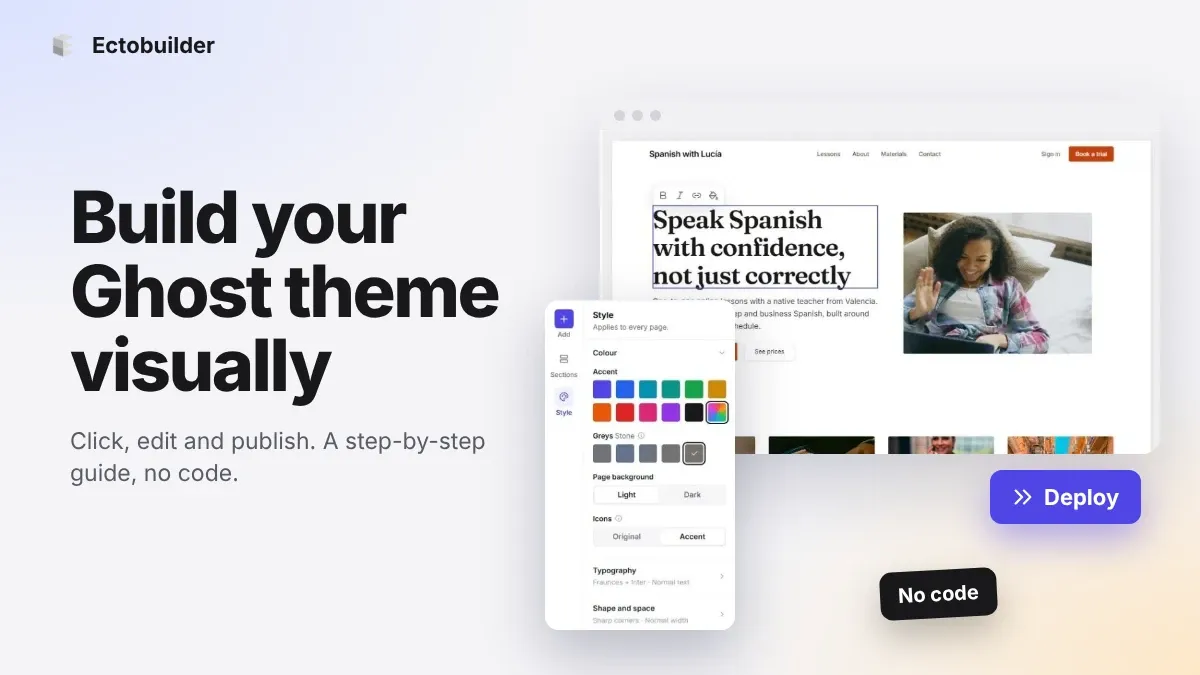
How to Build Your Ghost Theme Visually (Step-by-Step Guide, No Code)
Build a complete Ghost theme without touching code: start from a theme, edit text and pictures in place, add sections from a library of 270, set colours and fonts, design every page, and publish to Ghost in one click. Step by step, with screenshots.
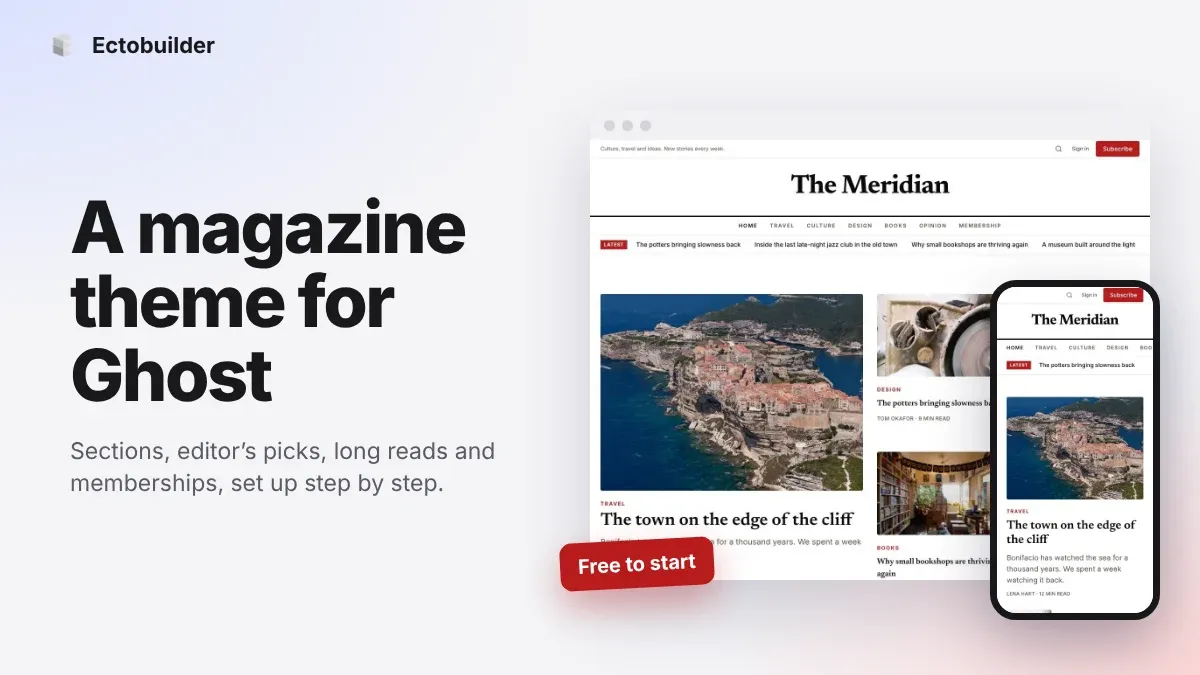
Magazine Theme for Ghost: Sections, Editor's Picks, Long Reads and Memberships
A step-by-step guide to the Magazine theme for Ghost: turn sections into tags, set up the navigation, fill the front page, editor's picks and section fronts, add your writers, sell memberships and send a weekly newsletter.
Newsletter Theme for Ghost: A Substack-Style Site With Paid Plans, /p/ Links and Comments
A step-by-step guide to the Newsletter theme for Ghost: a Substack-style homepage and reading page, then newsletters, paid plans, /p/ addresses, Plans, Welcome and About pages, comments and recommendations.