
Ghost Theme Builder: Make a Custom Ghost Theme Without Code (2026)
A Ghost theme builder lets you design your site visually and get a real Ghost theme out. What builders exist in 2026, what to look for, and how to build one without code.

Michal Wlosik
· 7 min read
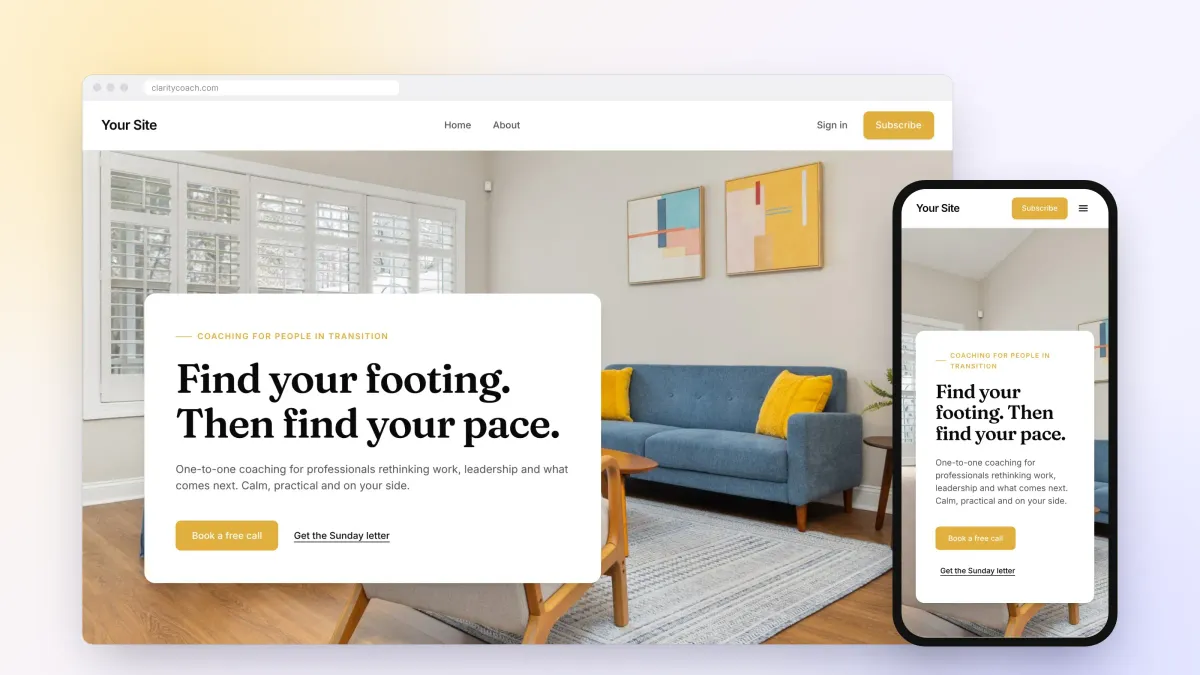
A Ghost theme is a folder of Handlebars templates, CSS and JavaScript. Changing one usually means editing code, zipping the folder and uploading it to Ghost again. A Ghost theme builder takes that job away: you design your site visually, and the builder writes a real Ghost theme for you.
This guide explains what a Ghost theme builder does, which builders exist in 2026, what to look for before you choose one, and how to build a theme in Ectobuilder in an afternoon, without writing a line of code.
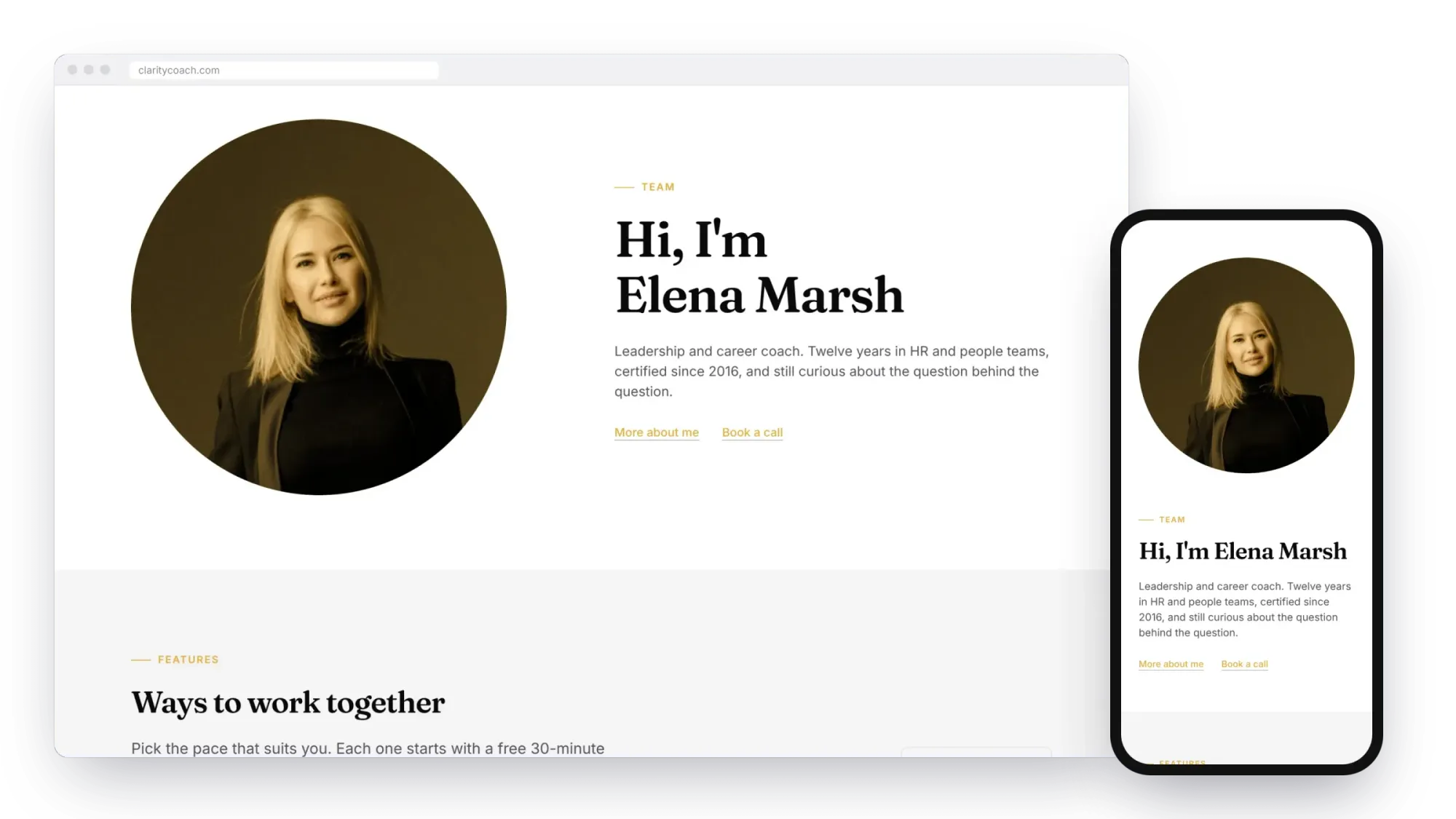
What a Ghost theme builder does
Ghost keeps your content (posts, pages, members, newsletters) separate from your design. The design lives in a theme: a zip file of templates written in Handlebars, Ghost's templating language. There's a template for the homepage, one for the post list, one for every post, one for pages, tags and authors, and any custom templates you add.
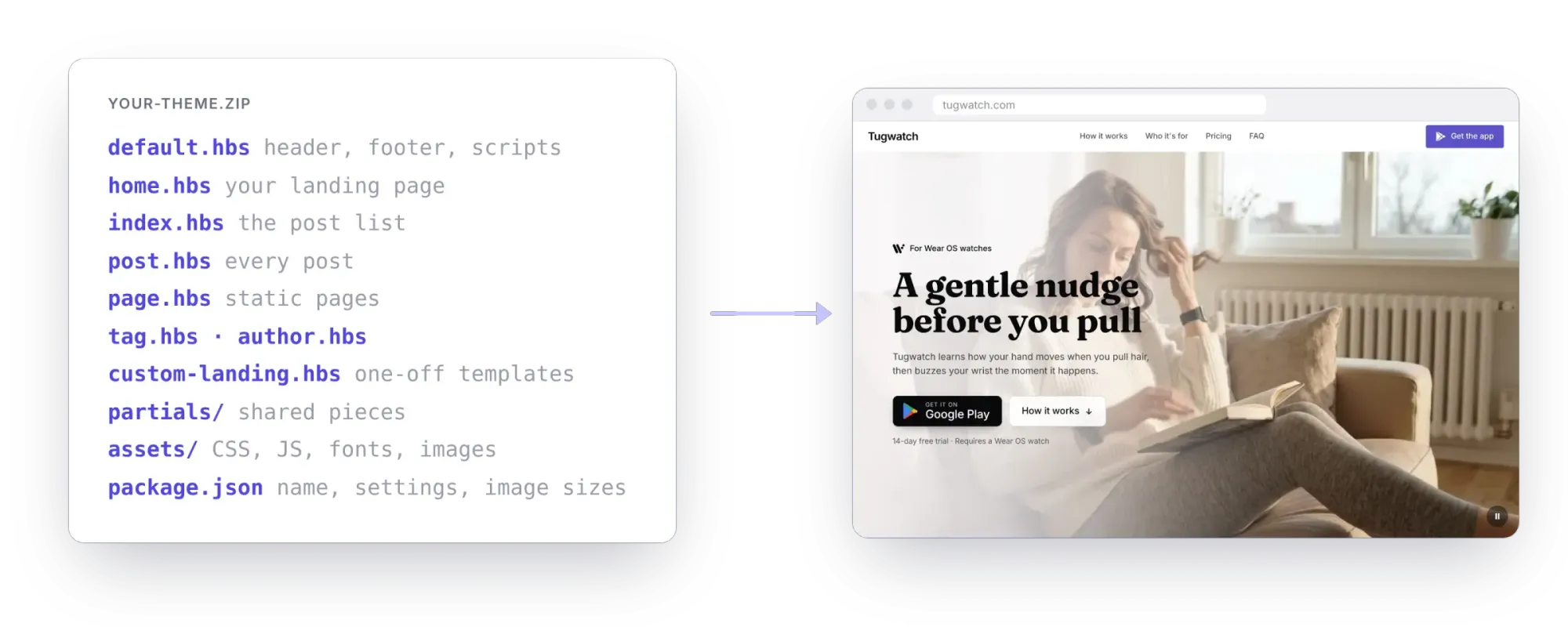
A theme builder gives you a visual editor on top of those files. You pick layouts, change words and pictures, and set colours and fonts. The builder turns that into the templates, CSS and package.json Ghost expects, so the result is a normal Ghost theme you can upload anywhere.
That's different from a page builder on WordPress. Nothing runs inside Ghost: there's no plugin to install and nothing slows your site down. Once the theme is uploaded, Ghost serves it like any hand-coded theme.
Ghost theme builders in 2026
Ghost has no visual theme builder of its own, so the options come from independent tools. Here's what exists today, next to the other ways people get a custom Ghost design:
| Option | How you work | Cost | Status |
|---|---|---|---|
| Ectobuilder | Visual editor, about 270 sections, gallery themes, AI through Claude, ChatGPT or Gemini | Free to build; $79/year to publish | Live |
| Fantasma | Visual builder modelled on Ghost's Source theme | Free zip download; Pro adds one-click publish | Live |
| Bloxear (formerly GhostBlocks) | Drag-and-drop blocks | Not announced | Prototype, waiting list |
| Ghost Admin's code editor | Edit the theme's code in the browser | Included with Ghost | Live, needs code |
| Buy a theme | Pick a design, edit code to change it | $40–150 once | Live |
| Hire a developer | Someone else builds it | $1,000+ per site | — |
If you're comfortable with Handlebars, a bought theme plus Ghost's code editor is a fine route. If you're not, or you want to change the layout often, a builder saves you the code entirely.
What to look for in a Ghost theme builder
Every builder can make a nice homepage. The difference shows in the parts of Ghost that aren't a homepage. Check these before you commit:
- A real theme you own. You should be able to download the theme as a zip and keep it, even if you stop paying. It shouldn't need the builder to run.
- Every template. Home, post list, post, page, tag, author and the 404 page, plus custom templates for one-off pages like a landing page.
- Ghost's own features. Sign-up and sign-in through Portal, members-only posts, newsletter forms, paid tiers on a pricing page, and post lists that fill themselves with your posts.
- Phones. Most visitors read on a phone. Look for a phone preview and layouts that stack on their own.
- Settings in Ghost Admin. The best themes let you change a logo, a headline or a colour in Ghost's own Design settings, without opening the builder again.
- One-click publishing. Uploading zips by hand gets old. A builder that connects to your Ghost site can publish a new version in seconds.
- Speed. A builder should write lean CSS and load fonts and pictures sensibly, so your Core Web Vitals stay green.
How to build a Ghost theme without code
Here's the short version of building a theme in Ectobuilder. For every button and setting, read the full step-by-step guide to building a Ghost theme visually.
1. Start from a gallery theme
The quickest start is a finished theme. The gallery has themes for magazines, newsletters, tutors, coaches, local businesses, portfolios and podcasts. Each one is complete: header, footer, homepage, post layout and post lists are already wired up to Ghost. Click Use this theme and you get your own copy to change.
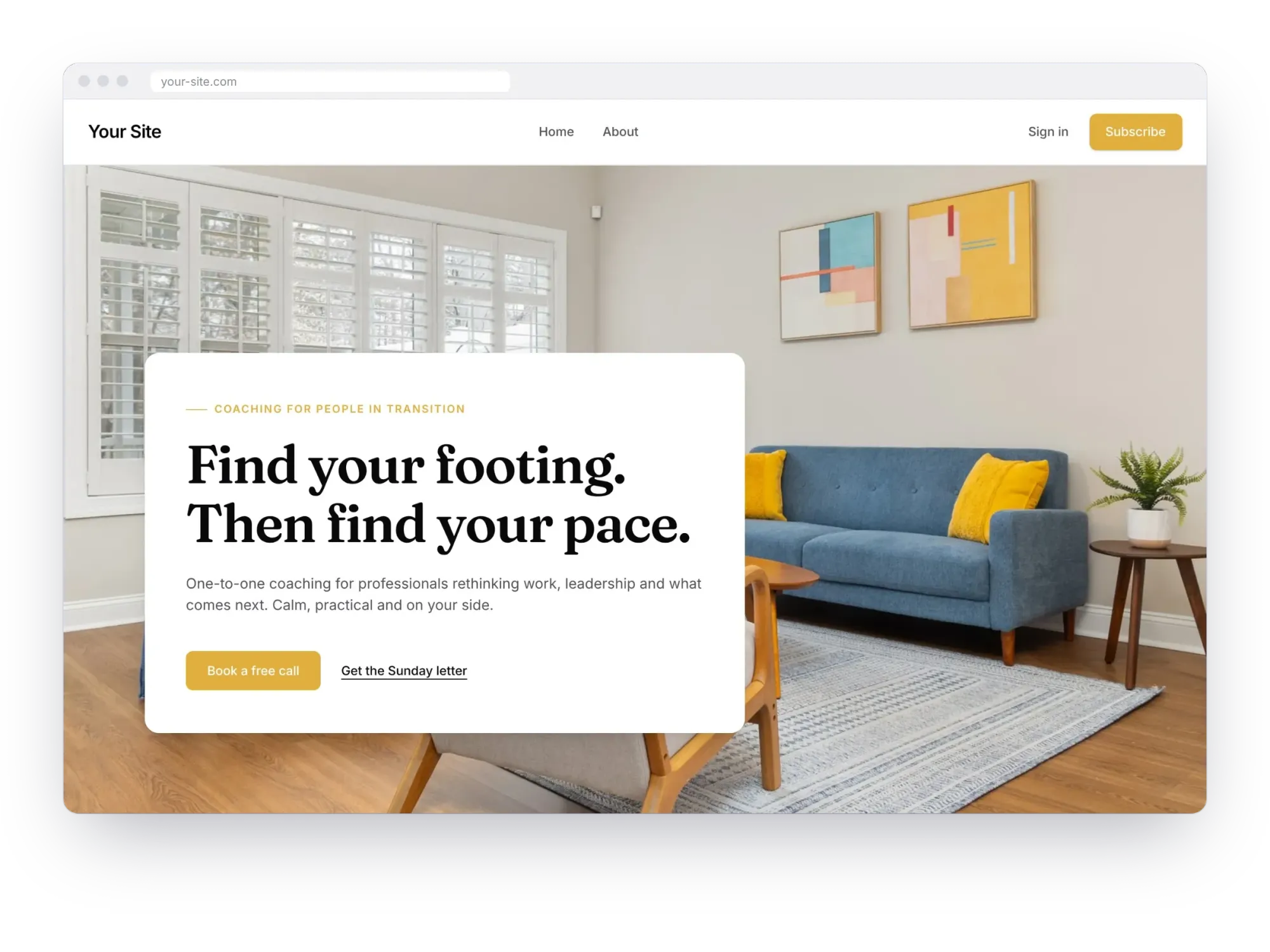
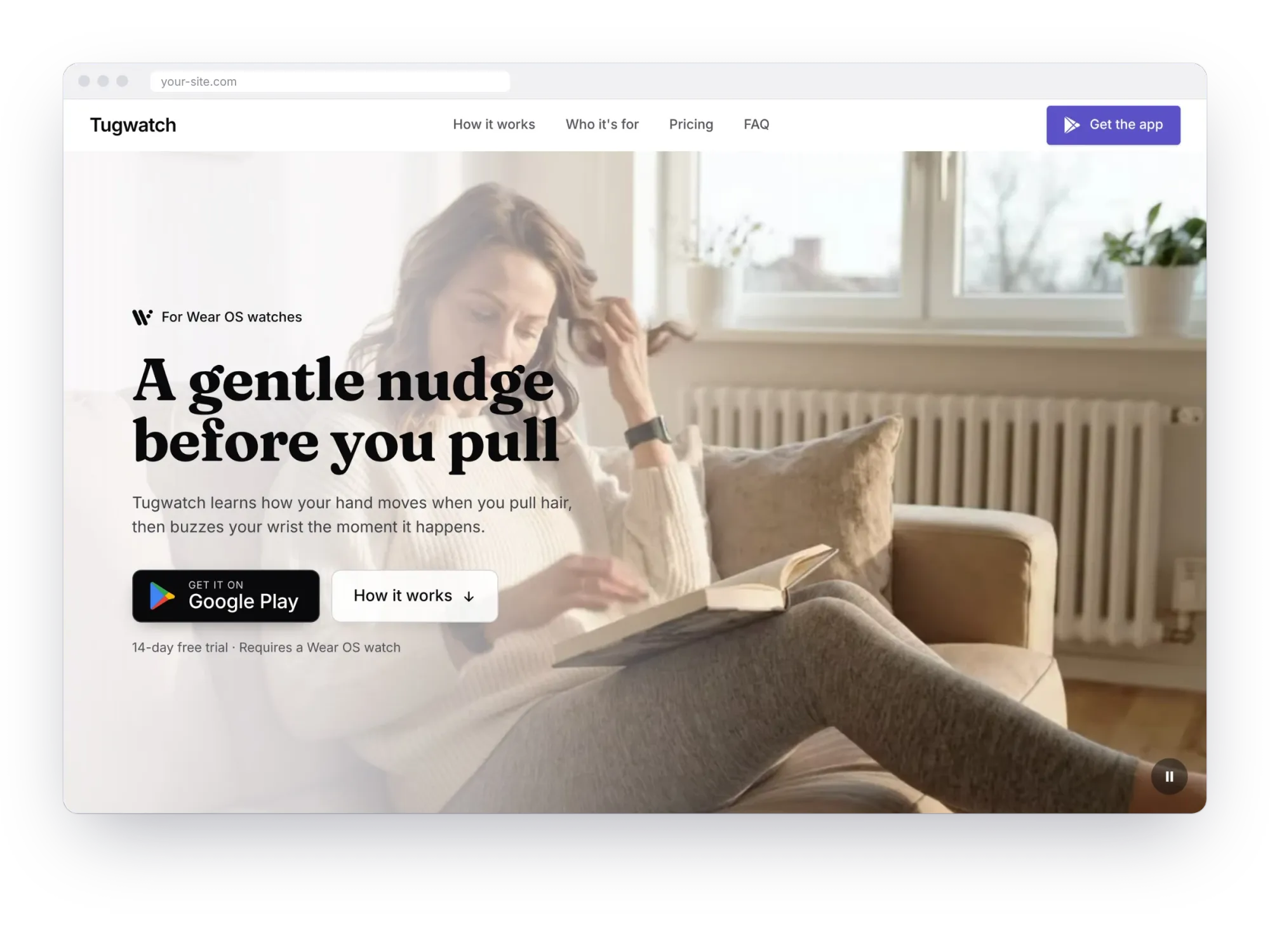
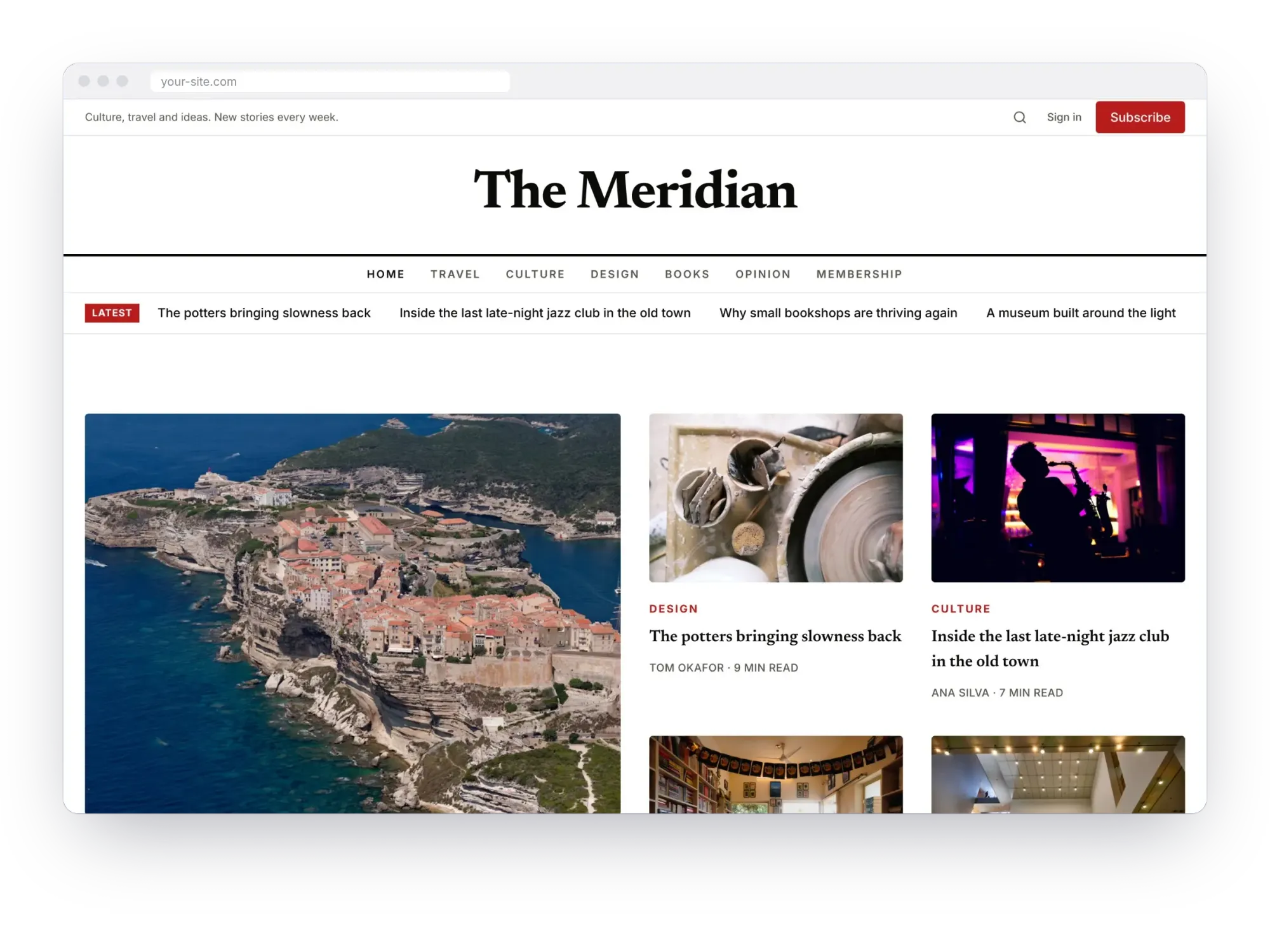
Built in Ectobuilder: a coach's site, an app landing page and a magazine.
2. Add sections from the library
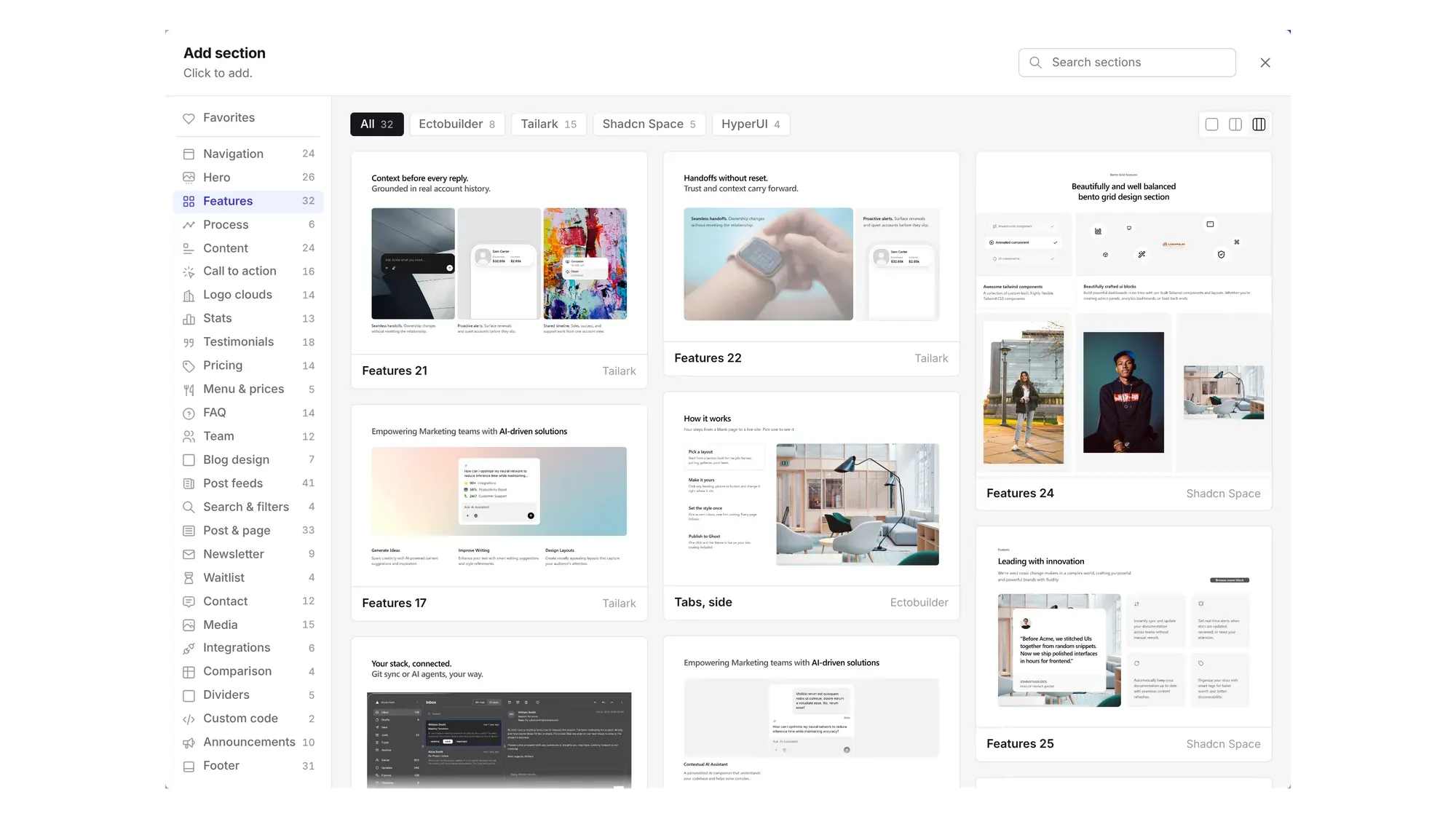
Open Add to browse about 270 sections: heroes, features, pricing tables, testimonials, FAQs, contact forms, booking, post lists and more. Each has a thumbnail, and each arrives styled with your theme's colours and fonts.
3. Edit by clicking
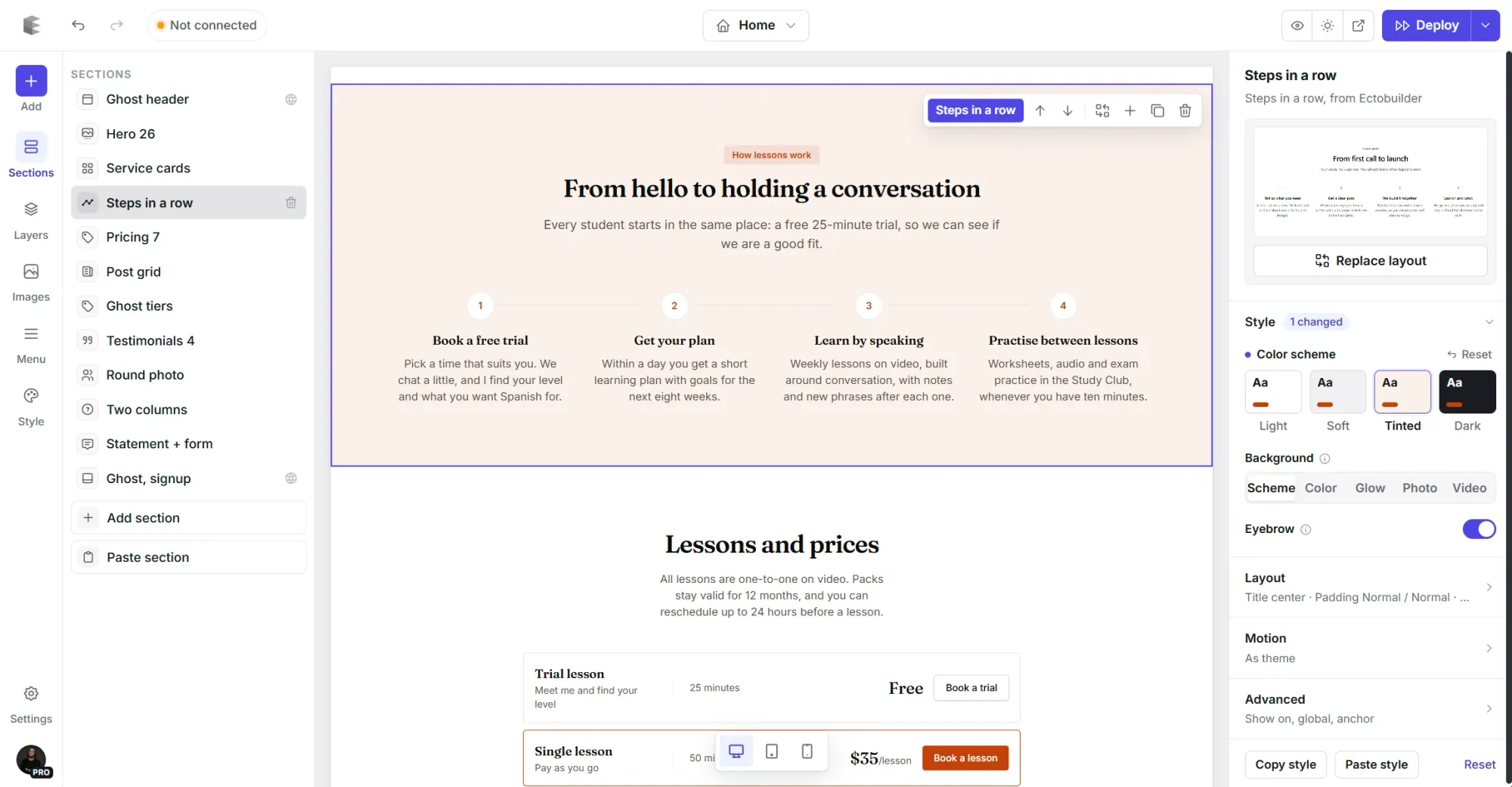
Click any heading, picture or button on the page to select it, and double-click text to type over it. Select a whole section to change its colour scheme, background, spacing, width and how it moves as readers scroll.
4. Set your brand once
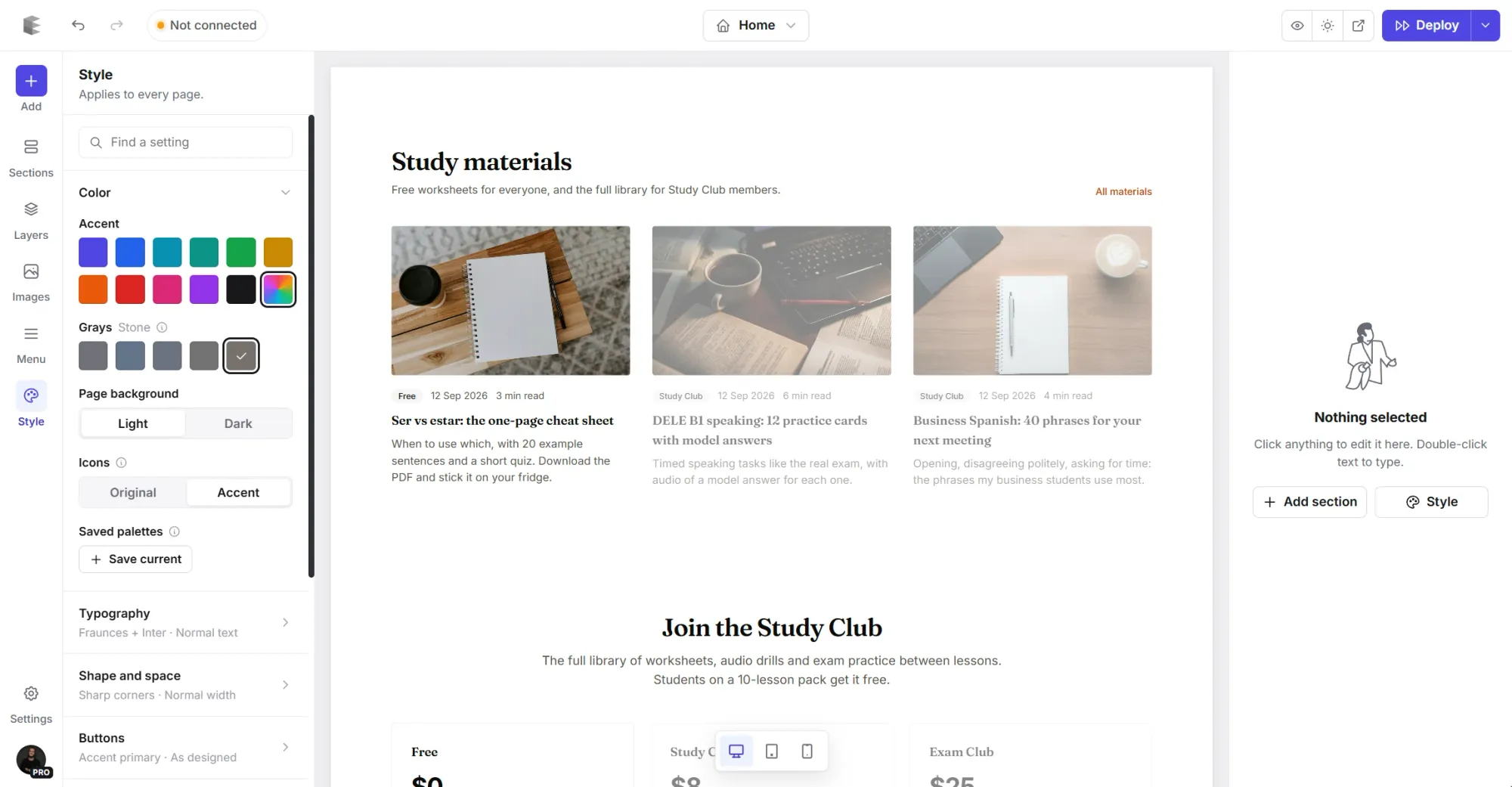
Style holds the settings that apply to every page: accent colour, fonts, corners, spacing, and how buttons, cards and pictures look. Change your accent colour and the whole site follows.
5. Publish to Ghost
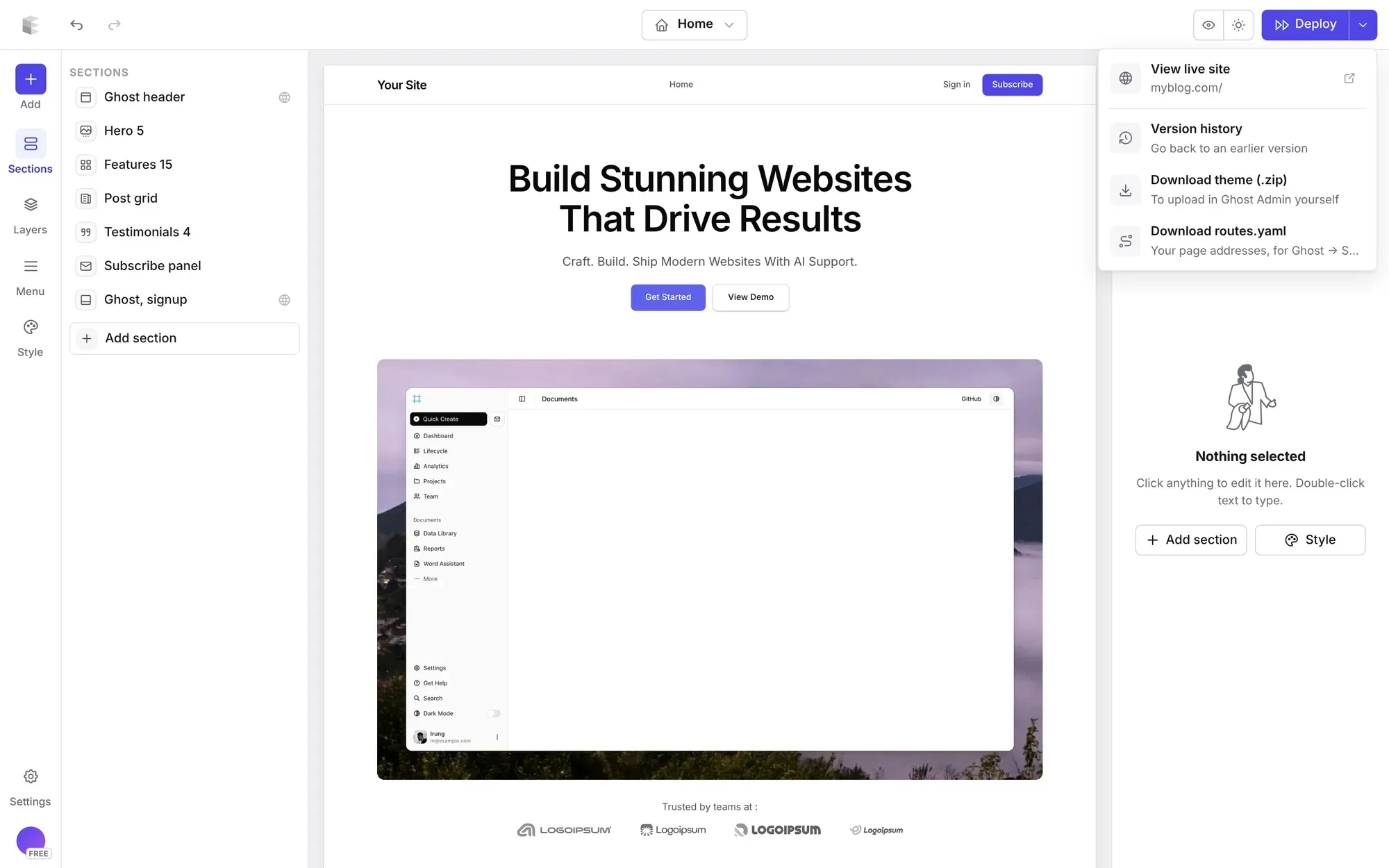
Connect your Ghost site under Settings → Integrations, then click Deploy. Ectobuilder builds the theme, uploads it and switches it on. Your posts, pages and members don't change, because they live in Ghost, not in the theme.
Build your Ghost theme without code.
Start from a gallery theme or a blank page, change it by clicking, and publish it to your Ghost site. Free to start.
Build it by describing it
Ectobuilder also works with AI assistants. Connect Claude, ChatGPT or Gemini and ask for "a pricing section under the hero, using my Ghost tiers" or "a dark footer with three columns of links". The assistant edits the same theme you see in the editor, so you can fine-tune its work by hand. See how to connect Claude to Ectobuilder and example prompts and workflows.
Is there a free Ghost theme builder?
Yes, with limits. In Ectobuilder the full editor is free: every section, every gallery theme, AI help and previews on any device, for up to three themes. You pay when you put a theme on a live site. Pro ($79 a year) publishes to three Ghost sites in one click and downloads any theme as a zip. Studio ($199 a year) is for freelancers and agencies, with unlimited sites. See pricing.
Fantasma's free plan includes a zip download, with one-click publishing on its paid plan. Either way, you can try the whole design process before paying anything.
When a theme builder isn't the right choice
- You love a theme you already bought. Builders design themes from their own sections; they don't open a theme from the marketplace for visual editing. To change a few details in a bought theme, Ghost's code editor is quicker.
- You need a feature nobody has built. A custom integration or an unusual layout with its own JavaScript is still a job for a developer.
- You never want to change your design. If a free theme like Source already fits, keep it. A builder pays off when your site needs to look like you, and keeps changing.
FAQ
Do I need to know Handlebars or CSS?
No. The builder writes the templates, CSS and JavaScript. You work with sections, text, pictures and settings.
Will I lose my posts if I switch themes?
No. Posts, pages, members and newsletters live in Ghost. A theme only changes how they look, so you can switch back to your old theme at any time in Ghost Admin.
Does it work with any Ghost host?
Yes, as long as the host lets you upload custom themes: self-hosted Ghost, managed hosts and Ghost(Pro) from the Publisher plan up. Compare them in Ghost(Pro) vs other Ghost hosting.
Is the theme mine?
Yes. A theme from Ectobuilder is a standard Ghost theme. Download it as a zip and keep it; it doesn't need Ectobuilder to run.
How long does it take to build a theme?
Starting from a gallery theme, most people publish the same day. Most of the time goes on writing copy and choosing pictures, not on the design.
Your Ghost theme, designed by clicking.
Pick a theme from the gallery, make it yours, and publish it to your Ghost site. Start free and pay only when you go live.
Written by
Founder of Ectobuilder, the AI-powered visual theme editor for Ghost. Indie software builder in Wrocław and co-author of The AdTech Book. I write about Ghost themes, newsletters and building websites with AI.
Comments
Questions or thoughts? Share them below.
Keep reading
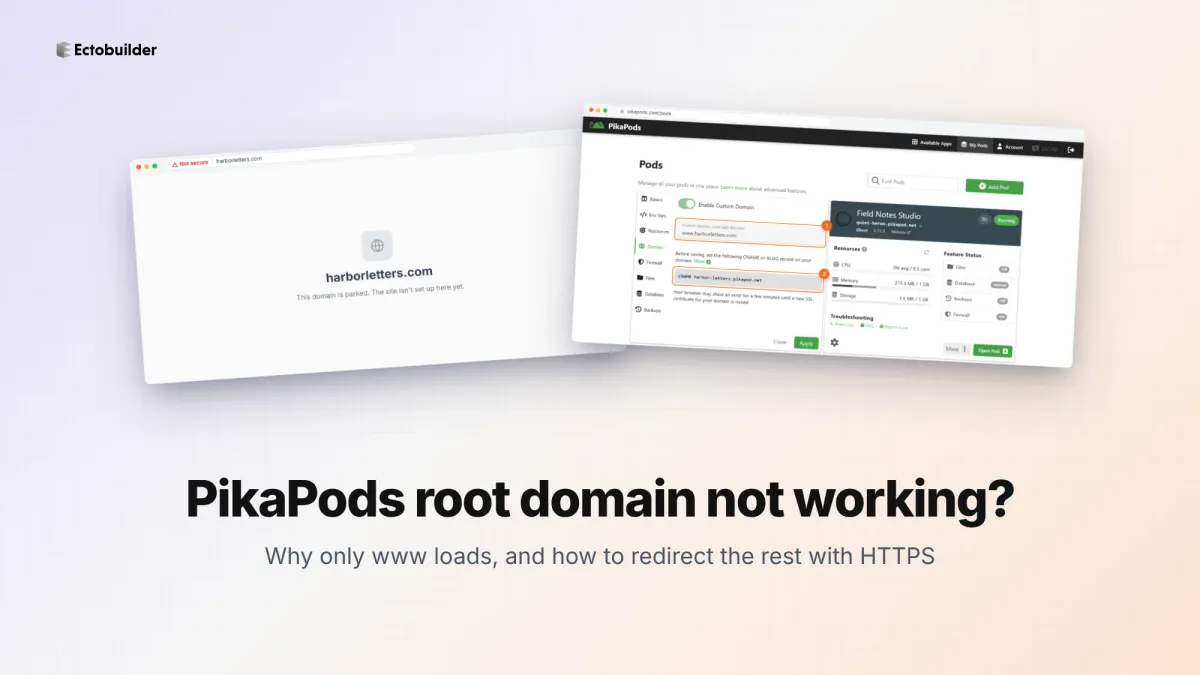
PikaPods Custom Domain: Why Only www Works (and How to Fix the Root Domain)
PikaPods maps one custom domain per pod, so yourdomain.com without www stays on a parked page with no SSL. Here's why, and three ways to redirect it to www over HTTPS without touching your email records.
How to Migrate from Kit or beehiiv to Ghost (Subscribers, Paid Members, Posts and Redirects)
Move your newsletter from Kit (ConvertKit) or beehiiv to Ghost step by step: export and import subscribers, deal with paid members and Stripe, bring your posts across, set up redirects and your domain, warm up email sending, and make the new site look right.
How to Use ChatGPT to Create 301 Redirects (Prompts, File Formats and Testing)
Let ChatGPT or Claude match your old URLs to new ones and write the redirect file for Ghost, Apache, Nginx, Netlify or Vercel. Prompts to copy, the mistakes to avoid, and how to test every redirect.