
3 Small Upgrades for Your Ghost Site: Reading Progress, Page Transitions and AI Alt Text
A reading progress bar for long posts, smooth transitions between pages, and alt text written for you by AI. Three small improvements readers notice, each in a couple of clicks.

Michal Wlosik
· 4 min read
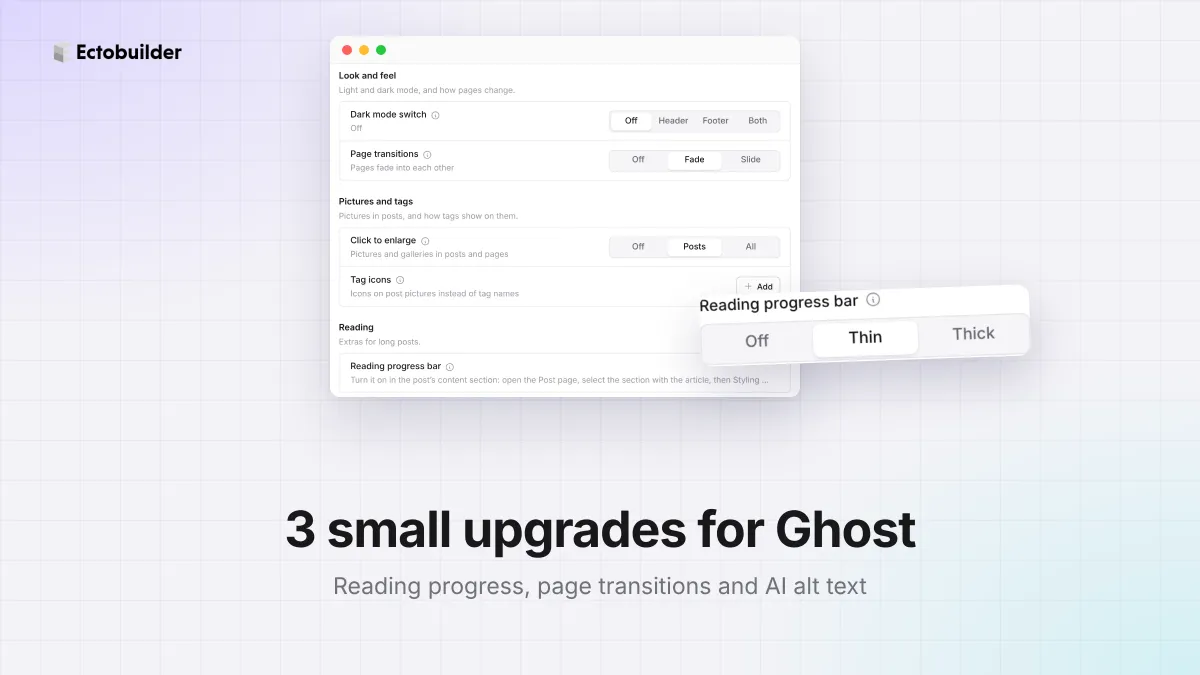
Some improvements are small but readers notice them every day. This guide covers three of them for Ghost sites, all without code: a reading progress bar for long posts, smooth transitions between pages, and alt text written for you by AI.
A reading progress bar
A thin bar at the top of the screen that fills as the reader moves through a post. It answers the question every reader of a long post has: how much is left?
- It measures the post, not the page. Comments and the footer don't count, so the bar is full when the reader reaches the end of the article.
- It sits below a sticky header, so it's never hidden.
- It's set per template. Long reads can have it while short news posts don't.
How to add a reading progress bar
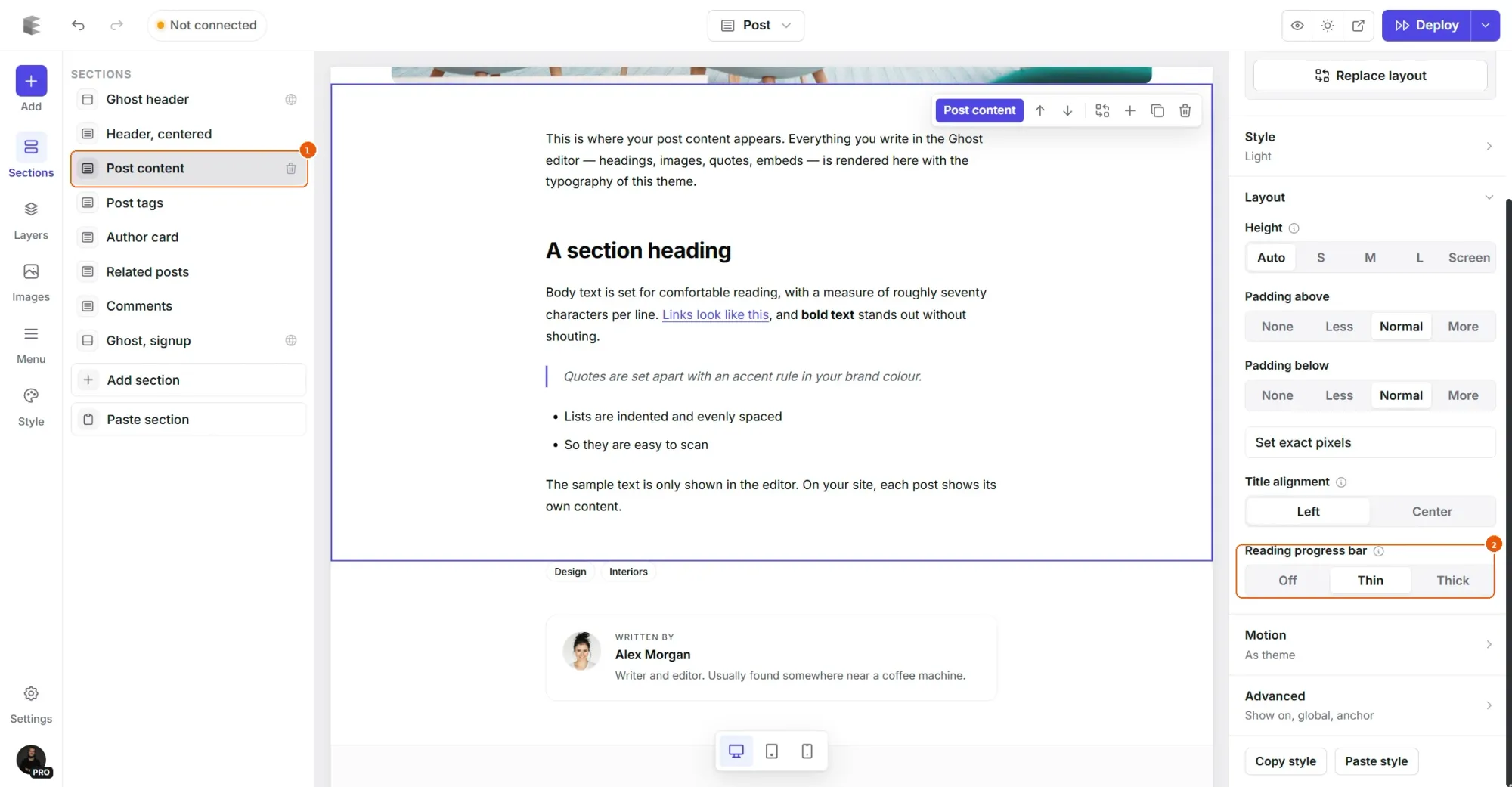
- In Ectobuilder, open the Post page and select the section with the post's content.
- Open the Layout group and set Reading progress bar to Thin or Thick.
- Deploy. The bar takes your accent color.
Using a custom template for long posts, like "Guide"? Turn the bar on there and leave it off on the regular Post page. See how to add a table of contents, which pairs well with it.
Page transitions
Normally, clicking a link makes the page flash white and the new one appears. With page transitions, the old page fades or slides into the new one, so moving around your site feels like an app.
- Built into the browser. It uses the browser's own view transitions: no script, nothing to load. Chrome, Edge and Safari show it; browsers that don't support it yet change pages as usual.
- Respects your readers. Visitors who ask their device for less motion get normal page changes.
- Two styles.Fade is subtle and suits most sites. Slide is livelier, for portfolios and product sites.
How to turn on page transitions
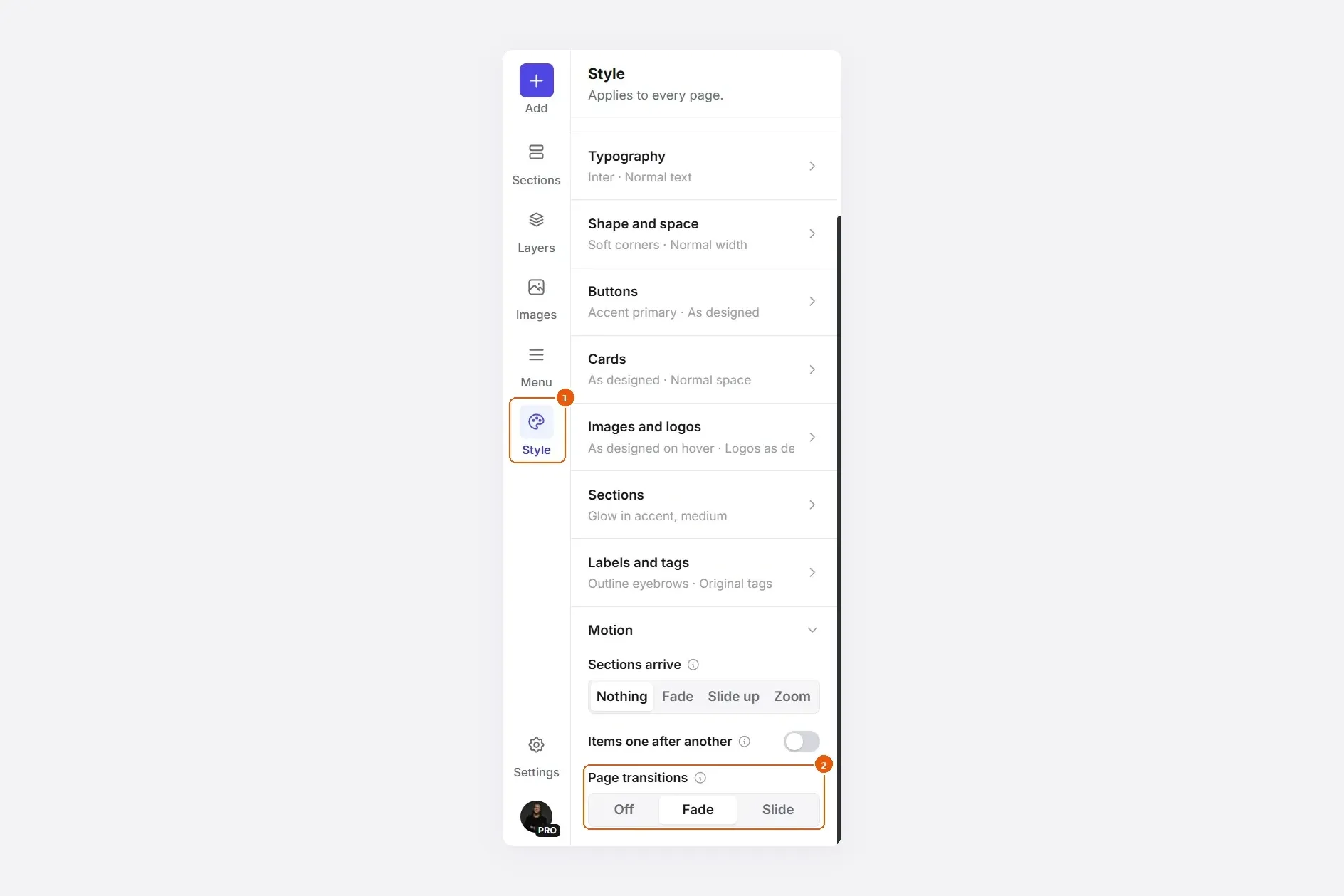
Click Style in the left bar, open Motion and set Page transitions to Fade or Slide. Deploy.
Make your Ghost site nicer to read.
A reading progress bar, page transitions and AI alt text, each in a couple of clicks.
AI alt text
Alt text describes a picture for people who use screen readers, and for search engines, which use it to understand the picture and show it in image search. Most sites skip it, because writing it is tedious.
Ectobuilder writes it for you, for the pictures in your theme: heroes, feature sections, team photos, galleries. (For pictures in your posts, Ghost's editor has its own alt text field.)
- Automatically when you add or replace a picture. It's on by default, under Settings → SEO → Images.
- On demand with the sparkle button next to any picture's description. Use it for pictures you added before, or to try again.
- In your site's language, using the text around it for context, so it describes what matters on that page.
- Decorative pictures are left empty, as they should be: screen readers skip them.
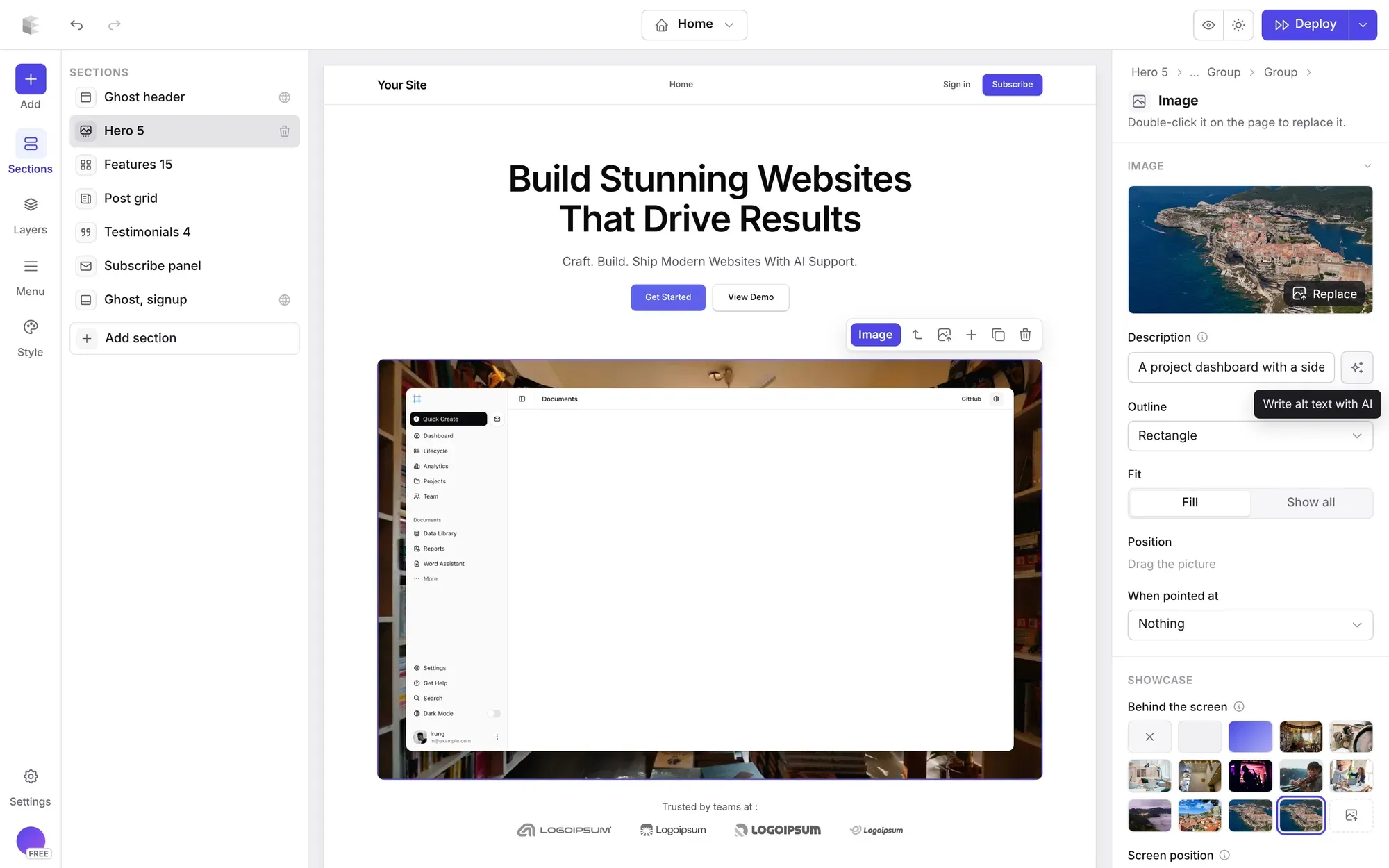
Each plan includes AI descriptions every month: 50 on Free, 3,000 on Pro and 10,000 on Studio. A picture is only described once, however many times you use it.
Related guides
- A lightbox for Ghost pictures: click any picture to see it full size.
- Share buttons for Ghost posts: no plugins, no tracking.
- How to build your Ghost theme visually: every step, from picking a theme to publishing it to Ghost.
FAQ
Does the progress bar work on pages too?
It goes on any template with a post content section: Post, Page or a custom template. Turn it on where you want it.
Do page transitions slow my site down?
No. They’re a few lines of CSS that the browser handles itself. Nothing extra loads.
Why don’t I see transitions in my browser?
Either your browser doesn’t support transitions between pages yet, or your device is set to reduce motion. Pages change normally in both cases.
Can I edit the AI alt text?
Yes. It’s an ordinary text field: change it, or clear it and write your own.
Does AI alt text work for pictures in my posts?
Not yet: it covers pictures in your theme’s sections. For pictures in posts, use the alt text field in Ghost’s image card.
Build a Ghost theme that’s a pleasure to read.
Reading progress, page transitions, a table of contents and accessible pictures, designed visually and deployed straight to Ghost.
Written by
Founder of Ectobuilder, the AI-powered visual theme editor for Ghost. Indie software builder in Wrocław and co-author of The AdTech Book. I write about Ghost themes, newsletters and building websites with AI.
Comments
Questions or thoughts? Share them below.
Keep reading
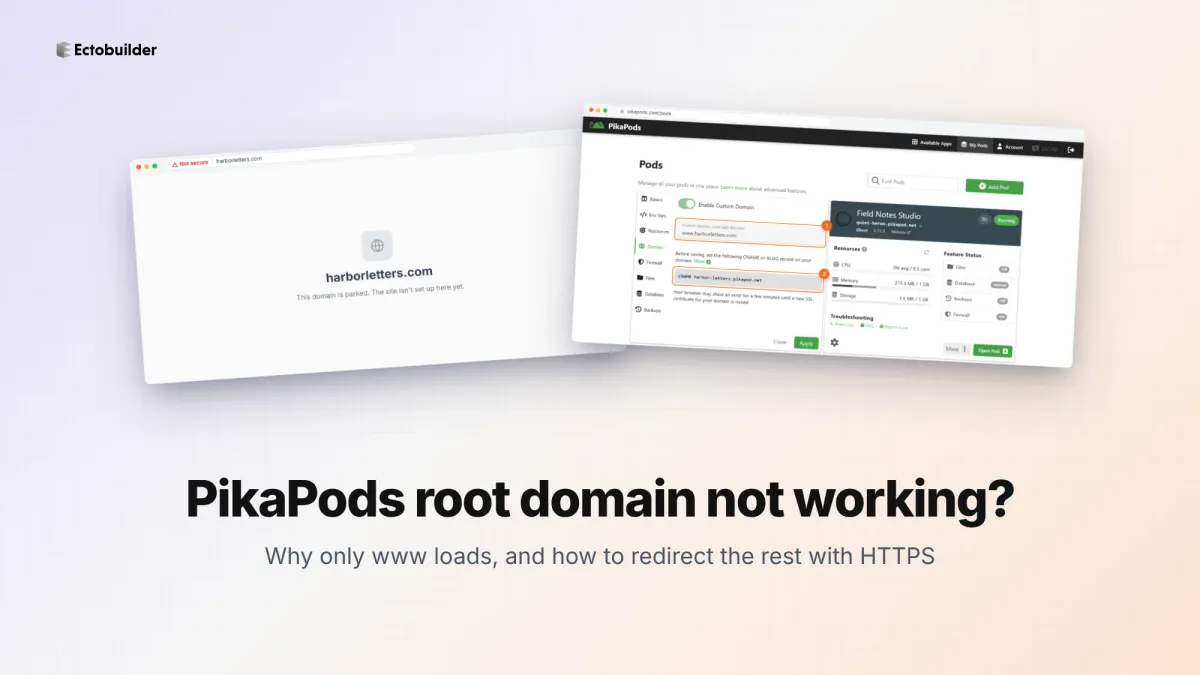
PikaPods Custom Domain: Why Only www Works (and How to Fix the Root Domain)
PikaPods maps one custom domain per pod, so yourdomain.com without www stays on a parked page with no SSL. Here's why, and three ways to redirect it to www over HTTPS without touching your email records.
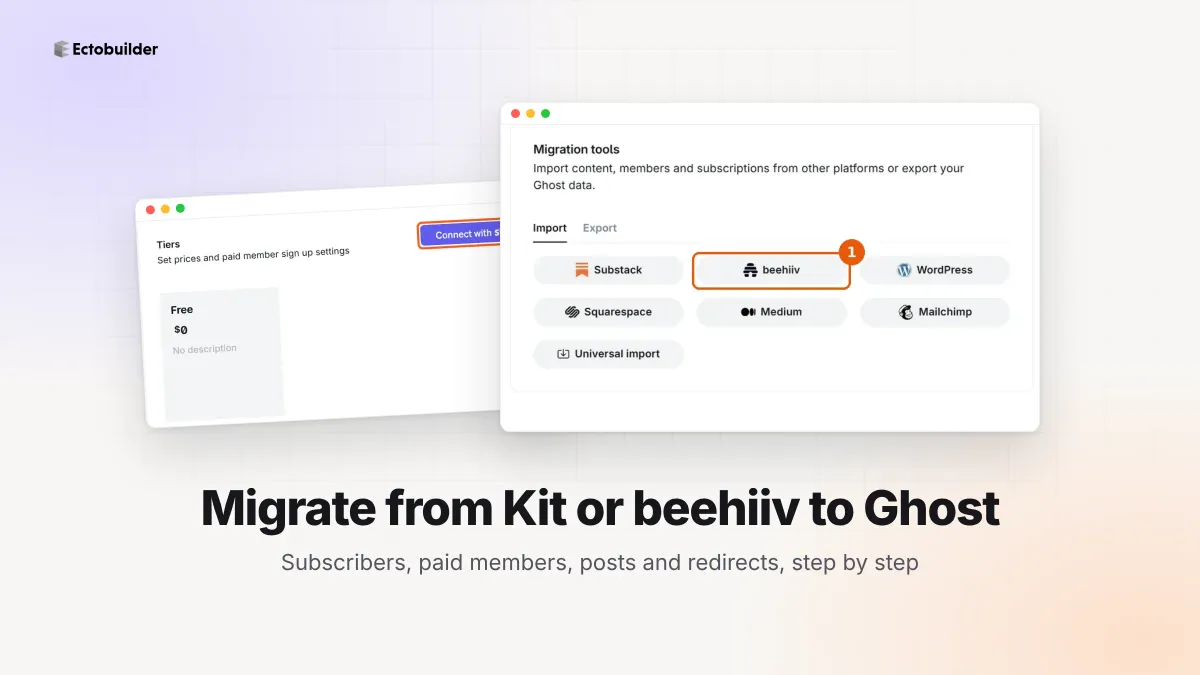
How to Migrate from Kit or beehiiv to Ghost (Subscribers, Paid Members, Posts and Redirects)
Move your newsletter from Kit (ConvertKit) or beehiiv to Ghost step by step: export and import subscribers, deal with paid members and Stripe, bring your posts across, set up redirects and your domain, warm up email sending, and make the new site look right.
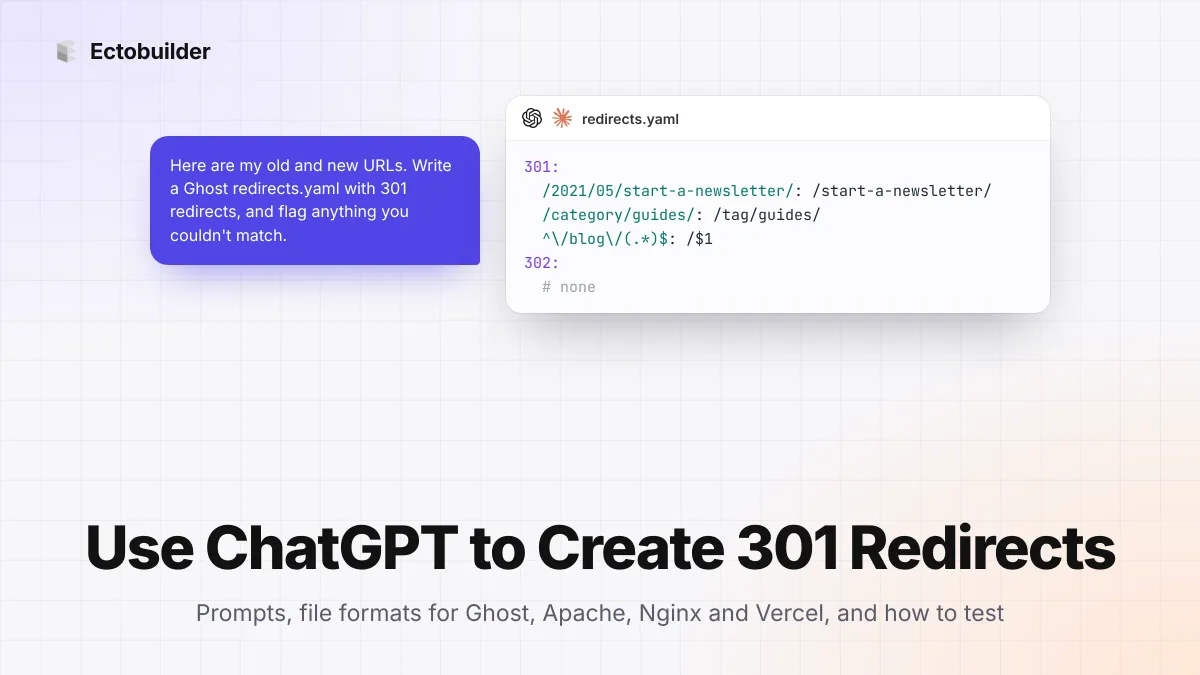
How to Use ChatGPT to Create 301 Redirects (Prompts, File Formats and Testing)
Let ChatGPT or Claude match your old URLs to new ones and write the redirect file for Ghost, Apache, Nginx, Netlify or Vercel. Prompts to copy, the mistakes to avoid, and how to test every redirect.