
Infinite Scroll and Load More for Ghost (No Code)
Ghost splits your blog into /page/2/, /page/3/ and on. Here’s how to load the next posts on the same page instead, with a Load more button or as readers scroll, on your blog, tag and author pages.

Michal Wlosik
· 4 min read
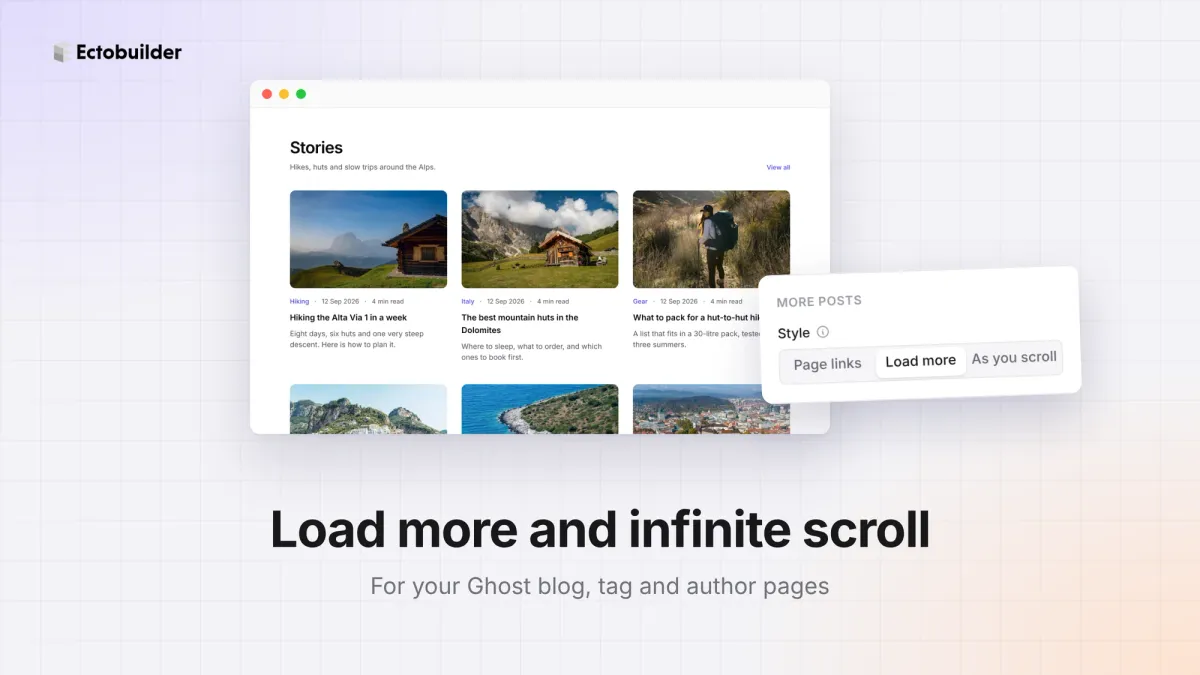
Ghost splits your blog into pages. The first few posts appear on your blog page, and the rest sit behind links to /page/2/, /page/3/ and so on. Many readers never click them.
This guide shows how to load the next posts on the same page instead, with a Load more button or as readers scroll, on your blog, tag and author pages. No code.
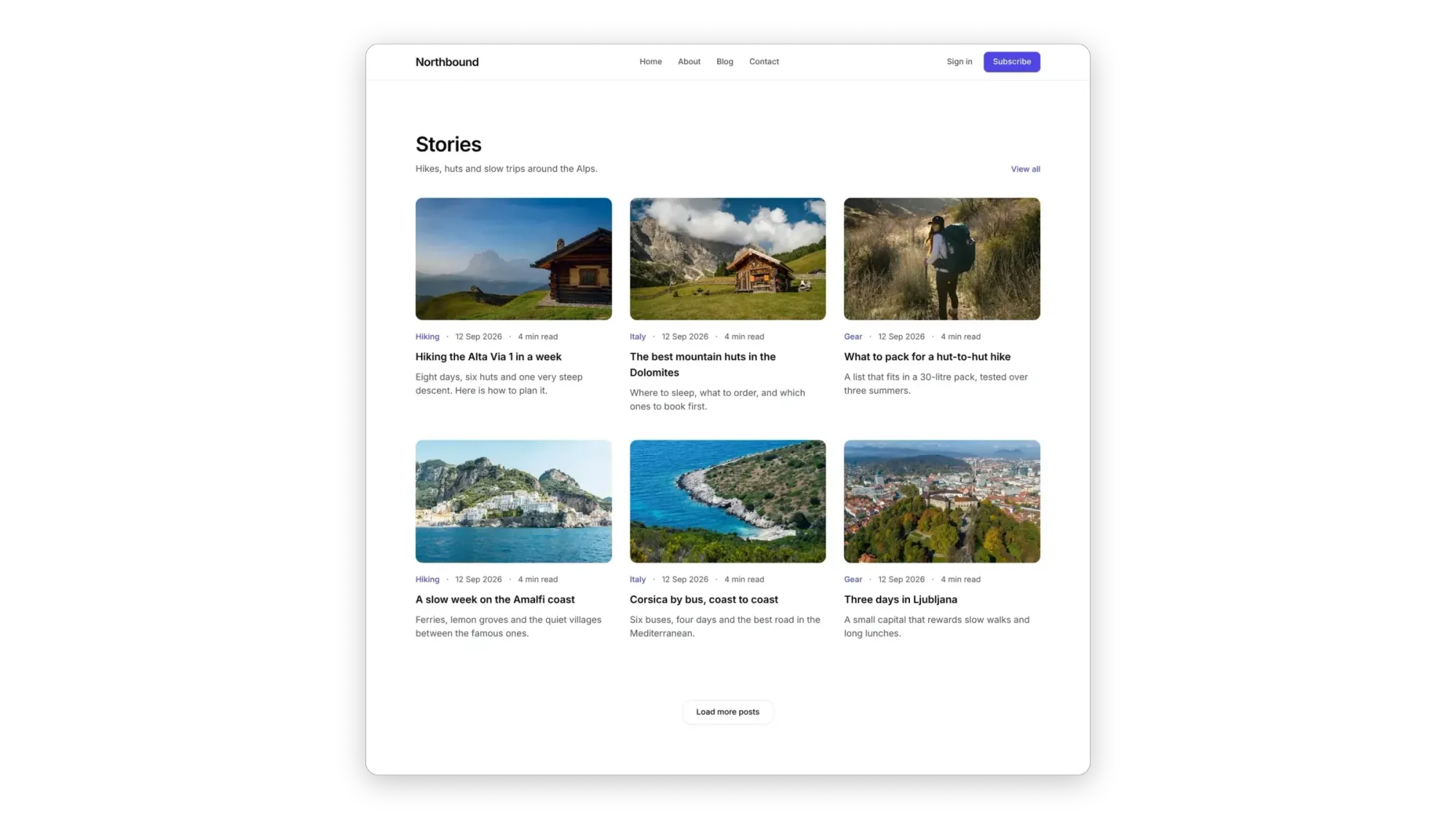
Three ways to show more posts
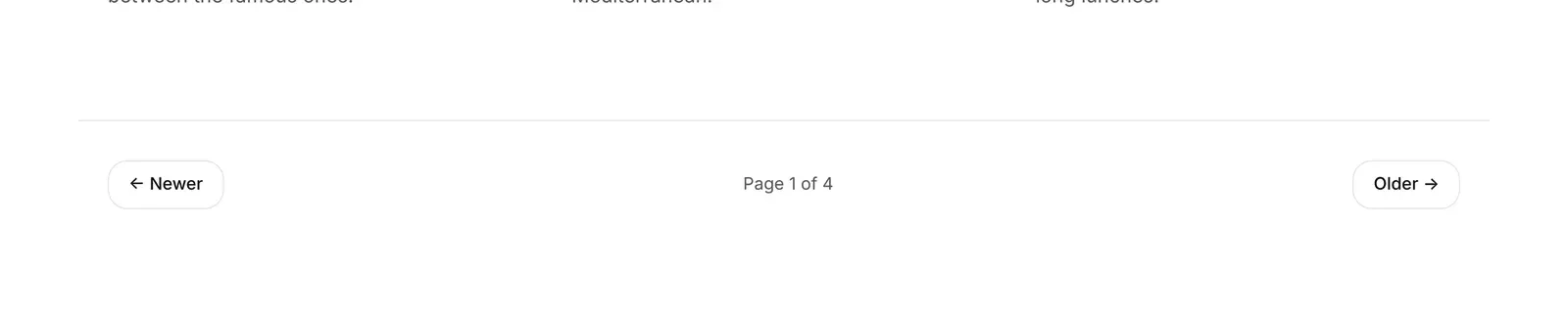
- Page links: Newer and Older links to
/page/2/and on, the classic way. Readers always know where they are, and every page has its own address. - Load more: a button that adds the next posts under the ones already shown. Readers stay on the same page and keep their place.
- As you scroll (infinite scroll): the next posts load by themselves as readers reach the end of the list.
Which one to choose
- Load more suits most blogs. It's quick to use, and readers decide when they want more.
- As you scroll suits sites people browse, like photo journals, magazines and newsletters with short posts.
- Page links suit very large archives, and sites where readers come back to find a post on a certain page.
Avoid infinite scroll if your blog page has a footer readers need, like a newsletter signup or contact details: with posts loading endlessly, they can't reach it. Load more doesn't have that problem.
How to set it up
1. Open your blog page
Open your theme in Ectobuilder and switch to the Blog page. If your tag and author pages share the Blog design (the default), they'll follow this setting too.
2. Select the page links
Click the page links under your posts. If your blog has none, add Load more from Add → Post feeds under the post list.
3. Choose the style
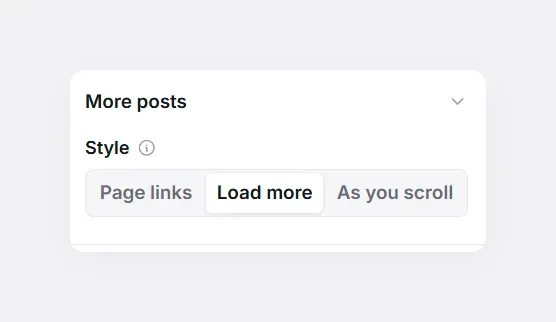
In the panel on the right, under More posts, set Style to Page links, Load more or As you scroll. You can switch between them at any time.
4. Deploy
Deploy your theme to Ghost and open your blog. Each click, or each time a reader reaches the end, adds the next page of posts.

Let readers keep scrolling.
Load more and infinite scroll for your Ghost blog, tag and author pages, in one setting.
How many posts load each time
Each load brings one page of posts, the same number your blog shows at first. Change it under Settings → Optimization → Posts per page. Six to twelve works well for card layouts; lists can show more.
SEO and old links
Nothing changes for search engines. The Load more button is a real link to the next page, so Google still finds /page/2/, /page/3/ and every post on them. Readers with an old link to page 3 still get page 3. And if a reader's browser has scripts switched off, the button simply opens the next page.
The code route
Without Ectobuilder, you'd edit your theme's index.hbs, tag.hbs and author.hbs to mark the post list and the next-page link, then add a script that fetches the next page, takes its posts and adds them to the list, and watches the end of the list for infinite scroll.
Related guides
- Search and filters for your blog: a search bar, topic filters and sorting on the post list.
- Custom author pages: profiles with a cover photo, bio and social links.
- Sample content for Ghost: fill an empty site with sample posts, then remove them in one click.
- How to build your Ghost theme visually: every step, from picking a theme to publishing it to Ghost.
FAQ
Does it work on tag and author pages?
Yes. When tag and author pages share the Blog design, they get the same setting. If they have their own design, select their page links and choose a style there.
Is infinite scroll bad for SEO?
Not here. The posts load from Ghost’s own page addresses, and the link to the next page stays in the page for search engines to follow.
What happens when there are no more posts?
The button disappears and the list ends there.
Can I change the “Load more posts” label?
Yes. Click the button in the editor and type your own, like “Show more” or “Older stories”.
Design every page of your Ghost blog.
Post lists, tag and author pages, and how readers get to more posts. Start free and deploy straight to Ghost.
Written by
Founder of Ectobuilder, the AI-powered visual theme editor for Ghost. Indie software builder in Wrocław and co-author of The AdTech Book. I write about Ghost themes, newsletters and building websites with AI.
Comments
Questions or thoughts? Share them below.
Keep reading
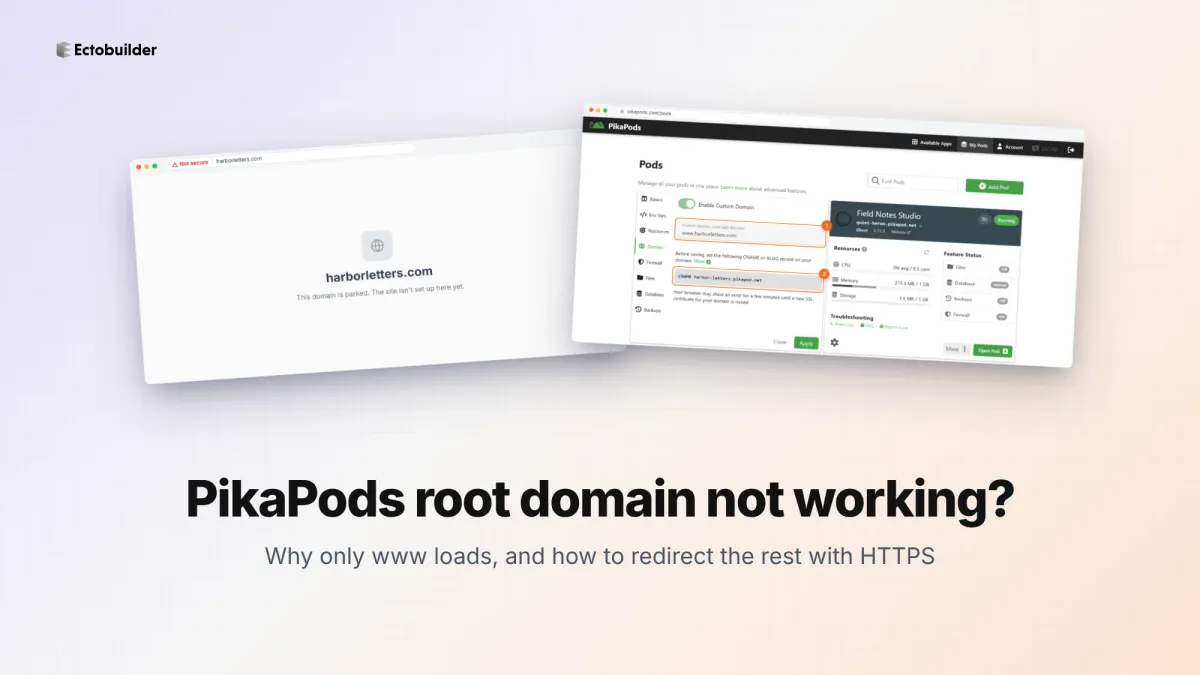
PikaPods Custom Domain: Why Only www Works (and How to Fix the Root Domain)
PikaPods maps one custom domain per pod, so yourdomain.com without www stays on a parked page with no SSL. Here's why, and three ways to redirect it to www over HTTPS without touching your email records.
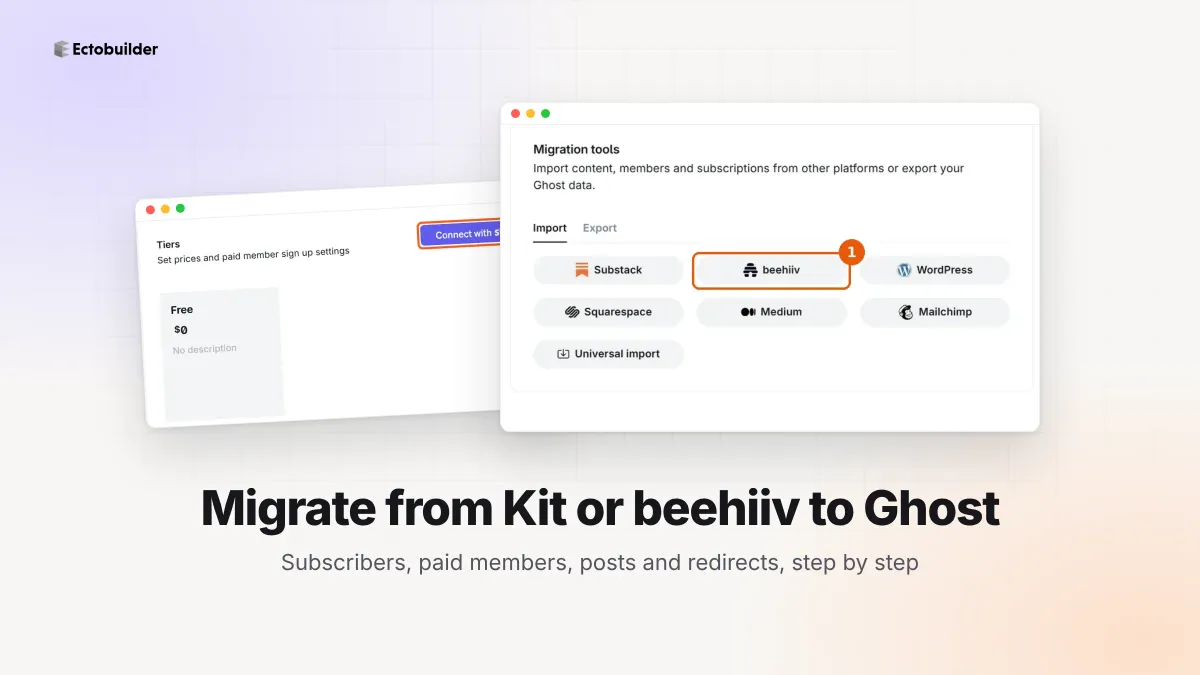
How to Migrate from Kit or beehiiv to Ghost (Subscribers, Paid Members, Posts and Redirects)
Move your newsletter from Kit (ConvertKit) or beehiiv to Ghost step by step: export and import subscribers, deal with paid members and Stripe, bring your posts across, set up redirects and your domain, warm up email sending, and make the new site look right.
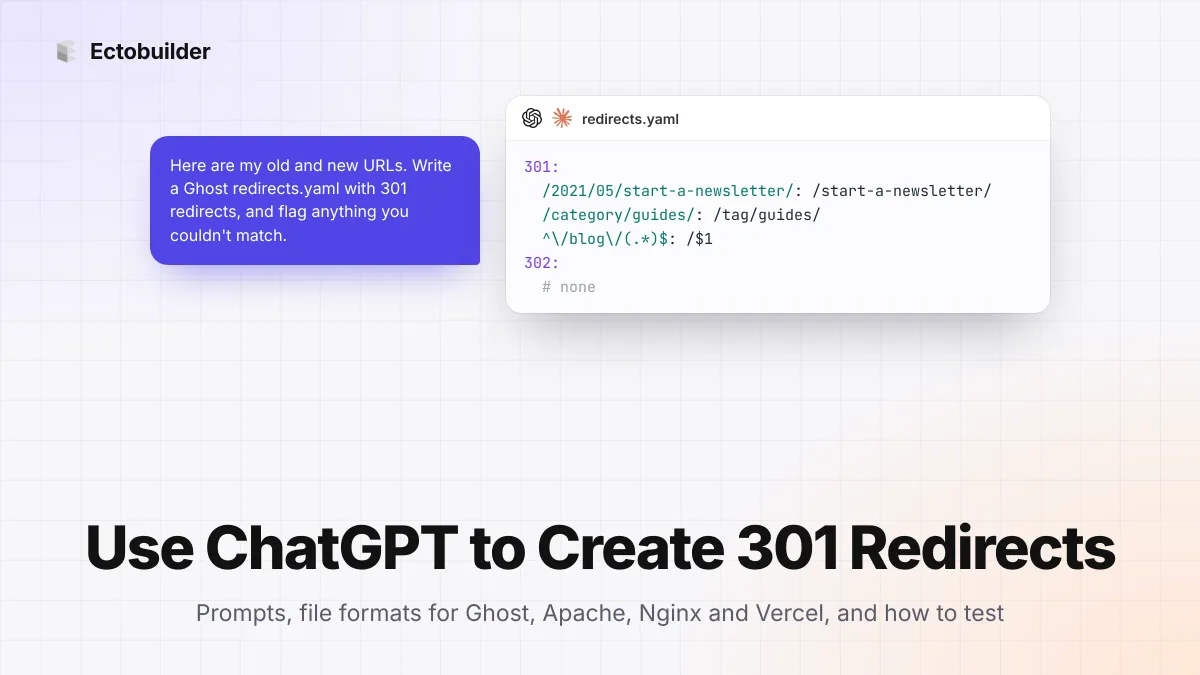
How to Use ChatGPT to Create 301 Redirects (Prompts, File Formats and Testing)
Let ChatGPT or Claude match your old URLs to new ones and write the redirect file for Ghost, Apache, Nginx, Netlify or Vercel. Prompts to copy, the mistakes to avoid, and how to test every redirect.