
How to Make a Full-Screen Hero with a Video Background in Ghost
Make your homepage hero fill the screen, add a looping video or gradient background with a shade for readable text, and keep it fast on phones. No code.

Michal Wlosik
· 4 min read
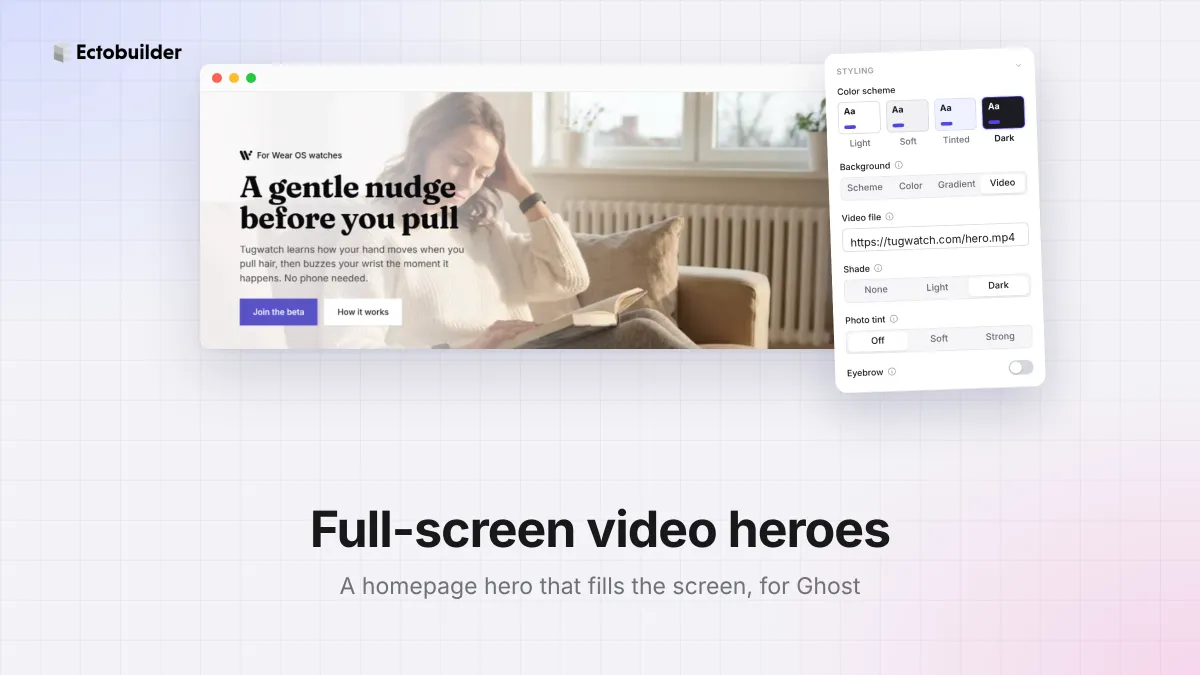
The first screen of your homepage does most of the work. A hero that fills the whole screen, with a looping video behind your headline, makes a strong first impression, and it's the look most landing pages and portfolio sites go for.
Ghost themes rarely let you do this without editing code. This guide shows how to make a full-screen hero, add a video or gradient background, and keep it fast and readable.

What you can set
- Height: Auto (as tall as the content), S, M, L, or Screen, where the hero is exactly as tall as the screen below your header and the next section starts at the bottom edge.
- Content position: put the headline at the top, middle or bottom of a tall hero.
- Background: your color scheme, a solid color, a gradient at the angle you choose, or a video.
- Shade for video: none, light or dark, so text stays readable over any footage.
When the background is dark, the text turns light by itself. All of this works on any section, not just heroes.
How to make a full-screen hero
1. Select your hero
Open your theme in Ectobuilder and click the hero at the top of your homepage. No hero yet? Add section → Hero has dozens.
2. Set the height
Under Layout, set Height to Screen. Then choose where the content sits. Middle is the classic look; bottom suits big photos and video.
3. Add a video background
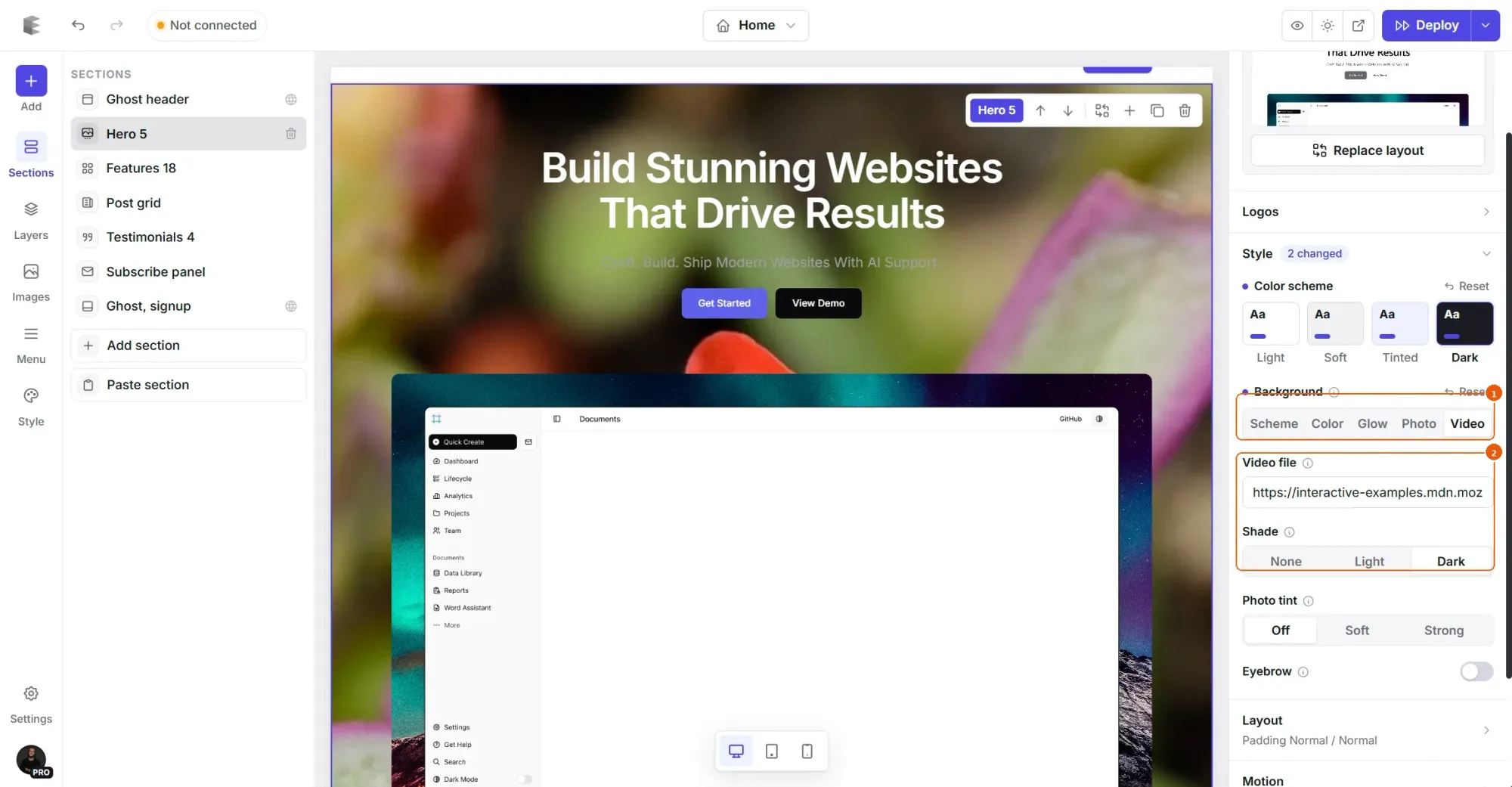
Under Style, set Background to Video and paste a link to an MP4 file. It plays muted, on a loop, behind your content. Set Shade to Dark if the video is busy or bright, or Light for dark text over a bright clip, like the one above.
4. Deploy
Deploy your theme to Ghost and open your homepage on a phone and a computer.
Give your Ghost homepage a strong first screen.
Full-screen heroes, video and gradient backgrounds, and a library of hero sections to start from.
Where to host the video
The background needs a direct link to an MP4 file, not a YouTube or Vimeo page. Two easy options:
- Your Ghost site. In any Ghost post, add a Video card and upload the clip, then copy the video's address (it ends in
.mp4and lives under/content/media/). You can delete the post afterwards; the file stays. - A file host or CDN, like Bunny, Cloudflare R2 or your own server, if you already use one.
Tips for a fast, readable video hero
- Keep it short and small. 10 to 20 seconds that loop smoothly, under 5 MB, at 1280 or 1920 pixels wide. Remove the sound track; it never plays anyway.
- Calm footage works best. Slow movement behind text reads better than fast cuts.
- Keep the action away from the text. Like the Tugwatch clip, frame the movement on the side opposite your headline.
- Use the shade. Text over a busy video is hard to read. A shade fixes it without editing the video.
- Check on phones. Phones play muted background video, but a full-screen hero is tall there: keep the headline short so it fits.
- Not sure about video? A gradient background in your brand colors gives a similar effect at no cost to speed.
Related guides
- Core Web Vitals for Ghost: what makes a Ghost theme fast.
- Landing pages with custom templates: a page with its own design, picked per page in Ghost.
- Custom fonts in Ghost: pick a font or upload your own files.
- How to build your Ghost theme visually: every step, from picking a theme to publishing it to Ghost.
FAQ
Can I use a YouTube or Vimeo video as the background?
Not as a background: it needs a direct link to an MP4 file. For a YouTube or Vimeo video readers can play, use a video section instead.
Does a full-screen hero work on phones?
Yes. It uses the screen’s real height, so the phone’s address bar doesn’t cut it off, and taller content still makes the section grow.
Will a video background slow my site down?
A short, compressed clip adds little, and it loads alongside the page rather than before it. Keep it under 5 MB, or use a gradient instead.
Can I use these settings on other sections?
Yes. Height, content position and backgrounds work on any section, like a call to action or a quote.
Design your Ghost homepage visually.
Start from a hero you like, make it full-screen, add video, and deploy straight to Ghost.
Written by
Founder of Ectobuilder, the AI-powered visual theme editor for Ghost. Indie software builder in Wrocław and co-author of The AdTech Book. I write about Ghost themes, newsletters and building websites with AI.
Comments
Questions or thoughts? Share them below.
Keep reading
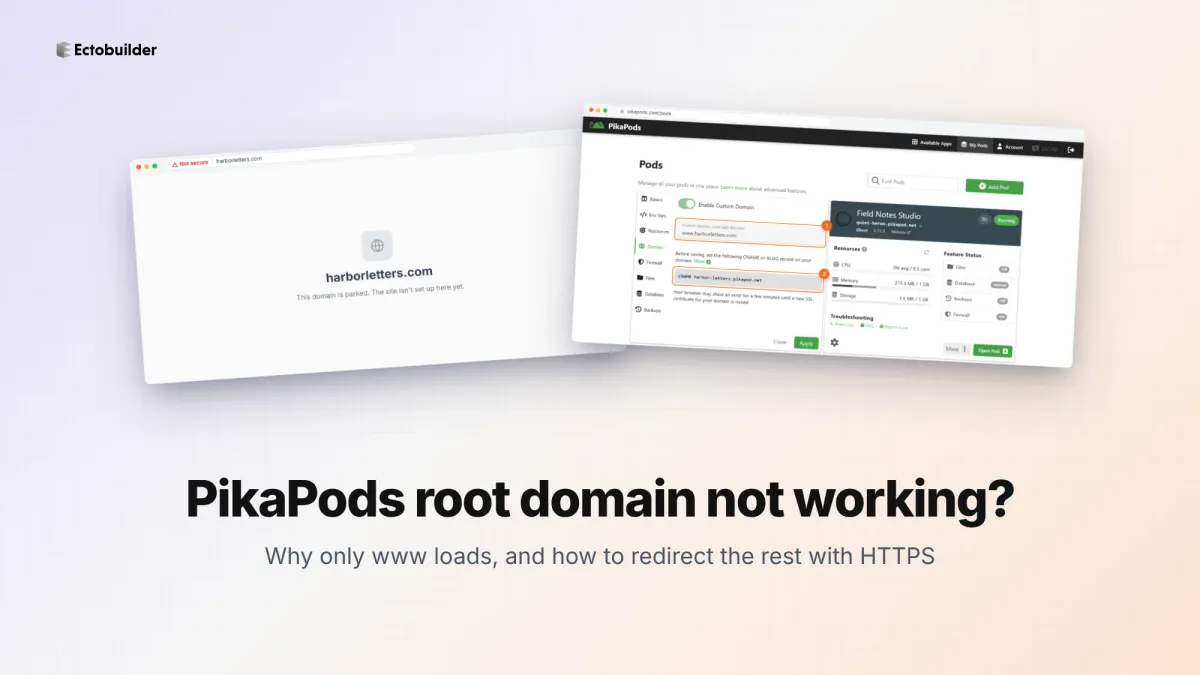
PikaPods Custom Domain: Why Only www Works (and How to Fix the Root Domain)
PikaPods maps one custom domain per pod, so yourdomain.com without www stays on a parked page with no SSL. Here's why, and three ways to redirect it to www over HTTPS without touching your email records.
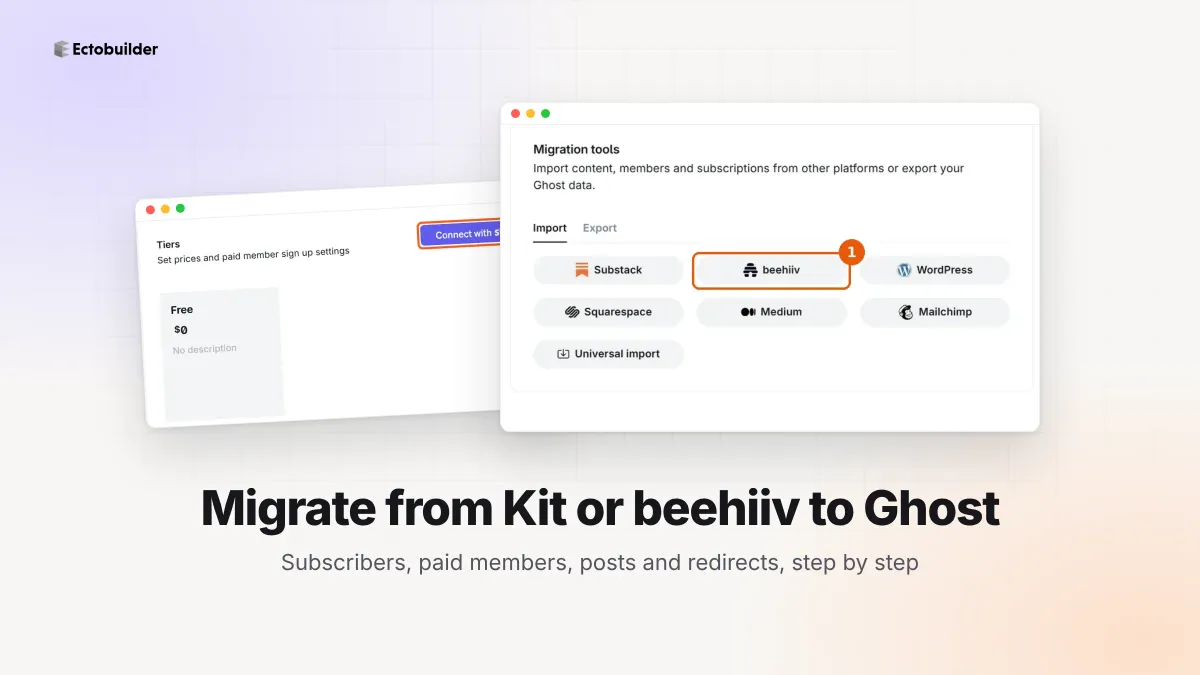
How to Migrate from Kit or beehiiv to Ghost (Subscribers, Paid Members, Posts and Redirects)
Move your newsletter from Kit (ConvertKit) or beehiiv to Ghost step by step: export and import subscribers, deal with paid members and Stripe, bring your posts across, set up redirects and your domain, warm up email sending, and make the new site look right.
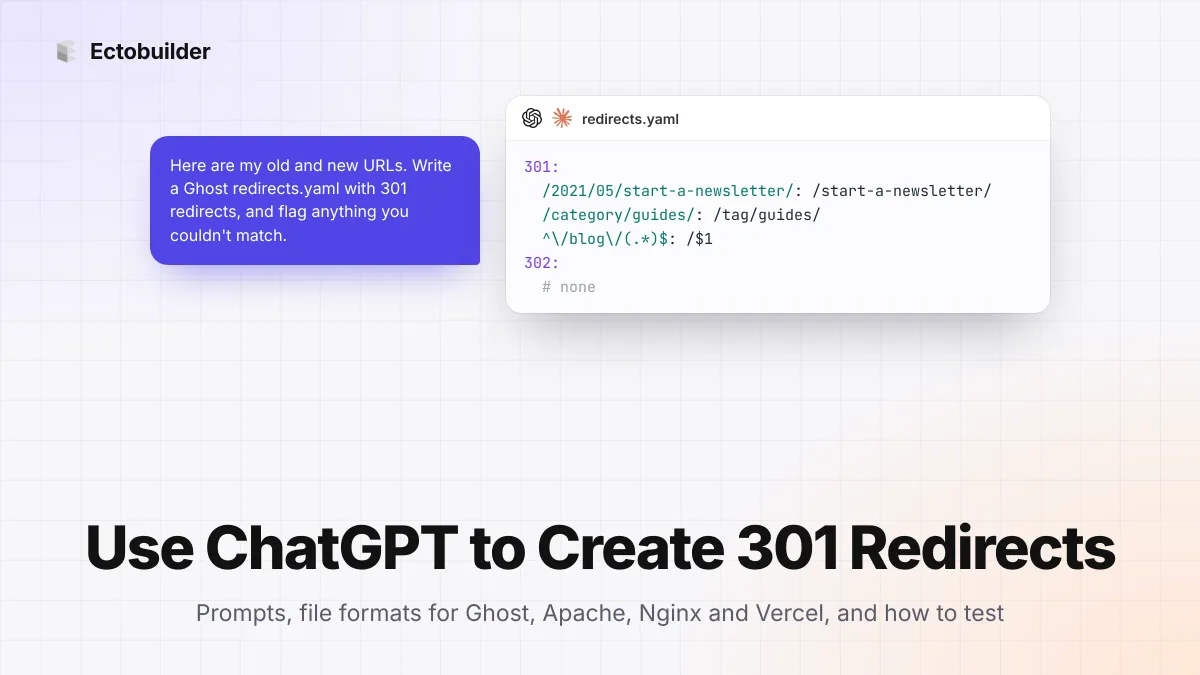
How to Use ChatGPT to Create 301 Redirects (Prompts, File Formats and Testing)
Let ChatGPT or Claude match your old URLs to new ones and write the redirect file for Ghost, Apache, Nginx, Netlify or Vercel. Prompts to copy, the mistakes to avoid, and how to test every redirect.