
WordPress Alternatives in 2026: 7 Platforms Compared (Ghost, Webflow, Framer, Umso and More)
Tired of plugins, patches and premium licences? Seven WordPress alternatives compared on features, real prices and who each one suits.

Michal Wlosik
· 10 min read
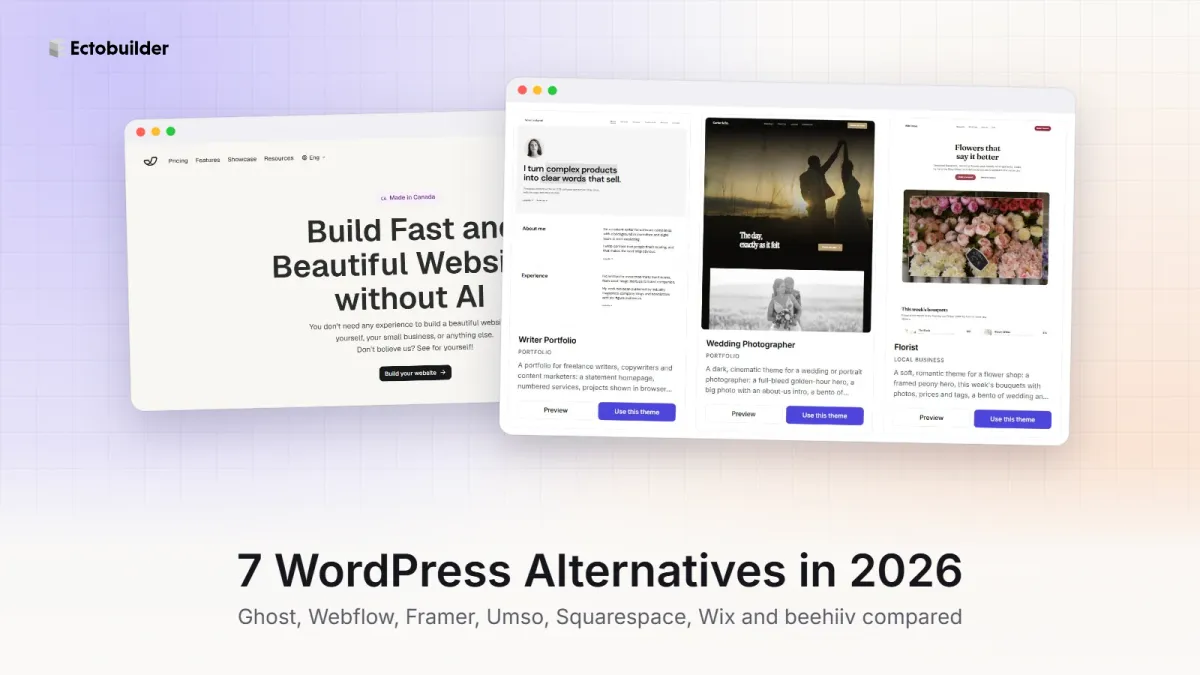
WordPress runs a huge share of the web, but plenty of people leave it. Common reasons: the plugin updates, the security patches, the slow pages, and the yearly bills for premium plugins that add up to more than the hosting.
The good news is that in 2026 there are WordPress alternatives for almost every kind of site, and most need far less upkeep. This guide compares seven of them: Ghost, Webflow, Framer, Umso, Squarespace, Wix and beehiiv. For each, you'll see what it's best for, what it costs, and where it falls short.
Prices checked on 10 October 2026, in US dollars. Most platforms show lower prices for yearly billing, and some vary by country.
WordPress alternatives at a glance
| Platform | Best for | Paid plans from | Blog | Newsletter | Paid memberships | Online shop |
|---|---|---|---|---|---|---|
| Ghost | Blogs, newsletters, membership sites | About $3/mo self-hosted, $18/mo on Ghost(Pro) | Yes | Built in | Built in | No |
| Webflow | Designers, marketing sites | $15/mo (CMS from $25/mo) | Yes (CMS) | No | No | Yes, on Ecommerce plans |
| Framer | Landing pages, portfolios, startups | $10/mo | Yes (CMS) | No | No | No |
| Umso | Simple startup and small business sites | $7/mo, billed yearly | Yes | No | No | No |
| Squarespace | All-in-one small business sites | $19/mo, billed yearly | Yes | Add-on | Yes, with fees | Yes |
| Wix | Drag-and-drop sites with lots of apps | $17/mo, billed yearly | Yes | Add-on | Yes | Yes, on Core and up |
| beehiiv | Newsletter-first creators | Free up to 2,500 subscribers | Yes | Built in | From $49/mo | Digital products |
CMS capabilities compared
A CMS (content management system) decides what kinds of content you can publish, how much of it, who can see it and how easily you can take it with you. The platforms here split into two camps: publishing platforms built around posts (Ghost, beehiiv, Squarespace, Umso) and site builders with flexible databases (Webflow, Framer, Wix).
| Platform | Content model | Limits | Members-only content | Getting your content out |
|---|---|---|---|---|
| Ghost | Posts and pages with tags and multiple authors; scheduling. No custom fields: you group content with tags and routes | No item limits | Yes: free, paid and tier-only posts, built in | Full JSON export; open source, so you can move to any host |
| Webflow | Custom collections with your own fields, reference fields and dynamic page templates | Premium: 40 collections, 20,000 items. Starter: 20 collections, 50 items. Basic: no CMS | No | CSV export per collection |
| Framer | Custom collections with your own fields and page templates | Basic: 2 collections, 1,000 items. Pro: 10 collections, 2,500 items (add-ons up to 40 collections and 40,000 items) | No | No export of the site's code; content stays in Framer |
| Umso | A simple blog: basic formatting, authors, header and inline images. No custom collections | Not published | No | No export tools advertised; check before committing |
| Squarespace | Blog posts with categories and tags, plus product, event and portfolio pages. No custom fields | Rarely an issue | Yes, with Member Areas (transaction fees apply) | WordPress-format export of pages and one blog; products, events, images and design are left out |
| Wix | A blog app plus CMS collections with custom fields and dynamic pages | Total CMS items: 1,500 (Light), 4,000 (Core), 20,000 (Business); 1,000 on free sites | Yes, with members-only pages and paid plans | CSV export of CMS collections; no full-site export |
| beehiiv | Posts that go out by email and live on your site, with tags and scheduling | Rarely an issue | Yes: free and premium posts, with a paywall inside a post | CSV export of all posts, on every plan |
If you publish articles: Ghost and beehiiv are built for it. You get authors, tags, scheduling and members-only or paid posts with no limits on how much you publish. Ghost is the only one here that is open source, so your content and your site can move to any host.
If you need custom content types: a directory, a team page, case studies or a job board need collections with your own fields. Webflow has the most capable CMS for this. Framer and Wix can do it too, but watch the item limits on cheaper plans.
If you just need a blog next to your pages: Umso and Squarespace keep it simple. That is fine for a company blog, but neither is built for a large archive or custom content.
1. Ghost: best for blogs, newsletters and memberships
Ghost is the closest thing to "WordPress for publishers, without the plugins". It's open source like WordPress, but newsletters, free and paid memberships, SEO basics and fast pages are part of the core product. There's nothing to install and nothing to patch.
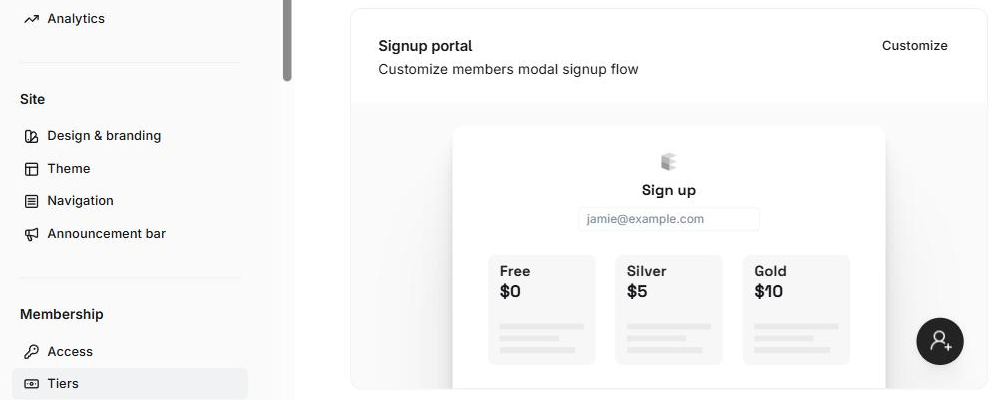
Pricing: free to self-host, from about $3 a month on PikaPods. Prefer fully managed hosting? Magic Pages is €13 a month with newsletter sending, backups and support included. Ghost(Pro), the official hosting, is $18 a month on Starter or $29 a month on Publisher, billed yearly. Ghost takes 0% of your paid subscriptions.
Why Ghost(Pro)? It’s the official hosting, run by the non-profit Ghost Foundation, so your subscription funds Ghost itself. Updates, backups, security and a worldwide CDN are handled for you, newsletter sending is included with no Mailgun account to set up, analytics work out of the box, and new features reach you first. Ghost takes 0% of your paid subscriptions. One thing to know: Starter runs only Ghost’s official themes, so choose Publisher for a custom theme. Try Ghost(Pro) free for 14 days.
Good: publishing, email newsletters and paid subscriptions out of the box; fast; low maintenance; you own your content and your list.
Not so good: no online shop and no plugin directory. Themes are written in code, so changing your design has traditionally meant editing Handlebars templates.
That last point is what Ectobuilder fixes. It's a visual theme editor for Ghost: start from a finished theme, edit sections on the page or ask AI to do it, then publish the theme to your Ghost site in one click.
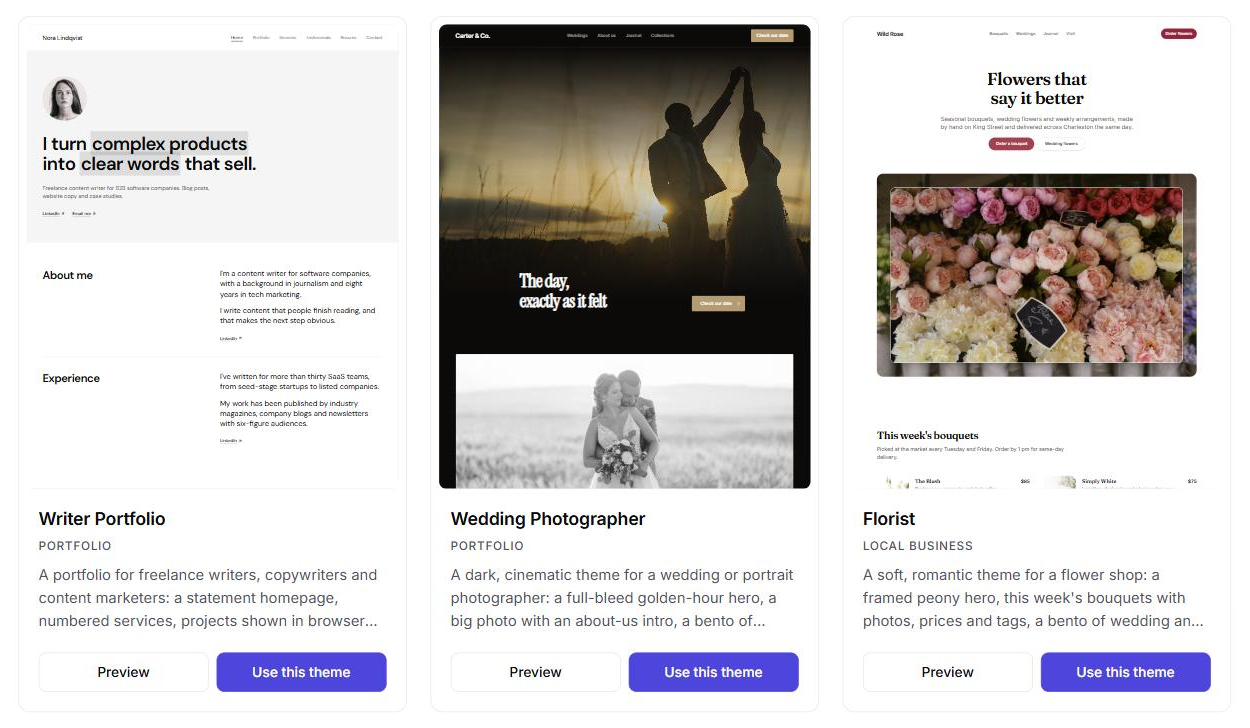
For a full comparison, read Ghost vs WordPress in 2026.

Going with Ghost? Ghost themes are code. Ectobuilder gives you a visual editor instead: pick a layout, change the words, colours and photos by clicking, and publish to Ghost.
2. Webflow: best for designers and marketing sites
Webflow gives designers the control of hand-written HTML and CSS through a visual editor. You work with real layout concepts like boxes, grids and classes, and Webflow hosts the result. Its CMS handles blogs and other collections, and it's popular with marketing teams at startups and agencies.
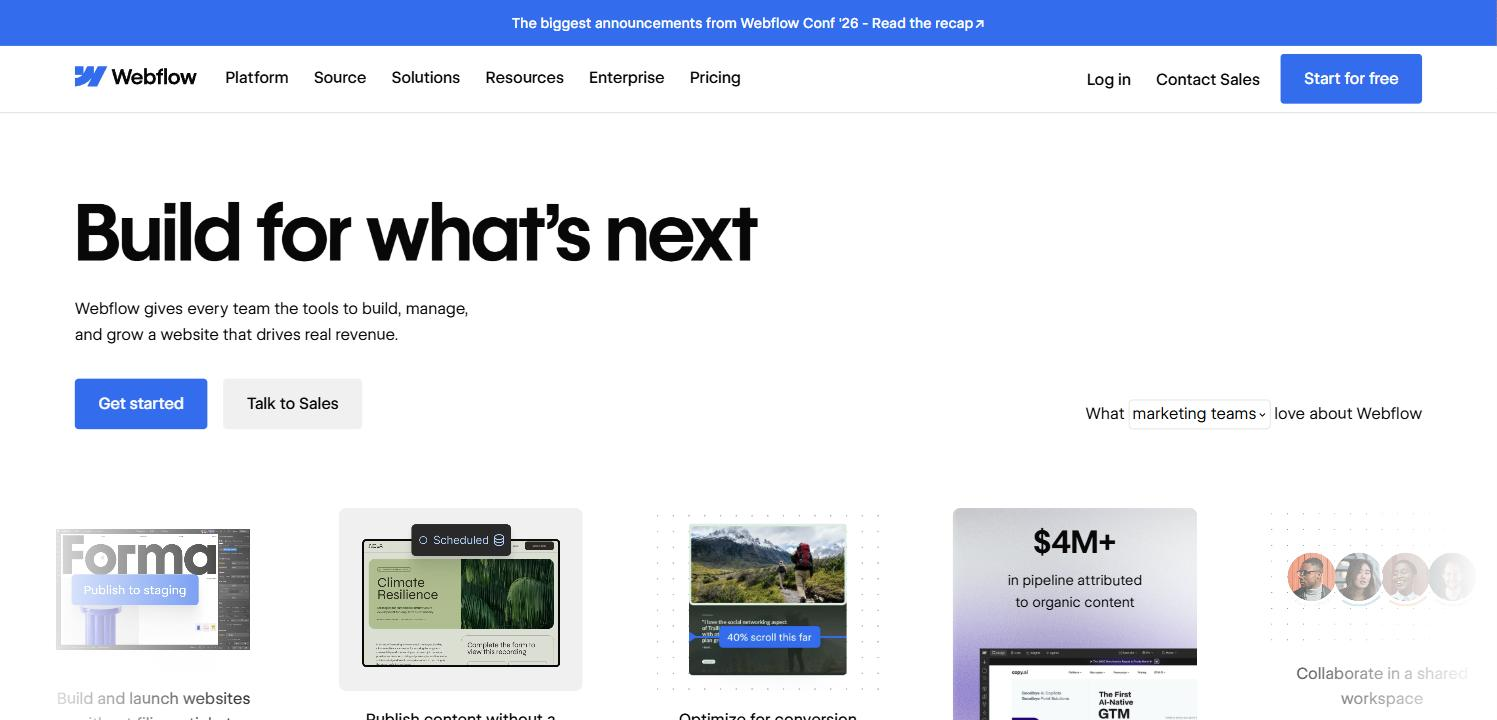
Pricing: a free Starter plan on a webflow.io address. Basic is $15 a month billed yearly, without a CMS. For a blog you need Premium, from $25 a month billed yearly. Ecommerce plans cost more.
Good: pixel-level design control, clean code, reliable hosting, a strong CMS.
Not so good: the steepest learning curve on this list. No built-in newsletter or paid memberships, and costs climb quickly with traffic and team seats.
3. Framer: best for fast, good-looking landing pages
Framer started as a design tool and grew into a website builder with an AI agent at its centre. You can describe a page, generate a first version, and refine it on a canvas that feels like a design app. It's a favourite for startup landing pages and personal portfolios.
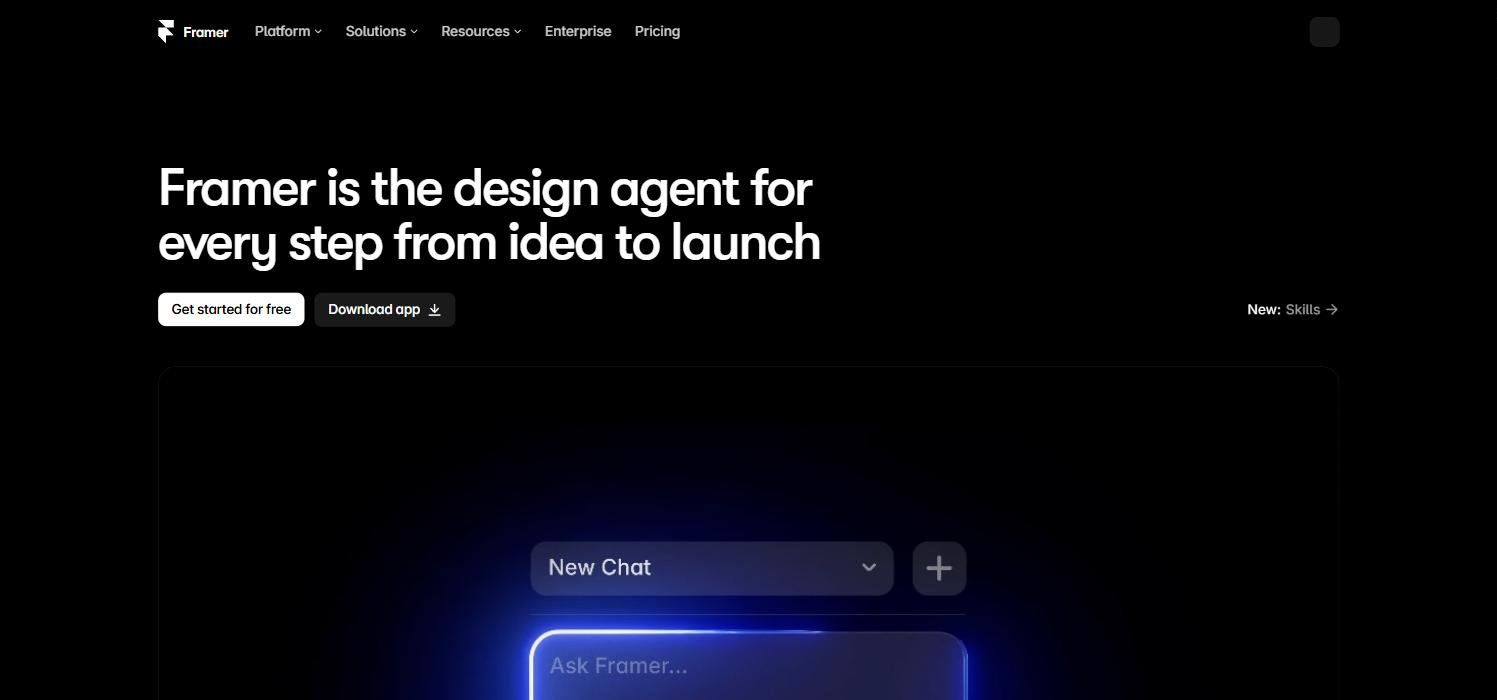
Pricing: free on a Framer subdomain. Basic is $10 a month with a custom domain and 1,000 CMS items. Pro is $30 a month with more CMS collections and items.
Good: beautiful results quickly, smooth animations, AI that builds real layouts.
Not so good: the CMS is limited on cheaper plans, so it's not built for large blogs. No newsletters, memberships or shop.
4. Umso: best for simple startup and small business sites
Umso is the opposite of a blank canvas. You pick ready-made sections, fill in your content, and the layout takes care of itself. Its pitch is "build fast and beautiful websites without AI", and it suits founders and small businesses who want a professional site in an afternoon.
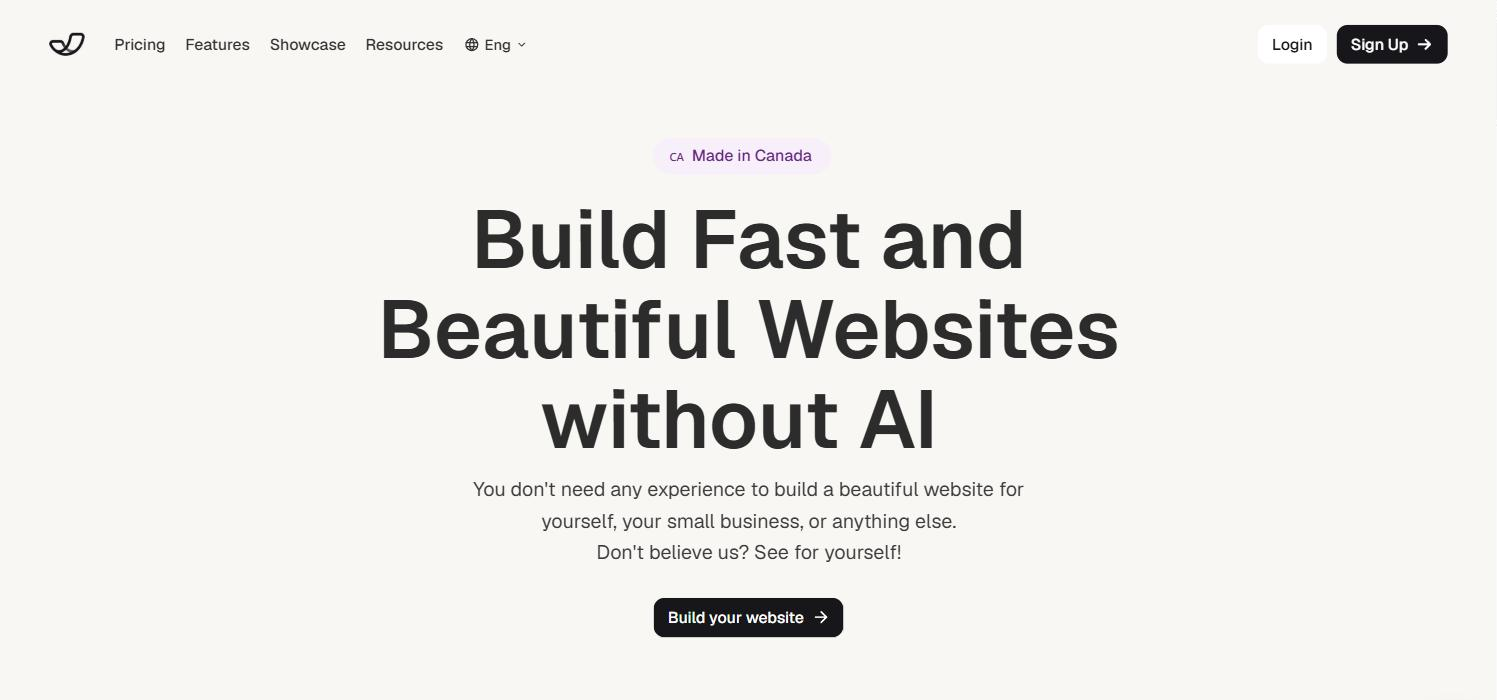
Pricing: priced per site. Free gets you a homepage and a blog on an Umso subdomain. Basic is $7 a month billed yearly ($14 monthly) for 10 pages and a custom domain. Pro is $20 a month billed yearly ($25 monthly) with unlimited pages and every feature.
Good: very easy, fast pages, sensible defaults, fair per-site pricing with unlimited team members.
Not so good: less design freedom than Webflow or Framer, and no newsletters, memberships or shop.
5. Squarespace: best all-in-one for small businesses
Squarespace bundles polished templates, hosting, a blog, an online store, appointment scheduling and email marketing in one subscription. It's a safe choice for restaurants, studios, photographers and service businesses that want everything from one company.
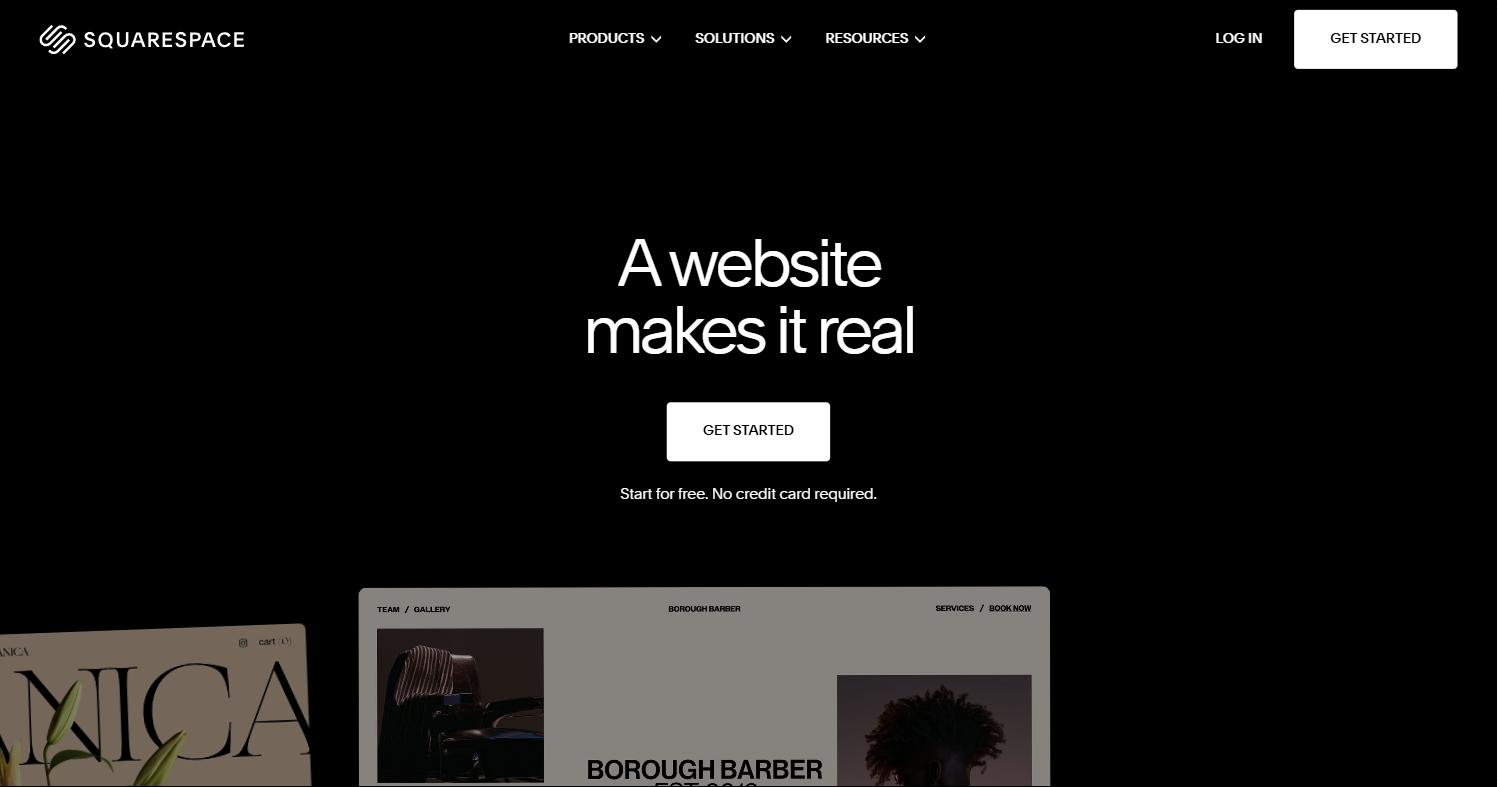
Pricing: Basic is $19 a month and Core $29 a month, billed yearly. Paid memberships and digital content carry a transaction fee on lower plans: 7% on Basic and 5% on Core.
Good: beautiful templates, one bill, a capable store, very little to maintain.
Not so good: design is limited to what the templates allow, email campaigns are an add-on, and fees on memberships eat into creator revenue.
6. Wix: best for drag-and-drop with lots of extras
Wix lets you place anything anywhere on the page, and its app market adds bookings, events, stores and more. It's the most flexible beginner builder, and its AI can create a starting site from a short description.
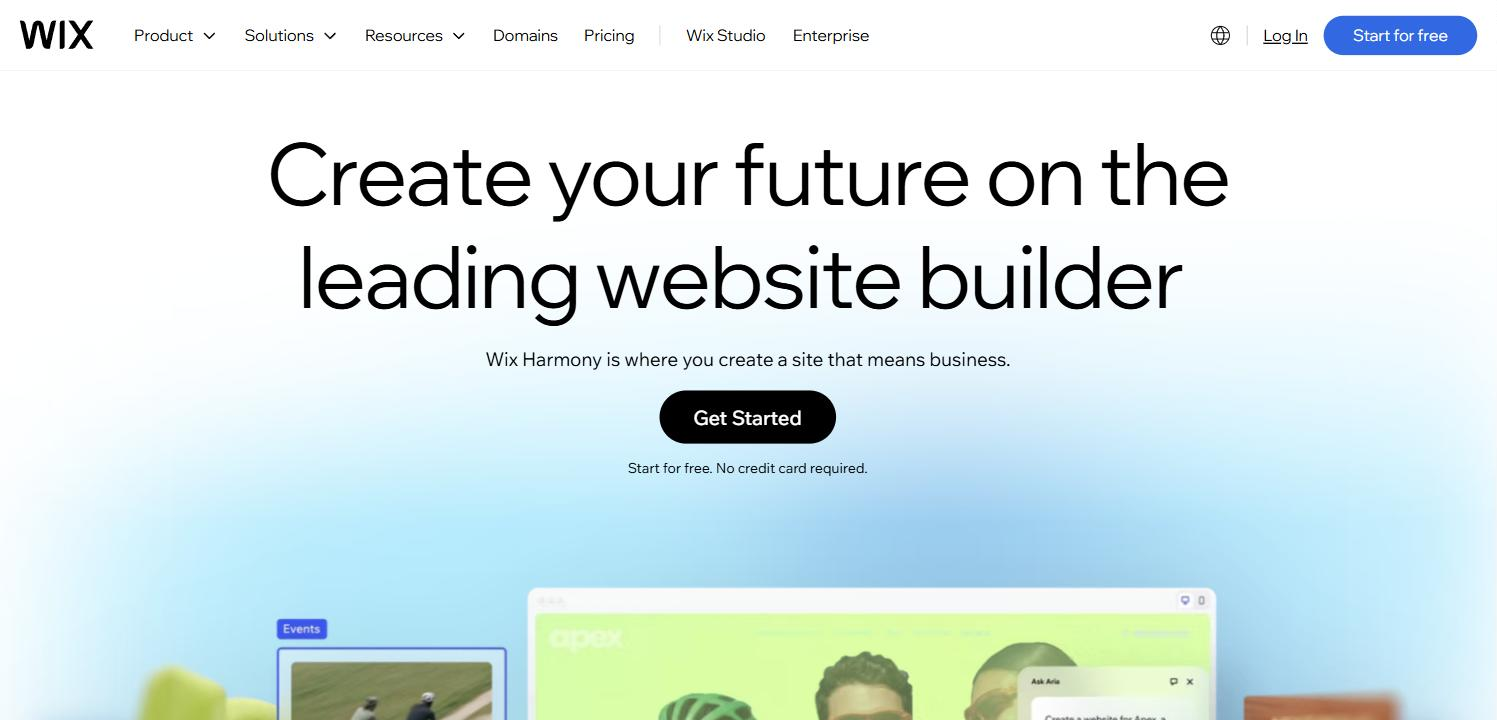
Pricing: Light is $17 a month, Core $29 and Business $39, billed yearly. Prices vary by country.
Good: total layout freedom, a big app market, built-in bookings and payments on higher plans.
Not so good: the app market can recreate the WordPress plugin problem, with extra monthly fees per app. Free-form layouts also need care to look right on phones.
7. beehiiv: best if your newsletter is the product
If what you really want from WordPress is a blog that emails subscribers, beehiiv may be enough on its own. It's a newsletter platform first, with a website, growth tools (referrals, recommendations, an ad network) and paid subscriptions.
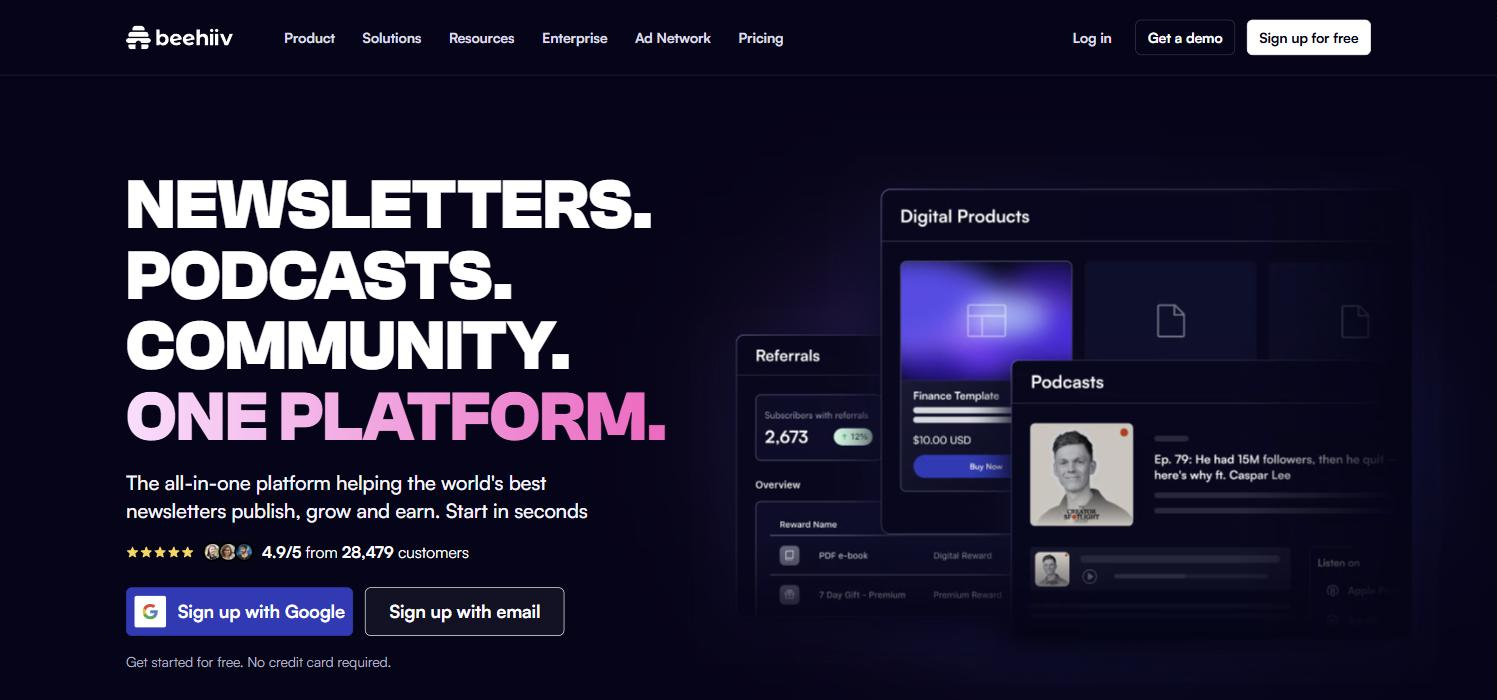
Pricing: free up to 2,500 subscribers. Paid subscriptions start on Lite, from $49 a month billed yearly, and beehiiv takes 0% of that revenue. New users get 20% off for their first 3 months with our beehiiv link (affiliate link: we may earn a commission at no extra cost to you).
Good: the best growth tools for newsletters, a generous free plan, no cut of paid subscriptions.
Not so good: the website is simple and less flexible than a real site builder, and costs rise as your list grows. Compare it with Substack in our beehiiv vs Substack guide.
Going with beehiiv? New users get 20% off for their first 3 months through our link. It's an affiliate link: we may earn a commission, at no extra cost to you.
How to choose a WordPress alternative
- You publish, and want readers to subscribe or pay: Ghost. Choose beehiiv if the newsletter matters more than the website.
- You're a designer, or want full control over layout: Webflow, or Framer for faster, more visual work.
- You need a simple, professional site quickly: Umso.
- You sell products or take bookings: Squarespace or Wix.
Whatever you choose, check two things before moving: whether you can export your content if you leave later, and what the plan costs once your traffic, list or team grows. Ghost and WordPress let you take everything with you; hosted builders vary.
Build your Ghost theme without code. Pick a theme from the Ectobuilder gallery or start from scratch, change it by clicking, and publish it to your Ghost site. Start free and only pay if you’re happy with it.
FAQ
What is the best alternative to WordPress?
It depends on the site. For blogs, newsletters and membership sites, Ghost is the closest match with less upkeep. For design-heavy marketing sites, Webflow or Framer. For a simple business site, Umso. For a shop, Squarespace or Wix.
Is there a free alternative to WordPress?
Yes. Ghost is free and open source if you host it yourself, with hosting from about $3 a month. Webflow, Framer, Umso and Wix have free plans on their own subdomains, and beehiiv is free up to 2,500 subscribers.
Which WordPress alternative is best for blogging?
Ghost. It was built for publishing, and it includes email newsletters and paid subscriptions, which WordPress needs plugins for. beehiiv is a good choice if your blog is mainly a newsletter.
Is Webflow better than WordPress?
For designers who want precise control and no plugins to maintain, often yes. It costs more as you grow, has a steeper learning curve and has no built-in newsletter or memberships.
Can I move my content from WordPress?
Usually, yes. Ghost has a built-in WordPress importer, and most builders can import posts from a WordPress export file or let you copy content across. Check your new platform’s import options before you cancel your WordPress hosting.
Can I design a Ghost site visually, like with a page builder?
Yes. Ectobuilder is a visual theme editor for Ghost: start from a finished theme, edit sections on the page or with AI, and publish to your Ghost site in one click.
Which WordPress alternative has the best CMS?
For articles and newsletters, Ghost: posts, authors, tags, scheduling and paid content with no item limits, and you can export everything. For custom content types with your own fields, Webflow has the most capable CMS, followed by Framer and Wix, which cap the number of items on cheaper plans.
Written by
Founder of Ectobuilder, the AI-powered visual theme editor for Ghost. Indie software builder in Wrocław and co-author of The AdTech Book. I write about Ghost themes, newsletters and building websites with AI.
Comments
Questions or thoughts? Share them below.
Keep reading
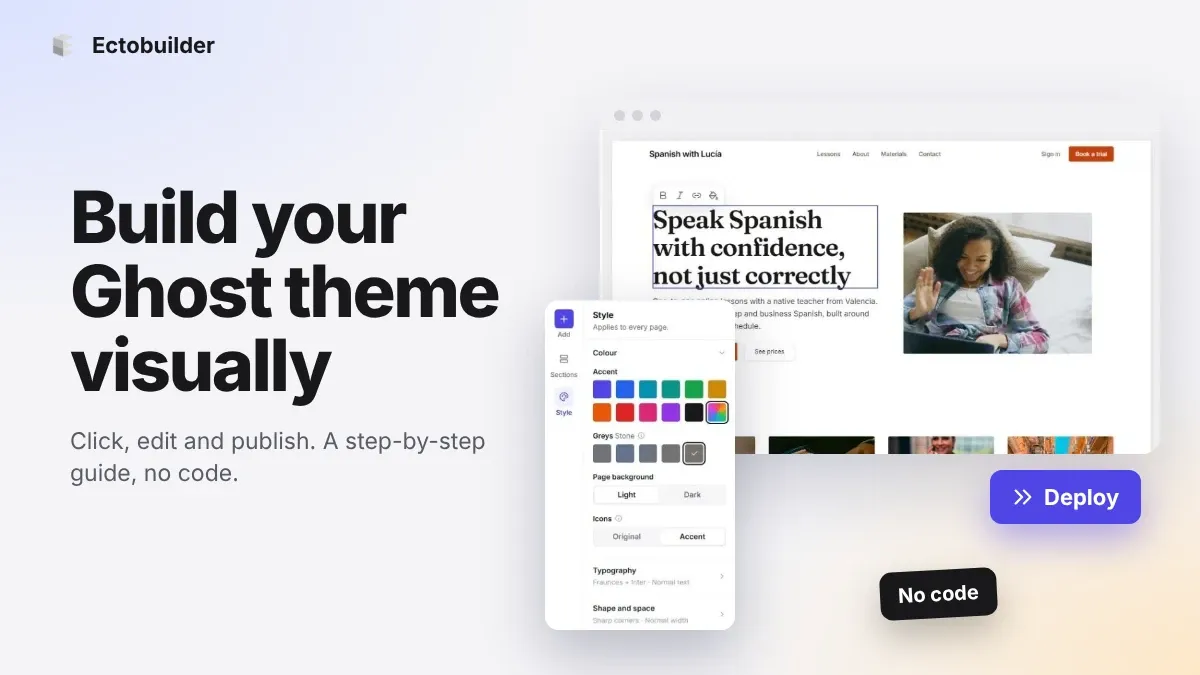
How to Build Your Ghost Theme Visually (Step-by-Step Guide, No Code)
Build a complete Ghost theme without touching code: start from a theme, edit text and pictures in place, add sections from a library of 270, set colours and fonts, design every page, and publish to Ghost in one click. Step by step, with screenshots.
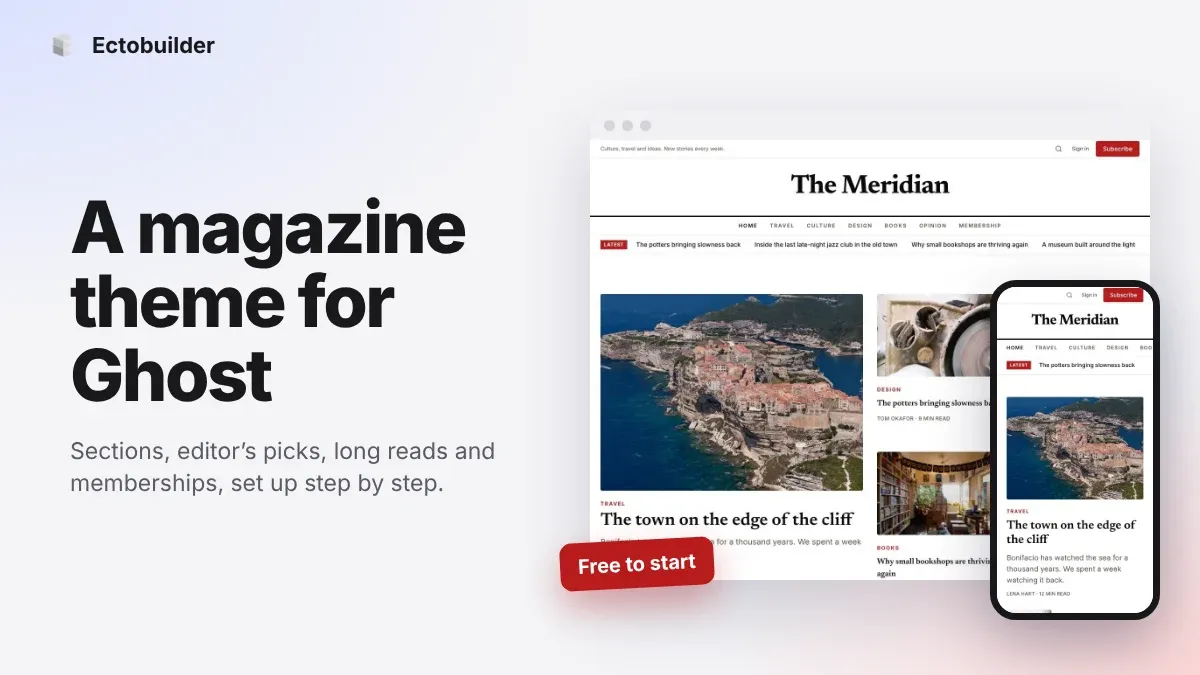
Magazine Theme for Ghost: Sections, Editor's Picks, Long Reads and Memberships
A step-by-step guide to the Magazine theme for Ghost: turn sections into tags, set up the navigation, fill the front page, editor's picks and section fronts, add your writers, sell memberships and send a weekly newsletter.
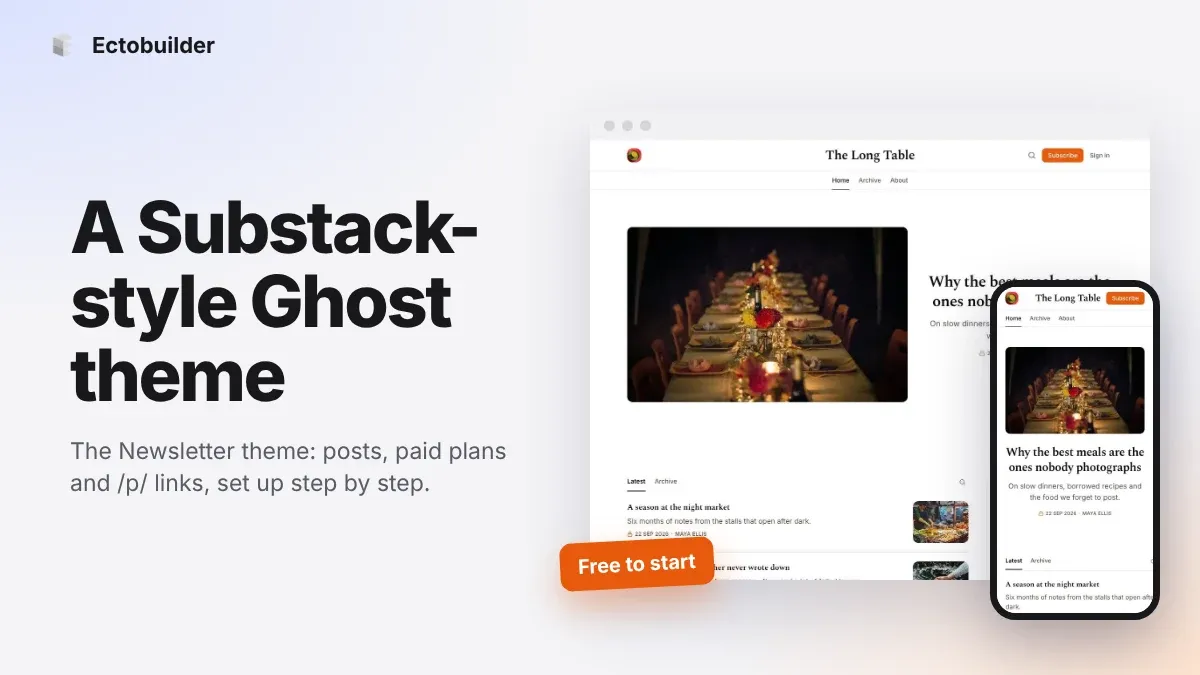
Newsletter Theme for Ghost: A Substack-Style Site With Paid Plans, /p/ Links and Comments
A step-by-step guide to the Newsletter theme for Ghost: a Substack-style homepage and reading page, then newsletters, paid plans, /p/ addresses, Plans, Welcome and About pages, comments and recommendations.