
Squarespace Alternatives in 2026: 8 Options After the Price Rise
Squarespace raised prices by up to 26% in 2026 and still charges fees on memberships. Eight alternatives compared on real prices, fees and how easy it is to move.

Michal Wlosik
· 9 min read
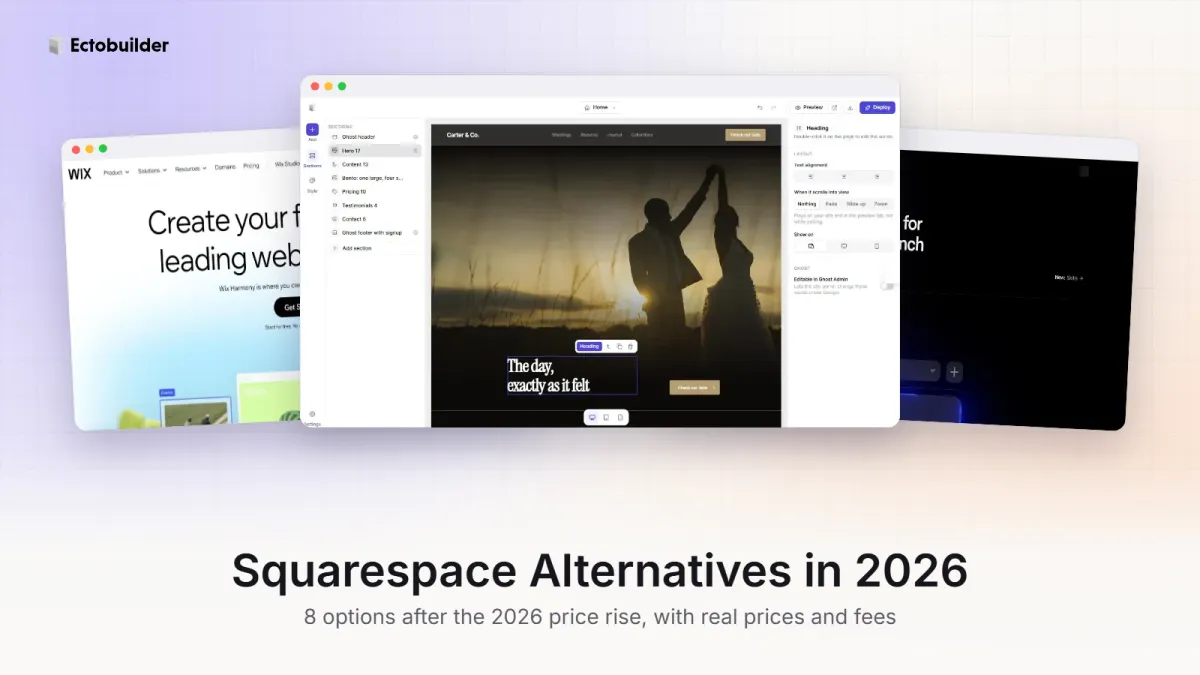
Squarespace has some of the most beautiful templates on the web, and for years it was the easy choice for photographers, studios and small businesses. W3Techs' October 2026 survey puts it on 2.4% of all websites.
But 2026 gave a lot of Squarespace customers a reason to look around. Prices went up by as much as 26%, and transaction fees on memberships and digital products still apply on the cheaper plans. This guide explains what changed and compares eight Squarespace alternatives, with what each one is best for and what it costs.
Prices checked on 11 October 2026, in US dollars, billed yearly unless noted.
Why people are leaving Squarespace
The 2026 price rise
In July 2026, Squarespace raised the price of three of its four plans, by up to 26% for yearly billing. It didn't publish an announcement; customers found out by email and on the pricing page. Squarespace later apologised for a "pricing implementation error" that gave some plans larger increases than intended, and said no customer was overcharged.
| Plan (billed yearly) | Before | After | Change |
|---|---|---|---|
| Basic | $16/mo | $19/mo | +19% |
| Core | $23/mo | $29/mo | +26% |
| Plus | $39/mo | $49/mo | +26% |
| Advanced | $99/mo | $99/mo | No change |
Paid monthly, the plans now cost $25, $39, $65 and $139. One long-time user told TechRadar their bill had risen by more than 60% since 2021, and others complained about paying for AI features they didn't ask for.
Fees on memberships and digital products
If you sell memberships, courses or downloads, the cheaper plans take a cut on top of payment processing: 7% on Basic, 5% on Core and 1% on Plus. Only Advanced charges nothing. Basic also takes 2% of online store sales.

On $1,000 a month of membership revenue, that's $70 a month on Basic or $50 on Core, before card fees.
Your content is hard to take with you
Squarespace's export only produces a WordPress-format file with your basic pages and one blog. According to Squarespace's own help center, store, portfolio, album and calendar pages, extra blogs, product and video blocks, drafts, style settings and custom CSS don't export.
Squarespace alternatives at a glance
| Platform | Best for | Paid plans from | Fee on memberships | Online store |
|---|---|---|---|---|
| Ghost | Blogs, newsletters and membership sites | About $3/mo self-hosted; $18/mo on Ghost(Pro) | 0% (card fees only) | No |
| Wix | Drag-and-drop sites with lots of apps | $17–19/mo, varies by country | Through apps and paid plans | Yes, from Core |
| Webflow | Designers and marketing sites | $15/mo ($25 with CMS) | No memberships | Yes, on Ecommerce plans |
| Framer | Portfolios and landing pages | $10/mo | No memberships | No |
| Shopify | Online stores | $29/mo | Through apps | Yes |
| Umso | Simple startup and small business sites | $7/mo | No memberships | No |
| Carrd | One-page sites | $19/year with a custom domain | No memberships | No |
| Hostinger Website Builder | The lowest price | $2.99/mo on a 48-month plan, then $10.99/mo | No memberships | Yes, on higher plans |
1. Ghost: best for creators, writers and membership sites
If you use Squarespace for a blog, a newsletter or paid content, Ghost is the strongest alternative. Newsletters, free and paid memberships, SEO basics and fast pages are built in, and Ghost takes 0% of your subscription revenue. Compared with Squarespace Basic, that's 7% back on every membership sale.
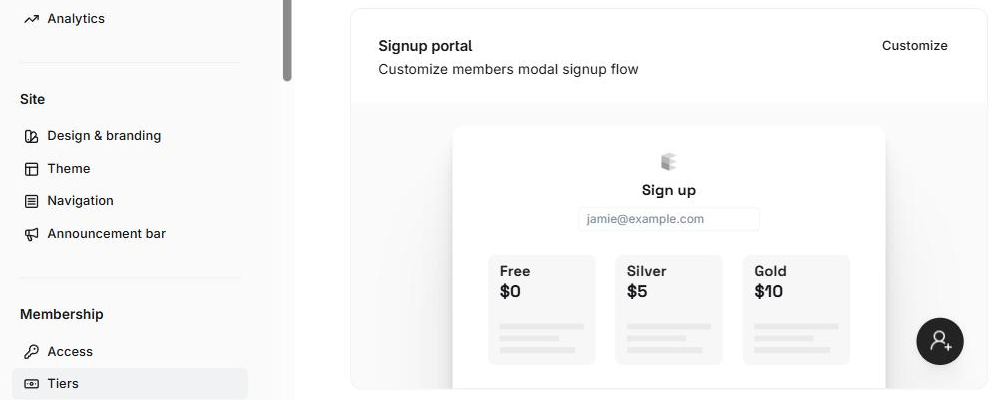
Moving is easier too. Ghost has an official Squarespace migrator: export your site from Squarespace, upload the file under Settings → Advanced → Import/Export in Ghost Admin, and your posts and pages come across, with categories turned into tags. And because Ghost is open source, you can export everything and move to any host later.
Pricing: free to self-host, from about $3 a month on PikaPods. Prefer fully managed hosting? Magic Pages is €13 a month with newsletter sending, backups and support included. Ghost(Pro) is $18 a month on Starter or $29 on Publisher, billed yearly. Starter doesn't allow custom themes or paid subscriptions.
If you’d rather not run a server, Ghost(Pro) is the easy option: the Ghost Foundation runs it for you, with updates, backups, a CDN, built-in analytics and newsletter sending included, and 0% taken from your paid subscriptions. Your subscription also funds Ghost’s development. Pick Publisher if you want a custom theme; Starter only runs Ghost’s official ones. There’s a 14-day free trial.
Watch out for: no online store, and Ghost themes are code rather than drag-and-drop. If you'll miss Squarespace's design tools, Ectobuilder is a visual theme editor for Ghost: start from a finished theme in the gallery, edit sections on the page or ask AI to do it, and publish to your Ghost site in one click.
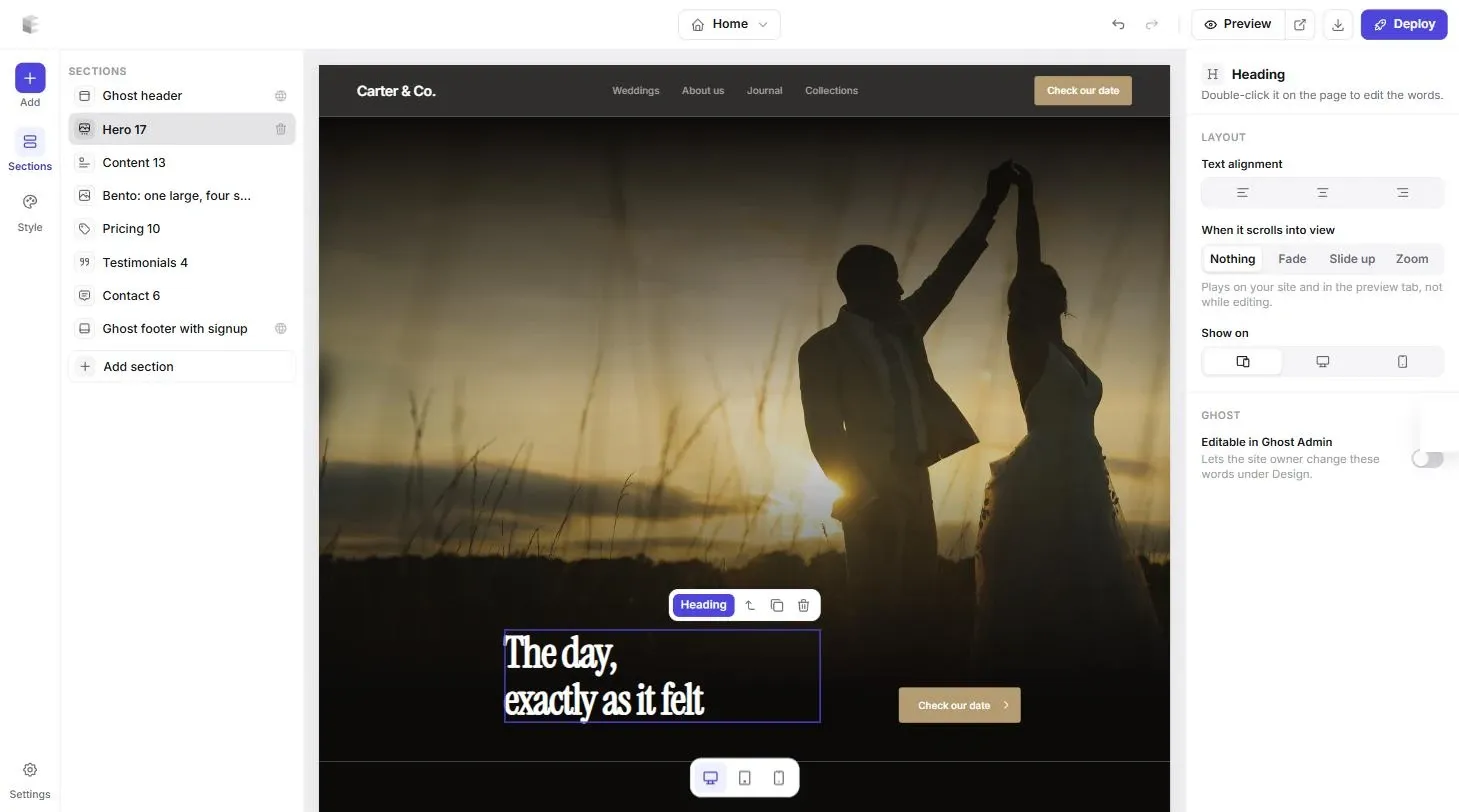

Going with Ghost? Ghost themes are code. Ectobuilder gives you a visual editor instead: pick a layout, change the words, colours and photos by clicking, and publish to Ghost.
2. Wix: best if you want more layout freedom
Wix is the most direct competitor. You can place anything anywhere on the page, and its App Market adds bookings, events, stores and more. If Squarespace's section layouts feel restrictive, Wix gives you more room.
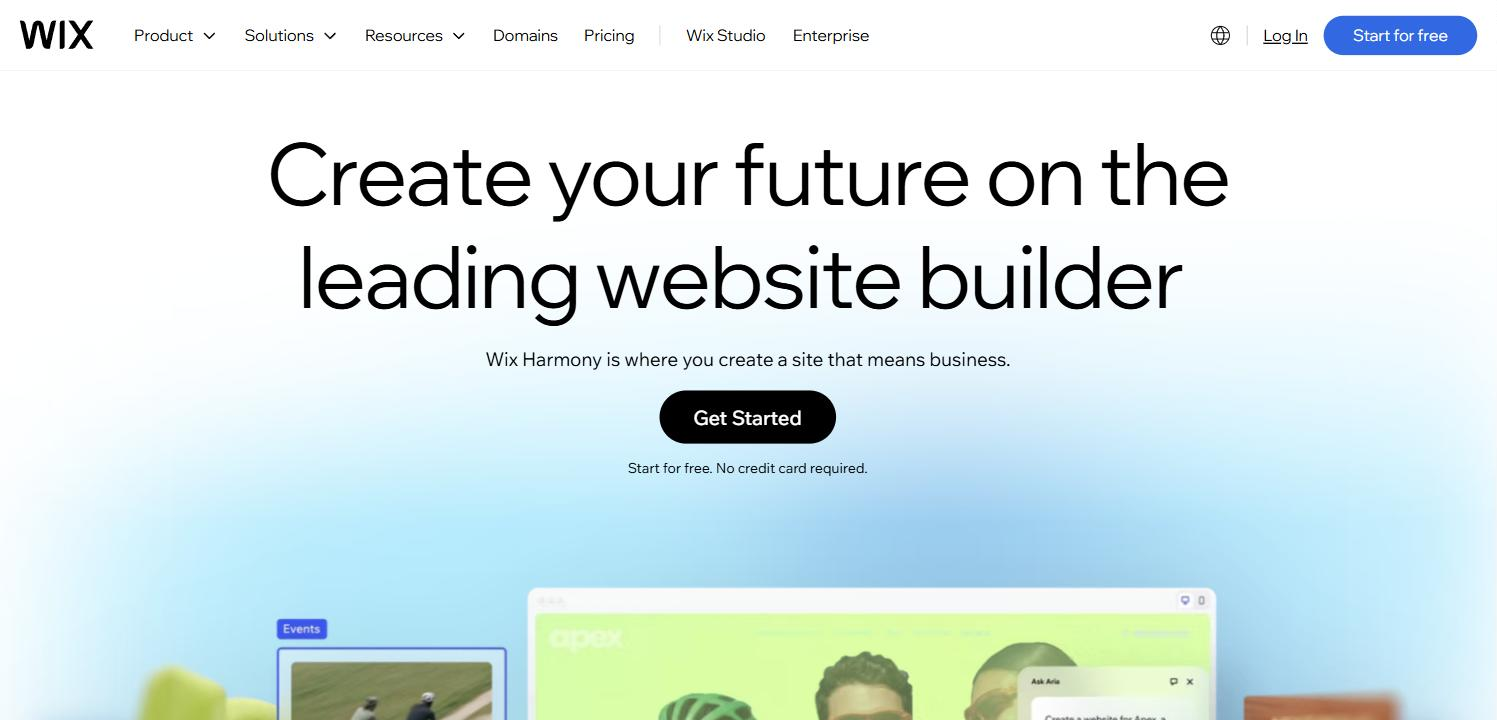
Pricing: Light from $17 a month billed yearly (prices vary by country; the US Light plan rose to $19 in August 2026), Core $29 and Business $39. Selling online starts on Core.
Watch out for: you can't switch templates without rebuilding the site, and Wix sites can't be moved to another host. Read our Wix alternatives guide before you commit.
3. Webflow: best for designers who want full control
Webflow is the step up for designers who've outgrown templates. You get precise control over layout and responsive behaviour, a strong CMS and solid hosting, without hand-coding.
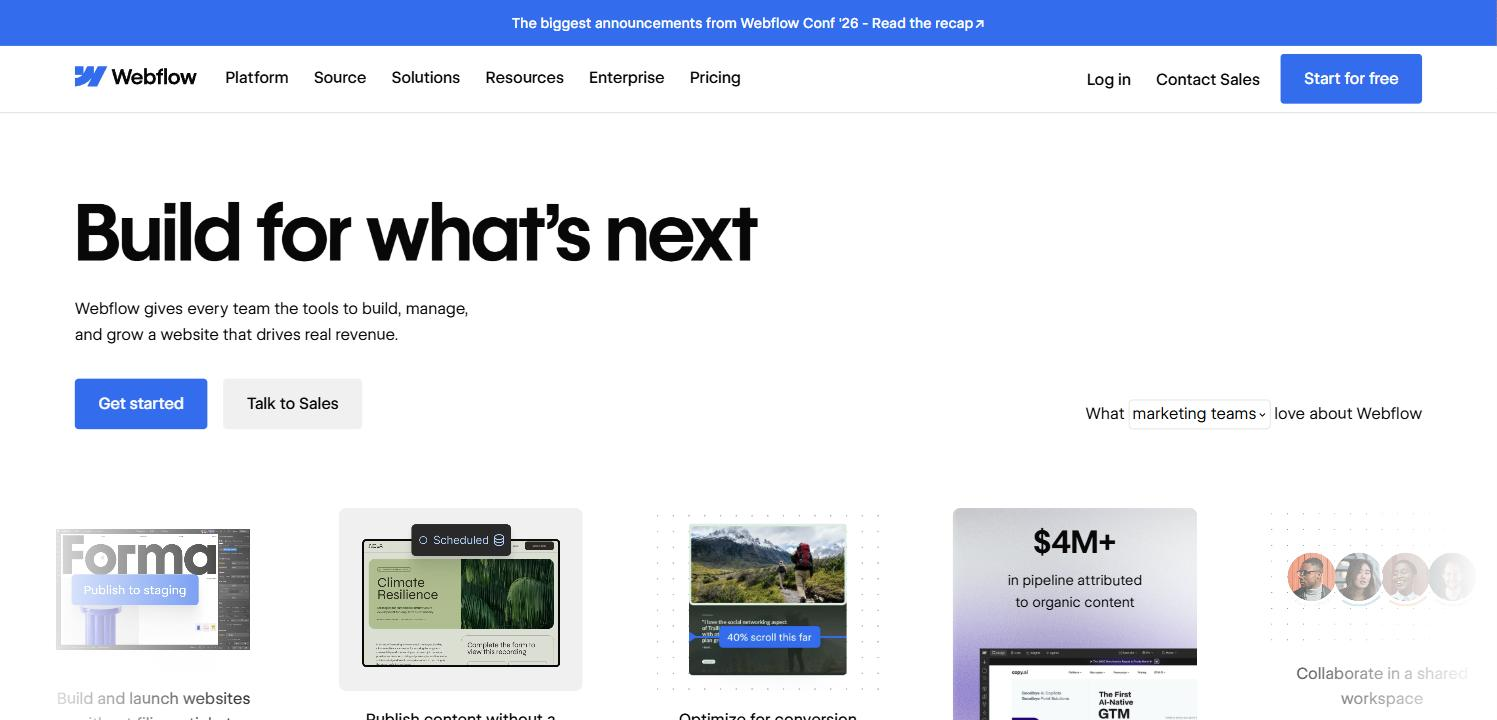
Pricing: a free Starter plan; Basic is $15 a month without a CMS, and Premium, from $25 a month, adds one.
Watch out for: a steep learning curve, and no built-in memberships or newsletter.
4. Framer: best for portfolios and creative sites
If you chose Squarespace for its looks, Framer is worth a close look. It's a design tool that publishes websites, with smooth animations and AI that drafts pages from a description, and it's popular with designers and creatives for portfolios.

Pricing: free on a Framer subdomain; Basic is $10 a month with a custom domain and 1,000 CMS items; Pro is $30 a month.
Watch out for: a small CMS on cheaper plans, and no store, memberships or newsletter.
5. Shopify: best if you mainly sell products
If your Squarespace site is mostly a store, Shopify is built for it: inventory, shipping, taxes, payments and thousands of apps. It charges no extra transaction fee when you use Shopify Payments.
Pricing: Basic is $29 a month billed yearly ($39 monthly), with online card rates from 2.9% + 30¢.
Watch out for: it costs more than you need if selling isn't the main point of your site, and apps add up.
6. Umso: best for a clean business site, quickly
Umso gives you ready-made sections that look good together, so you get a professional site without designing from scratch. It suits founders and service businesses.

Pricing: free with a homepage and blog on an Umso subdomain; Basic is $7 a month billed yearly ($14 monthly); Pro is $20 a month billed yearly ($25 monthly).
Watch out for: fewer design options than Squarespace, and no store or memberships.
7. Carrd: best for one-page sites
If you pay for Squarespace to host a single page, such as a portfolio, a link-in-bio or an event page, Carrd does the job for a fraction of the cost.
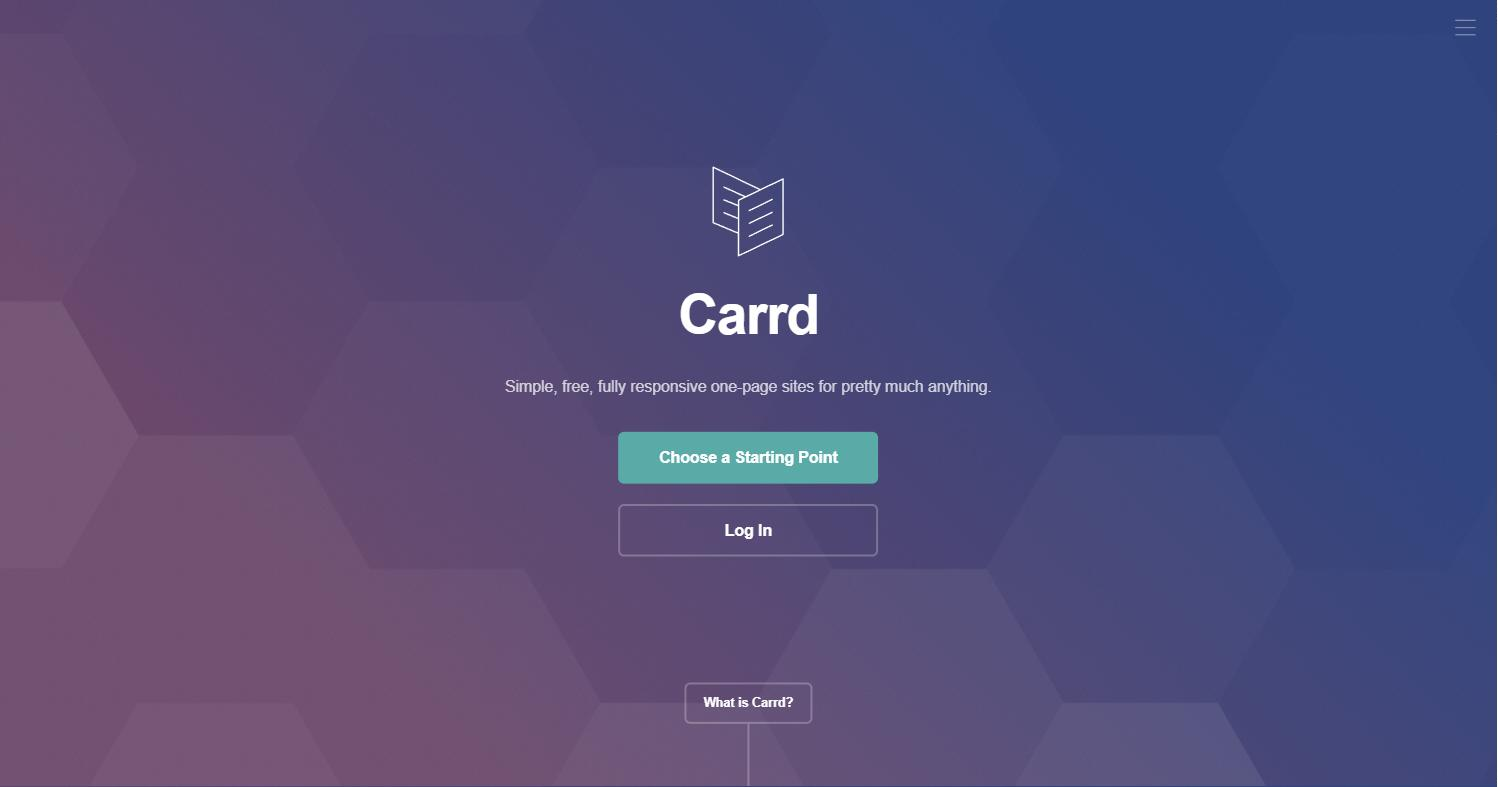
Pricing: free on a Carrd address; Pro Standard is $19 a year with a custom domain and up to 10 sites.
Watch out for: one page per site, with no real blog or store.
8. Hostinger Website Builder: best on a tight budget
Hostinger's drag-and-drop builder bundles hosting, templates, AI tools and a domain for the first year at a very low starting price.
For the money, you get a lot: hosting and SSL, a free domain for the first year, hundreds of templates, an AI builder that drafts your first pages for you, and a 30-day money-back guarantee, so you can try it without risk. Sign up through our link and you get 20% off your first purchase.
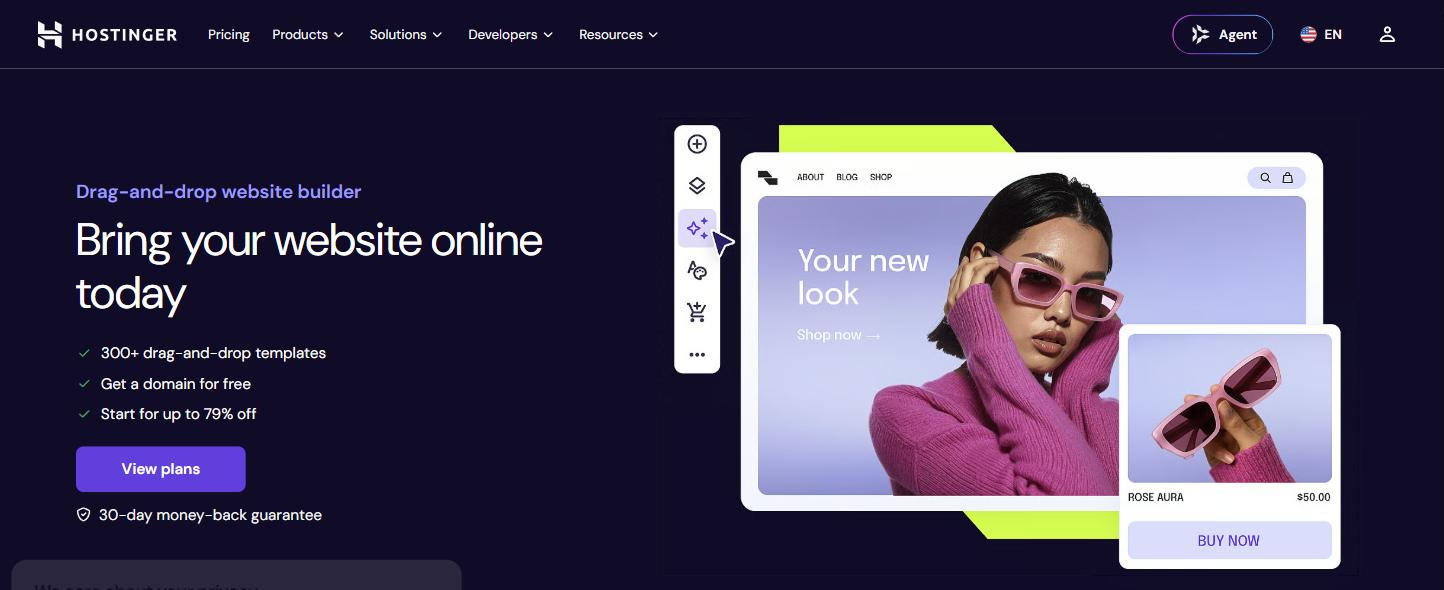
Pricing: from $2.99 a month on a 48-month plan, renewing at $10.99 a month.
Watch out for: the low price requires paying four years upfront, and renewal costs more than three times as much.
Building a site on a budget? Hostinger’s Website Builder includes hosting, templates, AI tools and a free domain for the first year, with a 30-day money-back guarantee. Get 20% off your first purchase through our link.
How to choose
- You publish, run a newsletter or sell memberships: Ghost. You keep the 7% or 5% Squarespace takes, and the migration is built in.
- You want more layout freedom in an all-in-one builder: Wix.
- You're a designer or photographer who wants standout design: Framer or Webflow.
- You mainly sell products: Shopify.
- You want something simple and cheap: Umso, Carrd or Hostinger.
Looking further? Our WordPress alternatives guide compares the CMS side of these platforms in more detail.
How to move off Squarespace
- Export what you can. In Squarespace, export your site to get the WordPress-format file with your pages and one blog. Download your images and anything that won't export, such as store products and extra blogs.
- Import into the new platform. Ghost imports Squarespace exports directly; follow Ghost's Squarespace migration guide. WordPress also imports the file.
- Set up redirects from your old URLs, so links and search rankings keep working.
- Move your domain and cancel Squarespace once the new site is live. Check your renewal date first, since yearly plans renew at the new prices.
Sources: W3Techs, PetaPixel on the 2026 price rise, TechRadar on user reactions, Squarespace pricing, Squarespace: exporting your site, Ghost's Squarespace migration guide, and each platform's pricing page.
Build your Ghost theme without code. Pick a theme from the Ectobuilder gallery or start from scratch, change it by clicking, and publish it to your Ghost site. Start free and only pay if you’re happy with it.
FAQ
What is the best alternative to Squarespace?
For blogs, newsletters and memberships, Ghost. For more layout freedom, Wix. For design-led portfolios, Framer or Webflow. For online stores, Shopify. For simple sites, Umso or Carrd.
Did Squarespace raise its prices in 2026?
Yes. In July 2026, yearly prices rose to $19 a month for Basic (from $16), $29 for Core (from $23) and $49 for Plus (from $39). Advanced stayed at $99.
Does Squarespace charge transaction fees?
On some plans. Digital content and memberships carry a 7% fee on Basic, 5% on Core and 1% on Plus, and Basic charges 2% on store sales. Advanced has no transaction fees. Card processing fees apply on top.
Can I move my Squarespace site to Ghost?
Yes. Export your site from Squarespace and upload the file in Ghost Admin under Settings → Advanced → Import/Export. Ghost imports your posts and pages and turns categories into tags. Store pages and some blocks don't export, so check what's left behind.
Is Wix cheaper than Squarespace?
Barely. Wix Light costs $17 to $19 a month billed yearly depending on your country, against $19 for Squarespace Basic. But Squarespace Basic includes selling online, which on Wix starts with the $29 Core plan.
Can I get Squarespace-quality design on Ghost?
Yes. Ectobuilder is a visual theme editor for Ghost with a gallery of finished themes. You edit sections on the page, keep one set of colours and fonts across the site, and publish to Ghost in one click.
Some links in this article are affiliate links: if you sign up through them, we may earn a commission at no extra cost to you.
Written by
Founder of Ectobuilder, the AI-powered visual theme editor for Ghost. Indie software builder in Wrocław and co-author of The AdTech Book. I write about Ghost themes, newsletters and building websites with AI.
Comments
Questions or thoughts? Share them below.
Keep reading
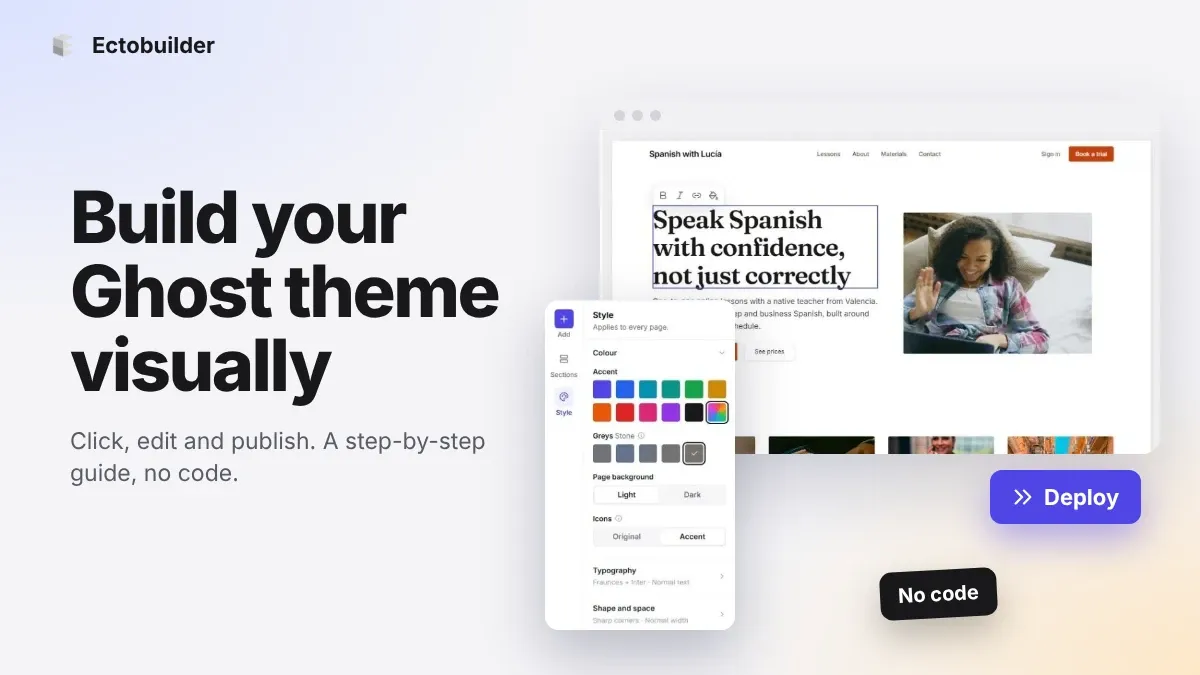
How to Build Your Ghost Theme Visually (Step-by-Step Guide, No Code)
Build a complete Ghost theme without touching code: start from a theme, edit text and pictures in place, add sections from a library of 270, set colours and fonts, design every page, and publish to Ghost in one click. Step by step, with screenshots.
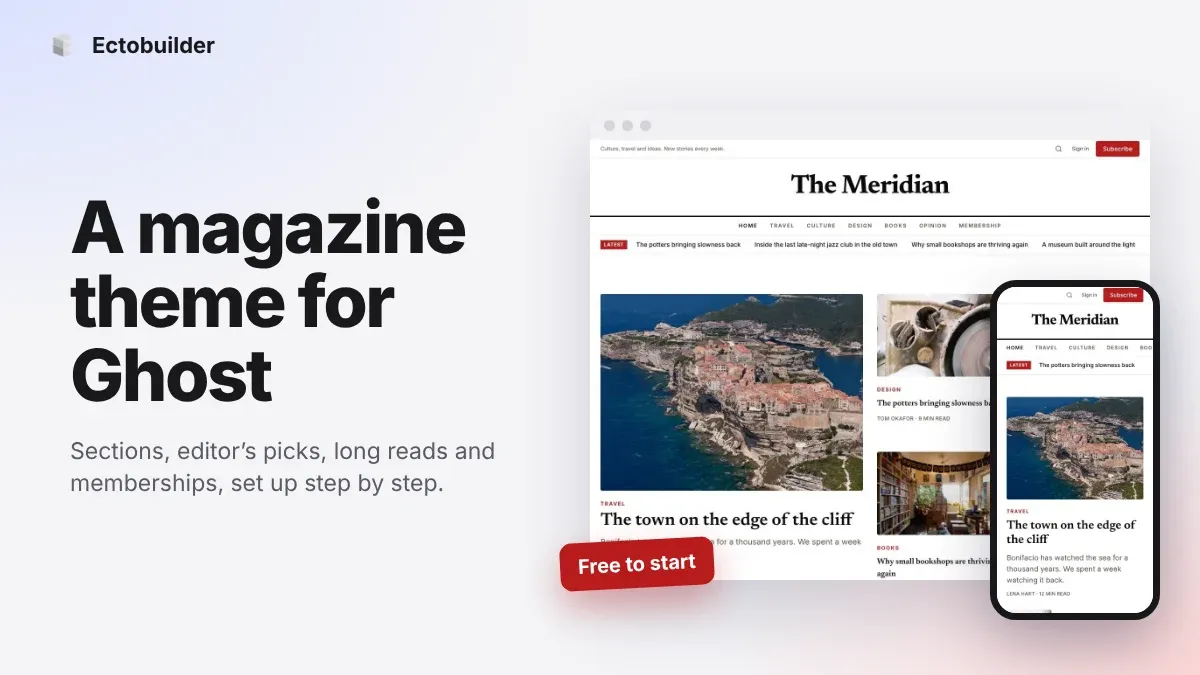
Magazine Theme for Ghost: Sections, Editor's Picks, Long Reads and Memberships
A step-by-step guide to the Magazine theme for Ghost: turn sections into tags, set up the navigation, fill the front page, editor's picks and section fronts, add your writers, sell memberships and send a weekly newsletter.
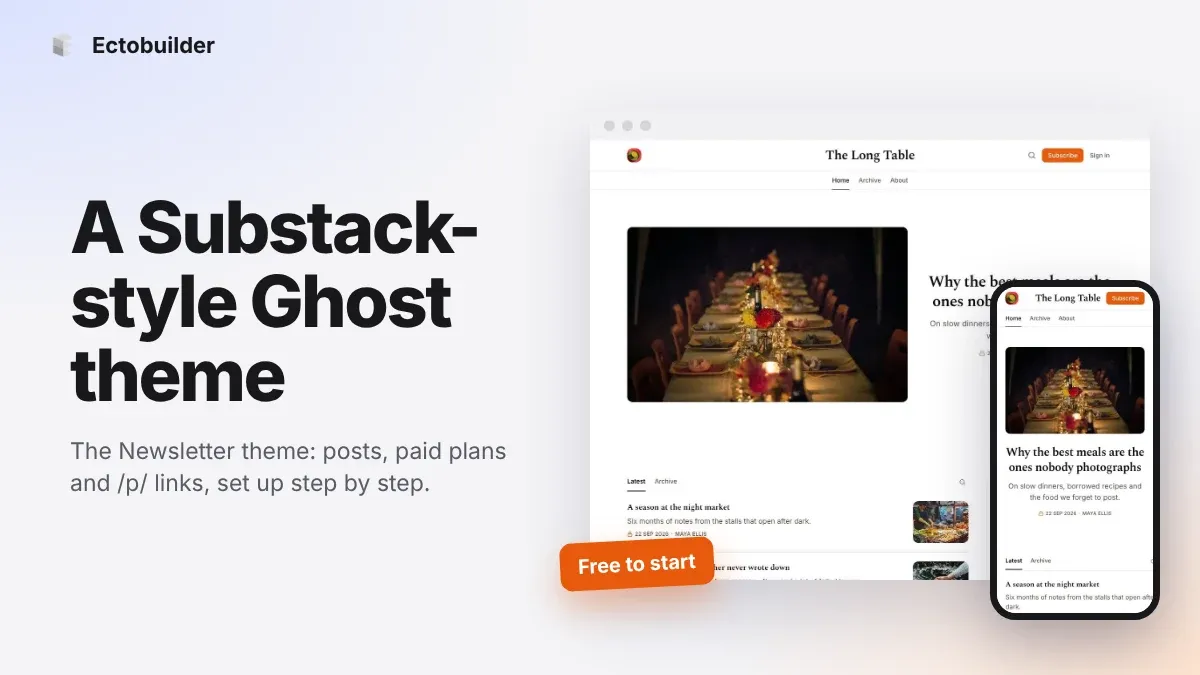
Newsletter Theme for Ghost: A Substack-Style Site With Paid Plans, /p/ Links and Comments
A step-by-step guide to the Newsletter theme for Ghost: a Substack-style homepage and reading page, then newsletters, paid plans, /p/ addresses, Plans, Welcome and About pages, comments and recommendations.